
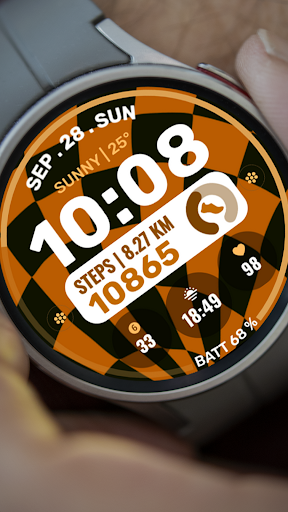
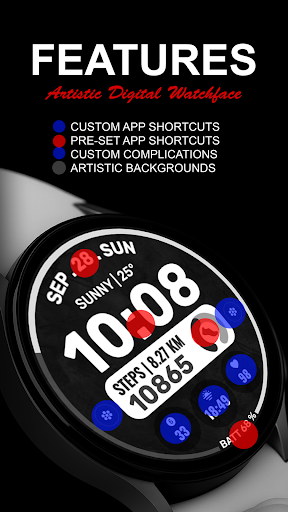
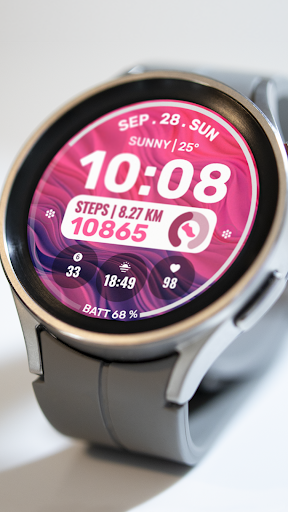
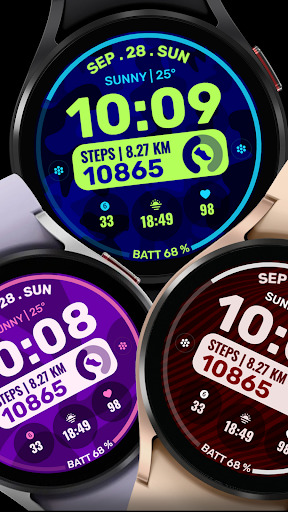
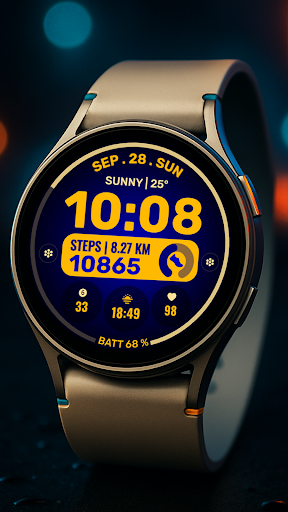
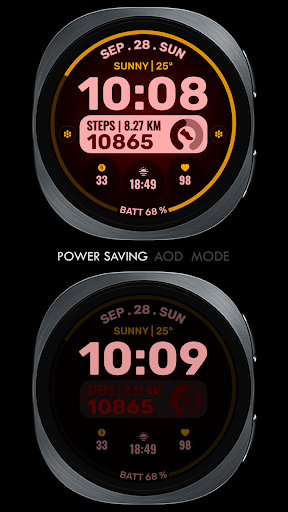
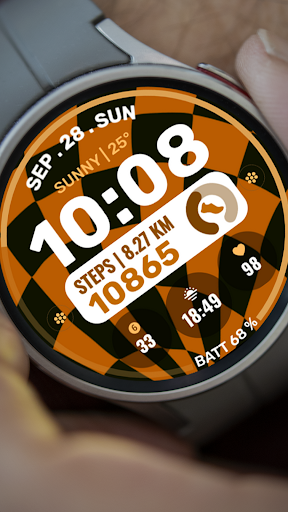

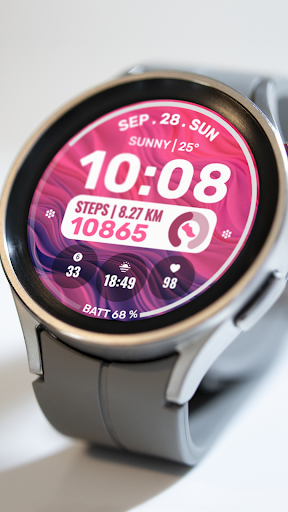
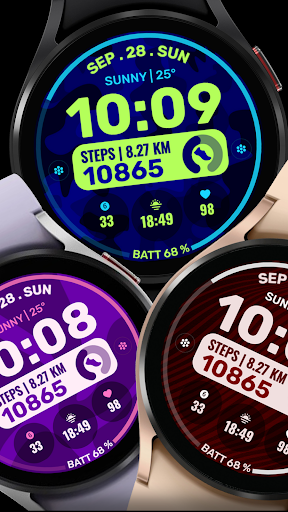
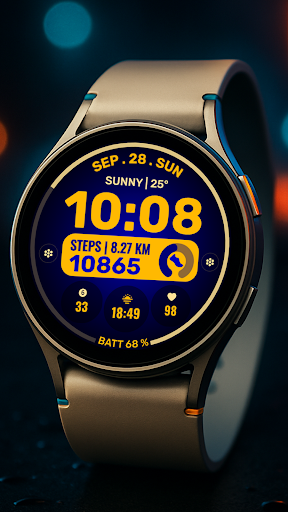
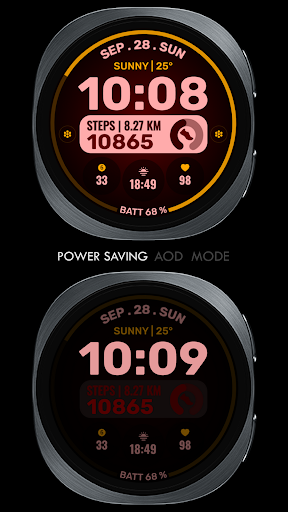
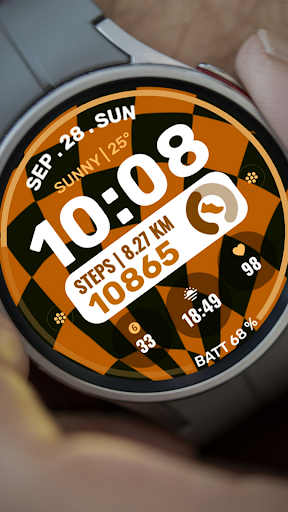
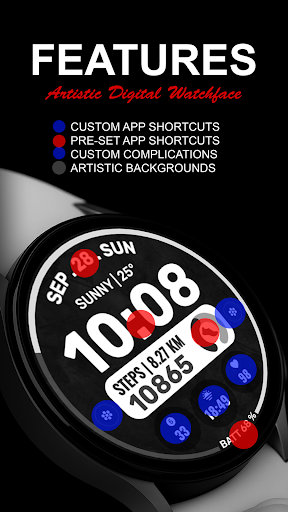
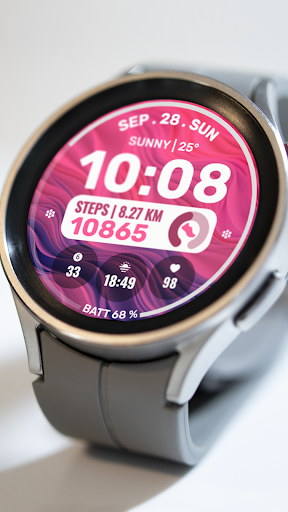

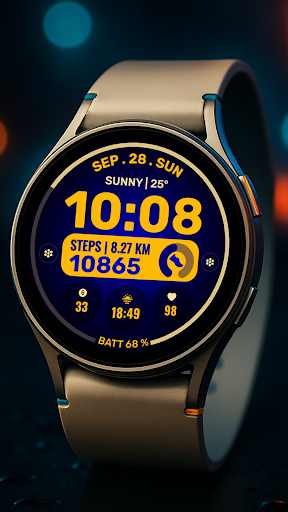
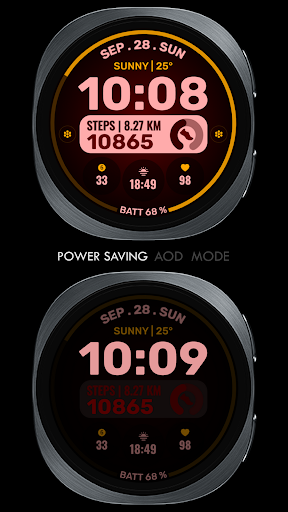
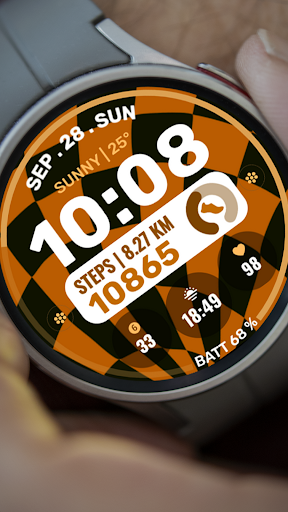
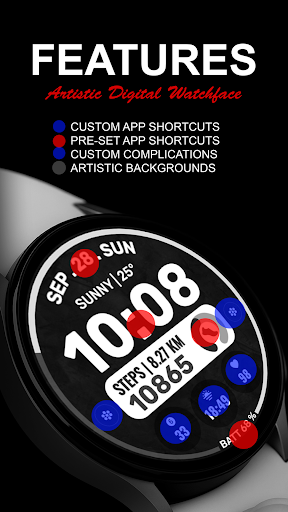
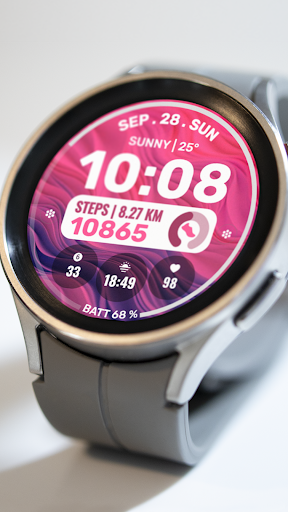
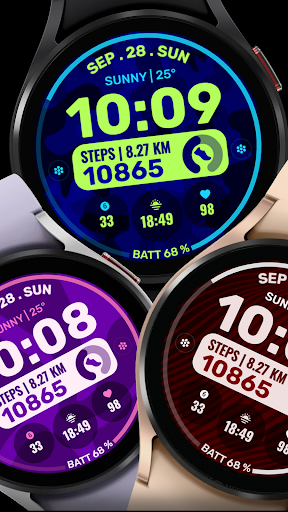
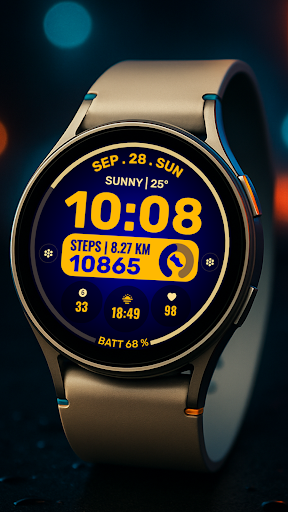
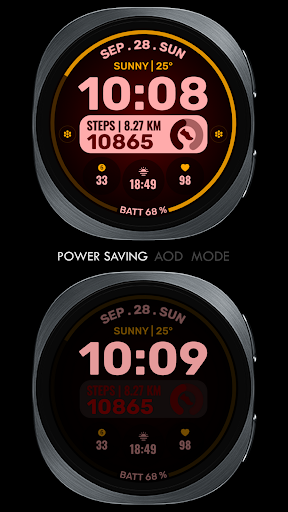
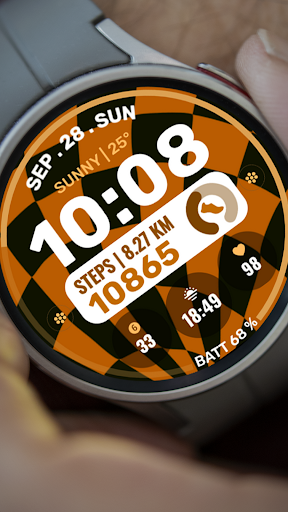
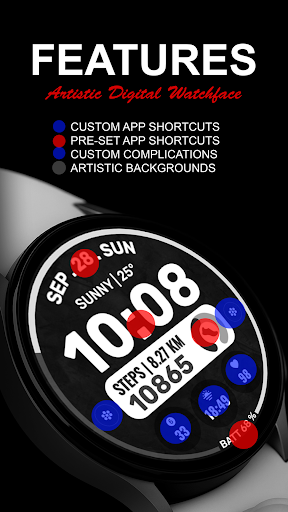
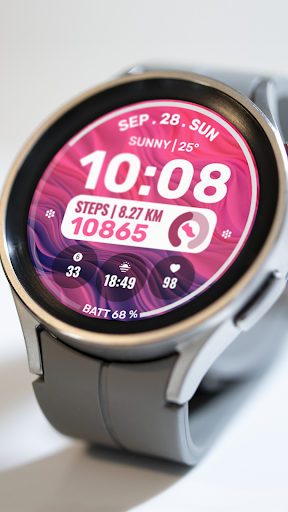
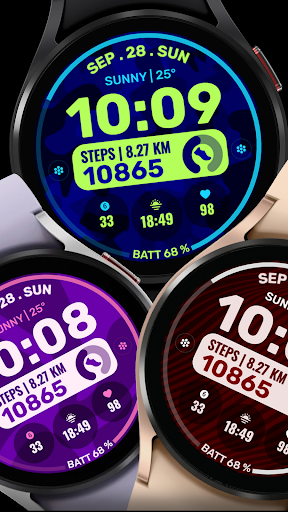
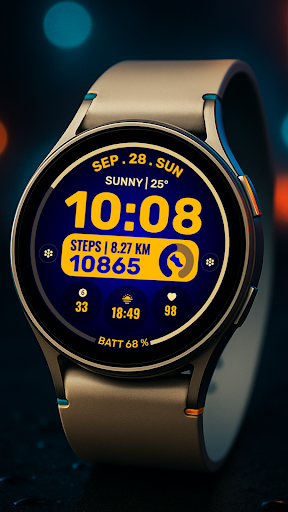
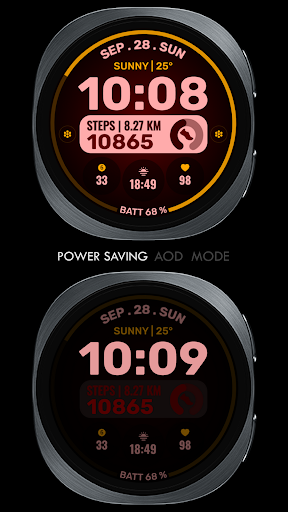

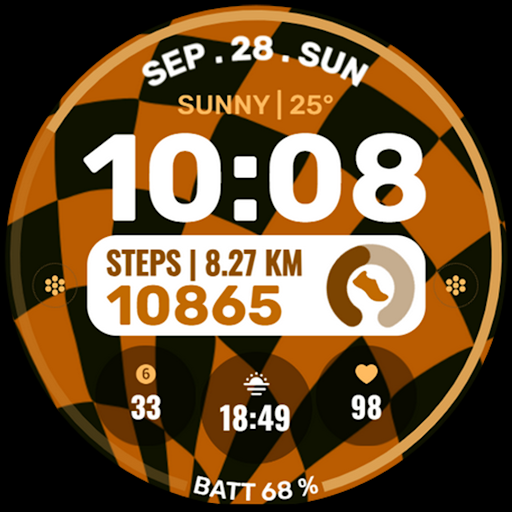
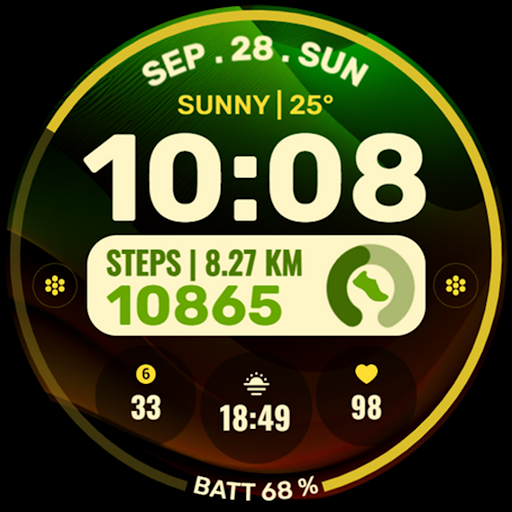
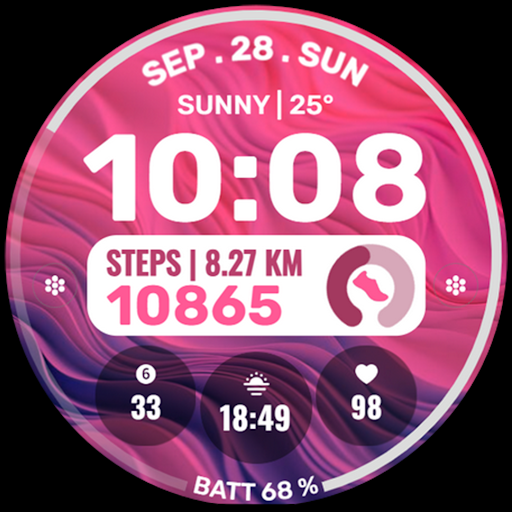
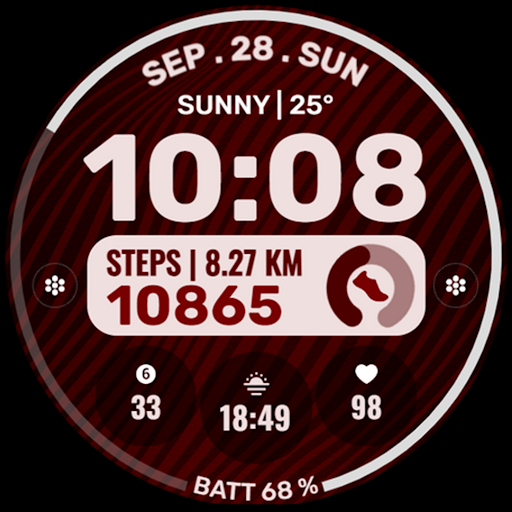
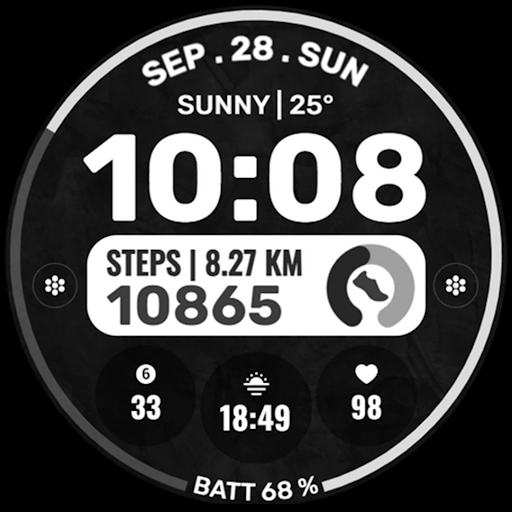
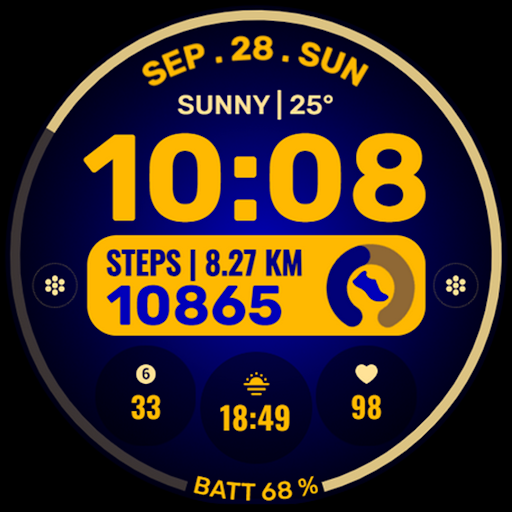
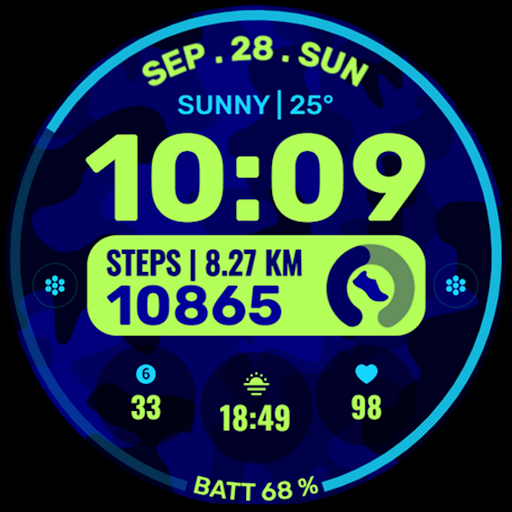
Data Dash is a feature-rich watch face designed specifically for Wear OS devices running API Level 34+ and Wear OS 4 or later. This artistic digital clock interface offers users multiple customization options including pre-set app shortcuts, custom app shortcuts, and customizable complications.
The watch face supports various data display options like date, weather, steps, world clock, and more. Users can personalize their experience through custom background and color themes. The installation process is straightforward but requires proper syncing between the phone and watch using the same email account.
Data Dash stands out with its comprehensive feature set tailored for smartwatch users. The artistic digital clock provides a visually appealing time display while maintaining optimal readability. Users can access essential functions quickly through four pre-set app shortcuts (alarm, calendar, battery, and steps).
What makes this watch face particularly versatile are the two custom app shortcuts and three customizable complications. These allow users to display personalized information such as weather updates, step counts, or calendar events. The customization options extend to background images and color themes, enabling users to create a truly unique watch face that suits their personal style.
Highly customizable
Visually appealing design
Wide compatibility
Comprehensive features
User-friendly interface
Complex setup process
Limited customer support
Potential sync issues
Additional complications needed
Refund restrictions

A customizable Christmas watch face for Wear OS with a countdown.
 4.20
4.20
MyNISSAN® lets you remotely control your car from your phone.*
4.50
Watch face designed for Thanksgiving Day. 7 Background Styles included.
3.20
The #1 source of faces for your smartwatch!
4.00
The Chevron App allows you to pay for fuel from the comfort of your car!
4.80
Daily Weather forecast with 15 weather images for Day & Night plus Big Bold time
4.10
Simple, helpful messaging by Google
4.60
Spam call blocker and caller ID for automatic call protection!
4.40
From periods to pregnancy & perimenopause, Flo helps you track it all. Try now.
4.70
Christmas - Festive - Christmas Village - Winter - Christmas lights
5.00
Deck out your Wear OS Watch face with a beautifully decorated pine wreath!
4.50
Digital watch face with big numbers and many customization for Wear OS devices
4.40
Reliable phone calls with spam protection, caller ID and more helpful features
4.40
Viewer for Wyze/Yi/Eufy/Arlo/ONVIF/RTSP/P2P IP cams w/ adv. features & DIY DVR
4.00
Structured watch face with seven complications and modular UI elements
3.90
Professional weather radar and more
3.90
Your local weather forecast, storm tracker, radar maps & live weather news
3.40
an Analog Watch Face for winter season with freeze winter background for Wear OS
4.4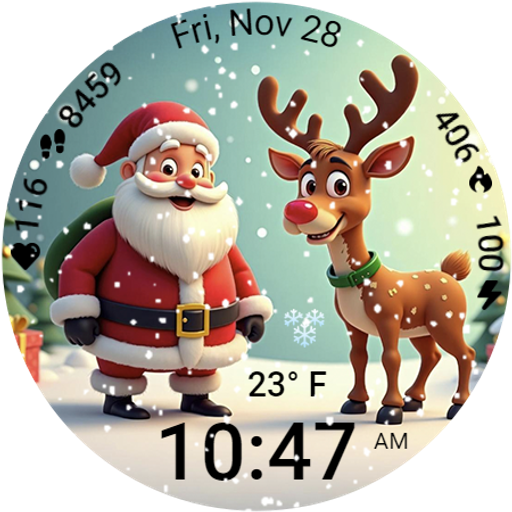
A heartwarming Christmas scene featuring a cute image of Santa and Rudolf
4.2


User Reveiws