Chester Digital: Christmas

4.20

Information

Category:

Android Wear

Price:

$ 1.99

Rank:

61

Rating:

4.20

Overview

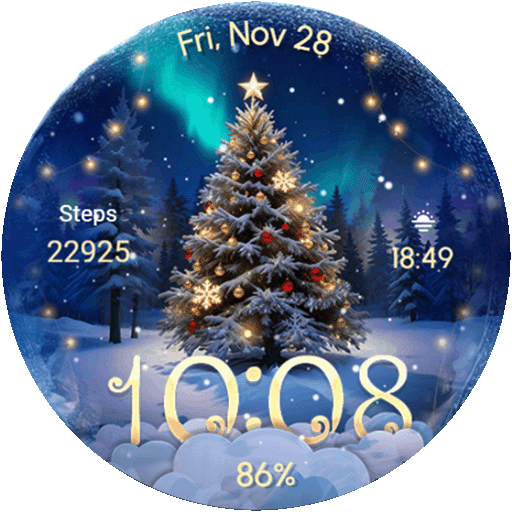
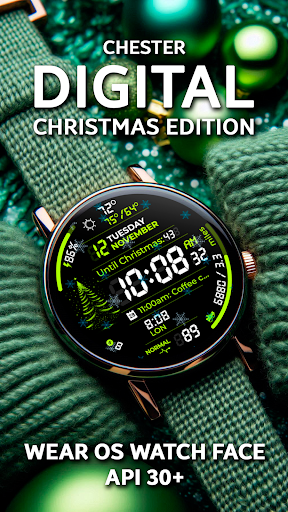
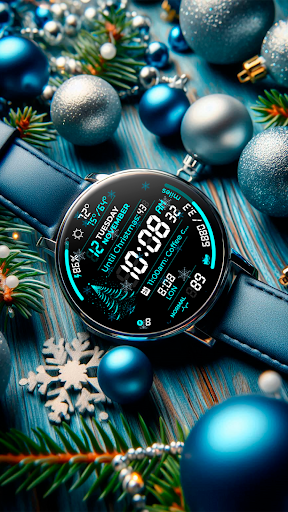
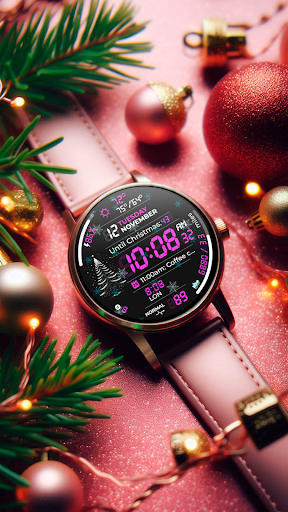
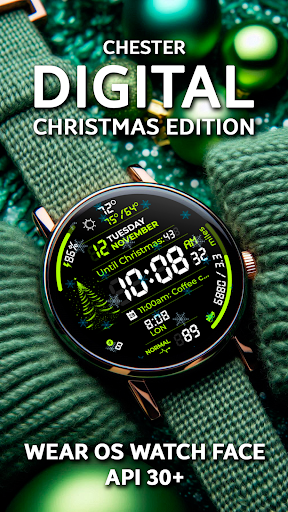
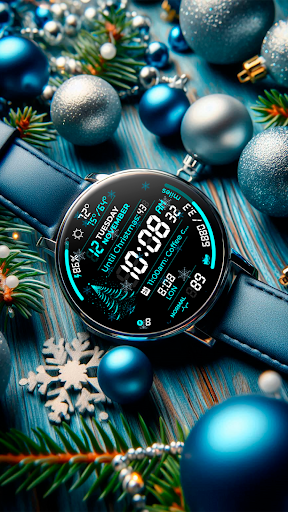
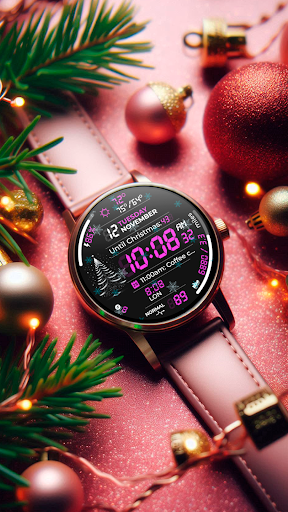
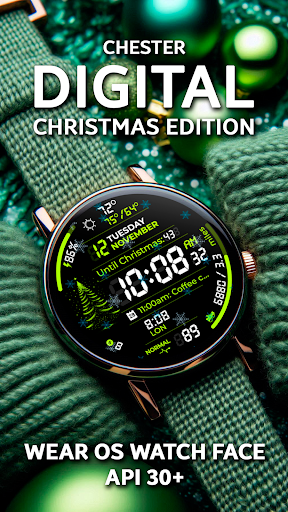
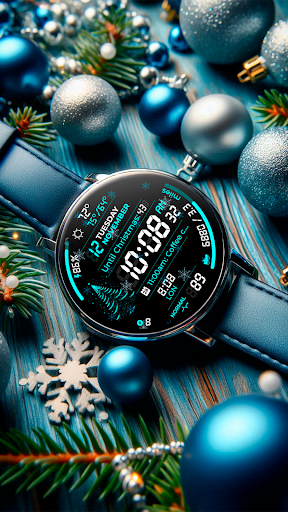
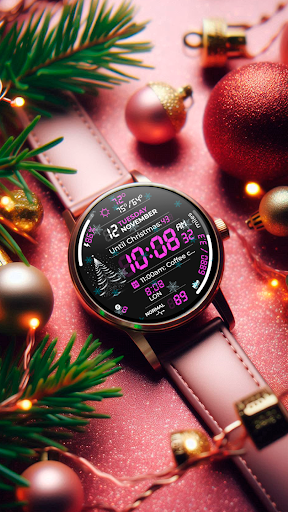
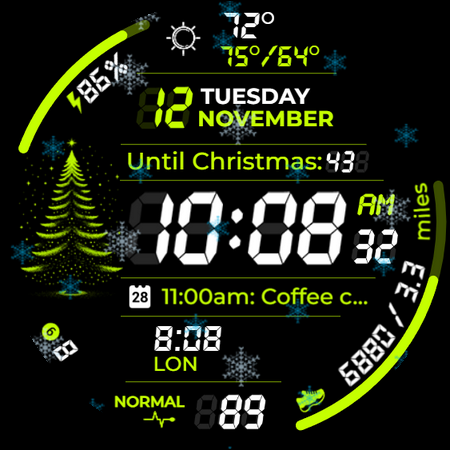
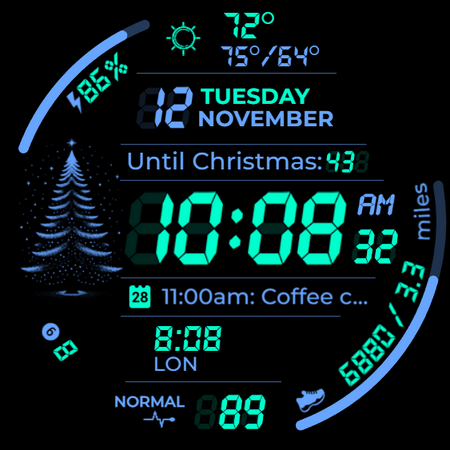
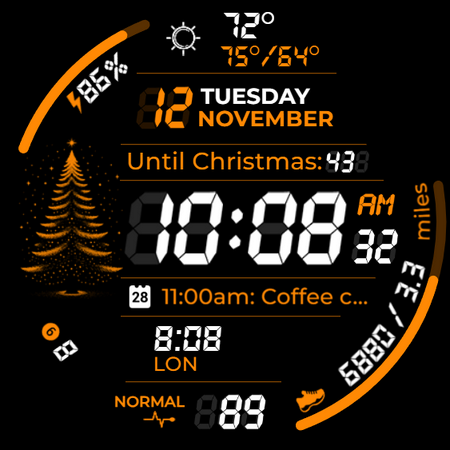
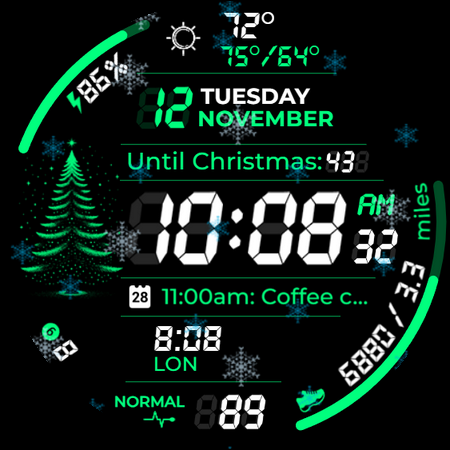
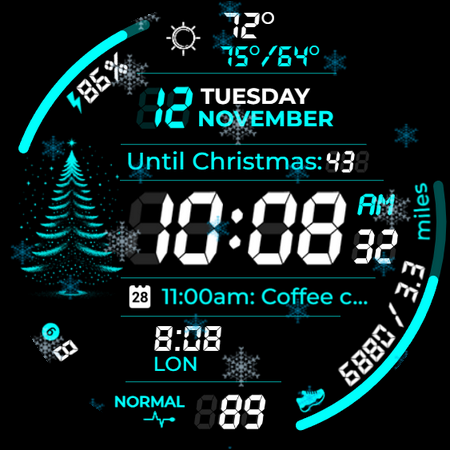
Chester Digital: Christmas is a festive watch face designed for Wear OS devices, offering users a customizable and interactive experience perfect for the holiday season. With 30 color schemes, app shortcuts, and complication zones, it provides both style and functionality.

This watch face stands out with features like AOD styles, background color options, distance tracking, and interactive tap zones. It also includes weekly and yearly tracking, full calendar reminders, weather updates, snowflake animations, countdowns to Christmas and New Year, and an unread notifications counter.

Compatible with all Wear OS API 30+ devices, Chester Digital: Christmas brings holiday cheer while keeping users informed and connected. Whether you're using a Google Pixel Watch or Galaxy Watch series, this watch face ensures your device matches the festive spirit.

Features

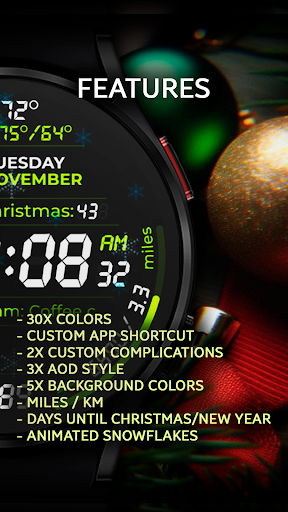
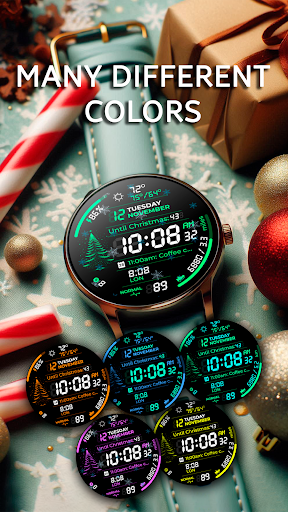
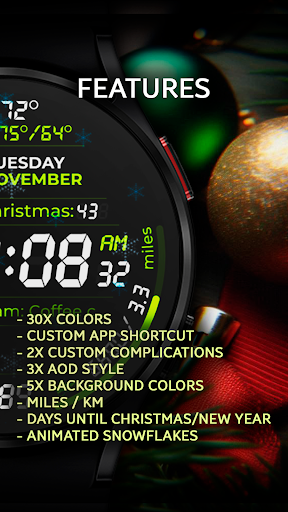
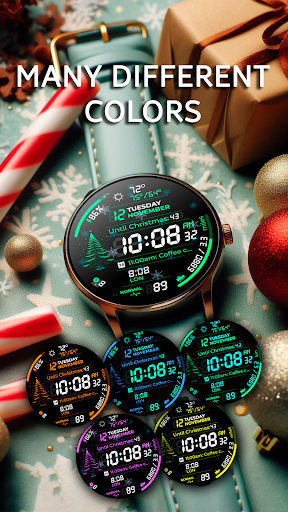
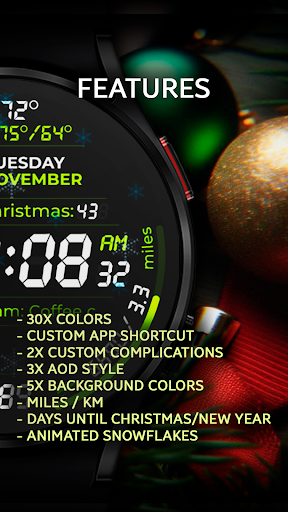
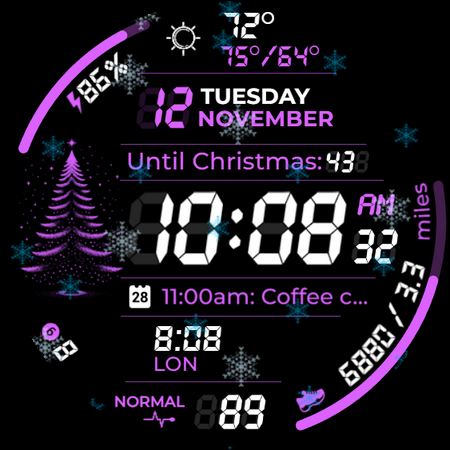
Chester Digital: Christmas offers a rich set of features that enhance the Wear OS experience. The watch face includes 30 vibrant color schemes, allowing users to personalize their device's appearance to match their unique style during the holidays.

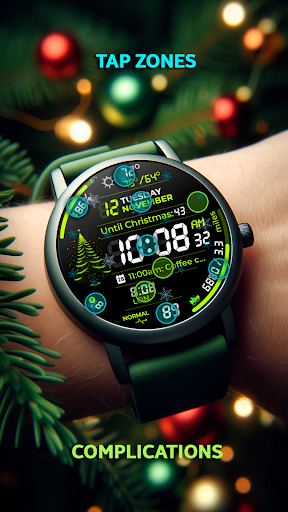
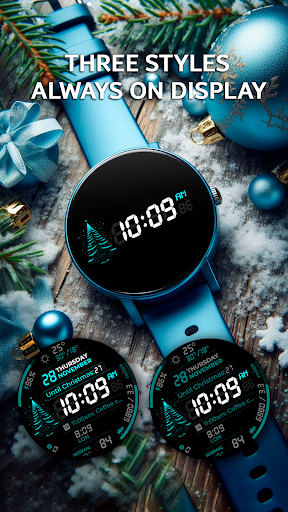
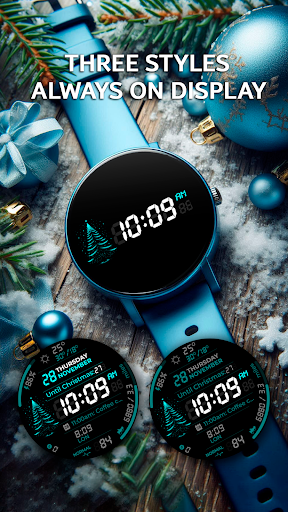
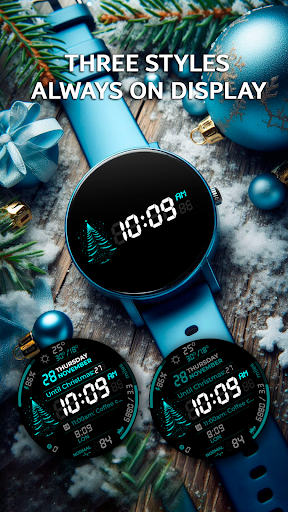
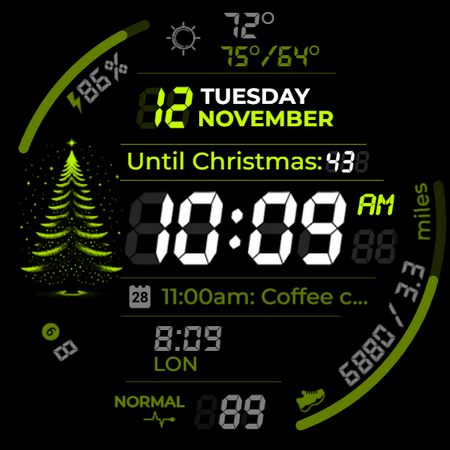
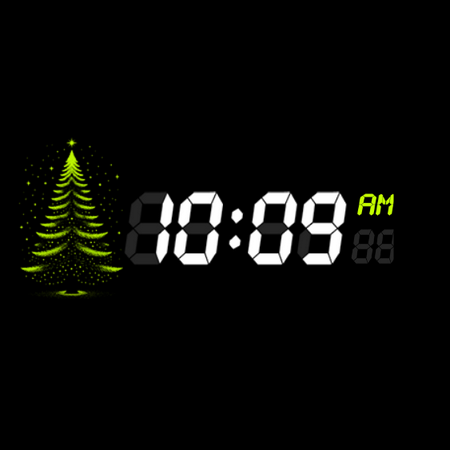
Functionality is at the forefront with app shortcuts providing quick access to favorite functions, two customizable complication zones for personalized information display, and three Always-On Display styles ensuring continuous connectivity. Users can also choose from five background colors and track distances in miles or kilometers.

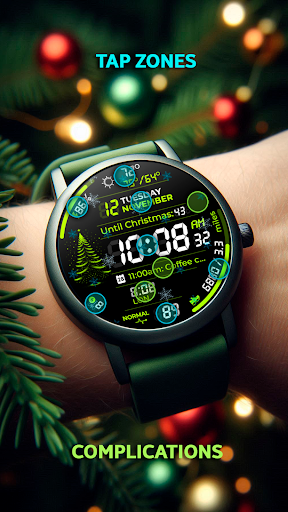
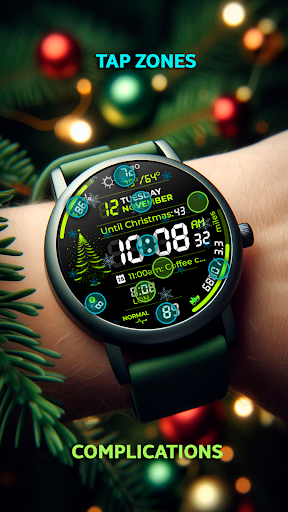
Additional features include interactive tap zones for easy access to important features, weekly and yearly tracking, full calendar reminders showing event names and times, weather updates with maximum and minimum temperatures, snowflake animations, countdowns to Christmas and New Year, and an unread notifications counter.

Companion app integration

Companion app integration refers to the seamless connection and data synchronization between a wearable device and its corresponding mobile application This feature is essential for users who rely on their smartwatches not only as standalone devices but also as an extension of their smartphones Chester Digital Christmas excels in this aspect by offering a comprehensive companion app that enhances the overall functionality of the watch face The companion app allows users to customize various aspects of the watch face including color schemes background options and complication zones Users can choose from 30 vibrant color schemes five different background colors and configure two customizable complication zones to display personalized information such as weather updates calendar events and fitness tracking metrics Furthermore the app provides quick access shortcuts to frequently used functions directly from the watch face ensuring that users can effortlessly interact with their favorite apps and features The level of customization offered through the companion app significantly enhances user experience by allowing individuals to tailor the watch face to their specific preferences and needs Additionally the app ensures that all personalization changes are instantly reflected on the wearable device providing real-time updates and maintaining synchronization between the smartphone and the smartwatch This immediate feedback loop creates a cohesive ecosystem where users can enjoy a fully integrated and personalized wearable experience making Chester Digital Christmas a top choice for those seeking both style and functionality during the holiday season

Wear OS/device compatibility

Wear OS and device compatibility are crucial factors when selecting a smartwatch application as they determine whether the app will function properly across various devices and operating system versions Chester Digital Christmas has been meticulously designed to ensure broad compatibility with Wear OS API 30+ devices guaranteeing optimal performance on popular models such as Google Pixel Watch Galaxy Watch series and other Wear OS powered smartwatches The developers have taken extra care to optimize the watch face for round displays while explicitly stating that it may not be suitable for rectangular watches This attention to detail demonstrates the commitment to delivering a high-quality user experience across supported devices Moreover the application supports advanced features like Always-On Display AOD styles which are compatible with Wear OS 50 and above ensuring that users can take full advantage of their smartwatch capabilities regardless of the specific model they own By focusing on wide-ranging compatibility Chester Digital Christmas eliminates potential barriers to adoption allowing more users to enjoy its festive design and robust feature set without worrying about technical limitations or device restrictions This inclusive approach to development makes the watch face accessible to a larger audience enhancing its appeal among diverse groups of smartwatch enthusiasts

Props

Highly customizable

Festive design

Interactive features

Wide compatibility

Useful utilities

Cons

No rectangular support

Complex setup

Limited animation

Requires Wear OS

Premium feel

Features and Functions

What is this app and what can I use it for?

A festive Wear OS watch face with customizable features and holiday animations

How do I download and install this app on my device?

Search Chester Digital: Christmas on Google Play Store and tap Install

How do I get started after opening the app for the first time?

Select the watch face from your Wear OS device's settings after installation

What are the main features and capabilities of this app?

Customizable colors, app shortcuts, complications, AOD styles, calendar reminders

How can I customize my experience and adjust preferences?

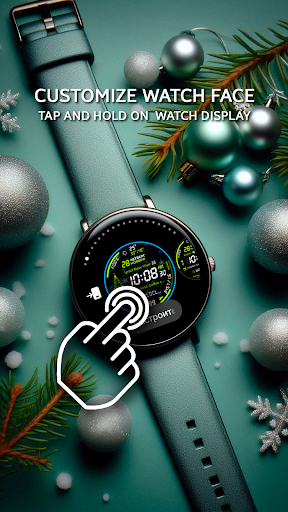
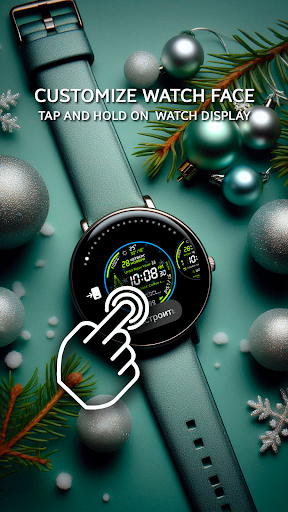
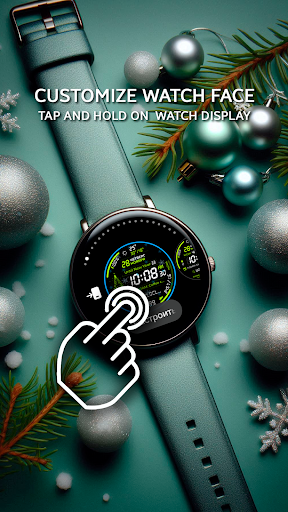
Adjust color schemes, complications, and other settings via the companion app

How do I save or bookmark my favorite content for later access?

Not applicable as it's a watch face without bookmarking feature

How can I share content with friends or on social media?

Share the watch face link from Google Play Store with friends via messages

How do I access detailed information and explore more content?

Tap on complications or use interactive zones for detailed information

What permissions does this app need and how do I manage them?

Needs permissions for notifications, location, and fitness data management

How do I check for updates and keep the app running smoothly?

Enable automatic updates in Google Play Store settings for latest version
Show more

User Reveiws

{{ comment.reviewer_name }}
{{ comment.review_date_formatted}}
{{ comment.review_content }}
{{ tab.name }}
{{ comment.reviewer_name }}
{{ comment.review_date_formatted}}
{{ comment.review_content }}
No reviews with this rating