
Facer Watch Faces

4.00

Information

Category:

Android Wear

Price:

Free

Rank:

37

Rating:

4.00

Overview

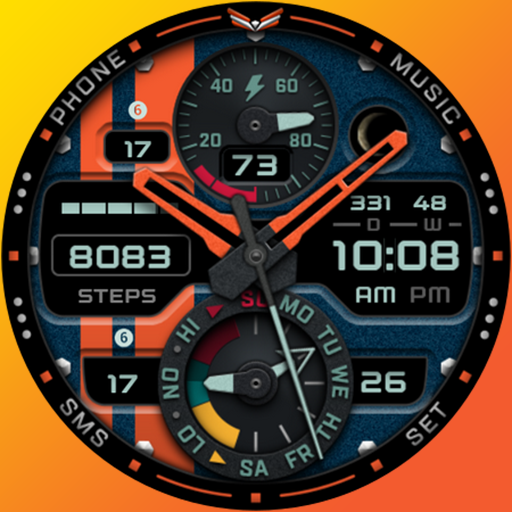
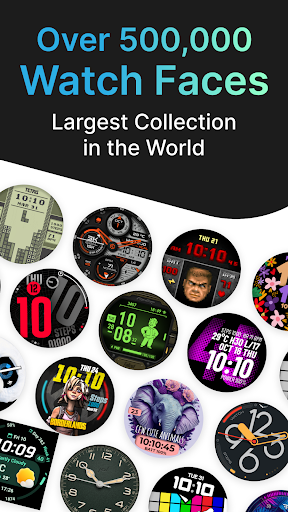
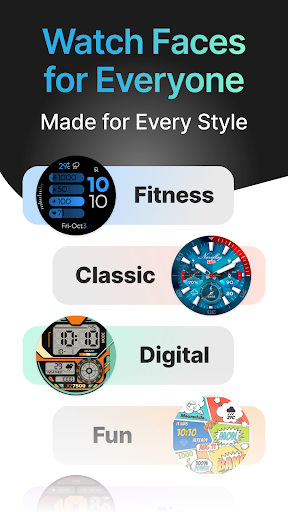
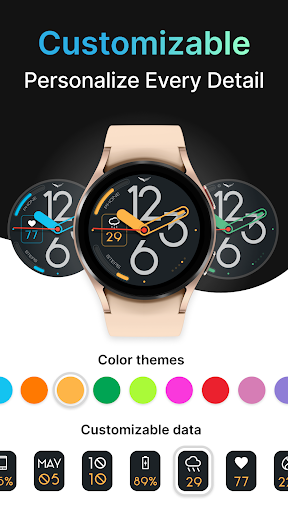
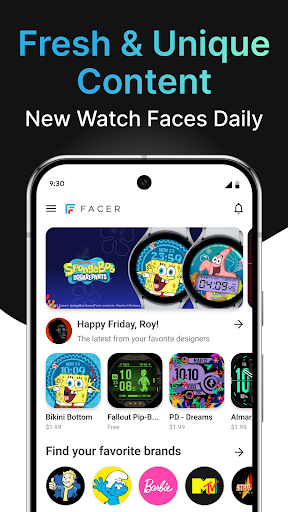
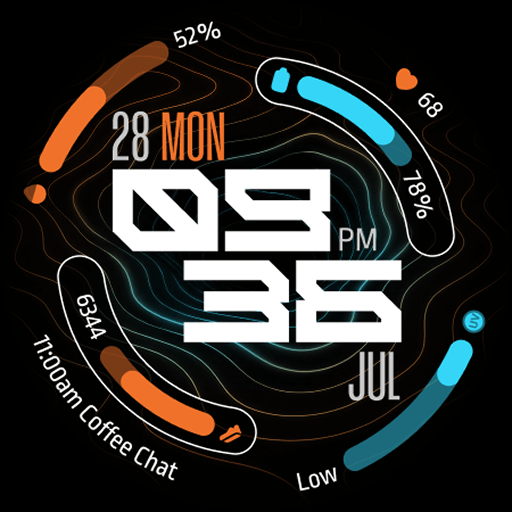
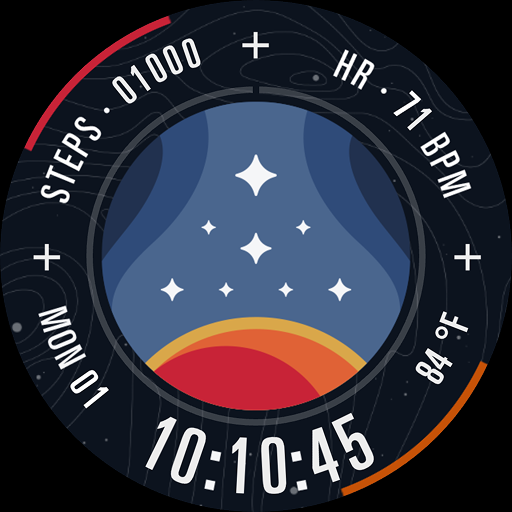
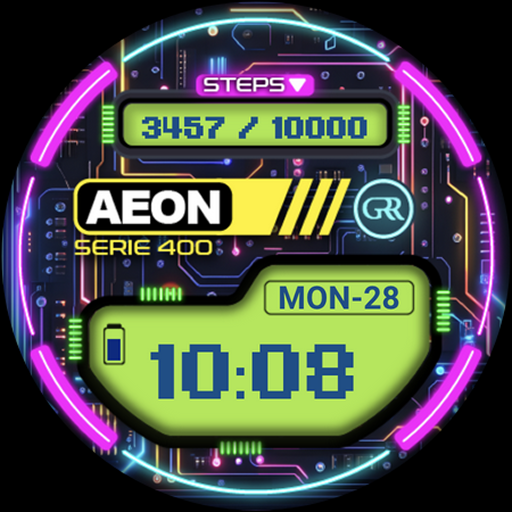
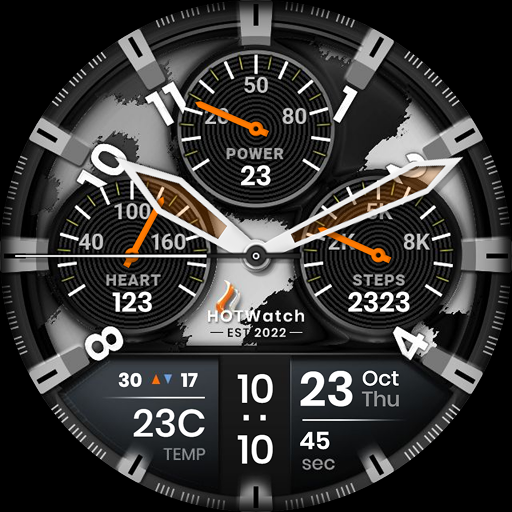
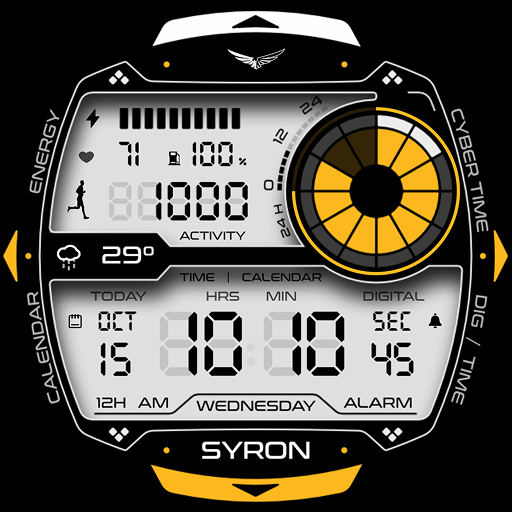
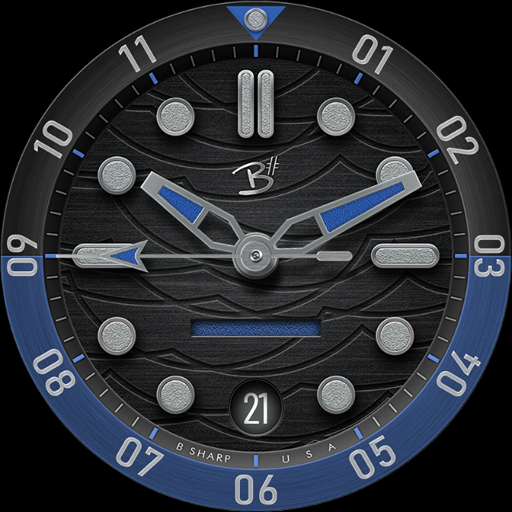
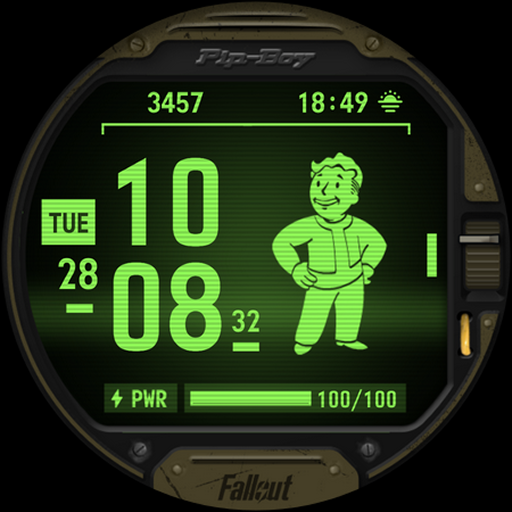
Facer Watch Faces is the ultimate customization tool for smartwatch users, offering over 500,000 free and premium watch faces from leading brands and independent artists. Whether you're looking to personalize your style or explore designs from popular franchises like Star Trek and Tetris, Facer provides endless options. The app supports multiple platforms including Wear OS, Tizen, and Apple Watch, ensuring cross-device compatibility.

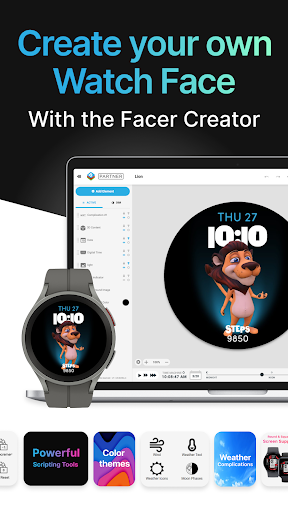
With features like Facer Creator, users can design their own watch faces using a powerful web-based editor. The app also integrates with fitness and health data, displaying metrics such as step counts and heart rate directly on your watch face. Its versatility extends to supporting top brands and original designs, making it a comprehensive platform for both creators and consumers of unique watch faces.

Features

Facer stands out with its massive library of watch faces and multi-platform support. The app offers an intuitive setup process where users install Facer on both their phone and smartwatch, select a face through the mobile app, and sync it effortlessly. It supports advanced functionalities like location-based weather updates and fitness tracking metrics, enhancing personalization.

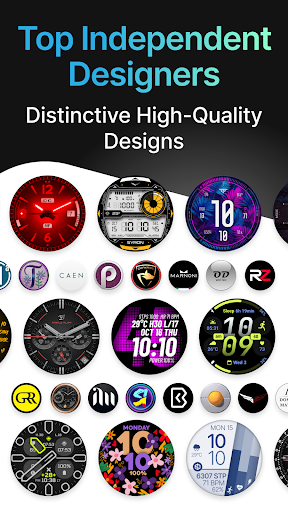
For creators, Facer provides professional-grade tools to design and publish custom watch faces, reaching thousands of users worldwide. The app's compatibility spans across major smartwatch brands, including Samsung Galaxy Watches, Google Pixel Watches, and more. With frequent updates and new brand additions, Facer ensures that users always have access to fresh and innovative designs.

Companion app integration

Companion app integration refers to the seamless connection and synchronization between a smartwatch application and its corresponding mobile app, ensuring that users can access and manage their watch faces effortlessly across devices. For Facer Watch Faces, this integration is crucial as it allows users to browse, select, and apply watch faces from their smartphones, which then reflect on their smartwatches instantly. The process begins with installing the Facer app on both the phone and the watch, followed by setting the Facer watch face on the wearable device. Once configured, users can utilize the mobile app to explore a vast library of over 500,000 free and premium watch faces from leading brands and independent artists. This extensive selection caters to diverse preferences, enabling personalization that aligns with individual styles. Moreover, the companion app provides essential setup instructions and troubleshooting guides, ensuring a smooth user experience. By supporting multiple platforms such as Wear OS, Tizen, and Apple Watch, Facer ensures broad compatibility, allowing users to switch devices without losing access to their favorite watch faces. Additionally, the app supports various permissions for location and fitness data, enhancing the utility of watch faces by displaying relevant information like weather and health metrics. Overall, the robust companion app integration in Facer Watch Faces empowers users to customize their smartwatches conveniently, offering a dynamic and personalized wearable experience.

Wear OS/device compatibility

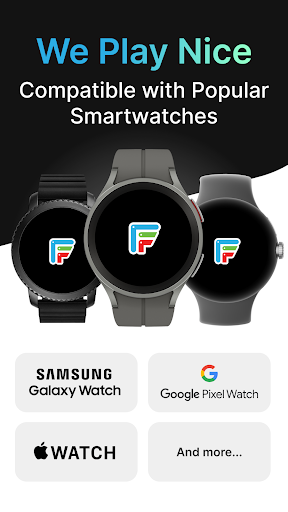
Wear OS and device compatibility are vital aspects of any smartwatch application, determining its ability to function seamlessly across different hardware and operating systems. Facer Watch Faces excels in this area by supporting a wide range of smartwatches running on Wear OS, Tizen, and other platforms. This extensive compatibility ensures that users with devices such as Samsung Galaxy Watches, Google Pixel Watches, OnePlus Watches, Oppo Watches, Mobvoi Ticwatch Series, and many others can enjoy the benefits of personalized watch faces. Notably, Facer has adapted to updates in Wear OS versions, providing full support for Wear OS 6 while maintaining legacy experiences for earlier iterations like Wear OS 3 and 4. This adaptability guarantees uninterrupted service even as users upgrade their devices or operating systems. Furthermore, Facer extends its compatibility to include popular models from brands like Fossil Group, Montblanc, Asus, CASIO, Guess, Huawei, Hublot, LG, Louis Vuitton, Moto, Movado, New Balance, Nixon, Polar, Sony, SUUNTO, TAG Heuer, and ZTE. Such comprehensive coverage not only enhances user convenience but also expands the potential audience for Facer's offerings. By ensuring that its application works harmoniously with numerous devices, Facer solidifies its position as a versatile and reliable choice for smartwatch customization. Users benefit from consistent performance and access to an extensive library of watch faces regardless of their specific device model, making Facer a go-to solution for personalizing wearable technology.

Props

User-friendly interface

Extensive watch face library

Cross-platform support

Customizable designs

Active community engagement

Cons

Premium faces require payment

Some features need permissions

Occasional syncing issues

Limited free options

Advanced tools for pros only

Features and Functions

What is this app and what can I use it for?

Facer offers 500k+ customizable watch faces for smartwatches

How do I download and install this app on my device?

Download Facer from Google Play or Apple App Store

How do I get started after opening the app for the first time?

Install on phone and watch then set up via app instructions

What are the main features and capabilities of this app?

Massive face library cross-platform support health metrics

How can I customize my experience and adjust preferences?

Adjust preferences in settings for weather fitness data

How do I save or bookmark my favorite content for later access?

Save favorites in-app for quick access later

How can I share content with friends or on social media?

Share watch faces directly via social media links

How do I access detailed information and explore more content?

Explore detailed categories and trending sections

What permissions does this app need and how do I manage them?

App needs location fitness permissions managed in settings

How do I check for updates and keep the app running smoothly?

Check for updates in the app store or enable auto-updates
Show more

User Reveiws

{{ comment.reviewer_name }}
{{ comment.review_date_formatted}}
{{ comment.review_content }}
{{ tab.name }}
{{ comment.reviewer_name }}
{{ comment.review_date_formatted}}
{{ comment.review_content }}
No reviews with this rating