
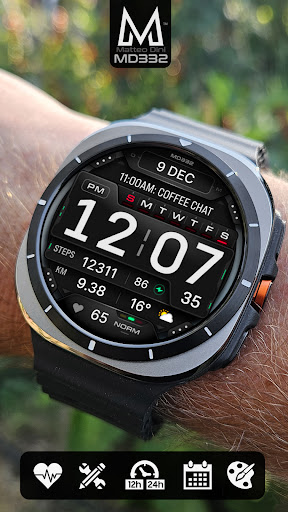
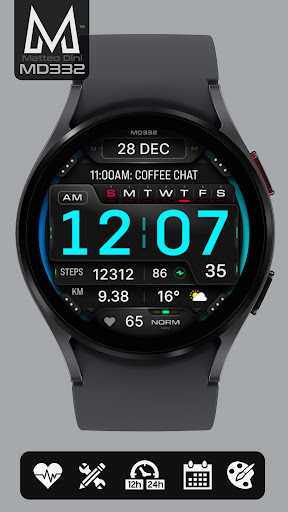
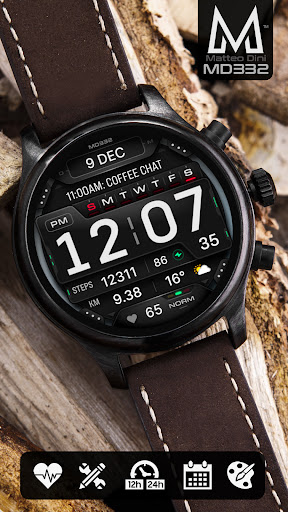
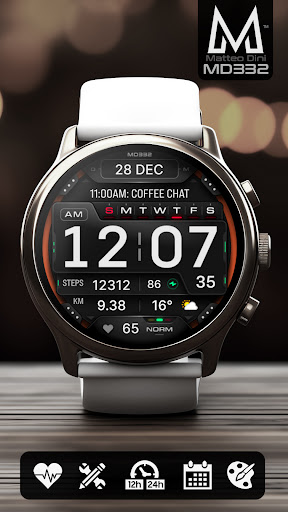
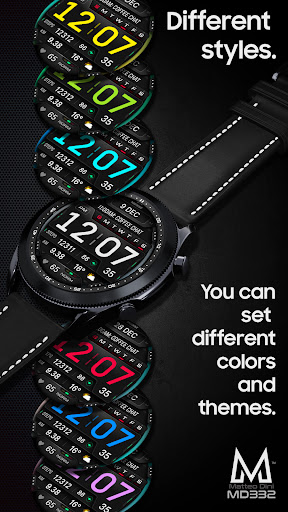
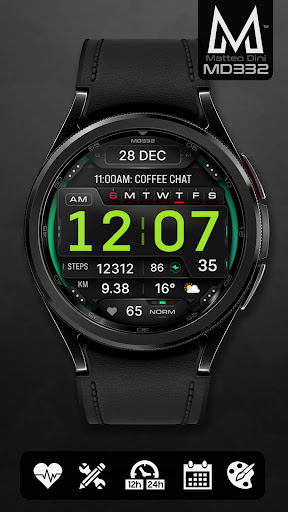

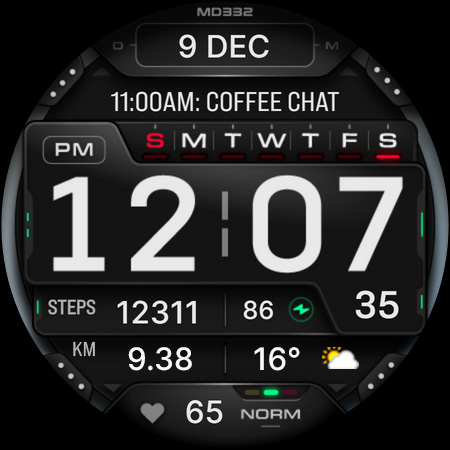

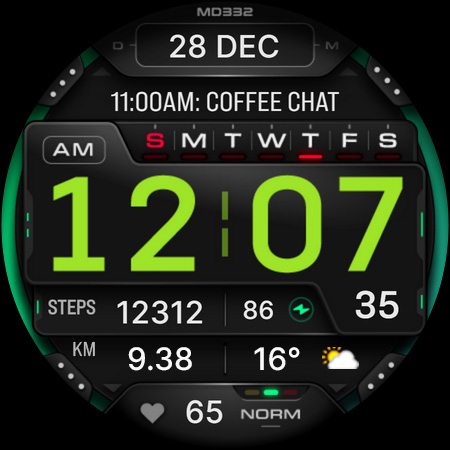
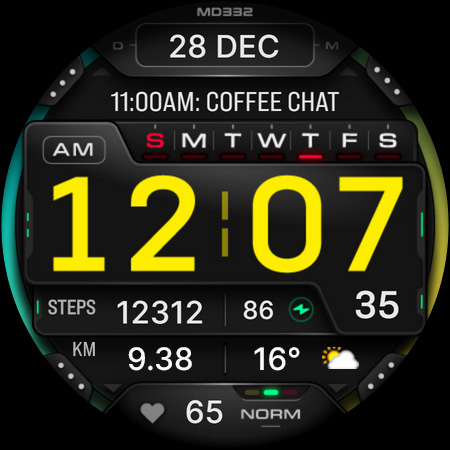
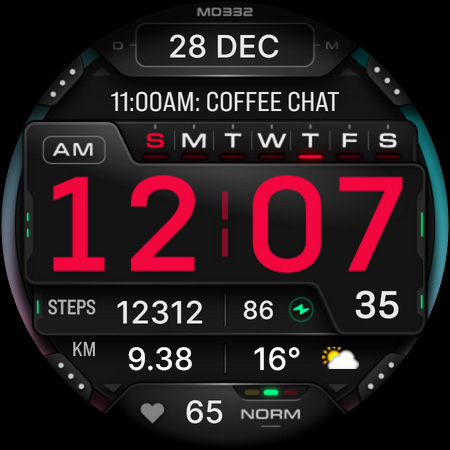
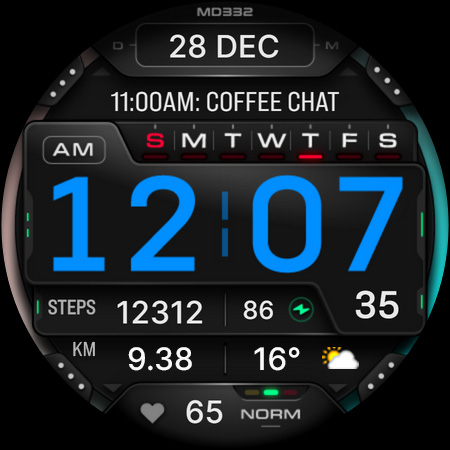
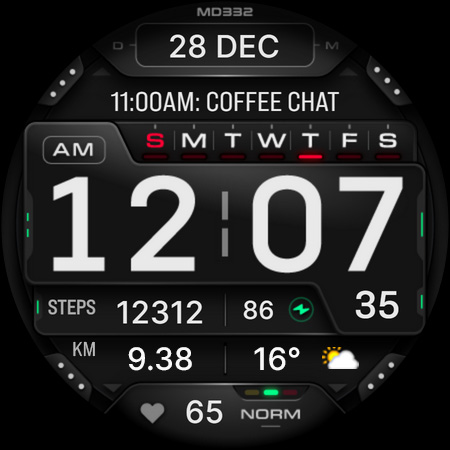
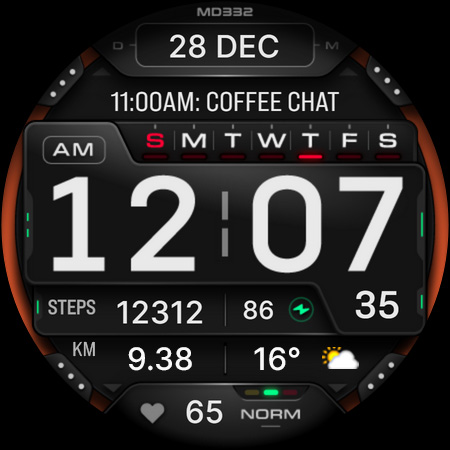
MD332 Digital watch face offers a modern and customizable solution for Wear OS users. With support for devices running API Level 33+ (Wear OS 4 and later), this watch face is compatible with Samsung Galaxy Watch 4-8, Ultra, Pixel Watch, and more.
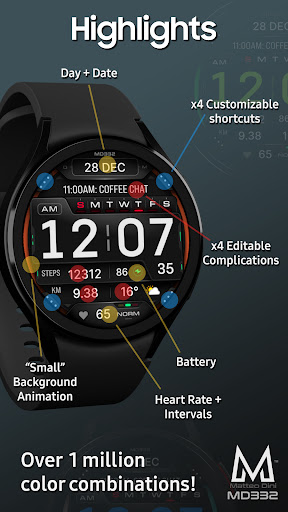
The design includes essential features like time display based on phone settings, date, day, battery status, heart rate monitoring, and complications. Users can personalize their experience through 3 preset app shortcuts, 4 customizable shortcuts, and 4 customizable complications that can show data such as weather, barometer readings, distance walked, calories burned, UV index, and chance of rain.
Customization is straightforward - simply touch and hold the display, then tap on the customize option. This allows users to tailor the appearance and functionality to suit their preferences, making it an ideal choice for those who value both aesthetics and utility in their smartwatch experience.
MD332 Digital watch face stands out with its rich feature set tailored for personalization enthusiasts. The watch face supports both 12-hour and 24-hour formats based on phone settings, ensuring global usability. It also displays the date, day, battery level, and heart rate with intervals, providing comprehensive health and timekeeping information at a glance.
One of the key highlights is the ability to customize various aspects of the watch face. Users can choose from 3 preset app shortcuts including Calendar, Battery, and Measure Heart Rate. Additionally, there are 4 customizable shortcuts and 4 customizable complications where you can select from a wide range of data types such as weather, health metrics like calories or distance walked, world clock, barometer readings, and many more.
For full customization, users can change the colors of time, date, seconds, background, and general elements. The watch face also supports big numbers and offers minimal and full Always-On Display (AOD) modes. To modify settings, users need to touch and hold the display and select the customize option directly on their watch.
Highly customizable
Wide device compatibility
Comprehensive health tracking
User-friendly interface
Vibrant community support
Complex setup process
Limited stock complications
Preset shortcut limitations
Dependent on external apps
Occasional editor issues
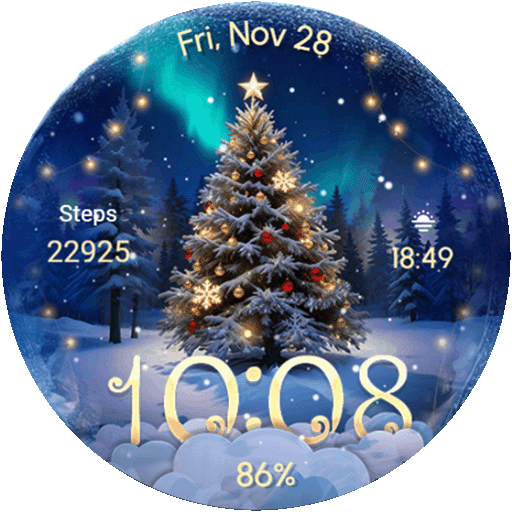
Wear Os Watch Face - Animated Snow Effect & Christmas Lights
 4.3
4.3
Rose gold watch face with festive lights & customizable features.
4.60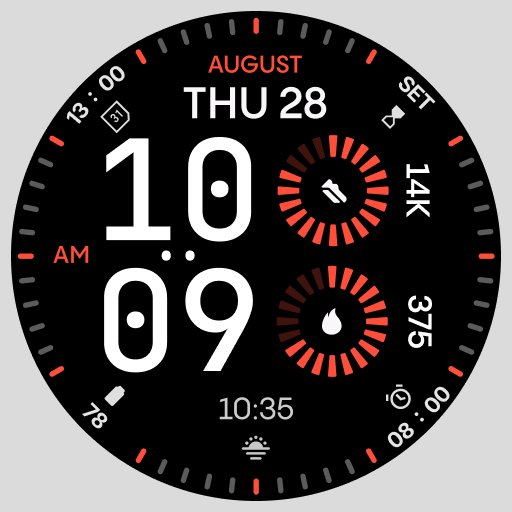
Stunning modern digital watch face with 7 complications and strong contrast
4.2
Be an elegant and classy secret agent, with this carefully detailed watch face
4.70
Fitness interactive virtual pet super fighter boy watch face
4.1
Viewer for Wyze/Yi/Eufy/Arlo/ONVIF/RTSP/P2P IP cams w/ adv. features & DIY DVR
4.00
Daily Weather forecast with 15 weather images for Day & Night plus Big Bold time
4.10
Want to take charge of your health? Let Google Fit help you reach your goals.
3.50
Toyota app currently supports 2010 or newer vehicles (2018 or newer for Hawaii).
4.50
Hybrid watch face for Wear OS with customizable complications by Matteo Dini MD
4.70
Nutrition, Macro tracker: Food, fitness & healthy diet tracking for weight loss
4.60
Christmas watch face. For Wear OS devices.
4.30
Bold, Modern Hybrid Watch Face for Wear OS. 10 Colors, Rich Info Display.
4.30
Watch face for Wear OS.
4.20
Your music, your playlists, and more—offline and unlimited.
4.20
Professional weather radar and more
3.90
Watch face designed for Thanksgiving Day. 7 Background Styles included.
3.20
Wear Os Watch Face - Animated Snow - Sesonal for Christmas & Winter
4.5
Precision analog watch face with 7 complications and style options
4.2


User Reveiws