
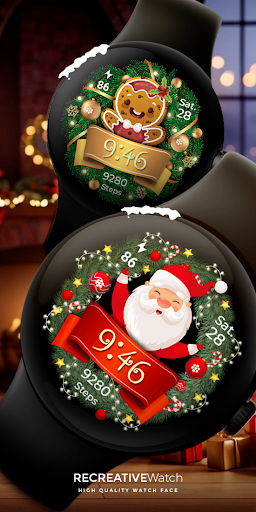
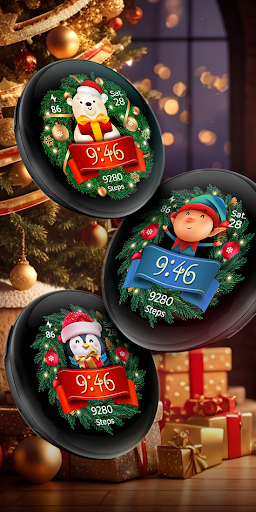
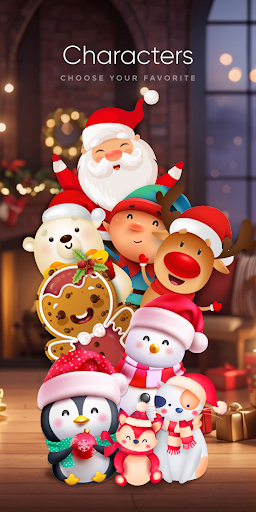
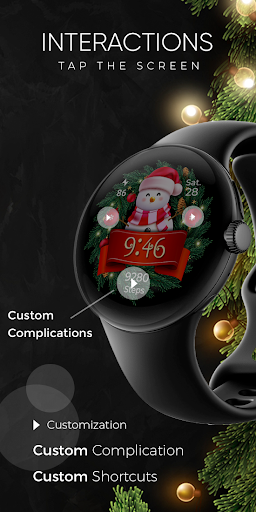
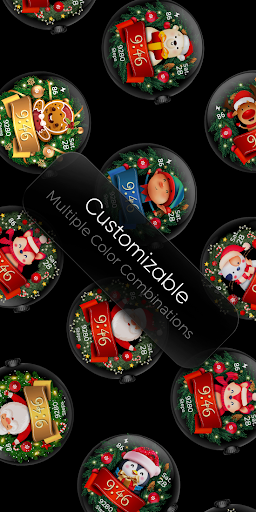
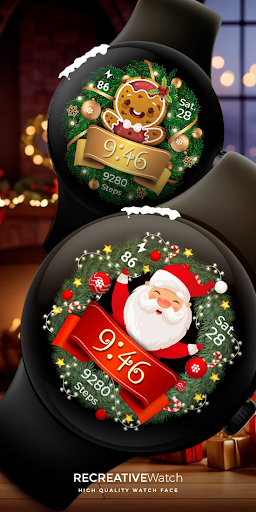
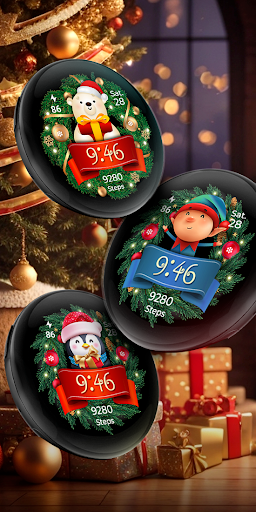

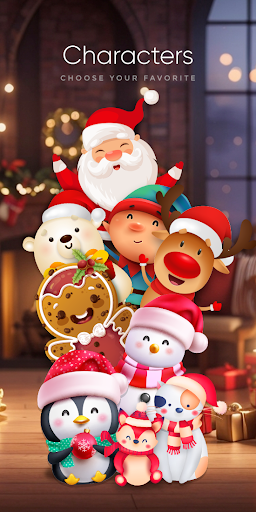
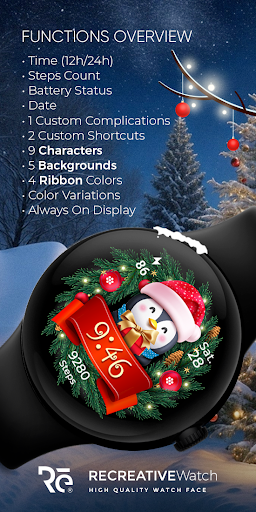
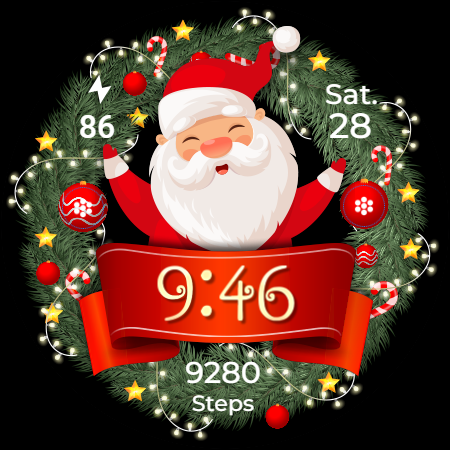

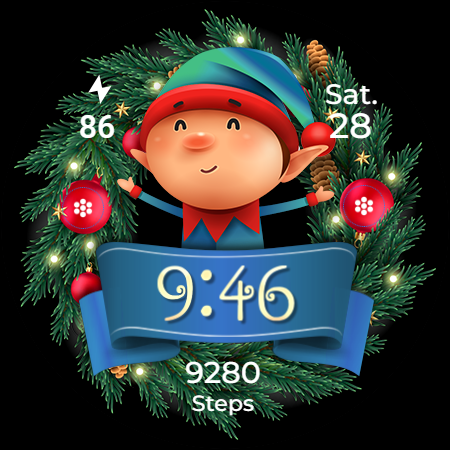
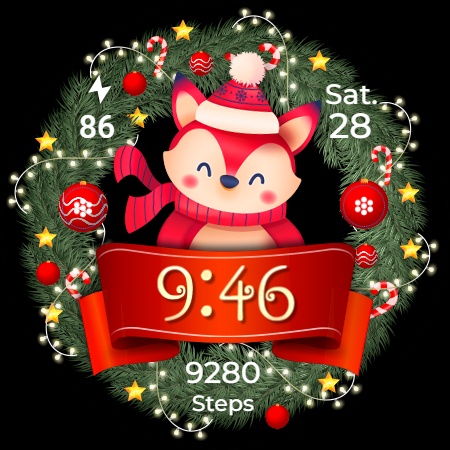
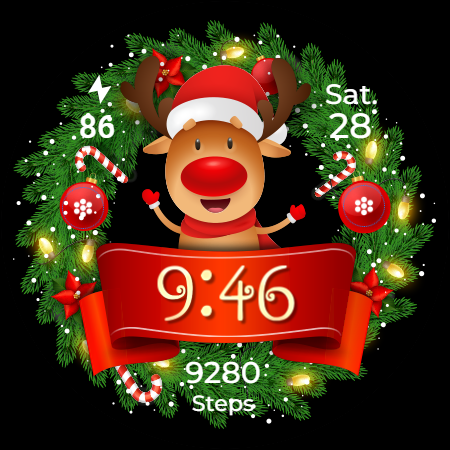
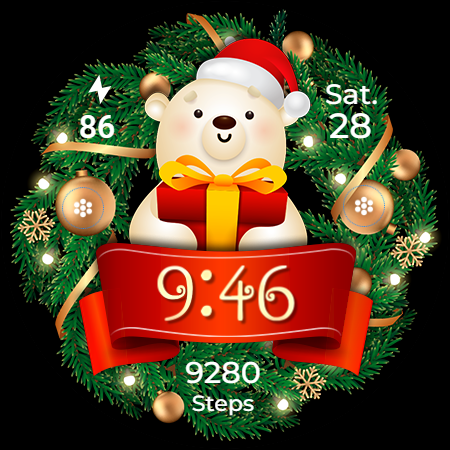
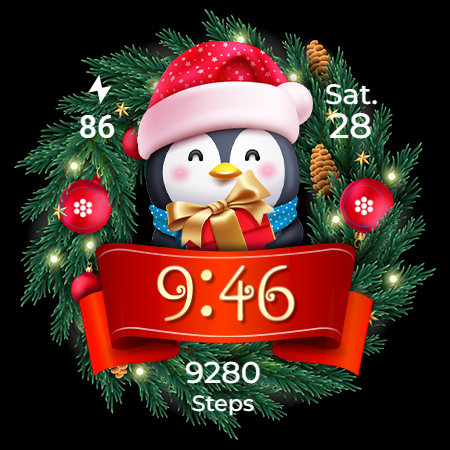
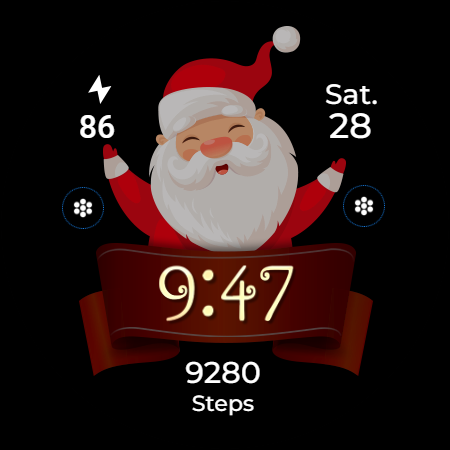
Christmas Frame is a festive-themed watch face app designed specifically for Wear OS devices. This application allows users to customize their smartwatch display with holiday-inspired designs, featuring various characters such as Santa, a reindeer, snowman, or an elf centered within a decorative pine wreath.
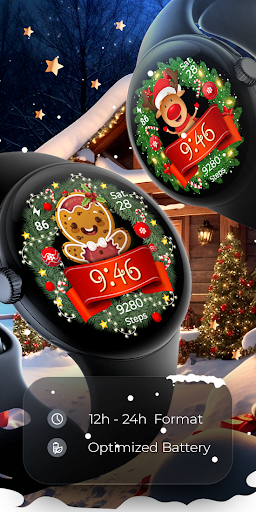
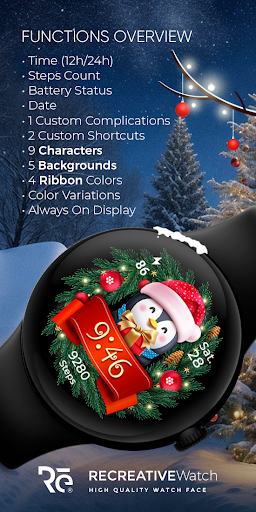
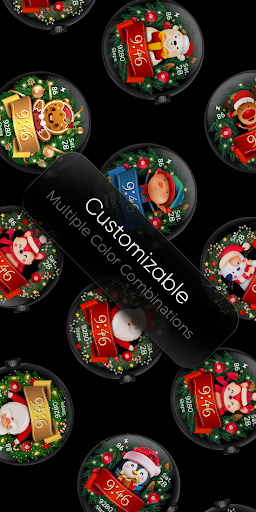
The app offers multiple customization options including digital time display in 12/24h format, date, battery status, step count, and more. Users can choose from different backgrounds, characters, and ribbon colors to create a personalized holiday look on their smartwatch. The always-on display feature ensures visibility even when the watch is inactive, with customizable colors and modes.
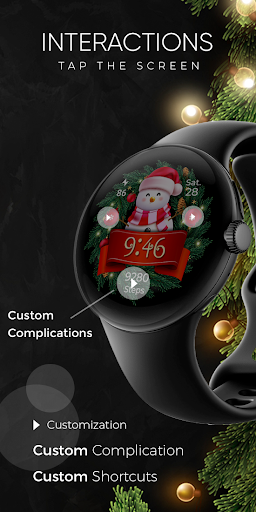
Christmas Frame provides a comprehensive set of features tailored for the holiday season. Key functionalities include a digital clock that supports both 12-hour and 24-hour formats, displaying the current date, battery level, and step count. Additionally, it offers one customizable complication and shortcut, allowing users to access preferred data and functions quickly.
The app includes five distinct background options, nine unique characters, and four ribbon color variations to suit individual preferences. The always-on display mode is supported, which can be customized with changeable colors and modes for optimal visibility and battery efficiency. These features collectively provide a rich and engaging user experience while maintaining practical utility.
Unique holiday themes
Customizable display
Battery efficient
Multiple characters
User-friendly interface
Limited to festive seasons
Few complications
Ads in phone app
Requires API 33+
Complex setup

Gym Log & Workout Tracker | Fitness Journal, Training & Weight Lifting Planner
 4.90
4.90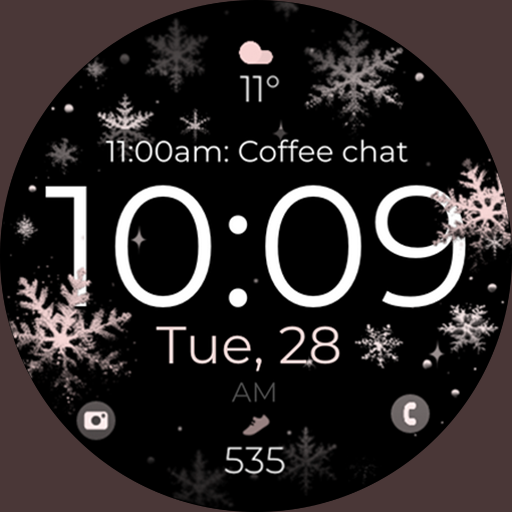
Snowflake Rose Gold Watch Face - Digital, modern, & sleek with GYRO effect.
4.10
Beautiful artistic animated digital watch face, with a customizable layout!
4.40
Easy Voice Recorder is your everyday companion to record important moments.
4.70
Digital watch face. For Wear OS devices.
4.40
Gym & home workout plans with strength training, exercise tracking, HIIT & more.
4.60
Reliable phone calls with spam protection, caller ID and more helpful features
4.40
Daily Weather forecast with 15 weather images for Day & Night plus Big Bold time
4.10
Simple, helpful messaging by Google
4.60
Christmas Theme Watch Face for Wear Os
5.00
Christmas watch face. For Wear OS devices.
4.30
Bold, Modern Hybrid Watch Face for Wear OS. 10 Colors, Rich Info Display.
4.30
Locate your family members by GPS phone location tracker everywhere and anytime
4.30
Calming & relaxing sounds for sleeping and stress relief. Stay focused all day!
4.20
Structured watch face with seven complications and modular UI elements
3.90
A full-featured Amazon Alexa voice assistant that can show you things.
3.70
Want to take charge of your health? Let Google Fit help you reach your goals.
3.50
Christmas is near, let's count together the days left until Santa comes
4.2
Fitness interactive virtual pet super fighter boy watch face
4.4


User Reveiws