AccuWeather

3.40

Information

Category:

Android Wear

Price:

Free

Rank:

14

Rating:

3.40

Overview

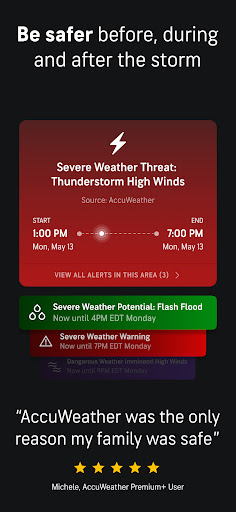
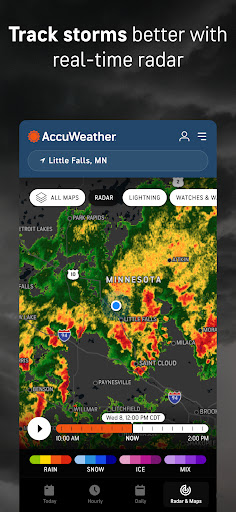
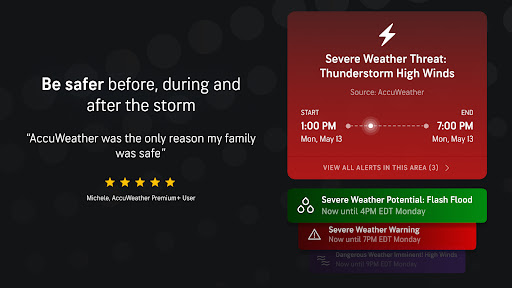
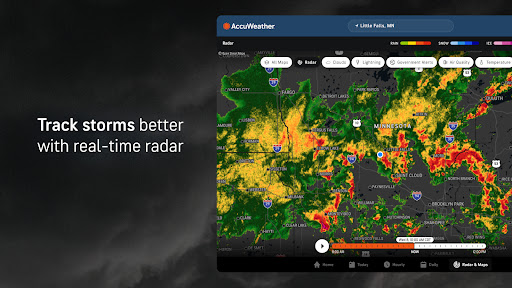
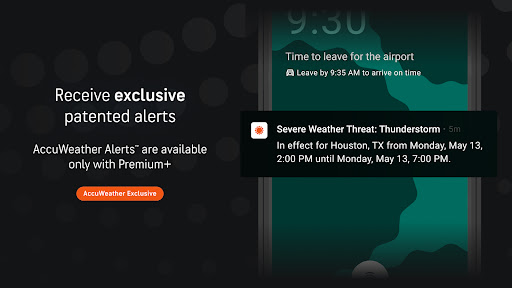
AccuWeather is the most trusted weather app, providing real-time weather alerts and hyperlocal updates with Superior Accuracy™. It helps users make informed decisions by delivering precise weather information for any location worldwide. The app's advanced features include hurricane tracking, live radar, and exclusive forecasting tools that offer detailed insights into upcoming weather conditions.

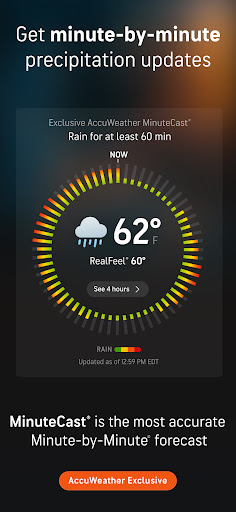
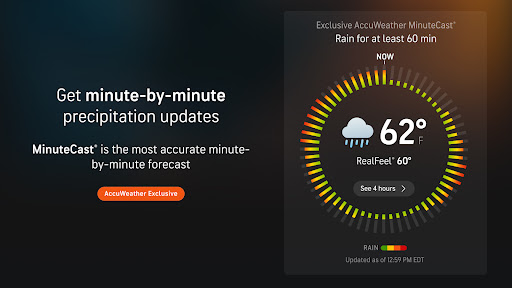
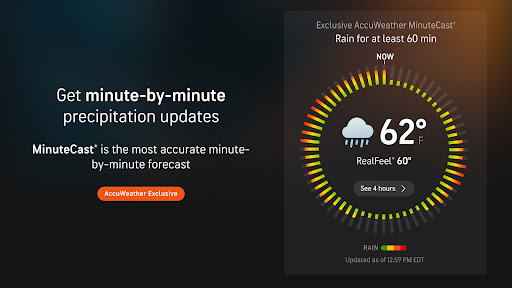
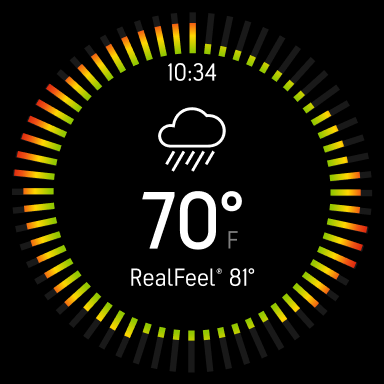
The application stands out through its innovative technologies like MinuteCast®, which provides hyperlocal precipitation forecasts for the next four hours, and the AccuWeather RealFeel® Temperature that accurately describes how the weather actually feels. These features, combined with severe weather notifications and daily forecasts, ensure users are always prepared for changing weather conditions. Whether you need to plan outdoor activities or stay safe during extreme weather events, AccuWeather delivers reliable and actionable weather data.

Features

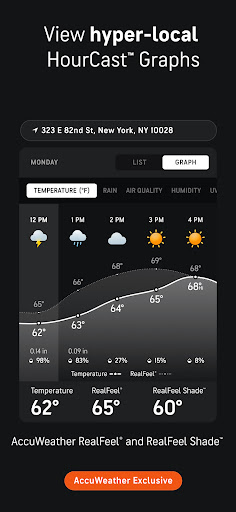
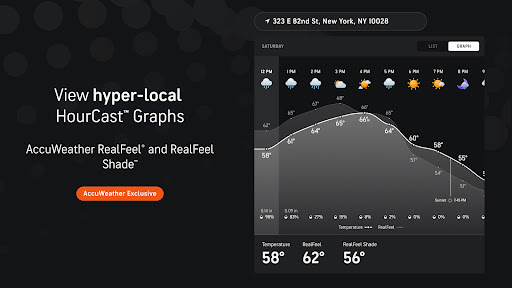
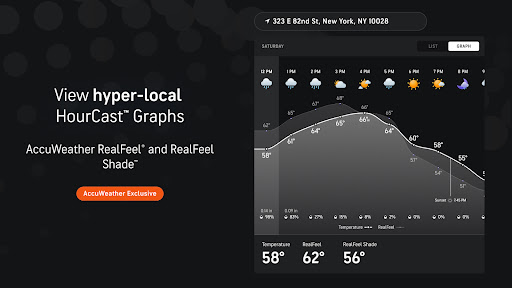
AccuWeather offers an extensive suite of features designed to provide the most accurate and detailed weather information available. Its exclusive MinuteCast® technology delivers hyperlocal forecasts for precipitation, including rain and snow predictions for the next four hours at a user's exact location. This level of precision is complemented by the AccuWeather RealFeel® Temperature, which considers multiple factors such as wind, humidity, and sunshine intensity to describe how the temperature truly feels.

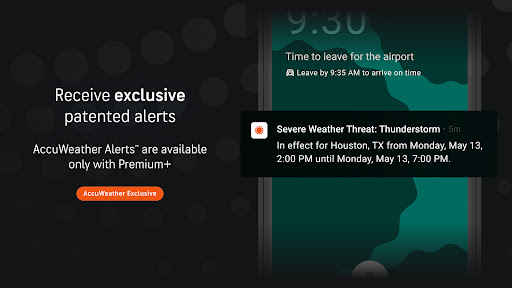
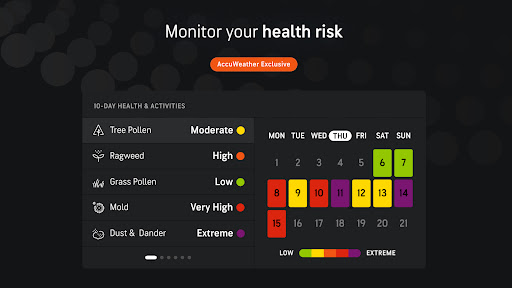
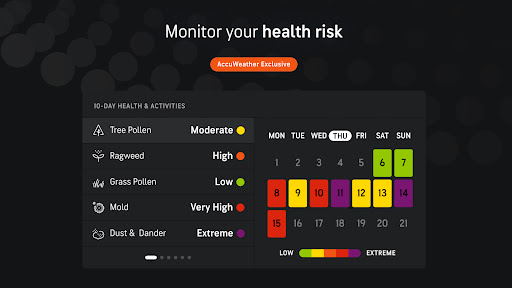
In addition to these innovations, AccuWeather provides advanced tools like the AccuWeather Lightning Network™ and WinterCast®, offering real-time storm tracking and detailed snow predictions. Users can access extended forecasts, severe weather alerts, and customizable health views through Premium Plus subscription. With its superior accuracy and comprehensive feature set, AccuWeather ensures users have the information needed to stay safe and make better decisions in various weather conditions.

Companion app integration

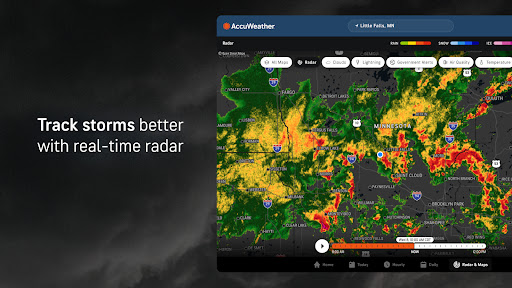
Companion app integration refers to the seamless connection and data sharing between a primary application and its wearable counterpart. For AccuWeather, this means that users can expect a consistent and synchronized weather experience across their Android Wear devices and other platforms they use. The importance of this feature lies in providing real-time weather updates and alerts directly to a user's wearable device, ensuring they are always informed regardless of where they are or what they are doing. AccuWeather achieves this by offering hyperlocal weather updates with Superior Accuracy, including severe weather alerts, daily forecasts, and Minute-by-Minute weather updates tailored for any location. Users benefit from having critical weather information readily accessible on their wearables, allowing them to make timely decisions about their safety and daily activities. This synchronization ensures that whether you're on your phone, tablet, or Wear OS device, you receive the same reliable and accurate weather forecasts from wind speed to temperature and tracking of severe weather with animated radar. Furthermore, features like MinuteCast provide hyperlocal forecasts of precipitation type and intensity, start and end times for rain or snow pinpointed to the exact street address or GPS location. Such detailed and localized information empowers users to plan their day effectively while staying protected against unexpected weather changes.

Wear OS/device compatibility

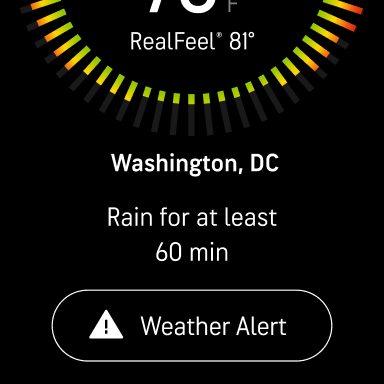
Wear OS/device compatibility is crucial for applications aiming to deliver a comprehensive user experience across different devices. For AccuWeather, ensuring compatibility with Wear OS means that the application is optimized to function smoothly on smartwatches and other wearable technology running on this operating system. This compatibility is important as it extends the utility of the AccuWeather app beyond smartphones and tablets, making it accessible on wrist-worn devices where convenience and quick access to information are paramount. AccuWeather delivers proven Superior Accuracy forecasts, severe weather alerts, notifications, and daily forecasts with hourly and Minute-by-Minute weather updates specifically tailored for any location right on your Wear OS device. The app provides reliable and accurate weather forecasts ranging from wind speed to temperature and tracks severe weather with animated radar directly on the wearable screen. Exclusive features such as MinuteCast offer hyperlocal forecasts of precipitation type and intensity, along with start and end times for rain or snow for the next four hours, pinpointed to an exact street address or GPS location in numerous countries and territories. By integrating seamlessly with Wear OS, AccuWeather not only enhances user convenience but also ensures that vital weather information is available at a glance, helping users stay prepared and safe no matter where they are. This level of integration highlights AccuWeatheru2019s commitment to providing essential weather data through versatile platforms, thus maximizing accessibility and user engagement.

Props

Superior Accuracy™

Real-time Alerts

Hyperlocal Forecasts

Exclusive Features

Global Coverage

Cons

Premium Subscription

Ad-heavy Free Version

Complex Interface

Limited Free Features

High Data Usage

Features and Functions

What is this app and what can I use it for?

AccuWeather is a trusted weather app providing real-time alerts and hyperlocal updates for informed decision-making.

How do I download and install this app on my device?

Find AccuWeather on Google Play Store, click Install, and follow prompts to complete installation.

How do I get started after opening the app for the first time?

Grant necessary permissions, set your location, and explore the intuitive interface to begin using AccuWeather.

What are the main features and capabilities of this app?

Key features include MinuteCastu00ae, RealFeelu00ae Temperature, live radar, and severe weather alerts for safety.

How can I customize my experience and adjust preferences?

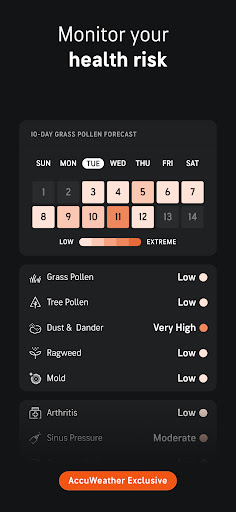
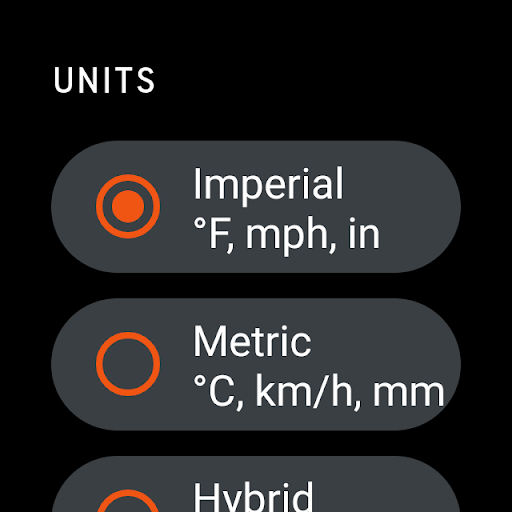
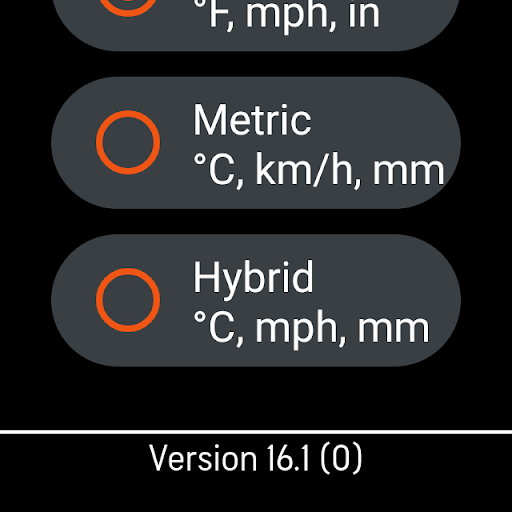
Adjust notification settings, choose preferred units, and customize health views in the app preferences menu.

How do I save or bookmark my favorite content for later access?

Use the Favorites feature to save locations and quickly access their weather updates from the main screen.

How can I share content with friends or on social media?

Tap the Share button on weather updates to send information via messaging apps or social media platforms.

How do I access detailed information and explore more content?

Access detailed forecasts by tapping on specific weather events or exploring interactive maps and graphs.

What permissions does this app need and how do I manage them?

The app requires location and notification permissions; manage these in device settings under App Permissions.

How do I check for updates and keep the app running smoothly?

Check Google Play Store regularly for updates and enable auto-update in app settings for smooth performance.
Show more

User Reveiws

{{ comment.reviewer_name }}
{{ comment.review_date_formatted}}
{{ comment.review_content }}
{{ tab.name }}
{{ comment.reviewer_name }}
{{ comment.review_date_formatted}}
{{ comment.review_content }}
No reviews with this rating