
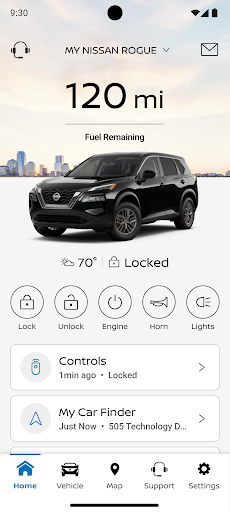
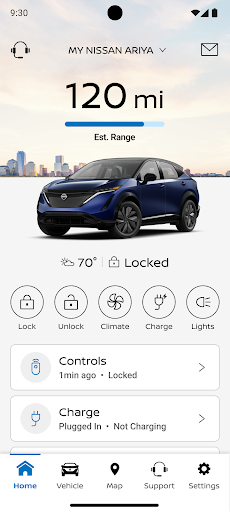
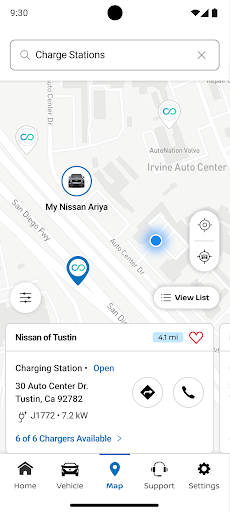
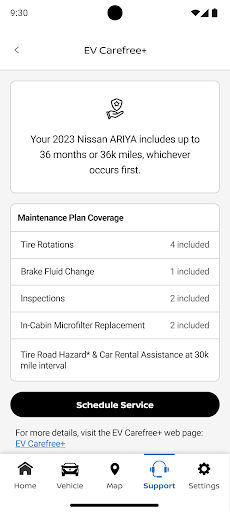

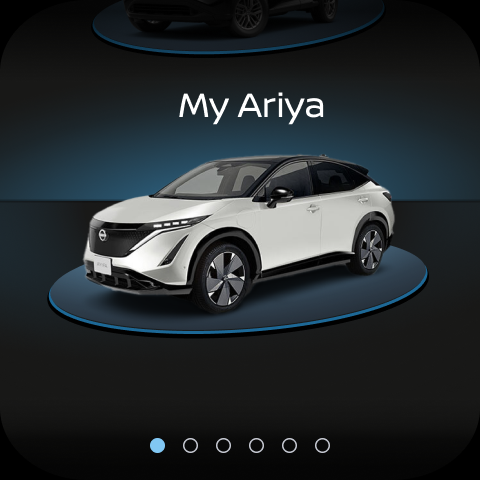
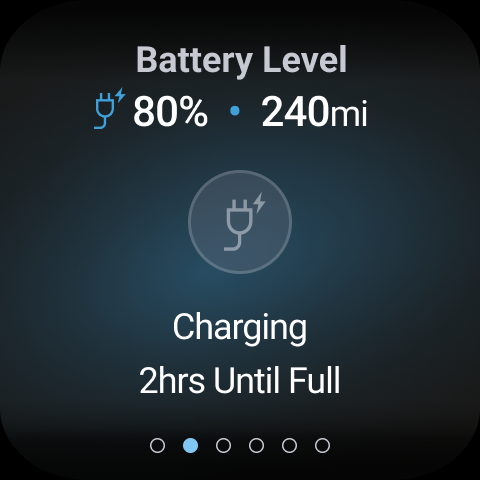
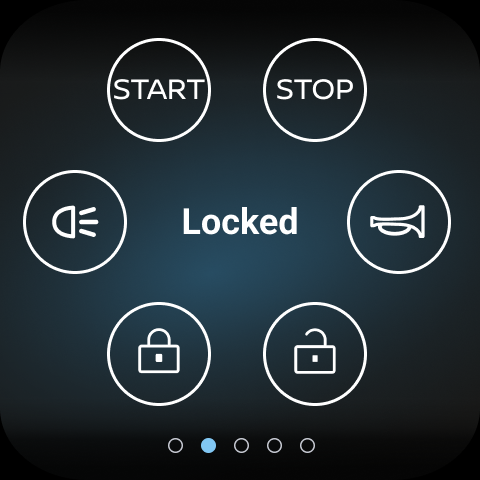
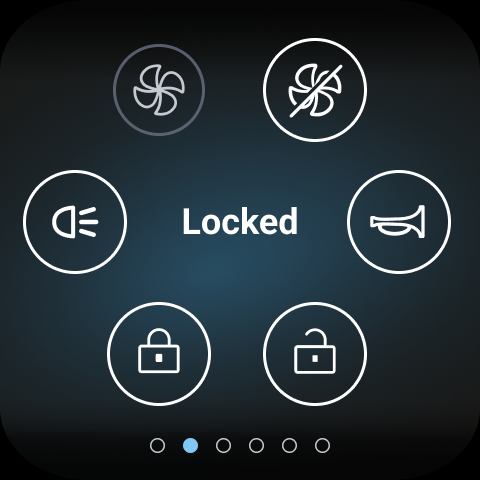
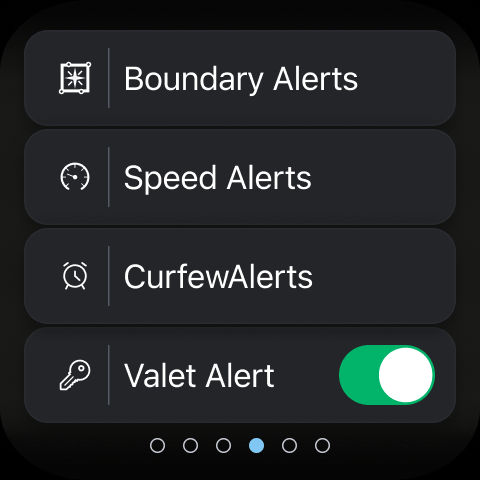
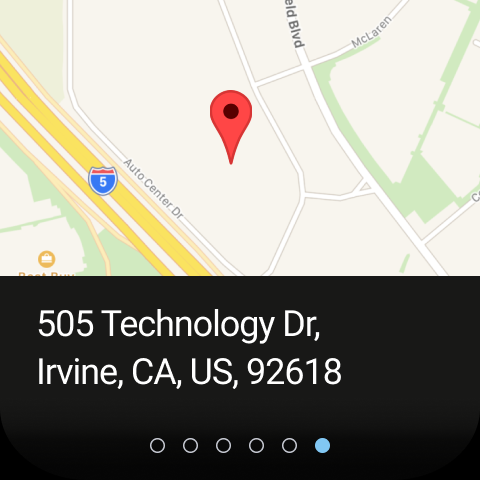
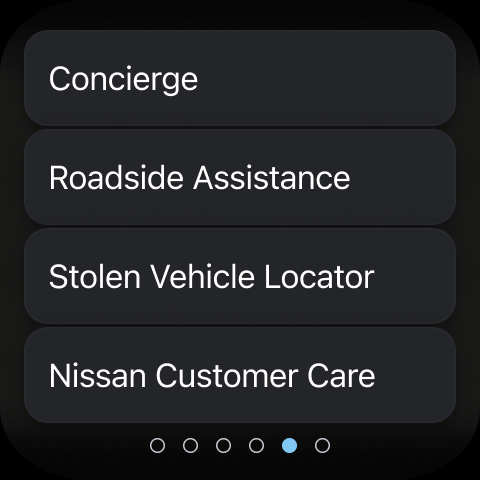
MyNISSAN is a comprehensive vehicle management application designed to enhance the ownership experience for Nissan vehicle owners. The app provides an array of features that allow users to interact with their vehicles remotely, ensuring convenience and peace of mind. With compatibility extended to Android phones and Wear OS, MyNISSAN brings essential controls and information directly to the user's fingertips.
The app offers functionalities such as remote start/stop, door lock/unlock, and vehicle location services. It also enables owners to monitor vehicle status including mileage, fuel range, and tire pressure. For vehicles equipped with NissanConnect® Services, users can enjoy an optimized experience with additional features like service history tracking, maintenance notifications, and roadside assistance connection.
Whether it's managing appointments with dealers, receiving recall notifications, or planning trips with real-time updates from automotive repair shops, MyNISSAN serves as a pivotal tool for modern vehicle owners seeking seamless integration between their digital lifestyle and driving experience.
MyNISSAN stands out with its rich set of features tailored for Nissan vehicle owners. One prominent feature is the ability to remotely control various aspects of the vehicle such as starting the engine, locking doors, and activating lights and horn. This functionality not only adds convenience but also enhances vehicle security by allowing users to perform these actions from their smart devices.
In addition to remote access, the app provides detailed insights into vehicle health and status. Users can check parameters like oil pressure, airbag functionality, and brake conditions, which empowers them to maintain their vehicles proactively. The app also supports sending points of interest directly to the vehicle's navigation system, streamlining trip planning.
For those with newer models featuring Google built-in capabilities, there are extended functionalities such as climate adjustment and receiving alerts about unlocked doors or cracked windows. These innovative features ensure that MyNISSAN remains at the forefront of connected car technology, offering unparalleled ease and assurance to its users.
User-friendly interface
Comprehensive vehicle monitoring
Remote access convenience
Proactive maintenance alerts
Integration with Wear OS
Limited to Nissan vehicles
Dependent on network availability
Subscription fees apply
Feature disparity across models
Potential privacy concerns

Highly customizable hybrid watch face for Wear OS, perfect for everyday use.
 4.60
4.60
Beautiful artistic animated digital watch face, with a customizable layout!
4.40
A watch face that fuses motorsport precision with contemporary smartwatch design
4.0
Digital, flexibly customizable watch face. For Wear OS 5.0, API 34+ and later.
5.00
Kia Access makes getting your vehicle information easier than ever
4.60
Connect to your Bluelink equipped Hyundai vehicle from your smartphone.
4.50
Minimalistic design modern digital watch face.
4.4
The most customizable hybrid watch face. For Wear OS 5.0, API 34+ and later
4.70
Toyota app currently supports 2010 or newer vehicles (2018 or newer for Hawaii).
4.50
Christmas Theme Watch Face for Wear Os
5.00
Beautiful, colorful and practical watch face. For Wear OS devices.
5.00
Real-time weather radar with temperatures, warnings, hurricanes, and widgets
4.80
Bold, Modern Hybrid Watch Face for Wear OS. 10 Colors, Rich Info Display.
4.30
Locate your family members by GPS phone location tracker everywhere and anytime
4.30
"PER27 Galaxy Digital" is a digital Wear OS watch face designed by PERSONA
4.10
Connect, create, and collaborate with Gmail, part of Google Workspace.
4.10
Hyper-Realistic Airplane Dashboard Watch Face With 10 Skins and Custom AOD
4.00
Get helpful reminders, take progress photos and find answers to your questions.
3.90
Want to take charge of your health? Let Google Fit help you reach your goals.
3.50


User Reveiws