


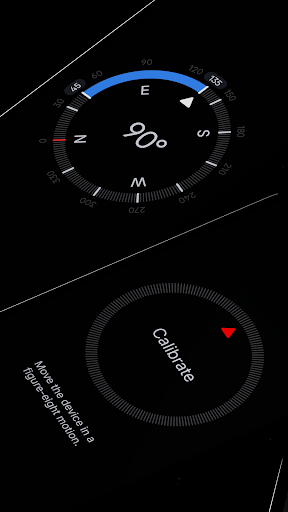
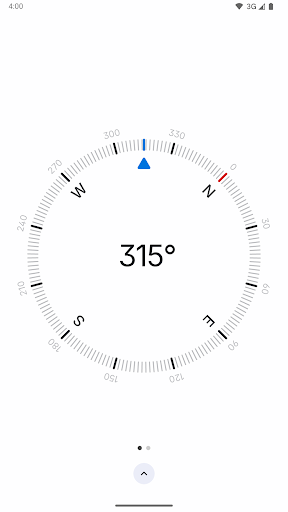
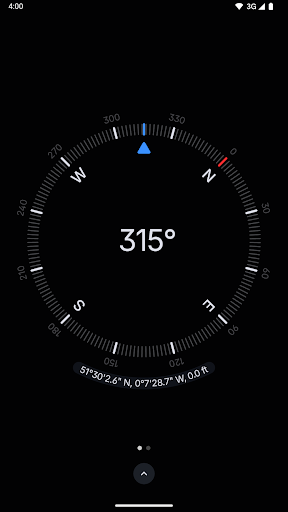

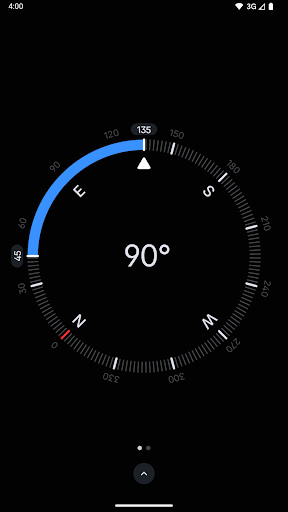
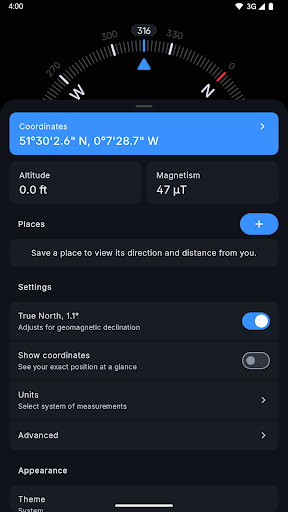
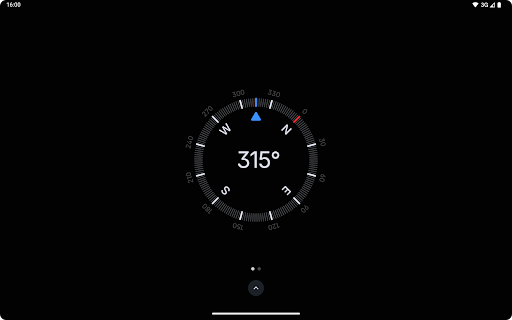
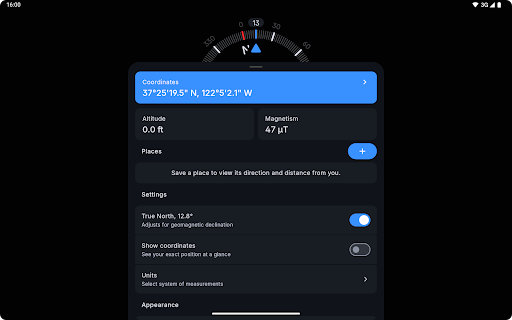
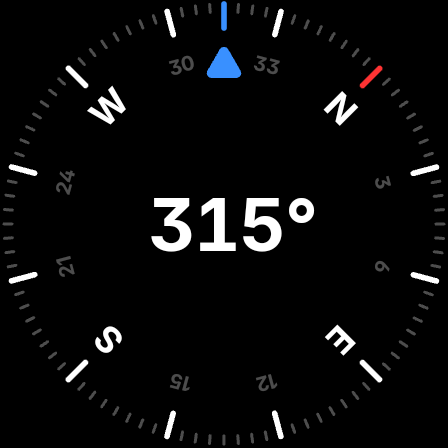
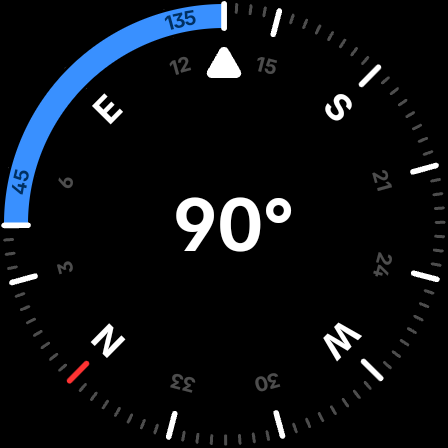
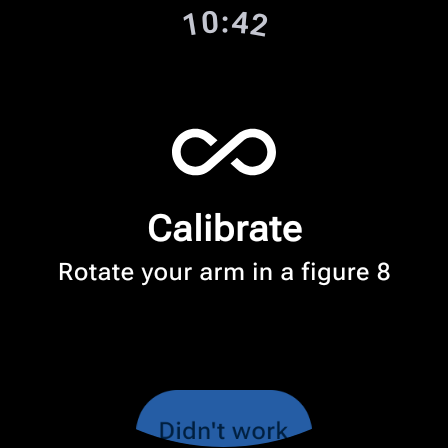
Compass is a sleek and minimalistic navigation app that combines simplicity with elegance. Designed for both Android phones and select Wear OS smartwatches, it offers users precise navigation through a modern, dark-themed interface. The app provides essential tools such as coordinates, altitude, and true north alignment, ensuring accurate direction-finding in various formats like DMS, UTM, and more.
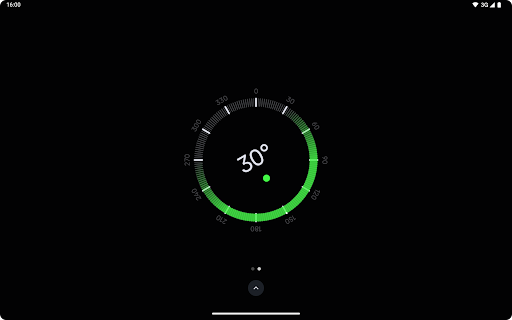
Beyond basic navigation, Compass includes advanced features such as a bubble level, angle measurement, and an anomaly detector for magnetic field interference. Users can personalize their experience with dynamic color themes, switch between dark and light modes, and utilize the red screen filter for better night visibility. With rich haptic feedback and high-contrast display options, Compass ensures ease of use in all conditions.
Whether you're hiking, traveling, or working on DIY projects, Compass is an indispensable tool. Its offline functionality and commitment to privacy, with no trackers or analytics, make it ideal for those who value both aesthetics and security. This app is perfect for explorers, carpenters, and anyone needing reliable navigation without distractions from ads or connectivity issues.
Compass stands out with its comprehensive set of features designed to enhance navigation and usability. One of its key strengths is the ability to display exact location coordinates and altitude in multiple formats, including DMS, UTM, and MGRS. This flexibility allows users to choose the format that best suits their needs, whether they are professionals or casual users.
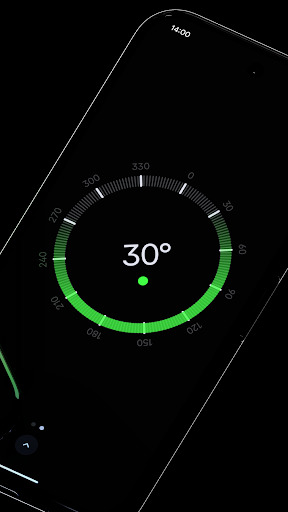
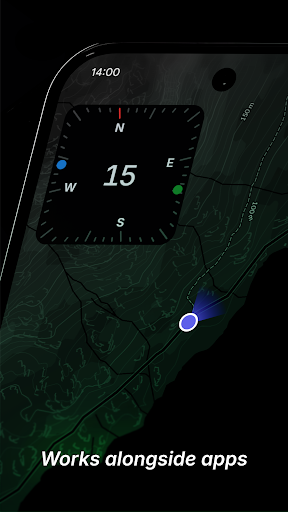
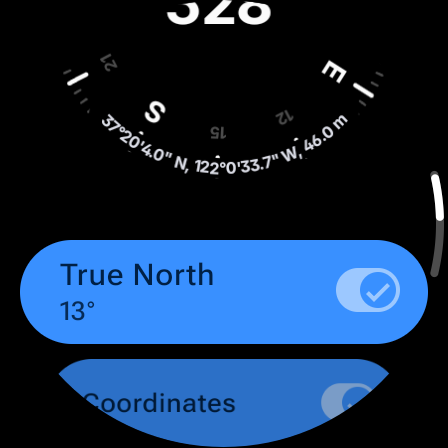
The app also supports saving places, making it easy to track directions and distances to frequently visited locations. Its unique docking feature enables users to keep the compass visible while using other apps, ensuring uninterrupted navigation. Additionally, Compass aligns with true north by adjusting for geomagnetic declination, providing highly accurate readings. The inclusion of a bubble level and angle difference measurement further expands its utility for practical tasks like carpentry or leveling surfaces.
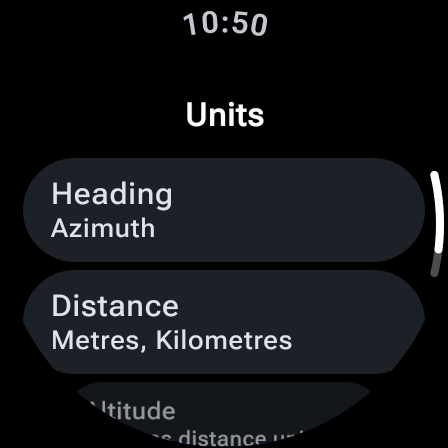
Customization is another hallmark of Compass. Users can change units for angles, distances, and coordinates, switch between dark and light themes, and even apply Android 12's dynamic colors for a personalized look. Features like the red screen filter, high-contrast display, and rich haptic feedback ensure optimal performance in diverse environments. With no need for an internet connection and a strict no-ads policy, Compass prioritizes user convenience and privacy.
User-friendly interface
Highly customizable settings
Accurate magnetic field detection
No ads or trackers
Offline functionality
Limited Wear OS compatibility
Advanced features may overwhelm beginners
Red screen filter requires Android 10+
No social sharing capabilities
Minimalist design not for everyone

A convenient photo, video, and file recovery tool.
 4.00
4.00
PDF Reader - Document Viewer: Read, Manage & Organize Your Documents
3.10
Unit and currency converter with easy and simple UI.
4.80
Family Locator, Share location, StayConnect with your family in real time
3.90
Carry a FTP server in your pocket and avoid USB cables for file transfer
4.20
Forza Tuning Calculator App for Forza Horizon 5, Motorsport and Earlier Titles
4.40
Bedrock Together: Join any bedrock server on Xbox/PS
4.80
A simple app to back up and restore SMS & MMS messages and call logs.
4.10
Button mapper, mouse toggle, sleep timer and a lot of another features
4.50
Enjoy smooth gameplay with Game Booster
4.90
Extremely fast, secure, and protects your privacy
4.80
Fast Video Downloader, Movie Downloader, Torrent Downloader & Adblock Browser
4.70
HD Camera captures every special moment.
4.60
The Ultimate Bluetooth Keyboard & Mouse. Securely control your PC, Mac, and more
4.50
Use your phone as a webcam on your computer over WiFi or USB.
4.40
Fluid navigation gestures for all of us!
4.30
PC precision for mobile gaming: dominate with keyboard and mouse!
4.30
Introducing Smart Printer, your ultimate destination for printing solutions!
4.00
Save any video in HD - paste the link, download fast and watch offline.
4.3


User Reveiws