
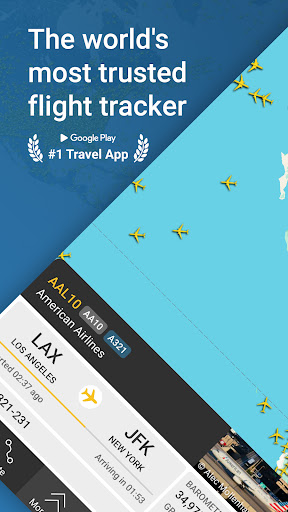
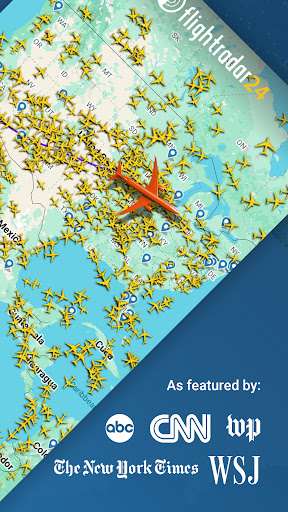
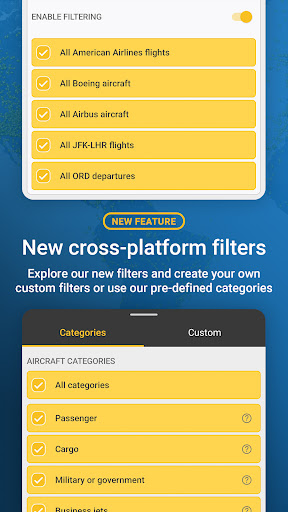
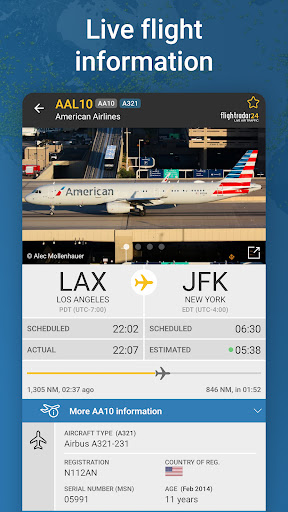
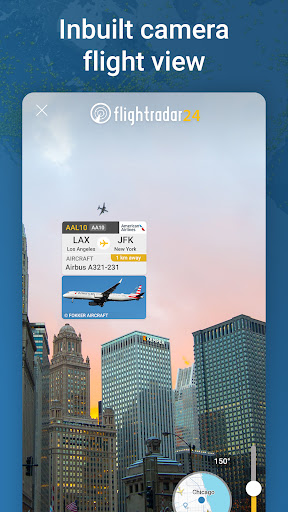
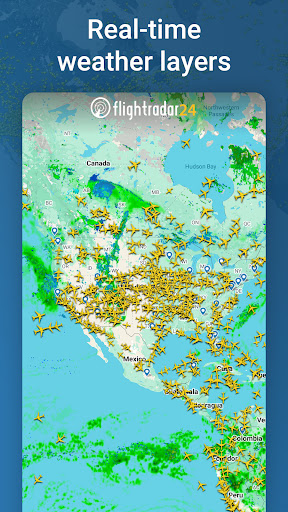
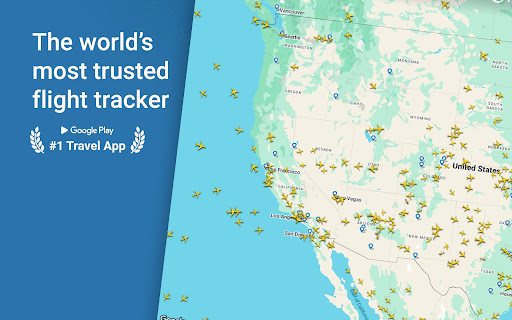
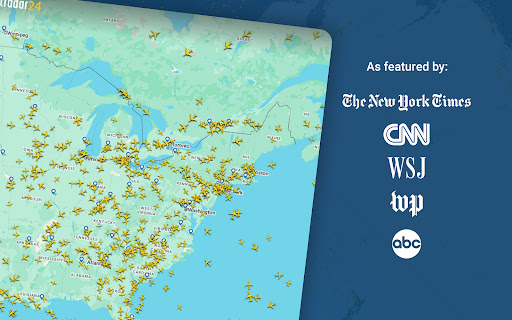
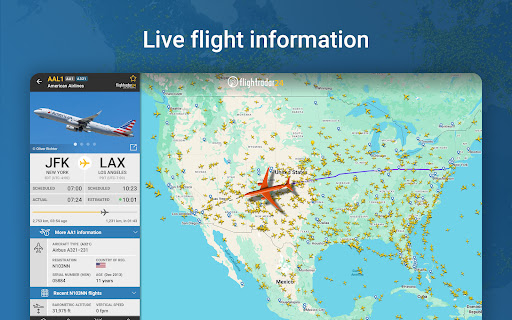
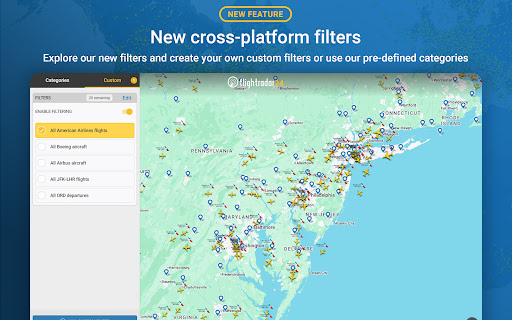
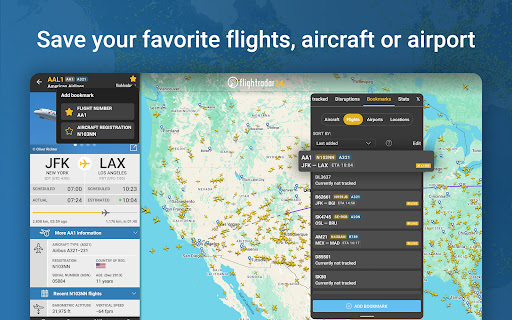

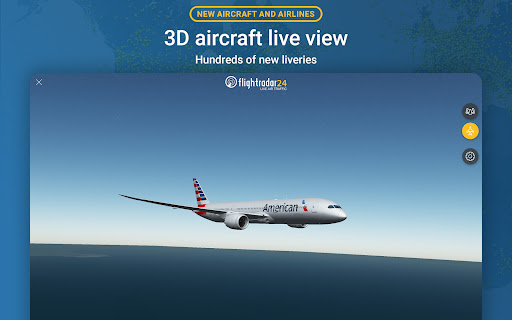
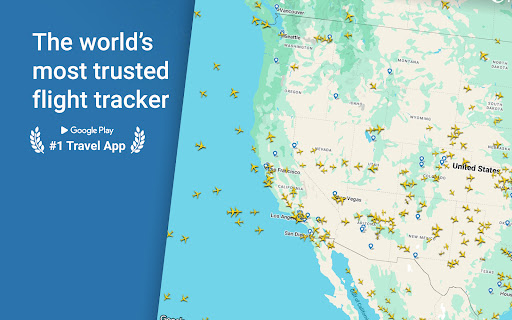
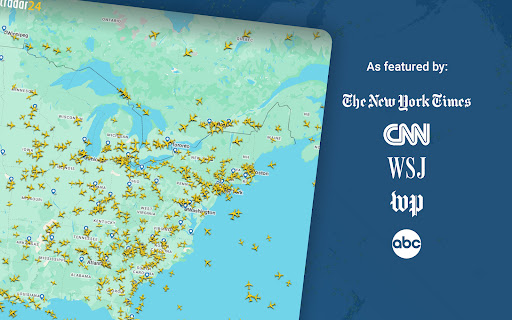
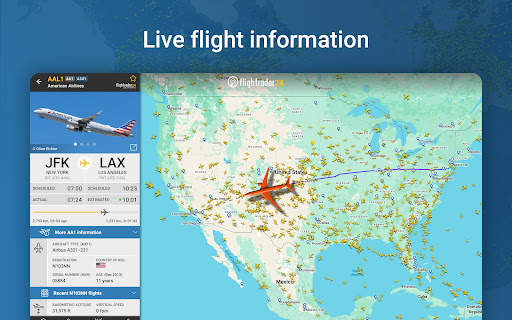
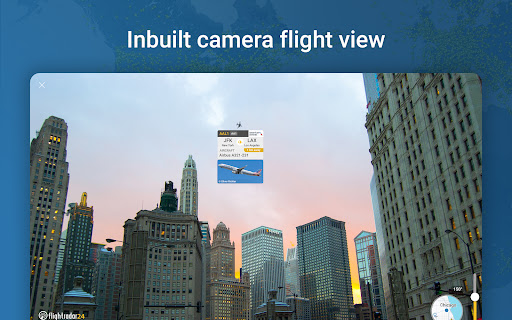
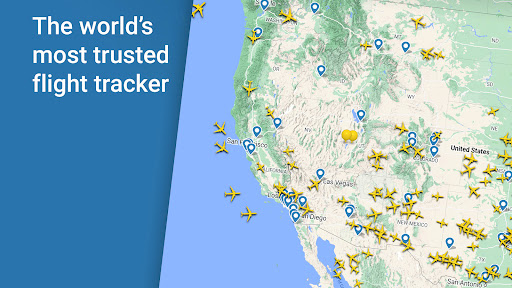
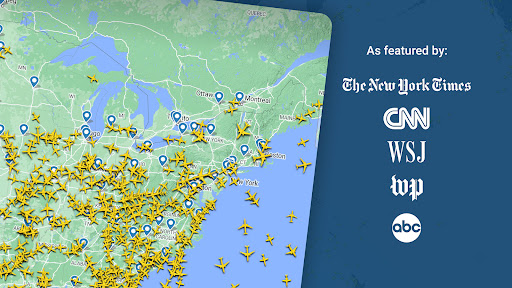


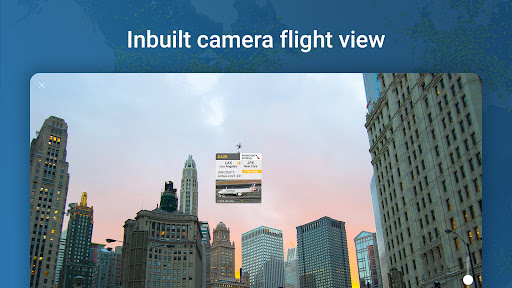
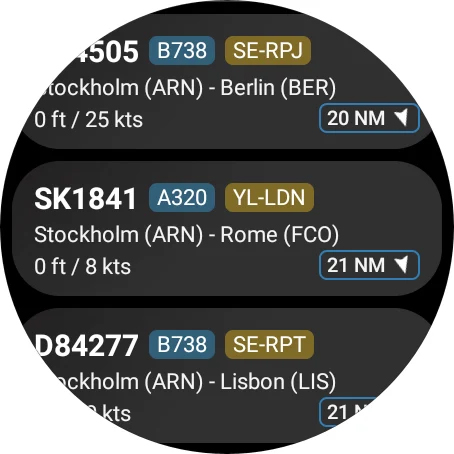
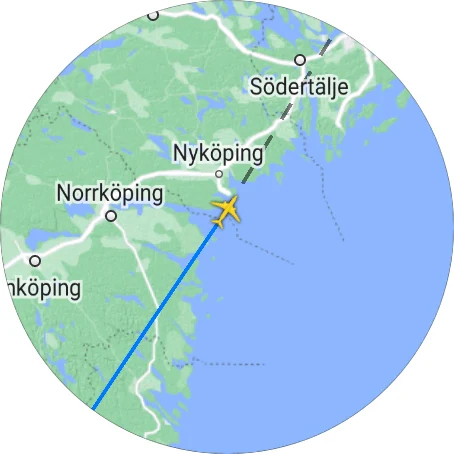
Flightradar24 Flight Tracker is the world's leading flight tracking application, serving as the top travel app in over 150 countries. This innovative tool transforms your mobile device into a real-time plane tracker, displaying global air traffic on a detailed map. By simply pointing your phone or tablet at the sky, you can identify overhead flights and access comprehensive flight information, including aircraft type and destination.
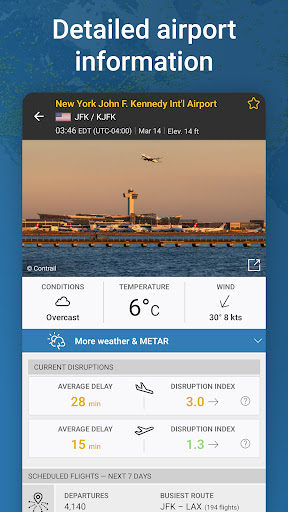
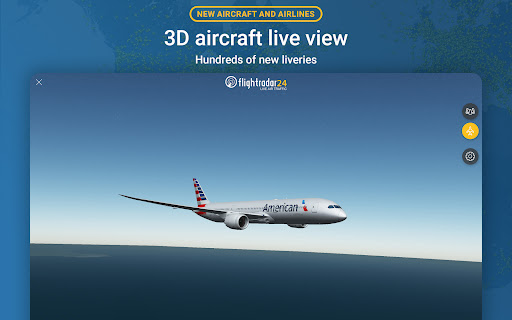
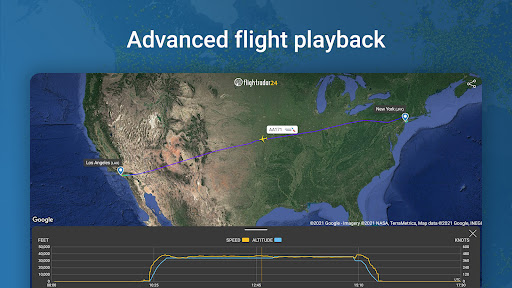
The app offers advanced features such as 3D flight visualization, historical flight data playback, and detailed airport information including arrivals, departures, and weather conditions. With its intuitive interface and extensive coverage, Flightradar24 provides aviation enthusiasts and travelers with unparalleled insights into global air traffic, making it an essential tool for flight tracking.
Flightradar24 stands out with its rich feature set designed for both casual users and aviation professionals. The app's core functionality allows users to track flights in real-time across the globe using ADS-B technology. Its network of over 50,000 ground stations ensures comprehensive coverage, while multilateration and radar data enhance tracking capabilities for non-ADS-B equipped aircraft, particularly in North America.
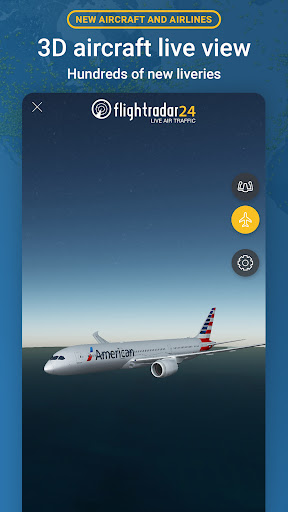
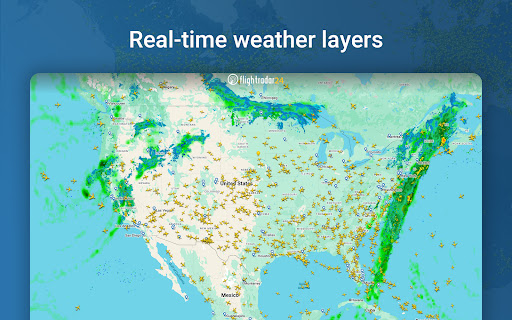
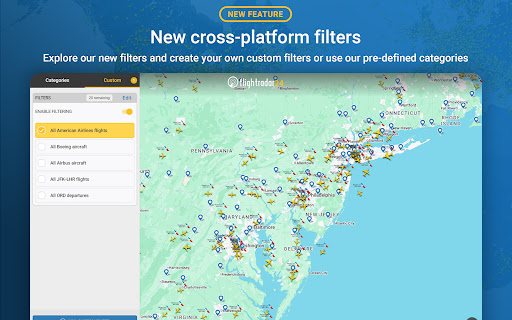
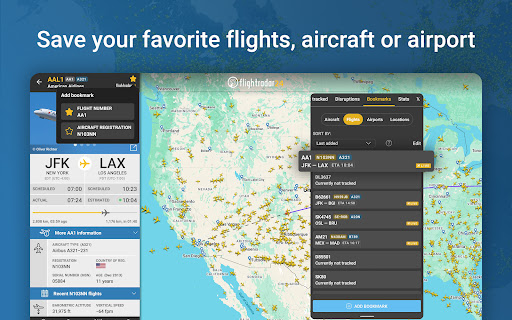
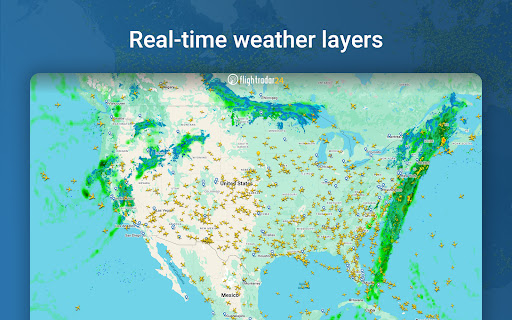
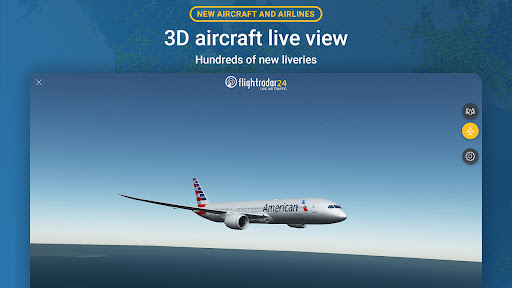
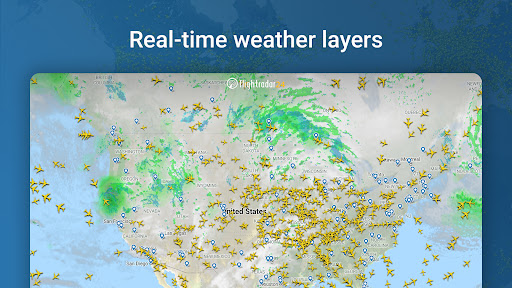
Unique features include augmented reality mode for identifying overhead flights, 3D flight visualization showing pilot's view and aircraft liveries, and detailed flight information accessible through interactive maps. Premium subscribers benefit from extended features like 365-day historical data access, advanced weather layers, and ATC boundaries. These features collectively provide users with professional-grade tools for monitoring air traffic and understanding aviation operations.
Real-time global flight tracking
Augmented reality flight identification
Comprehensive flight data details
Extensive worldwide coverage
User-friendly interface design
Premium features require subscription
Some regions have limited coverage
Advanced features need learning curve
Free version has basic functionalities
Occasional data accuracy issues

Diet tracker for weight loss - track calories, food and macros. Simple and easy!
 4.70
4.70
Embrace the holiday spirit with this magical animated watch face!
4.40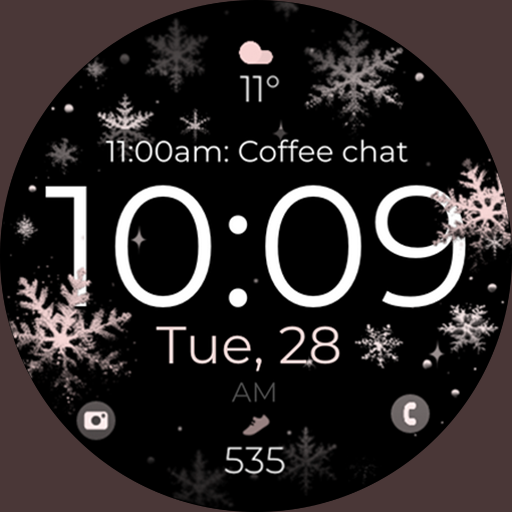
Snowflake Rose Gold Watch Face - Digital, modern, & sleek with GYRO effect.
4.10
A Wintery Snow Globe on Your Wrist; now celebrating Christmas!
4.0
Easy Voice Recorder is your everyday companion to record important moments.
4.70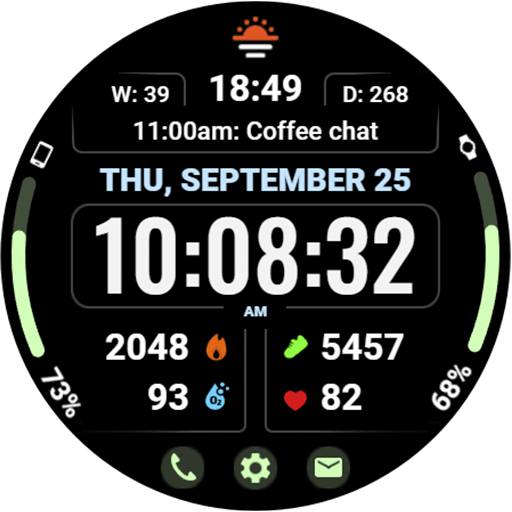
Beautiful, colorful and practical watch face. For Wear OS devices.
5.00
The most customizable minimal watch face. For Wear OS 5.0, API 34+ and later
4.70
Structured watch face with seven complications and modular UI elements
3.90
Daily Weather forecast with 15 weather images for Day & Night plus Big Bold time
4.10
The Chevron App allows you to pay for fuel from the comfort of your car!
4.80
Highly customizable hybrid watch face for Wear OS, perfect for everyday use.
4.60
Monitor health with the stress test and pulse checker in the heart rate app.
4.60
Gym & home workout plans with strength training, exercise tracking, HIIT & more.
4.60
Retro digital watch face with customizable colors and a unique lighting effect
4.60
A realistic hybrid watch face with many customization options.
4.60
Beautiful artistic animated digital watch face, with a customizable layout!
4.40
Find EV charging stations
4.30
an Analog Watch Face for winter season with freeze winter background for Wear OS
4.0
Analog watch face with 8 complications and expedition styling
4.3


User Reveiws