
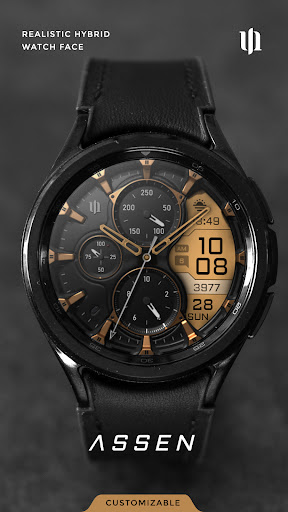

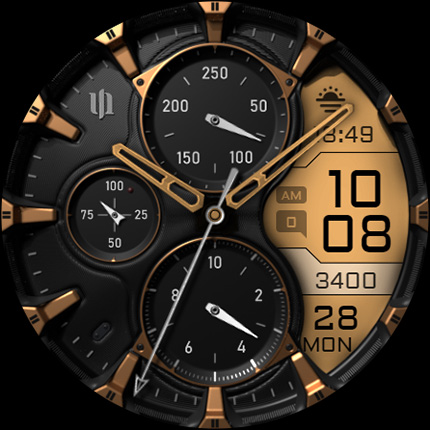

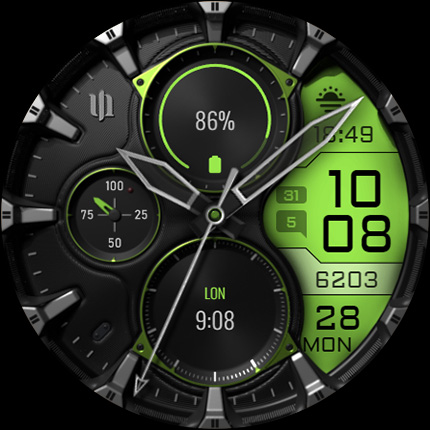

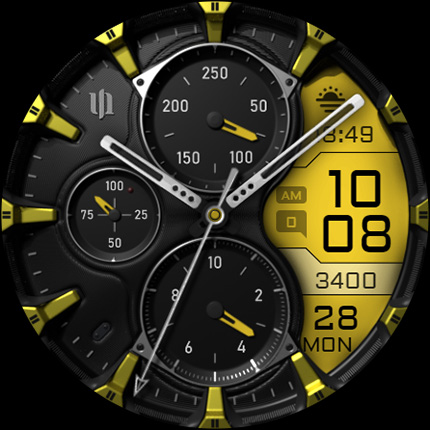
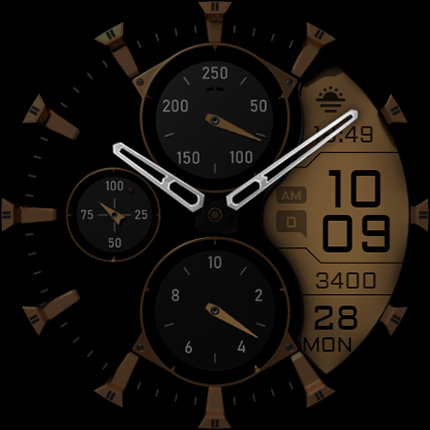

S4U Assen is a premium Wear OS watch face that combines realistic analog design with practical digital elements. The hybrid dial features both analog hands and an LCD display, offering users essential information at a glance while maintaining a stylish appearance.
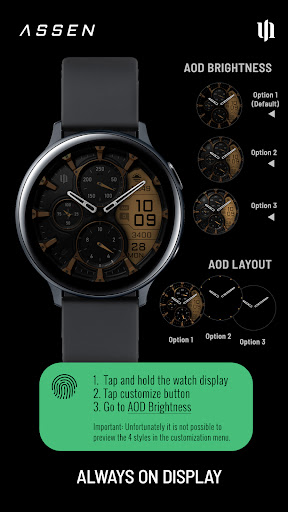
With extensive customization options, users can personalize colors, hands, complications, and shortcuts. The watch face supports advanced features like Always-On Display (AOD) with adjustable brightness levels and minimal layout options. Compatible with Wear OS 4+ devices including Samsung Galaxy Watch series and Google Pixel Watch models.
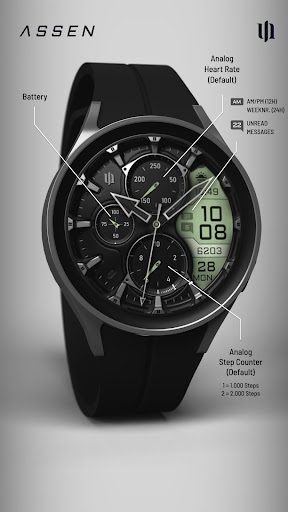
The S4U Assen watch face stands out with its comprehensive feature set. The hybrid design combines traditional analog elements with modern digital functionality, displaying time, steps, heart rate, calendar information, unread messages, and custom complications.
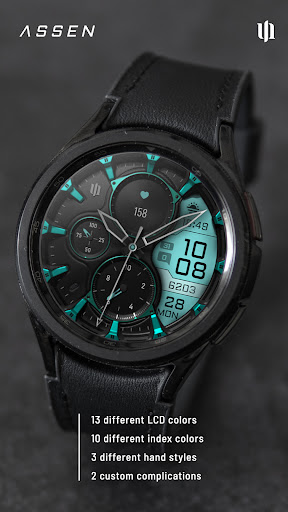
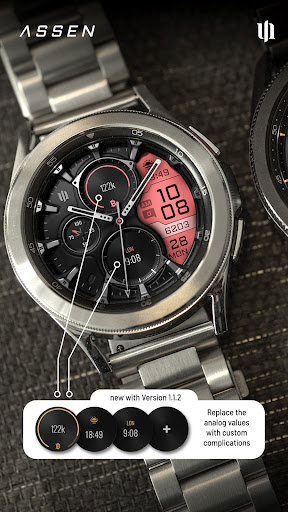
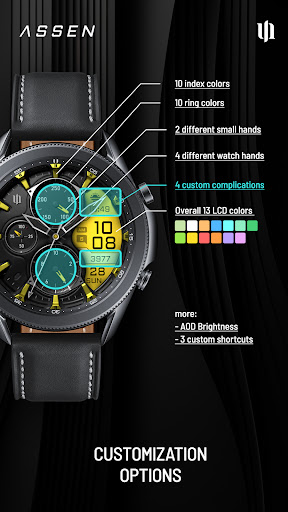
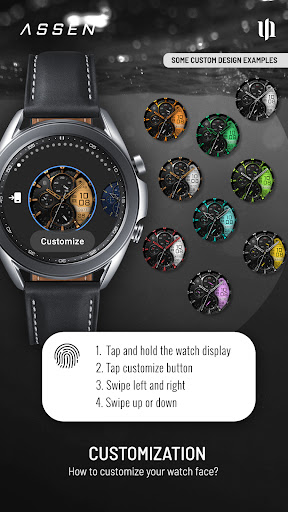
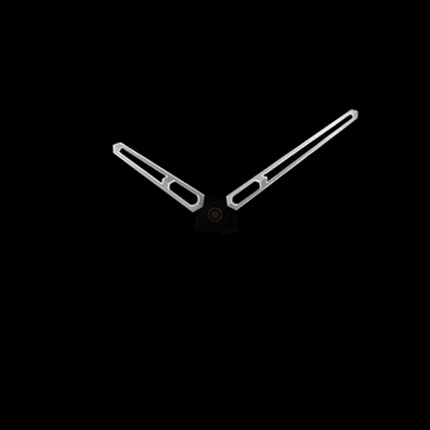
Customization is key with 30 color themes, 10 index/ring colors, 4 hand styles, and 2 small hand designs. Users can configure 4 custom complications and 3 app shortcuts for quick access to favorite widgets. The intuitive customization menu makes it easy to adjust all settings directly from the watch display.
Advanced features include battery indicator details, AOD synchronization with normal view colors, and compatibility with various Wear OS smartwatches. The companion app provides additional support and installation guidance for seamless user experience.
Highly customizable
Realistic design
Extensive features
User-friendly interface
Wide device compatibility
Wear OS 4+ only
Battery consumption
Complex setup
Premium price
Limited basic features

Precision analog watch face with 7 complications and style options
 4.1
4.1
MyNISSAN® lets you remotely control your car from your phone.*
4.50
Watch face for Wear OS.
4.20
Stylish digital watch face for Wear OS devices with customizable features
4.5
sleep, alarm, snoring, stress, healing, focus, sound therapy, circadian rhythm
4.10
Hyperlocal rain alerts by MyRadar using patent-pending technology, radar & more
4.80
Gym & home workout plans with strength training, exercise tracking, HIIT & more.
4.60
The #1 source of faces for your smartwatch!
4.00
Real-time weather radar with temperatures, warnings, hurricanes, and widgets
4.80
Your second brain for organizing your life: to-do, calendar, reminder.
4.70
Highly customizable hybrid watch face for Wear OS, perfect for everyday use.
4.60
Rose gold watch face with festive lights & customizable features.
4.60
Hyper-Realistic Airplane Dashboard Watch Face With 10 Skins and Custom AOD
4.00
Structured watch face with seven complications and modular UI elements
3.90
Stay in touch with your friends and family using LINE!
3.40
Christmas and New Year - Themed Watchface
4.0
an Analog Watch Face for winter season with freeze winter background for Wear OS
4.5
Sleek, highly customizable watch face inspired by Galaxy Watch Circle Dashboard.
4.1
Minimalistic design modern digital watch face.
4.0


User Reveiws