
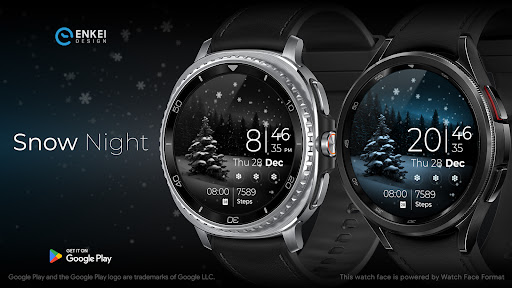
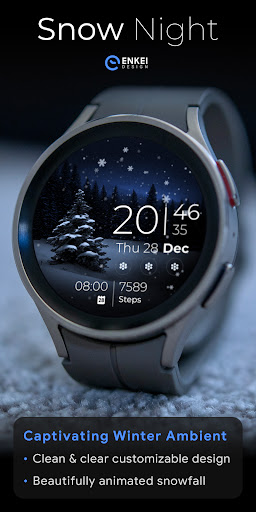
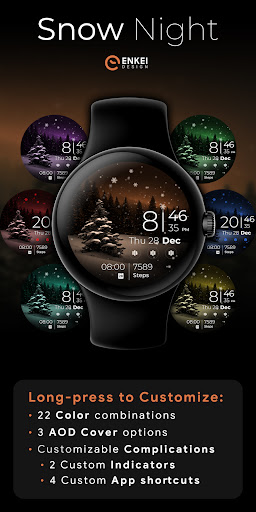
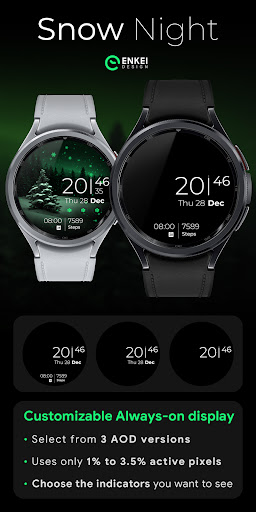
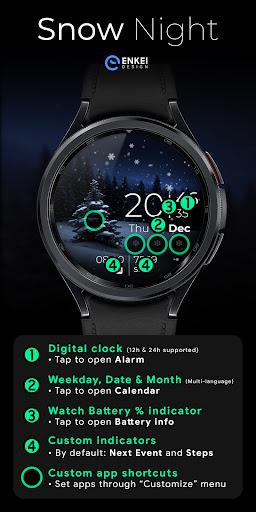
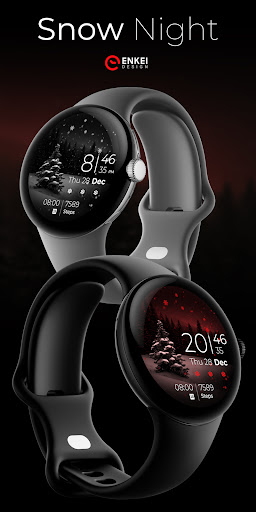
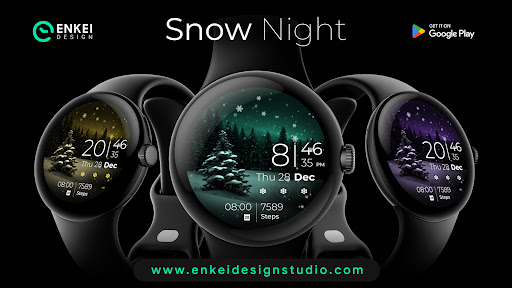

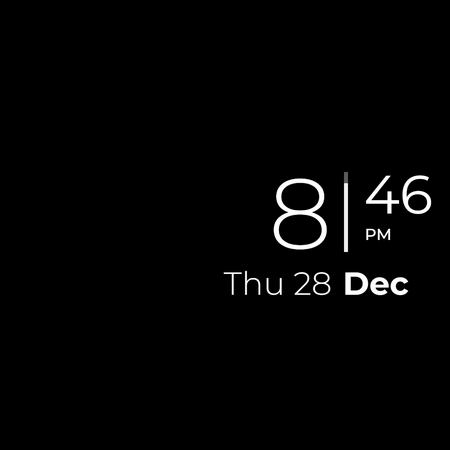
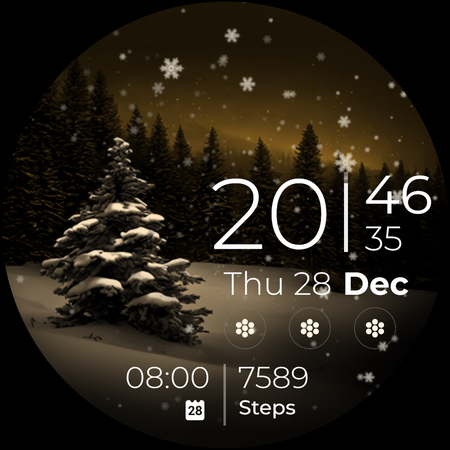
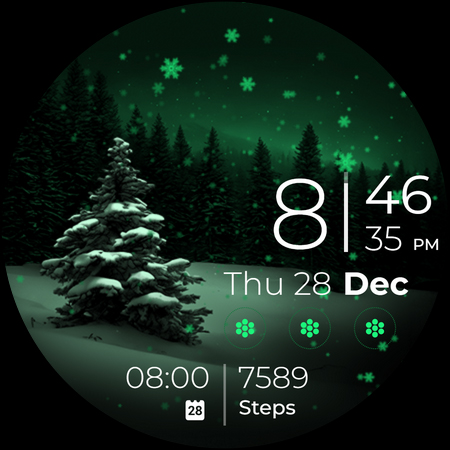
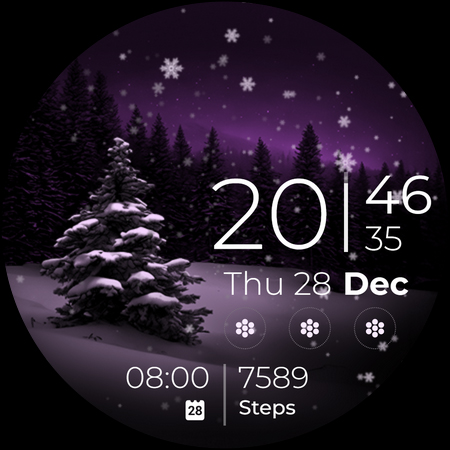
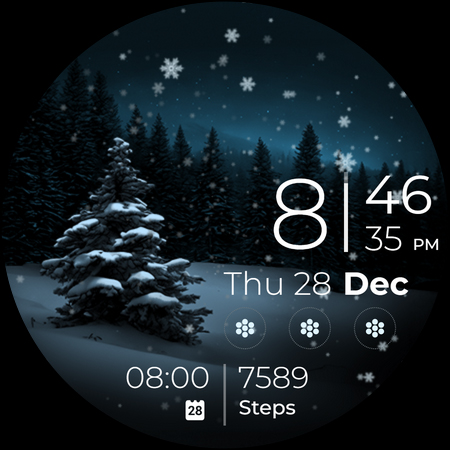
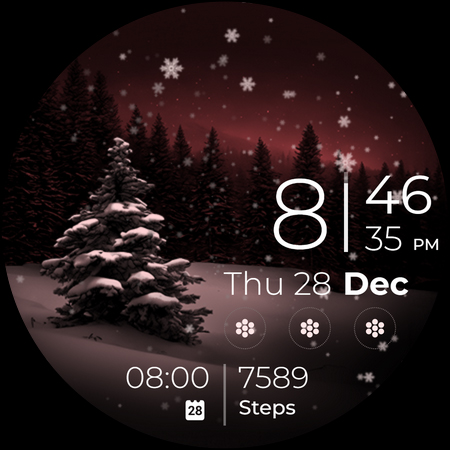
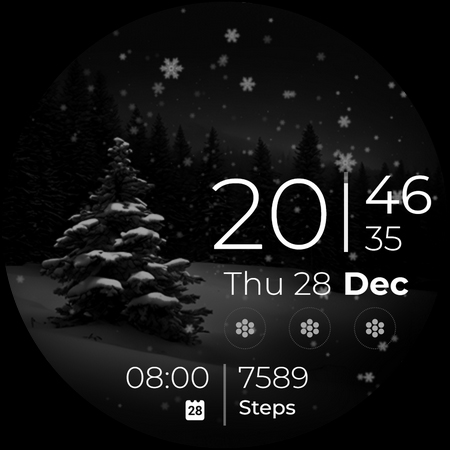
Snow Night is an artistic watch face designed for Wear OS devices, offering a captivating winter-themed experience. The watch face features ambient snowfall animation and customizable options, allowing users to create their ideal layout. With clear and bright indicators, visibility is excellent at a glance.
The app supports various customization features including color schemes, always-on display (AOD) styles, and complications. It is optimized for devices running Wear OS 5.0 and newer versions, ensuring compatibility and performance. Snow Night combines aesthetics with functionality, making it a perfect choice for users seeking both beauty and utility on their smartwatches.
Snow Night offers a rich set of features that enhance the user experience on Wear OS devices. The digital clock supports both 12-hour and 24-hour formats and includes interactive elements like tap-to-open functionalities for alarms, calendars, and battery information. Users can also customize two short-text indicators and four app shortcuts, providing quick access to frequently used apps.
One of the standout features is the long-press access to a comprehensive customization menu. This menu allows users to choose from 22 color combinations, three AOD cover options, and various complications. These customization options ensure that each user can tailor the watch face to their personal preferences, enhancing both aesthetics and usability.
Visually stunning design
Highly customizable options
Excellent visibility and clarity
Interactive and intuitive features
Optimized for Wear OS
Limited to Wear OS
Requires newer OS versions
Complex for beginners
Consumes more battery
Premium features need purchase

"PER27 Galaxy Digital" is a digital Wear OS watch face designed by PERSONA
 4.10
4.10
A full-featured Amazon Alexa voice assistant that can show you things.
3.70
Watch face for Wear OS.
4.20
Digital watch face. For Wear OS devices.
4.40
Ideal for surviving in the wasteland left after nuclear fallout
4.50
Funny animated watch face for Thanksgiving
4.0
Viewer for Wyze/Yi/Eufy/Arlo/ONVIF/RTSP/P2P IP cams w/ adv. features & DIY DVR
4.00
Hybrid watch face for Wear OS with customizable complications by Matteo Dini MD
4.70
Fitbit is dedicated to helping people lead healthier, more active lives.
4.10
Gym Log & Workout Tracker | Fitness Journal, Training & Weight Lifting Planner
4.90
Digital watch face with big numbers and many customization for Wear OS devices
4.40
Bold, Modern Hybrid Watch Face for Wear OS. 10 Colors, Rich Info Display.
4.30
Embrace the festive spirit with our Christmas Countdown watchface for Wear OS
4.10
Connect, create, and collaborate with Gmail, part of Google Workspace.
4.10
The #1 source of faces for your smartwatch!
4.00
Hyper-Realistic Airplane Dashboard Watch Face With 10 Skins and Custom AOD
4.00
Want to take charge of your health? Let Google Fit help you reach your goals.
3.50
Christmas is near, let's count together the days left until Santa comes
4.3
Contemporary digital watch face with five complications
4.4


User Reveiws