
ChargePoint

4.30

Information

Category:

Android Wear

Price:

Free

Rank:

35

Rating:

4.30

Overview

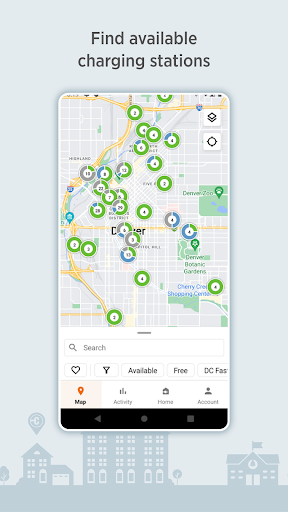
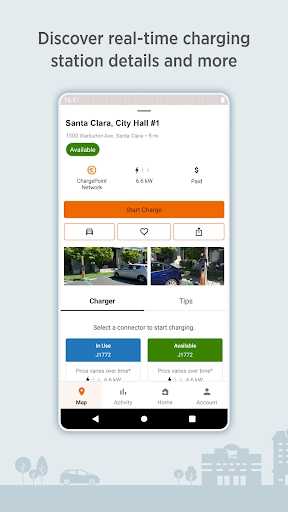
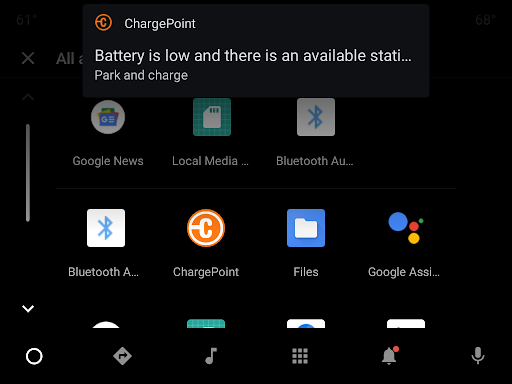
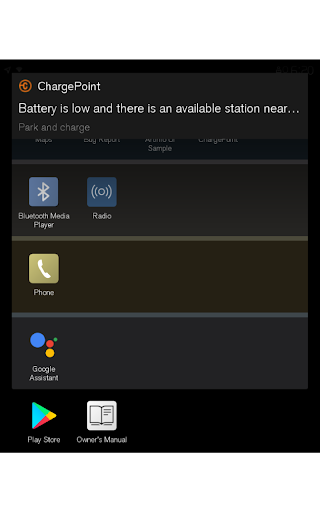
ChargePoint is the ultimate app for electric vehicle (EV) drivers, providing seamless access to the world's largest EV charging network. With hundreds of thousands of stations and roaming partners like FLO, EVgo, and Greenlot, it offers real-time station availability, customizable filters, and essential station details including pricing and driver tips.

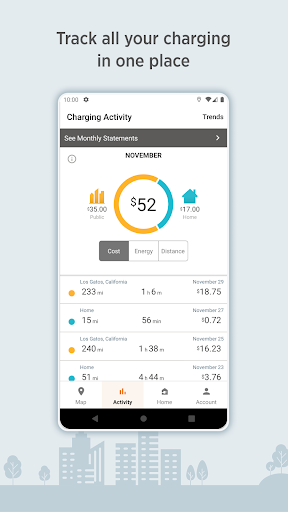
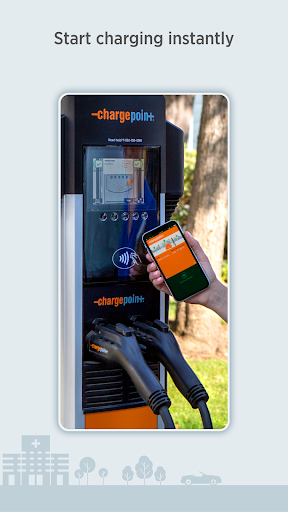
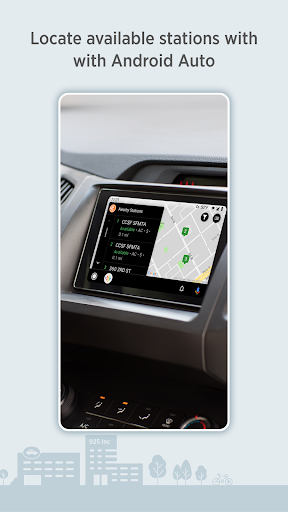
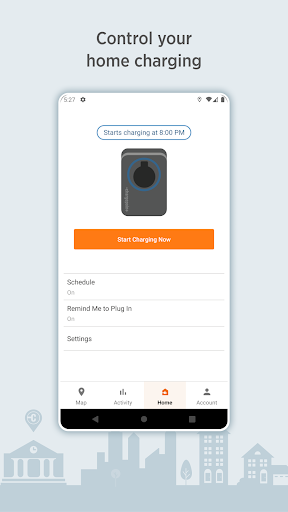
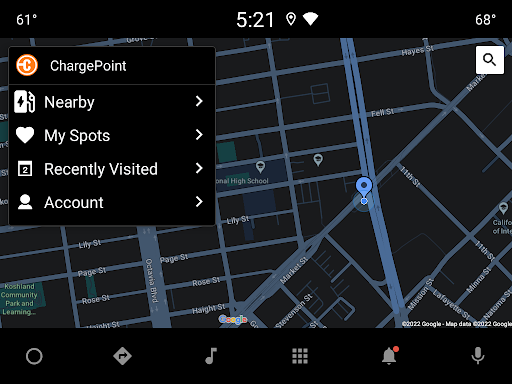
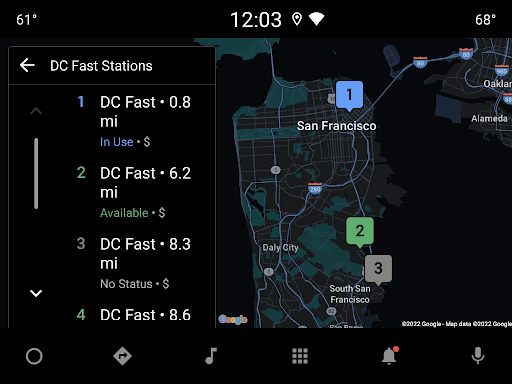
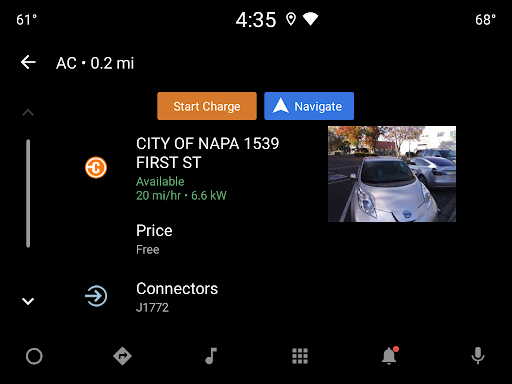
The app allows instant charging through Tap-to-Charge or RFID cards, while tracking all your charging activity in one place. It also supports home charging with ChargePoint Home Flex, provides live updates on charging status, and even integrates with Wear OS and Android Auto for maximum convenience. Whether you're charging at public stations or at home, ChargePoint ensures a smooth, tech-savvy experience that lets you leave your wallet behind.

Features

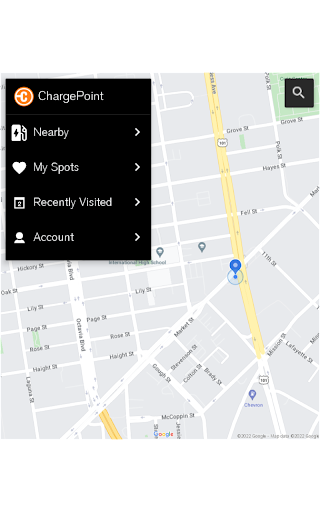
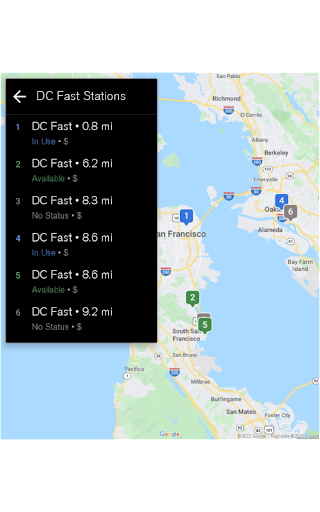
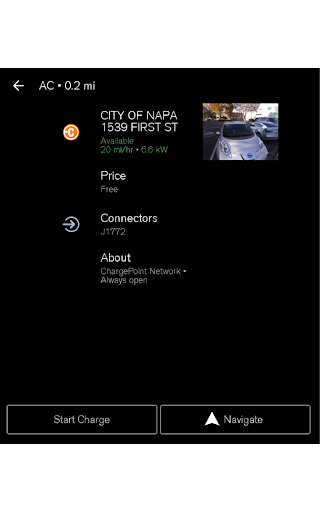
ChargePoint stands out with its comprehensive suite of features tailored for EV drivers. The app's real-time map displays station availability and key details such as pricing, popular charging times, and user tips. Its roaming capability allows users to charge at partner stations using a single account, while customizable filters help locate AC or DC fast chargers compatible with their vehicles.

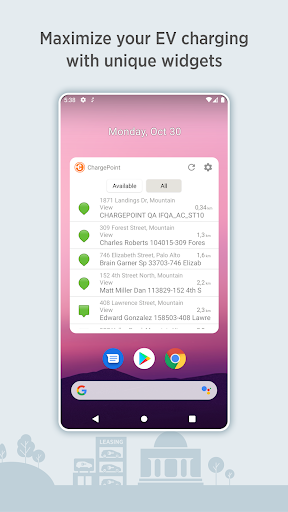
Additional premium features include instant charging via Tap-to-Charge, RFID integration, and detailed charging history analytics. Users can manage both public and home charging, schedule sessions, and receive live updates on charging status. The app also includes widgets for quick access to station info and charging controls, making it an indispensable tool for modern EV drivers.

Companion app integration

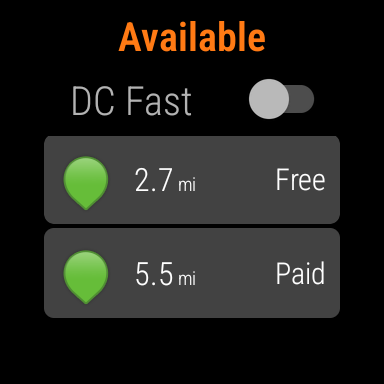
Companion app integration refers to the seamless connection and synchronization between a primary application and its wearable counterpart ensuring that users can access essential features across devices without interruption The ChargePoint app excels in this area by offering robust companion app integration with Wear OS by Google This allows electric vehicle EV drivers to enjoy an uninterrupted charging experience whether they are using their smartphone or smartwatch With the ChargePoint app users can tap to charge directly from their Wear OS device initiating charging sessions instantly and effortlessly This feature is particularly beneficial for drivers who prefer to keep their phone in their pocket or bag while still wanting to manage their EV charging conveniently The integration also enables users to view important information such as miles added to their range directly on their smartwatch display This ensures that drivers have all necessary charging details at their fingertips regardless of which device they choose to use Furthermore the companion app integration enhances user convenience by allowing seamless transitions between devices For instance if a driver starts interacting with the ChargePoint app on their smartphone they can continue managing their charging session on their Wear OS device without missing a beat This level of integration not only streamlines the user experience but also maximizes the utility of both devices providing a cohesive and efficient solution for managing EV charging activities

Wear OS/device compatibility

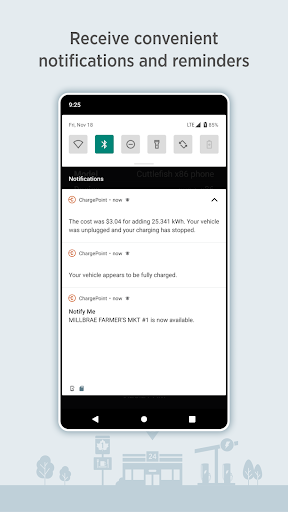
Wear OS/device compatibility pertains to how well an application functions across various devices running on the Wear OS platform ensuring consistent performance and user experience The ChargePoint app demonstrates exceptional compatibility with Wear OS devices making it an ideal choice for electric vehicle EV owners who rely on smartwatches for managing their daily activities With its optimized design the app provides a smooth and intuitive interface specifically tailored for Wear OS ensuring that users can easily navigate through its features without any compromise in functionality One of the standout aspects of the ChargePoint app's compatibility is its ability to initiate charging sessions directly from a Wear OS device Users can simply tap to start charging eliminating the need to take out their smartphones This feature is especially valuable when users are engaged in activities where accessing a phone might be inconvenient or unsafe Additionally the app offers real-time updates and notifications on Wear OS devices keeping users informed about their charging status including when their vehicle has finished charging or if a charging station becomes available This proactive approach to information delivery enhances the overall user experience by ensuring that drivers are always aware of their EV's charging progress Moreover the ChargePoint app maintains consistent performance standards across different Wear OS devices regardless of screen size or hardware specifications This universal compatibility guarantees that all users receive the same high-quality experience whether they are using a newer model or an older version of a Wear OS smartwatch By prioritizing device compatibility the ChargePoint app ensures that EV drivers can rely on their preferred wearable technology to manage their charging needs effectively and efficiently

Props

User-friendly interface

Extensive charging network

Real-time station updates

Seamless payment options

Advanced customization tools

Cons

Occasional connectivity issues

Limited rural coverage

Premium feature costs

Requires account setup

Dependent on third-party stations

Features and Functions

What is this app and what can I use it for?

A comprehensive EV charging app connecting drivers to a vast network of stations.

How do I download and install this app on my device?

Visit Google Play Store, search for ChargePoint, and tap Install.

How do I get started after opening the app for the first time?

Open the app, create an account, and explore the map for nearby stations.

What are the main features and capabilities of this app?

Real-time station info, Tap-to-Charge, and home charging management.

How can I customize my experience and adjust preferences?

Customize station filters, set charging preferences, and enable notifications.

How do I save or bookmark my favorite content for later access?

Bookmark favorite stations directly on the interactive map.

How can I share content with friends or on social media?

Share station info via social media links within the app.

How do I access detailed information and explore more content?

Tap on any station pin to view detailed information and reviews.

What permissions does this app need and how do I manage them?

The app needs location and notification permissions for full functionality.

How do I check for updates and keep the app running smoothly?

Enable auto-updates in Google Play Store to keep the app current.
Show more

User Reveiws

{{ comment.reviewer_name }}
{{ comment.review_date_formatted}}
{{ comment.review_content }}
{{ tab.name }}
{{ comment.reviewer_name }}
{{ comment.review_date_formatted}}
{{ comment.review_content }}
No reviews with this rating


















