
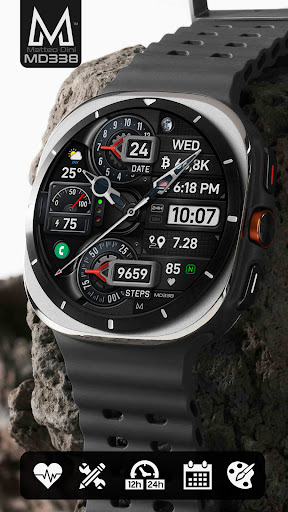

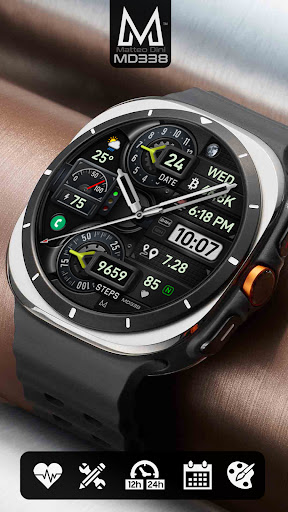
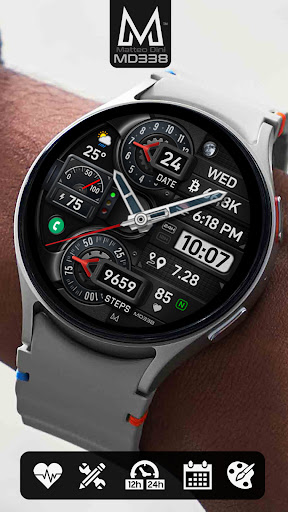
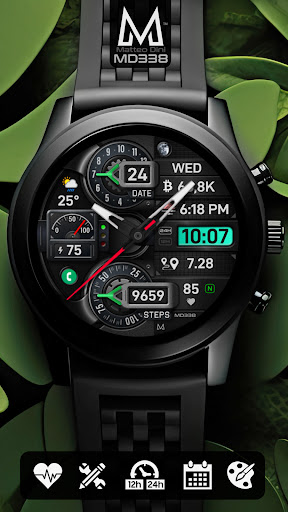
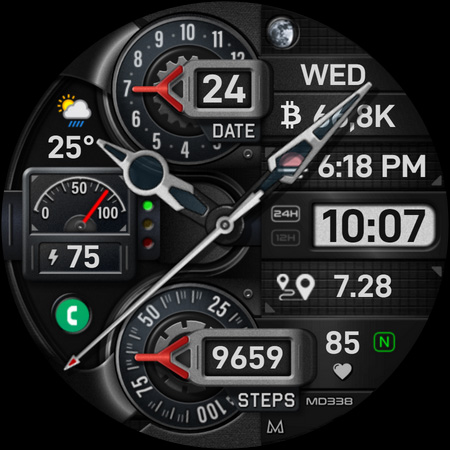

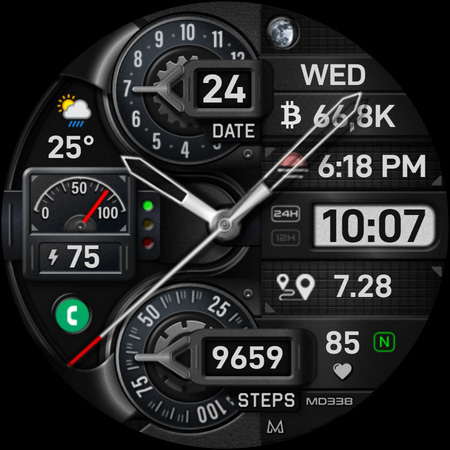

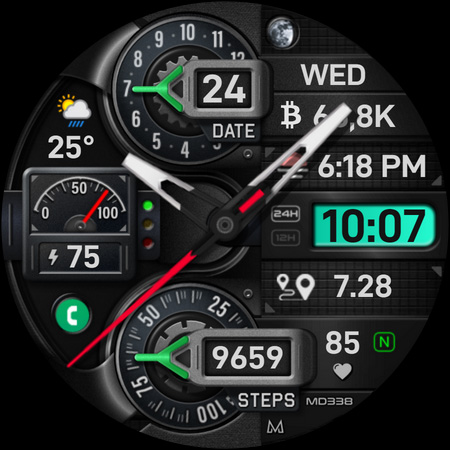
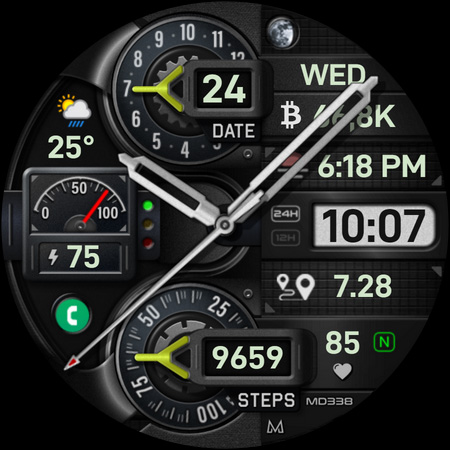
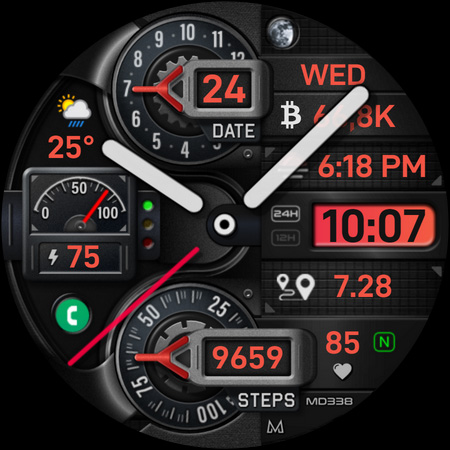
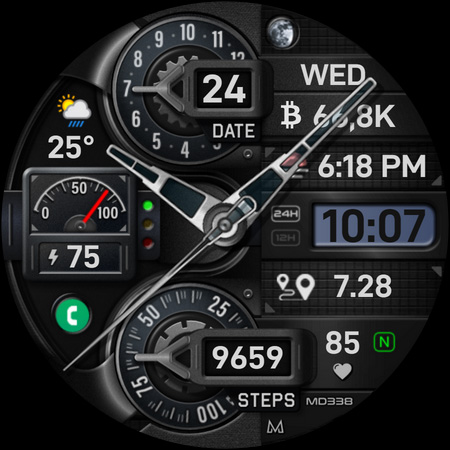
MD338 Hybrid watch face is a cutting-edge application designed for Wear OS devices, offering users an advanced and customizable timekeeping experience. This watch face supports all Wear OS devices with API Level 33+ and later versions, including Samsung Galaxy Watch 4-8, Ultra, and Pixel Watch.
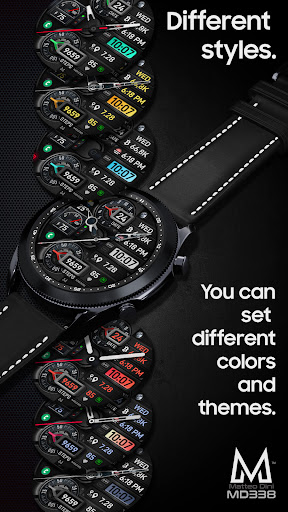
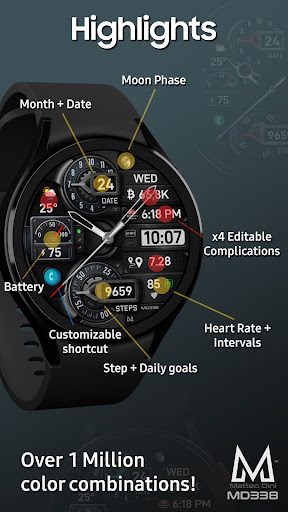
The app features a hybrid design that combines traditional watch aesthetics with modern smartwatch functionality. Users can enjoy up to 1 million color combinations, 4 preset app shortcuts, and 1 customizable shortcut. Additionally, it provides 4 customizable complications that display preferred data such as weather, barometer readings, distance walked, calories burned, UV index, and chance of rain.
With its extensive customization options, MD338 allows users to personalize their watch faces according to their preferences. The app syncs with phone settings for 12/24hr format, displays date and months, monitors battery and heart rate, and offers always-on display modes. Whether you're looking to track daily step goals or monitor health metrics, this watch face delivers both style and functionality.
MD338 Hybrid watch face stands out with its rich feature set tailored for personalization and utility. One of the key highlights is the ability to customize up to 4 complications, allowing users to display data such as weather, health metrics, world clock, and more. These complications are powered by external apps, providing flexibility in data presentation.
The app includes 9 sets of hands, steps and daily step goals tracking, and customizable colors for LCD, arrows, theme, and general appearance. Users can choose from 12/24hr format syncing with phone settings, hybrid design elements, and date/months display. Additionally, features like battery and heart rate monitoring ensure that users stay informed about their device status and health metrics.
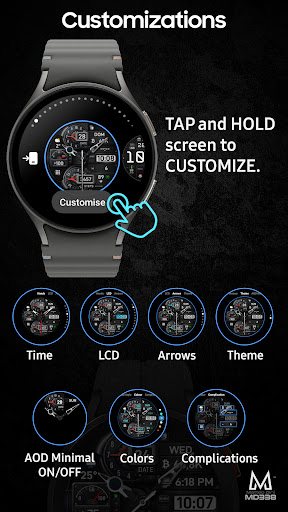
Customization is made easy through touch-and-hold functionality on the watch screen, enabling users to personalize their watch face effortlessly. With always-on display modes available in minimal and full formats, MD338 ensures visibility and convenience. Moreover, hideable hands add another layer of personalization, making this watch face a versatile choice for Wear OS users.
Highly customizable
Wide device compatibility
Rich complication options
Vibrant color combinations
User-friendly interface
Complex setup process
Limited stock complications
Dependent on external apps
Potential battery drain
Not all features on every device

an Analog Watch Face for winter season with freeze winter background for Wear OS
 4.3
4.3
Deck out your Wear OS Watch face with a beautifully decorated pine wreath!
4.50
Stunning modern digital watch face with 7 complications and strong contrast
4.1
Sleek, highly customizable watch face inspired by Galaxy Watch Circle Dashboard.
4.1
Bold, Modern Hybrid Watch Face for Wear OS. 10 Colors, Rich Info Display.
4.30
Hyperlocal rain alerts by MyRadar using patent-pending technology, radar & more
4.80
Professional weather radar and more
3.90
Fast and smart typing with Emojis, GIFs, and more
4.50
Track your active life in one place and share the journey with friends.
4.40
A modern hybrid informative watch face for Wear OS designed by BALLOZI
4.80
The most customizable hybrid watch face. For Wear OS 5.0, API 34+ and later
4.70
Gym & home workout plans with strength training, exercise tracking, HIIT & more.
4.60
Find EV charging stations
4.30
The ultimate destination for kids ages 3-8 to explore the Marvel Universe!
4.30
A customizable Christmas watch face for Wear OS with a countdown.
4.20
Let's celebrate Thanksgiving - Wear Os watch face
4.20
Animated video-game inspired “secret agent” simulation, right on your wrist!
4.20
Structured watch face with seven complications and modular UI elements
3.90
A Wintery Snow Globe on Your Wrist; now celebrating Christmas!
4.0


User Reveiws