
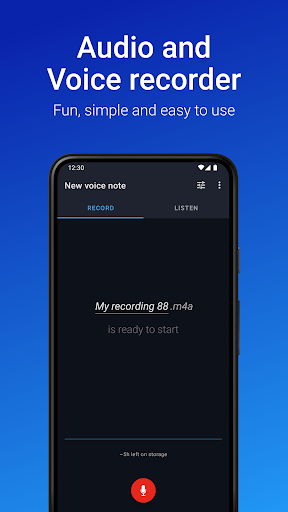
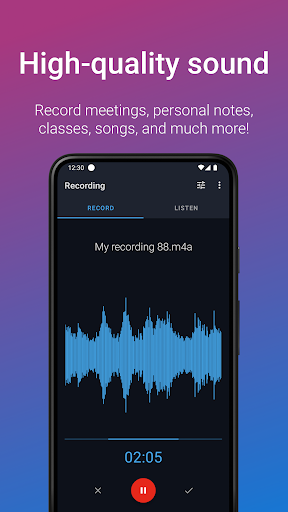
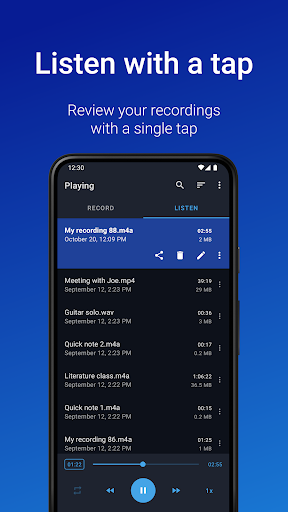
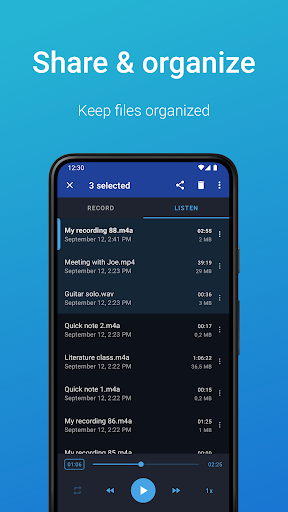

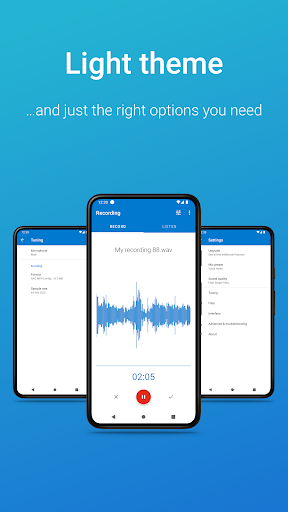
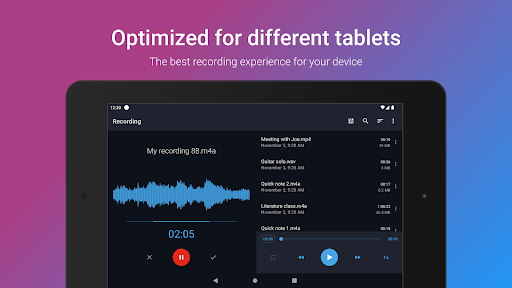
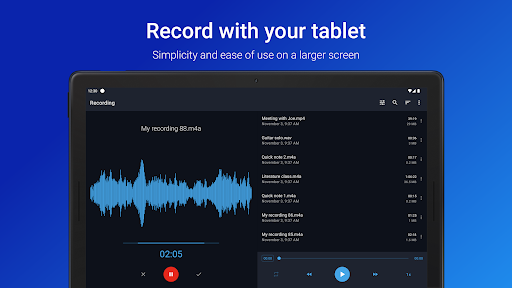
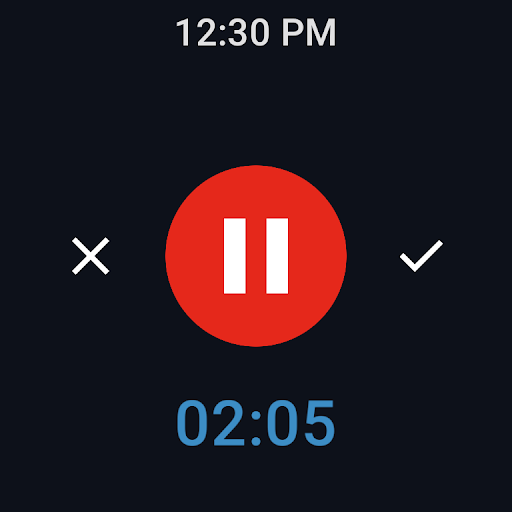
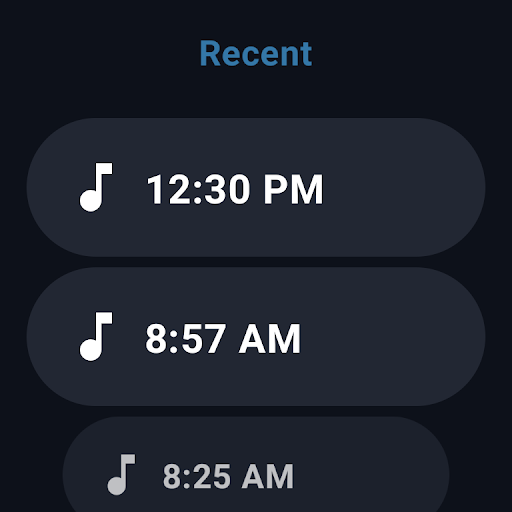
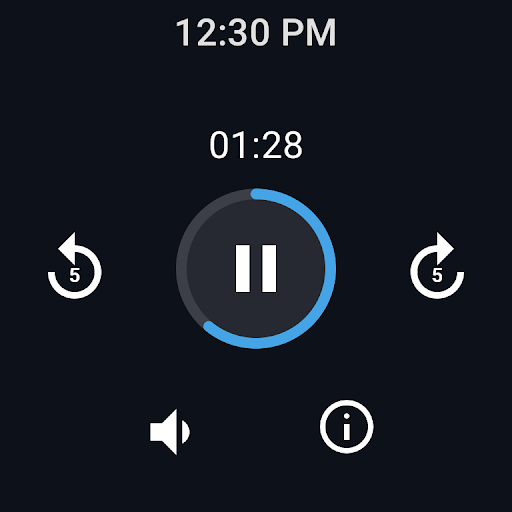
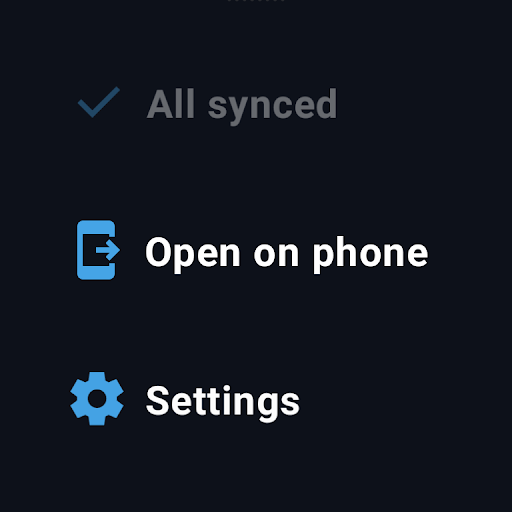
Easy Voice Recorder is a versatile audio recording application designed for Android devices, including smartwatches. It allows users to capture high-quality recordings of meetings, classes, music, and more without any time restrictions. The app offers multiple formats such as PCM, MP4, and AMR, ensuring flexibility in storage and quality.
With its user-friendly interface, Easy Voice Recorder caters to various user groups. Students can record lectures and adjust playback speed for efficient studying. Business professionals can document interviews and meetings, sharing them effortlessly via email or messaging apps. Musicians benefit from customizable settings that adapt to different recording environments, making it ideal for capturing spontaneous musical ideas.
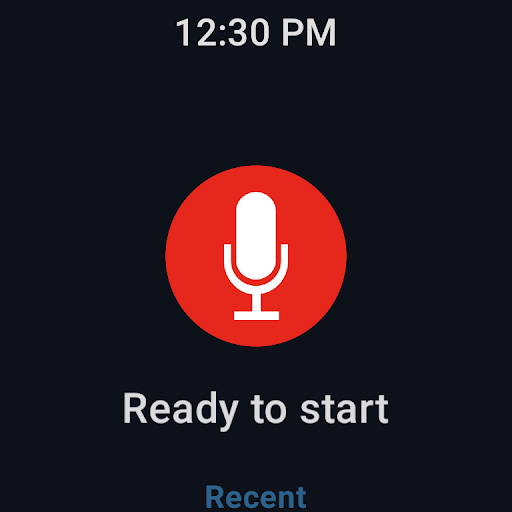
The app's practical features extend to wearable technology, supporting Wear OS for convenient on-the-go recording. Whether you're a student revising for exams, a professional managing business communications, or a musician experimenting with new compositions, Easy Voice Recorder provides an adaptable solution tailored to your recording needs.
Easy Voice Recorder stands out with its comprehensive feature set tailored for diverse recording scenarios. The app supports high-quality PCM and MP4 formats, alongside space-saving AMR options, catering to both quality-conscious and storage-sensitive users. Its intuitive widgets and shortcuts enable quick access to recording functions directly from the home screen, allowing seamless background recording.
Sharing capabilities are robust, enabling users to distribute recordings via email or preferred messaging platforms easily. For smartwatch users, the Wear OS integration facilitates instant recording initiation through dedicated watch tiles. Additionally, the Pro version unlocks advanced functionalities like automatic cloud uploads to Google Drive or Dropbox, support for MP3, FLAC, and AAC formats, and Bluetooth microphone compatibility.
Further enhancing its utility, the Pro edition includes editing tools for trimming unwanted sections, organizational features with folder management, and stereo recording options. These attributes make Easy Voice Recorder not only a simple audio capture tool but also a sophisticated sound management system adaptable to various professional and personal contexts.
User-friendly interface
High-quality recording formats
Wear OS compatibility
Flexible sharing options
Customizable settings
Limited free features
No automatic backup
Pro version costs extra
Occasional bugs reported
Not a call recorder

Precision analog watch face with 7 complications and style options
 4.1
4.1
Christmas is near, let's count together the days left until Santa comes
4.0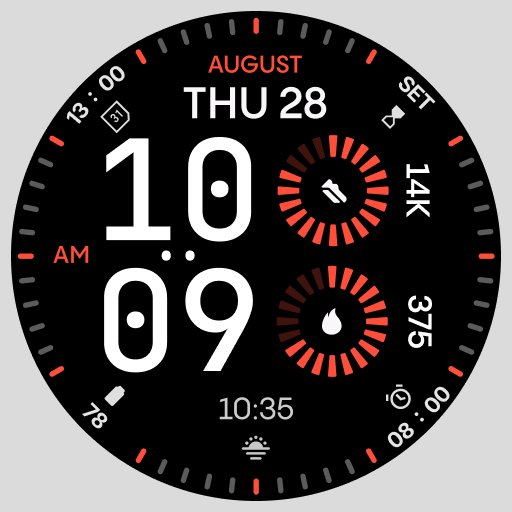
Stunning modern digital watch face with 7 complications and strong contrast
4.2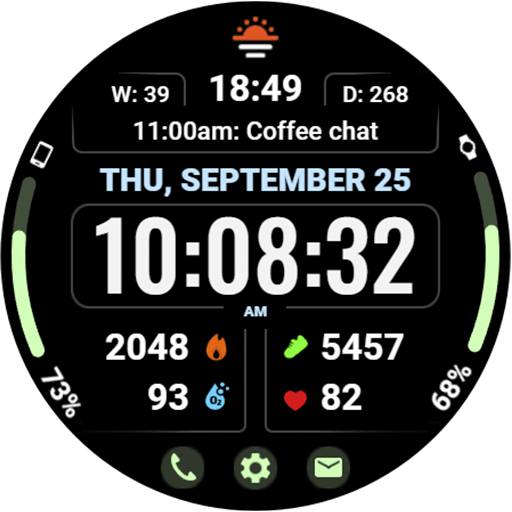
Beautiful, colorful and practical watch face. For Wear OS devices.
5.00
Digital watch face with big numbers and many customization for Wear OS devices
4.40
Stylish digital watch face for Wear OS devices with customizable features
4.2
A modern hybrid informative watch face for Wear OS designed by BALLOZI
4.80
Fast and smart typing with Emojis, GIFs, and more
4.50
Spam call blocker and caller ID for automatic call protection!
4.40
Christmas Theme Watch Face for Wear Os
5.00
The Chevron App allows you to pay for fuel from the comfort of your car!
4.80
Highly customizable hybrid watch face for Wear OS, perfect for everyday use.
4.60
Retro digital watch face with customizable colors and a unique lighting effect
4.60
Deck out your Wear OS Watch face with a beautifully decorated pine wreath!
4.50
Premium hybrid watch face with many customizations for Wear OS devices.
4.40
A customizable Christmas watch face for Wear OS with a countdown.
4.20
Watch face designed for Thanksgiving Day. 7 Background Styles included.
3.20
an Analog Watch Face for winter season with freeze winter background for Wear OS
4.2
Hybrid Vibrant Health Watch Face for Wear OS
4.5


User Reveiws