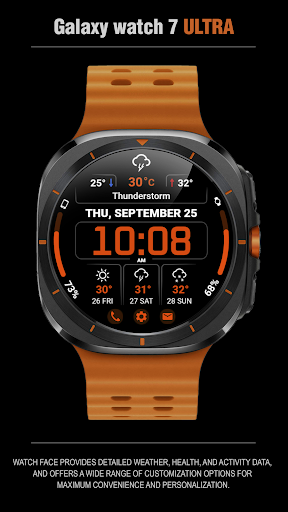
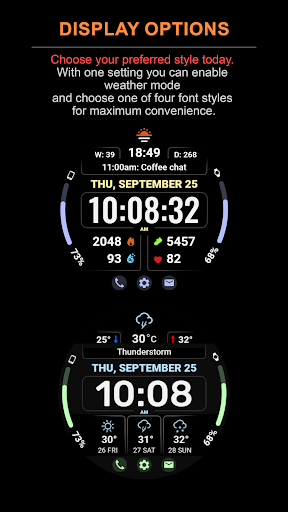
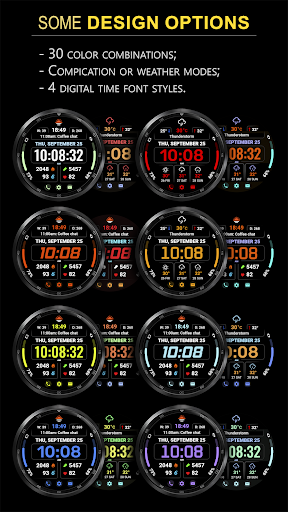
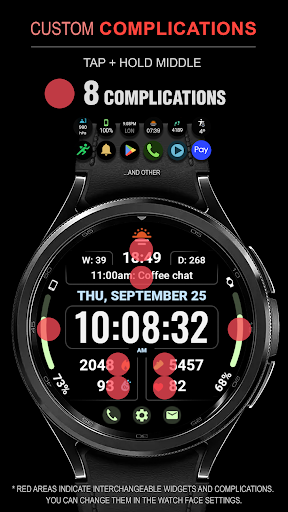
WFP 345 Informer watch face

5.00

Information

Category:

Android Wear

Price:

$ 0.79

Rank:

81

Rating:

5.00

Overview

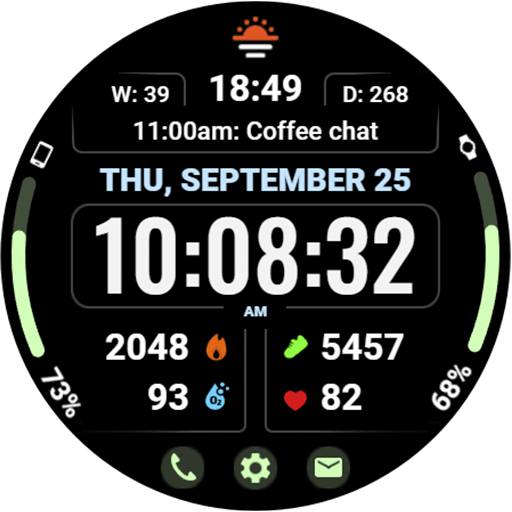
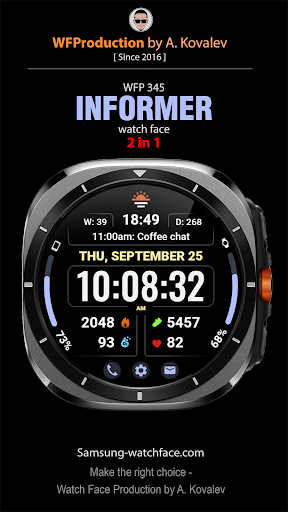
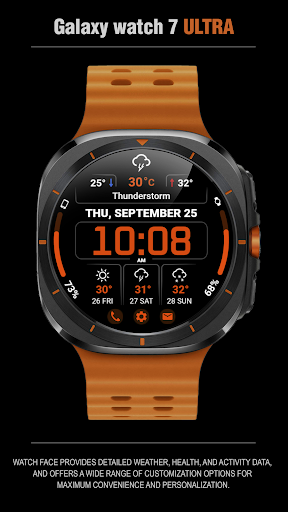
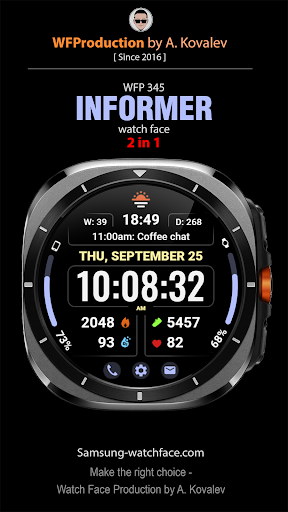
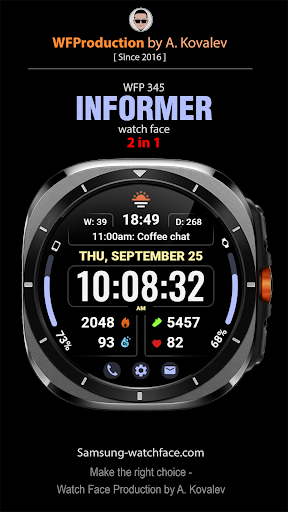
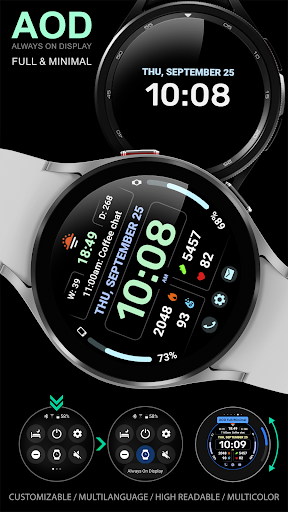
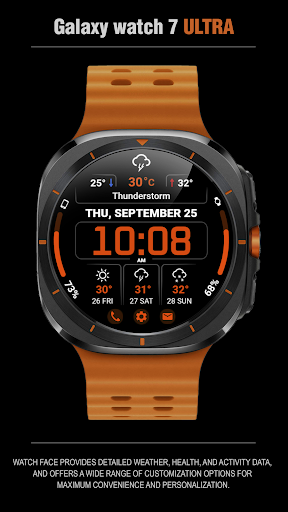
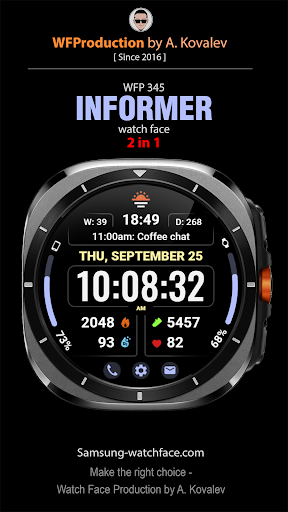
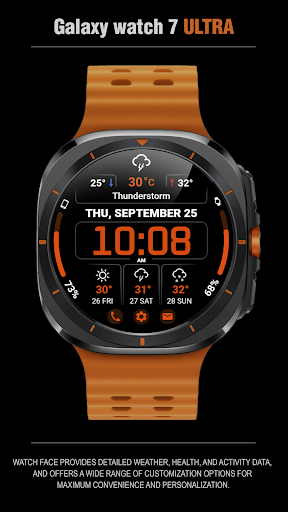
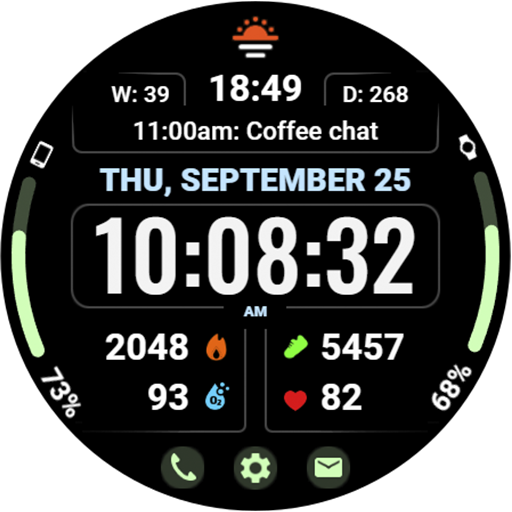
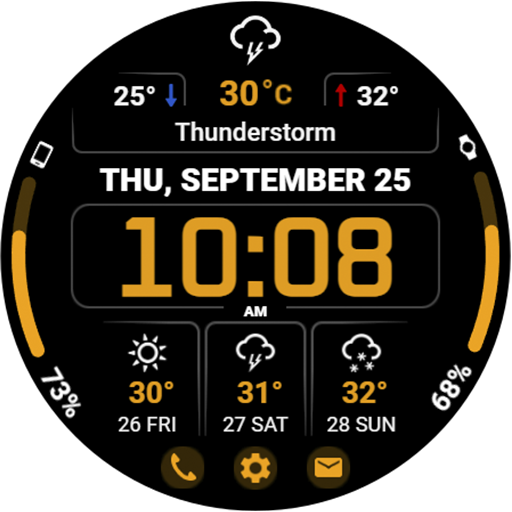
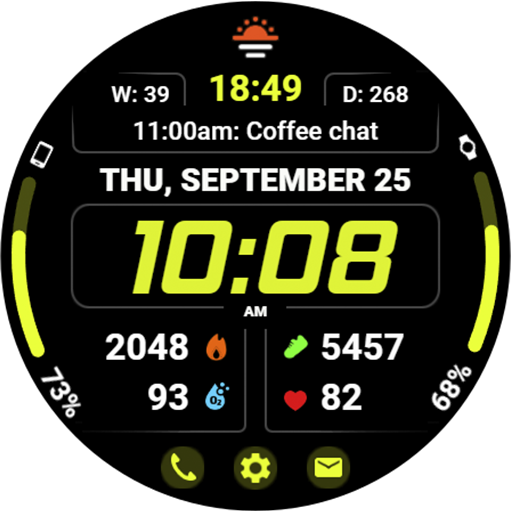
WFP 345 Informer watch face is a feature-rich Android Wear application that combines style and functionality. It offers users detailed weather forecasts, health tracking, and activity monitoring while providing extensive customization options for a personalized experience.

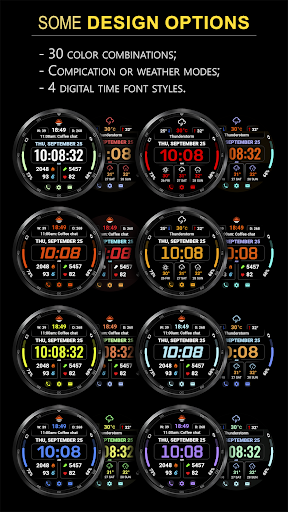
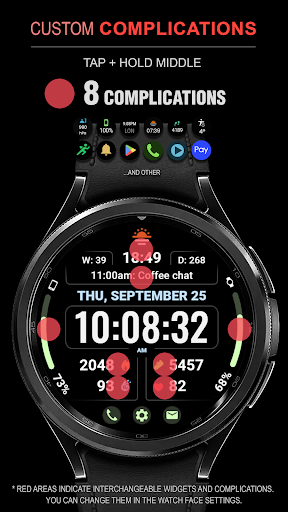
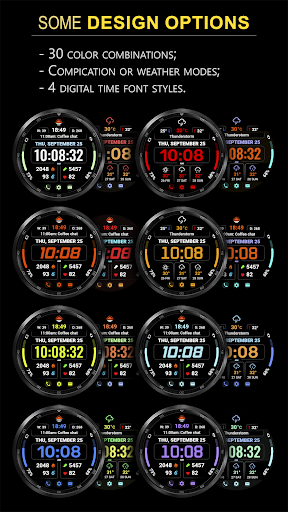
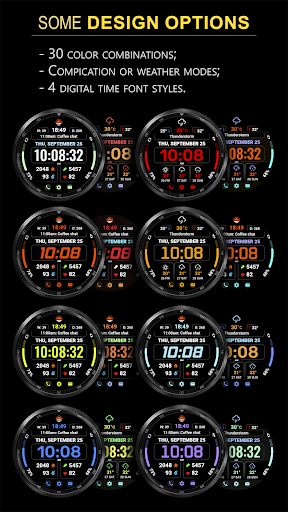
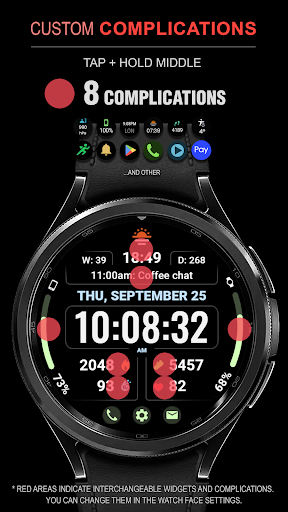
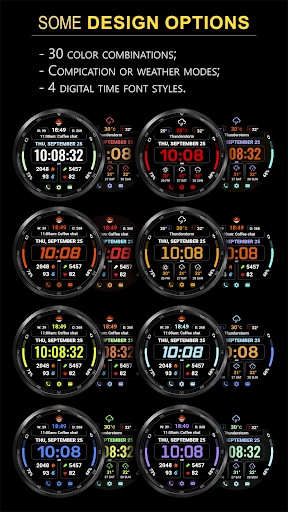
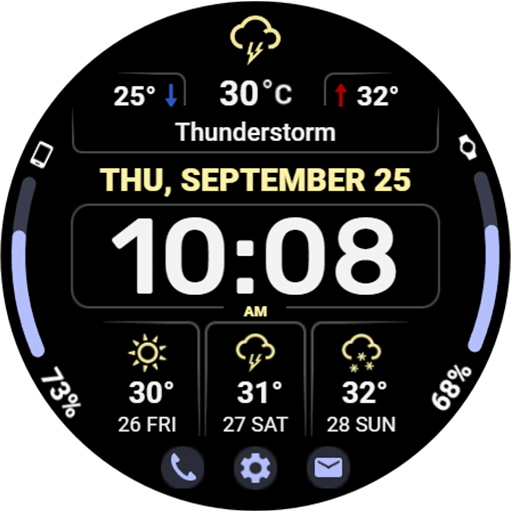
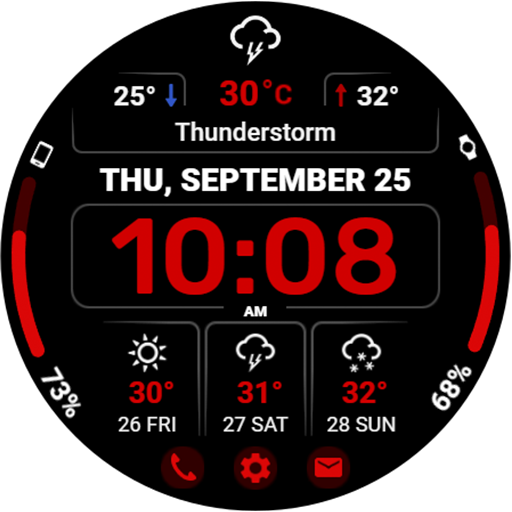
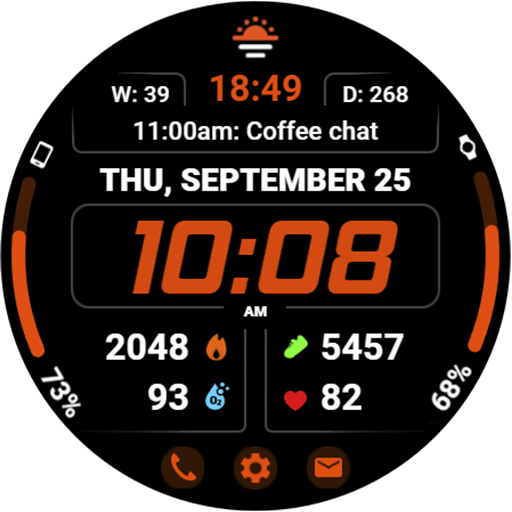
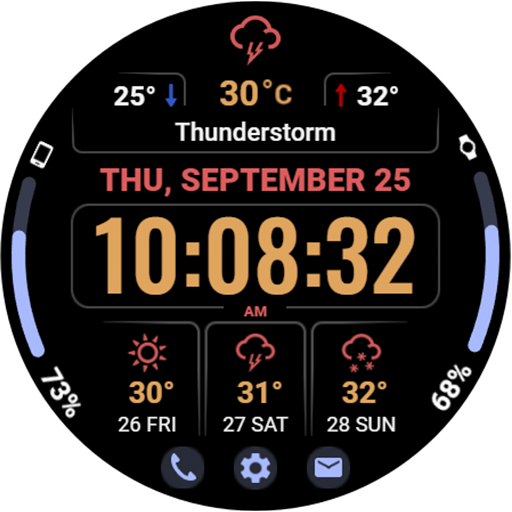
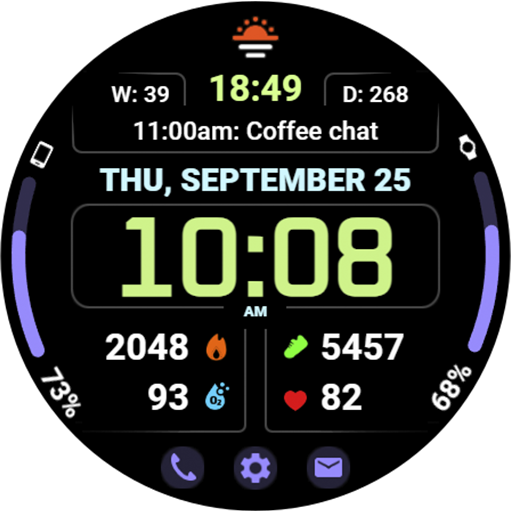
This smartwatch face stands out with its dual-mode functionality, offering either complications or weather forecasts. With support for 8 complications, 30 color choices, and various display modes, it ensures both utility and personalization. The high-resolution display and optimization guarantee clear visuals and efficient battery usage, making it ideal for users seeking both aesthetics and performance on their wearables.

Features

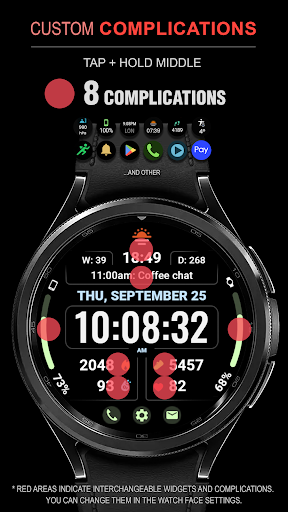
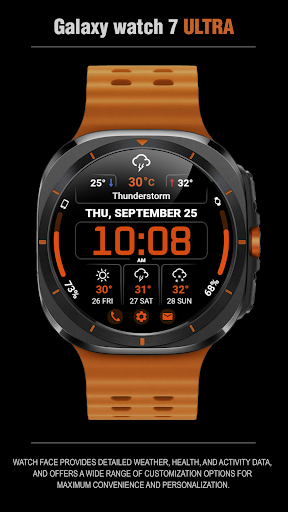
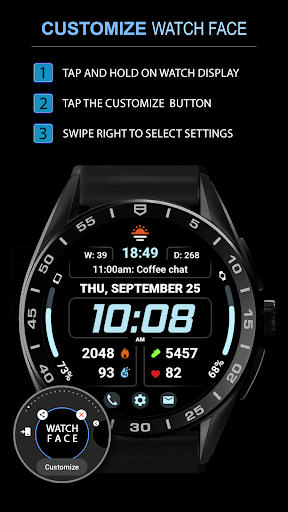
The WFP 345 Informer watch face boasts an impressive array of features designed to enhance user interaction and convenience. With 8 customizable complications, users can access vital information at a glance, such as weather updates, health metrics, and more.

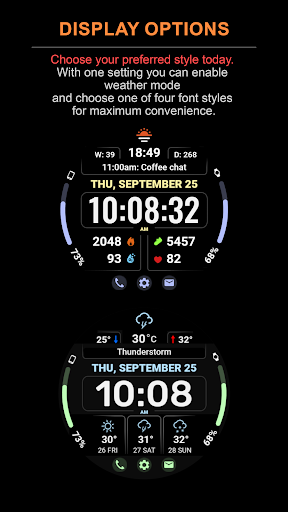
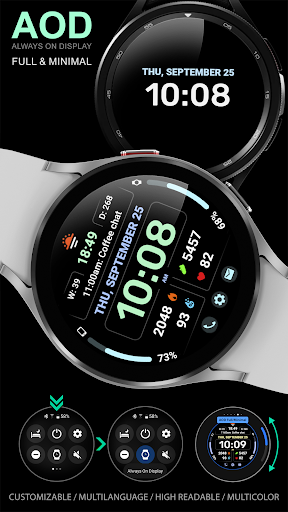
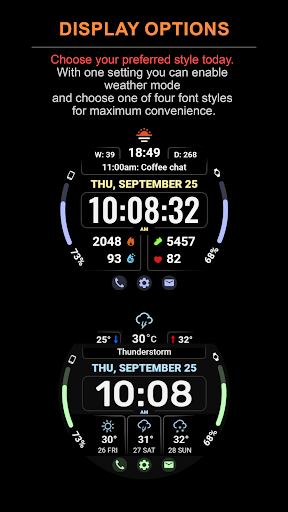
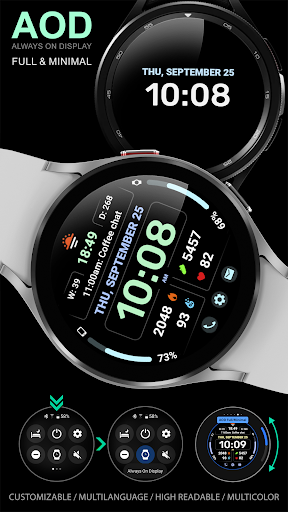
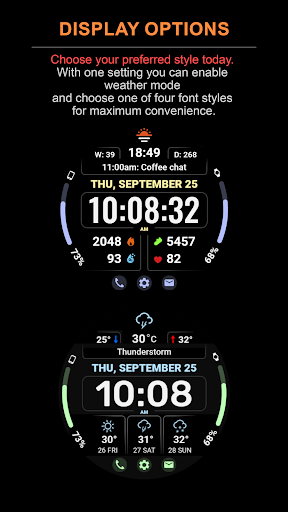
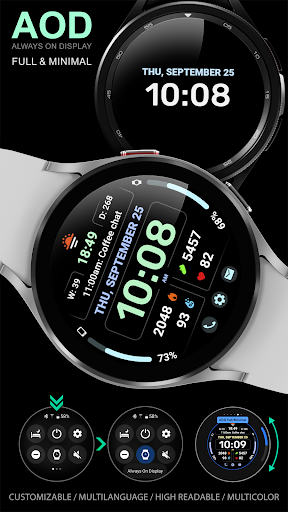
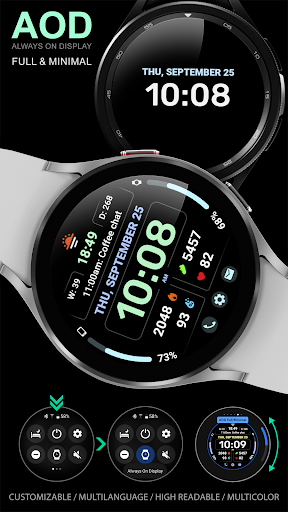
One of the standout features is the dual-mode functionality, allowing users to switch between displaying complications or a comprehensive 3-day weather forecast. This flexibility extends to other aspects, including temperature displays in Fahrenheit or Celsius, multiple time font styles, and quick-access buttons. Additionally, the minimal Always-On Display (AOD) mode and customizable AOD settings ensure usability even when the watch is in low-power mode.

Optimized for performance, this watch face consumes minimal battery while maintaining high resolution and responsiveness. Its multilingual support further broadens its appeal, catering to a global audience looking for both form and function in their smartwatch faces.

Companion app integration

The WFP 345 Informer watch face demonstrates exceptional companion app integration by providing users with a comprehensive suite of features that extend the utility of their wearable devices through seamless synchronization with their smartphones. This sophisticated integration allows for real-time updates and interactions, ensuring that users have access to the latest information without delay. For instance, the weather forecast functionality delivers precise meteorological data up to three days in advance, including minimum and maximum temperatures, directly on the watch face. Additionally, health and activity tracking is made effortless as the watch face displays detailed metrics such as calories burned and floors climbed, which are easily configurable via the companion app. The ability to customize the watch face with up to eight complications, choose from 30 color options, and select between two distinct modesu2014complications or weather forecastu2014further enhances personalization. Users can also enjoy quick access to essential functions through three dedicated buttons and toggle between Fahrenheit and Celsius temperature scales. With high-resolution graphics, multilingual support, and an optimized design that minimizes battery consumption, this watch face ensures both aesthetic appeal and practical usability. By following simple installation instructions available at samsung-watchface.com/instructions, users can effortlessly set up these advanced features. Moreover, those interested in additional functionalities like phone charge widgets can find guidance at samsung-watchface.com/settings. Overall, the WFP 345 Informer watch face exemplifies how effective companion app integration can significantly enhance user experience by offering a versatile, personalized, and efficient interface for managing daily activities and staying informed.

Wear OS/device compatibility

Ensuring broad Wear OS and device compatibility, the WFP 345 Informer watch face stands out as a versatile solution designed to work harmoniously across a range of smartwatches running on the Wear OS platform. This compatibility is crucial for users who demand flexibility and reliability in their wearable technology. The watch face supports high-resolution displays, delivering crisp and clear visuals that maintain their quality even in minimal AOD mode, thus catering to various screen sizes and resolutions. Its highly optimized design not only guarantees smooth performance but also addresses power efficiency concerns, consuming minimal battery while providing extensive features. These include eight customizable complications, a three-day weather forecast, and multiple time font styles, all of which contribute to a tailored user experience. Furthermore, the watch face accommodates different user preferences and regional requirements by offering temperature readings in both Fahrenheit and Celsius scales and supporting multilingual interfaces. To facilitate ease of use, the watch face integrates seamlessly with smartphone apps, enabling real-time updates and interactions. Detailed setup instructions for installation and additional functionalities such as phone charge widgets are readily accessible through provided links, ensuring that users can maximize the potential of their devices regardless of model or configuration. Whether it's configuring tap zones for hidden complications under weather mode or adjusting settings for optimal visibility and functionality, the WFP 345 Informer watch face provides intuitive controls and clear guidelines. By prioritizing compatibility and optimization, this watch face ensures that users enjoy a consistent and enriching experience across diverse Wear OS devices, making it a reliable choice for those seeking a blend of style, functionality, and adaptability in their smartwatch accessories.

Props

Highly customizable

Accurate weather data

Low battery usage

High resolution display

Multilingual support

Cons

Complications hidden in Weather Mode

Complex setup for beginners

Limited widget functionality

Requires internet for updates

Premium features need purchase

Features and Functions

What is this app and what can I use it for?

A stylish and functional watch face with weather and health tracking

How do I download and install this app on my device?

Visit Google Play Store, search for WFP 345, and tap install

How do I get started after opening the app for the first time?

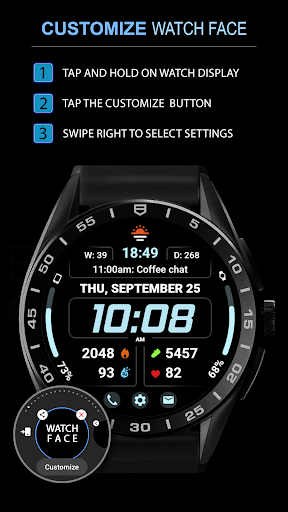
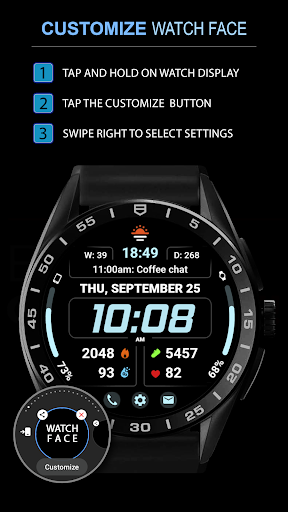
Follow on-screen instructions to set preferences and customize view

What are the main features and capabilities of this app?

Weather forecasts, health metrics, and customizable display options

How can I customize my experience and adjust preferences?

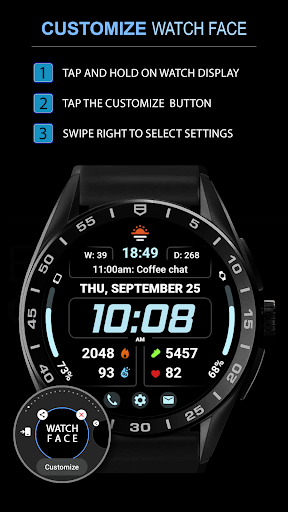
Adjust colors, fonts, and modes via the settings menu

How do I save or bookmark my favorite content for later access?

Use complications to track preferred metrics on the main screen

How can I share content with friends or on social media?

Share your customized layout through supported social media links

How do I access detailed information and explore more content?

Tap specific sections for detailed info like weather forecasts

What permissions does this app need and how do I manage them?

Needs location and health data permissions managed in settings

How do I check for updates and keep the app running smoothly?

Enable auto-updates in Google Play Store for latest version
Show more

User Reveiws

{{ comment.reviewer_name }}
{{ comment.review_date_formatted}}
{{ comment.review_content }}
{{ tab.name }}
{{ comment.reviewer_name }}
{{ comment.review_date_formatted}}
{{ comment.review_content }}
No reviews with this rating

















