
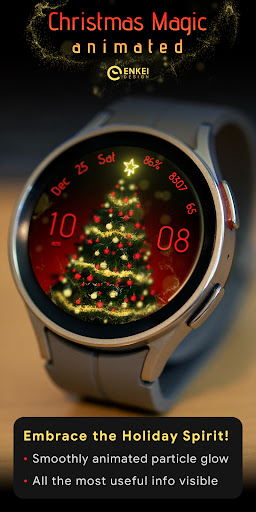
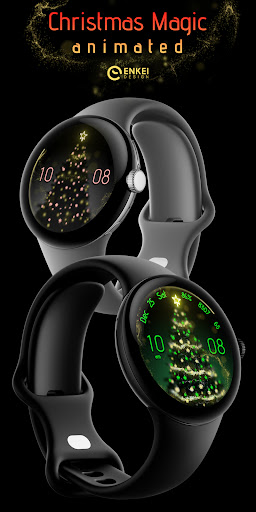
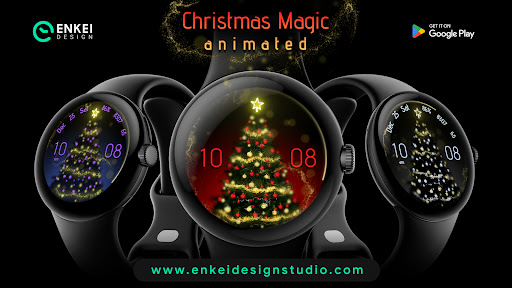
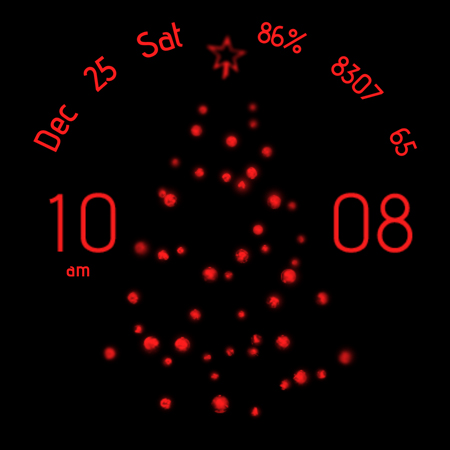
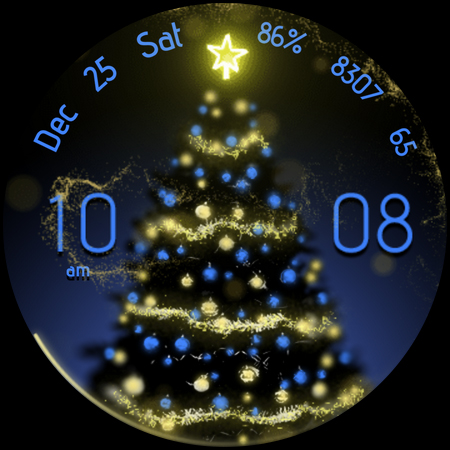
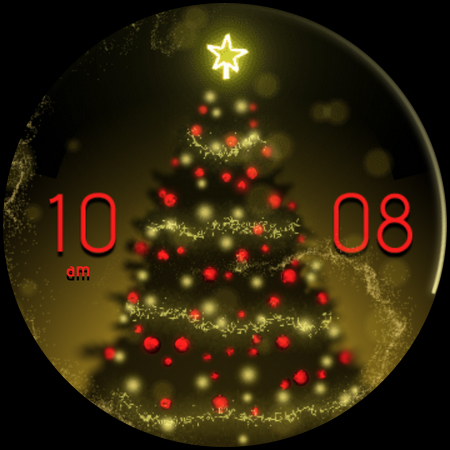

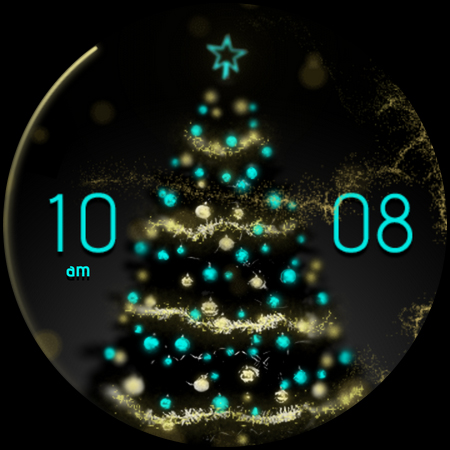
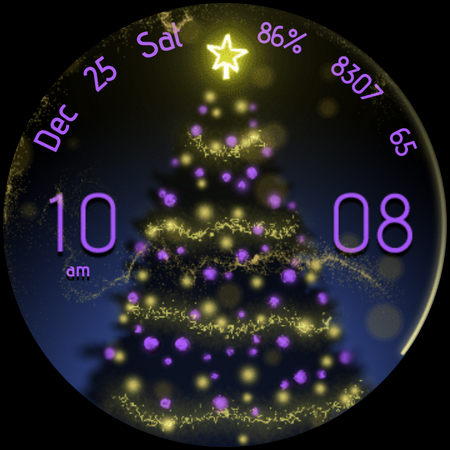

Christmas Magic is a stunning Wear OS watch face that combines festive charm with practical functionality. Featuring a beautiful golden 'fairy dust' animation and extensive customization options, this app transforms your smartwatch into a magical timepiece.
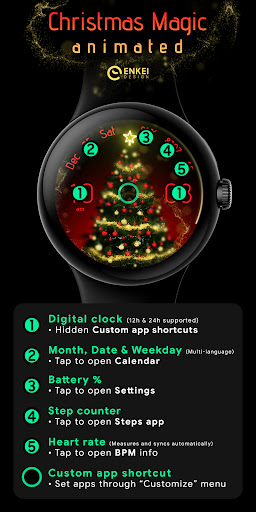
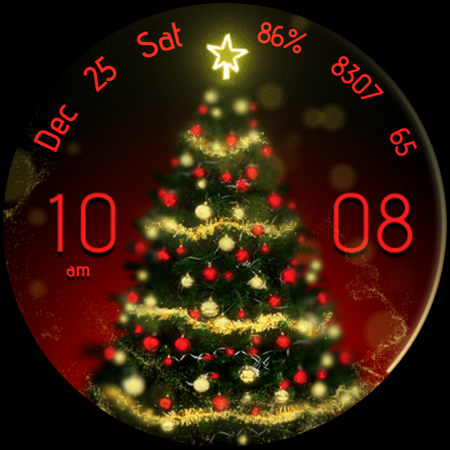
The watch face includes essential indicators like digital clock, date, battery percentage, step counter, and BPM monitor. Each element has interactive features - tapping different sections opens corresponding apps or settings. The design works exclusively on Wear OS 5.0 and newer versions (API 34+), ensuring optimal performance on compatible devices.
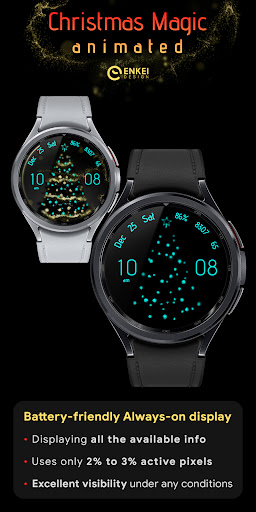
Users particularly appreciate the efficient Always-On Display (AOD) mode and the customizable menu with multiple color options and display settings. Whether you're looking to track fitness goals or simply enjoy a visually appealing watch face, Christmas Magic offers both style and substance for your wearable device.
Christmas Magic stands out with its comprehensive feature set tailored for Wear OS users. The watch face showcases a unique 'fairy dust' animation effect while maintaining excellent battery efficiency through its optimized AOD mode that uses less than 3% of active pixels.
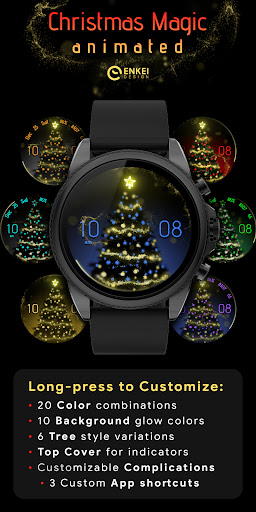
Customization is at the core of this application. Users can personalize their experience through a long-press menu offering 20 accent colors, 10 background colors, and 6 tree styles. The interface includes practical elements like multi-language support for date display and three hidden customizable app shortcuts accessible by tapping different clock sections.
Functionality extends beyond aesthetics with useful indicators including BPM monitoring, step tracking, and battery percentage display. Each interactive element serves dual purposes - displaying information while providing quick access to relevant apps. The developer's attention to detail is evident in features like automatic BPM syncing and the convenient tap-to-open functionality for various system settings.
Visually stunning design
Extensive customization options
Efficient battery usage
Interactive interface elements
Comprehensive feature set
Limited to Wear OS 5.0+
No iOS compatibility
Premium price point
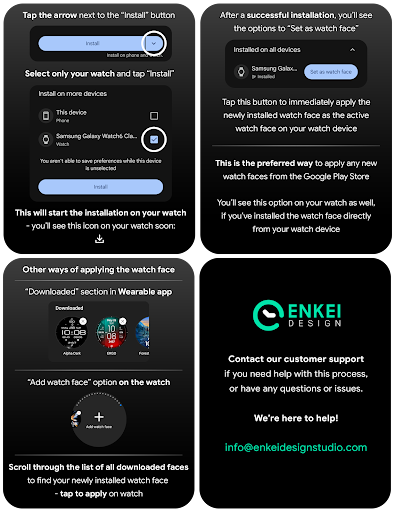
Complex setup process
Requires companion app

Walking app for weight loss: walk & step tracker, pedometer, indoor treadmill
 4.60
4.60
an Analog Watch Face for winter season with freeze winter background for Wear OS
4.4
Analog watch face with 8 complications and expedition styling
4.5
Deck out your Wear OS Watch face with a beautifully decorated pine wreath!
4.50
Be an elegant and classy secret agent, with this carefully detailed watch face
4.70
Nutrition, Macro tracker: Food, fitness & healthy diet tracking for weight loss
4.60
Stay in touch with your friends and family using LINE!
3.40
Funny animated watch face for Thanksgiving
4.0
Hyper-Realistic Airplane Dashboard Watch Face With 10 Skins and Custom AOD
4.00
Hyperlocal rain alerts by MyRadar using patent-pending technology, radar & more
4.80
A modern hybrid informative watch face for Wear OS designed by BALLOZI
4.80
MyNISSAN® lets you remotely control your car from your phone.*
4.50
Ideal for surviving in the wasteland left after nuclear fallout
4.50
Current temperature, weather hourly, weather radar by the weather forecast app
4.40
Beautiful artistic animated digital watch face, with a customizable layout!
4.40
Watch the sharpness of the sky on your wrist..
3.70
Wear Os Watch Face - Animated Snow Effect & Christmas Lights
4.5
Christmas is near, let's count together the days left until Santa comes
4.5
Fitness interactive virtual pet super fighter boy watch face
4.3


User Reveiws