
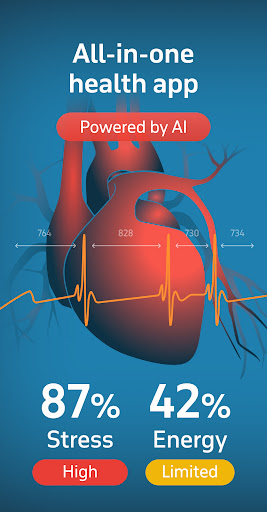
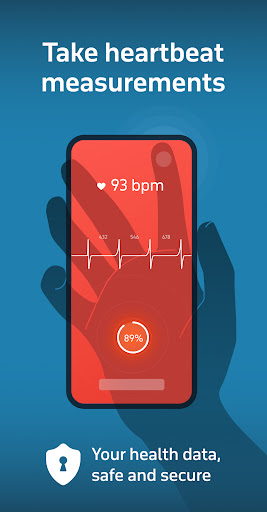
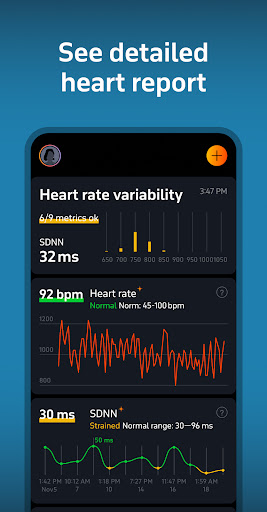
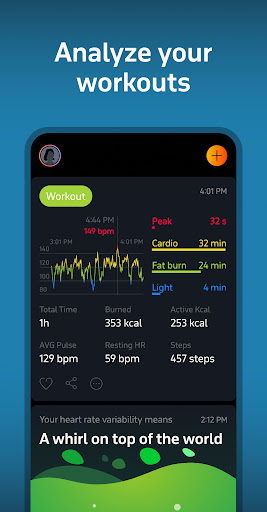
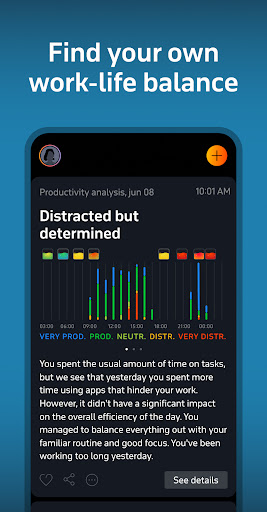
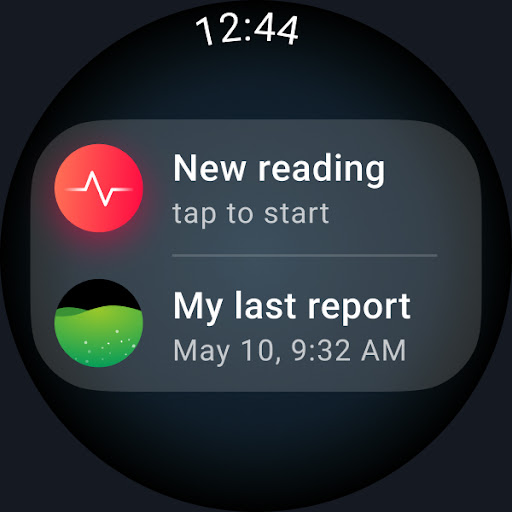
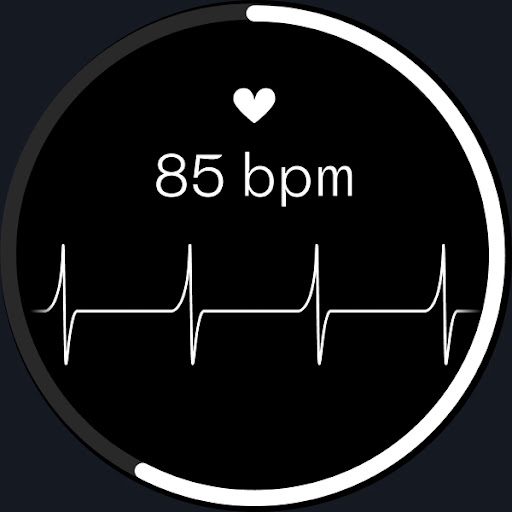
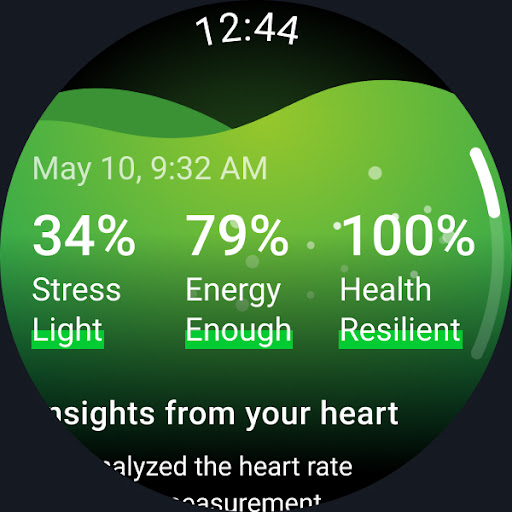
Welltory is a comprehensive health tracking application designed specifically for Android Wear devices. This innovative app serves as a smart heart rate monitor, allowing users to check their heart rate, pulse, and analyze heart rate variability (HRV). With over 16 million users and endorsements from reputable institutions like Johns Hopkins University and Harvard Medical School, Welltory has established itself as a reliable health companion.
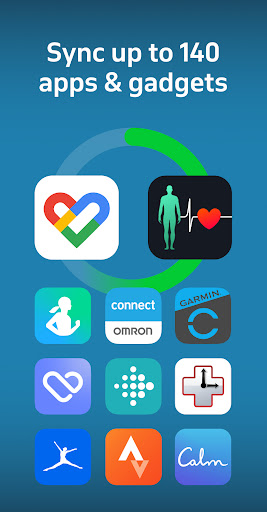
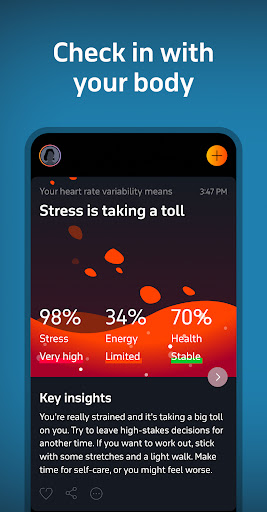
The app's core functionality extends beyond basic heart monitoring. It syncs with more than 1,000 apps and devices including Garmin, FitBit, and Samsung wearables, providing detailed insights into various aspects of personal health. Users can track their activity levels, sleep patterns, productivity, nutrition, and even meditation sessions. The built-in AI analyzes this data to offer personalized recommendations, helping users manage stress, improve focus, and enhance overall well-being.
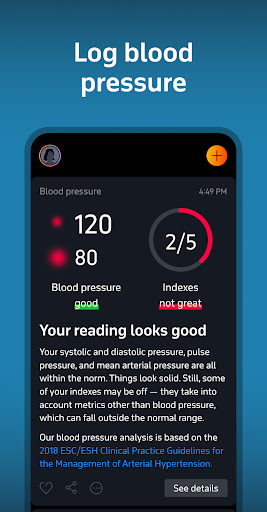
One notable feature is the blood pressure checker that allows manual entry of blood pressure readings. While it cannot measure blood pressure directly through the phone camera, it provides valuable analytics when synced with compatible blood pressure monitors. This makes Welltory an all-in-one health solution, particularly beneficial for those who want to maintain optimal cardiovascular health while staying connected through their Android Wear devices.
Welltory stands out with its advanced features tailored for health-conscious Android Wear users. The app's primary feature is its sophisticated HRV analysis, which is backed by over 20,000 scientific studies. This analysis is as accurate as ECGs (EKGs) and traditional heart rate monitors, offering users precise insights into their heart health without the need for additional hardware.
Beyond heart rate monitoring, Welltory offers an extensive integration ecosystem. It connects seamlessly with a wide array of wearable devices such as FitBit, Samsung, Garmin, and Oura rings. This integration capability enables users to consolidate their health data in one place, providing a holistic view of their wellness journey. The app also includes a stress tracker that operates 24/7, delivering real-time feedback and personalized advice on managing stress, panic attacks, and insomnia.
Another remarkable feature is the Sleep Flow function, which combines calming sounds and bedtime stories tailored to individual heartbeats. This scientifically-backed approach helps users relax and improve sleep quality. Additionally, the dedicated Wear OS app enhances accessibility, allowing quick measurements directly from compatible Samsung Galaxy Watches. These features collectively make Welltory an indispensable tool for anyone seeking to optimize their health through technology.
User-friendly interface
Comprehensive health tracking
Accurate HRV measurement
Extensive device compatibility
Personalized health insights
No direct BP measurement
Limited Wear OS support
Premium features locked
Occasional LED overheating
Requires manual BP entry

Diet tracker for weight loss - track calories, food and macros. Simple and easy!
 4.70
4.70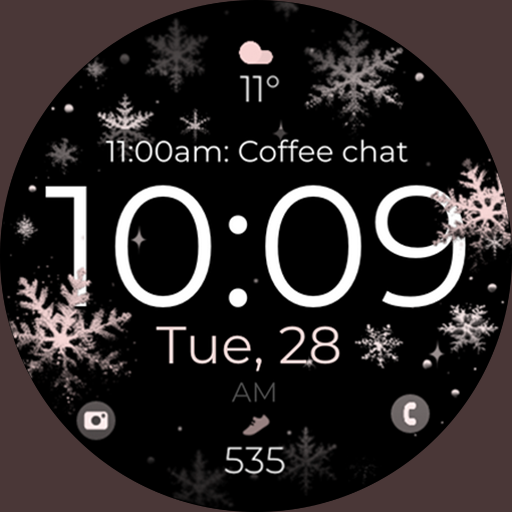
Snowflake Rose Gold Watch Face - Digital, modern, & sleek with GYRO effect.
4.10
Artistic Digital Watchface
4.0
Ideal for surviving in the wasteland left after nuclear fallout
4.50
Bold weather Digital watchface with forecast & optional animated background
4.40
Animated video-game inspired “secret agent” simulation, right on your wrist!
4.20
Premium hybrid watch face with many customizations for Wear OS devices.
4.40
A white realistic classic analog watch face with many customization options.
4.40
Track airplanes and follow flights with our real-time flight tracker
4.50
Gym Log & Workout Tracker | Fitness Journal, Training & Weight Lifting Planner
4.90
Period, ovulation & pregnancy tracker. Fertility insights & menstrual calendar.
4.90
Highly customizable hybrid watch face for Wear OS, perfect for everyday use.
4.60
To-Do List: daily schedule planner, task organizer, to do reminder app, calendar
4.60
Simple, helpful messaging by Google
4.60
Fast and smart typing with Emojis, GIFs, and more
4.50
Your music, your playlists, and more—offline and unlimited.
4.20
an Analog Watch Face for winter season with freeze winter background for Wear OS
4.1
3 Complications. All shadow on/off. 30 Themes color palette...
4.3
Hybrid Vibrant Health Watch Face for Wear OS
4.1


User Reveiws