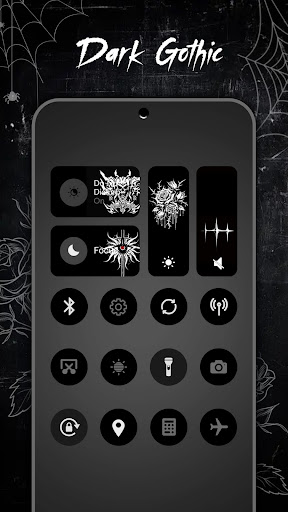
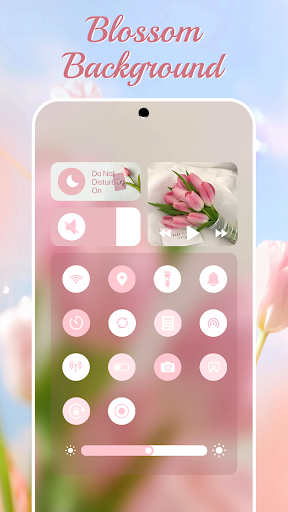
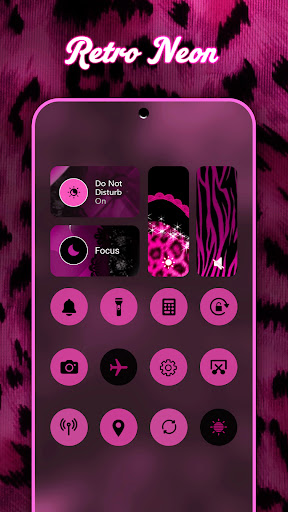
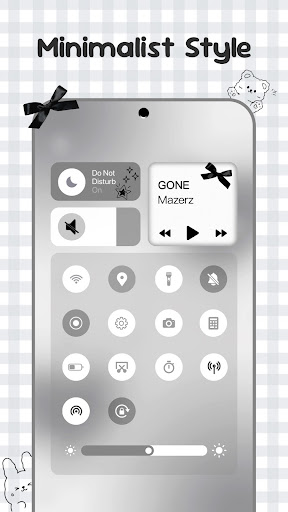
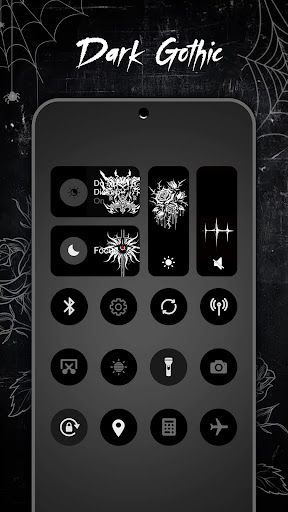
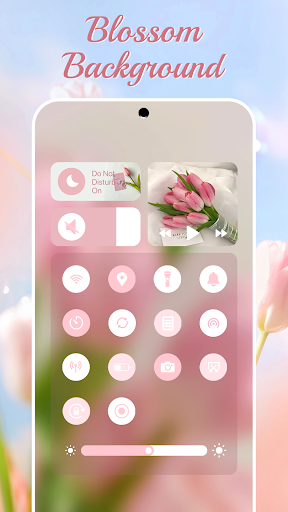
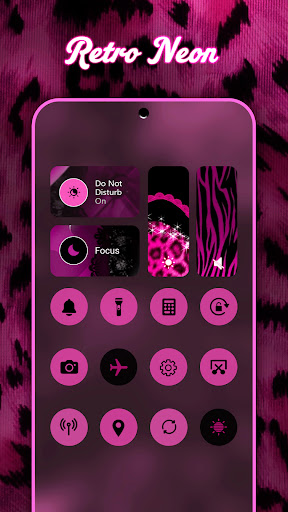
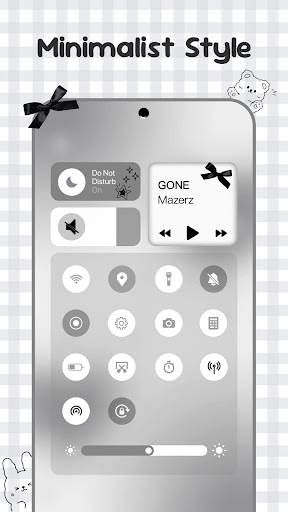
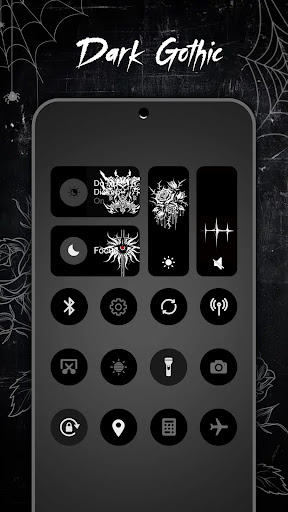
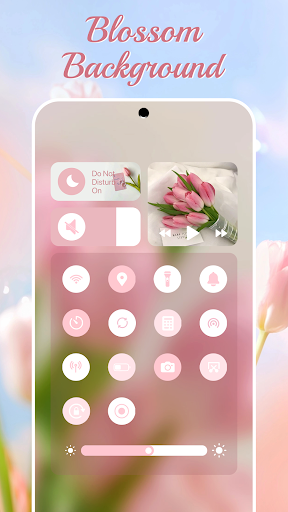
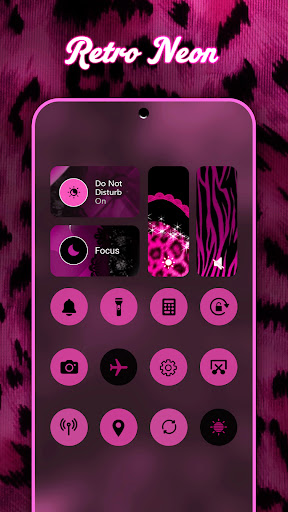
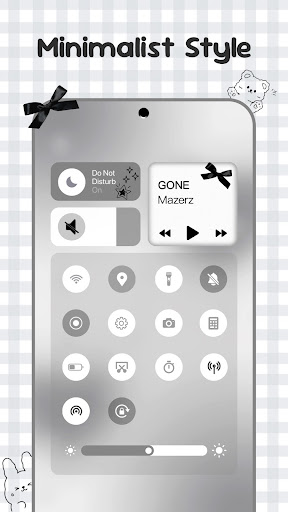
Control Widget is a highly customizable quick settings panel for Android devices, offering users both functional control and aesthetic personalization. It combines essential system controls with a visually appealing interface, allowing users to manage Wi-Fi, Bluetooth, brightness, volume, and more through smooth sliders and one-tap solutions.
The app stands out with its extensive theme options, including anime, K-pop, neon gradients, minimalism, and other modern aesthetics. Users can switch themes effortlessly to match their mood or home screen setup. Additionally, Control Widget supports live style updates and custom theme requests, making it not just a tool, but a canvas for creativity.
This app is ideal for Android users who value both utility and design in their device experience. By transforming the quick-settings panel into an elegant control hub, Control Widget enhances accessibility while elevating the overall user interface.
Control Widget offers a rich set of features designed to enhance both functionality and personalization on Android devices. The app provides essential tools such as brightness and volume adjustment, Wi-Fi and Bluetooth toggles, Do Not Disturb mode, flashlight activation, and screen management utilities like screenshot capture and rotation lock.
What sets Control Widget apart is its focus on customization. With thousands of aesthetic themes available—ranging from anime-inspired designs to minimalist layouts—users can personalize their control panels to reflect their unique style. The app also allows real-time theme switching and supports custom theme requests, ensuring that users have unlimited creative freedom.
Furthermore, Control Widget integrates seamlessly with various wallpapers and icon packs, maintaining a cohesive look across the device. Its intuitive design ensures that all features are accessible within a single swipe, providing an efficient yet stylish way to manage device settings.
Highly customizable
User-friendly interface
Extensive theme options
One-tap functionality
Live style updates
Requires Accessibility Services
May consume additional resources
Limited iOS compatibility
Premium themes may cost extra
Occasional performance lags

Nothing Icon pack with more than 3750+ highly crafted icons.
 4.70
4.70
Customize your home screen with stunning themes, blur, widgets & icons.
4.60
Design your screen with unique, vibrant clocks
3.80
300+ widgets inspired by Material You and Material 3 expressive design.
4.60
Custom ringtones songs, music ringtones for Android phones
4.60
Play viral prediction filter challenges, drop the circle, and share fun videos!
4.50
Just clap your hands to find your phone.
4.40
Make your chats fun?6000+ Emojis, Fonts, Themes, Stickers & Custom AI Keyboard!
4.70
Customize your home screen & control center with beautiful themes
4.70
10000+ Aesthetic Themes & Widgets by Themely. Customize Your Phone Easily!
4.80
300+ Beautifully crafted widgets inspired by OneUI.
4.60
Handcrafted pixel art icons, widgets & wallpapers
4.60
Check Wallcraft Live 4D Wallpaper - 4k HD wallpapers & stunning 3D backgrounds!
4.60
Cool Fonts, Keyboards, Wallpapers, Backgrounds, Icons, Widgets, Themes
4.60
iControl, a feature collection of stylish control panel, widget theme, and fonts
4.60
The Big Keyboard: Easy Homescreen makes your phone home screen & keyboard easy!
4.50
Yandex Browser — stylish and secure, with voice search and data compression
4.40
Your go to Weather App & Home Screen. Get your weather at a swipe of a finger!
3.80
Modern Glass Icon Pack with glossy icons, clean minimal theme & aesthetic style
4.1


User Reveiws