Big Keyboard

4.50

Information

Category:

Personalisation

Price:

Free

Rank:

3

Rating:

4.50

Overview

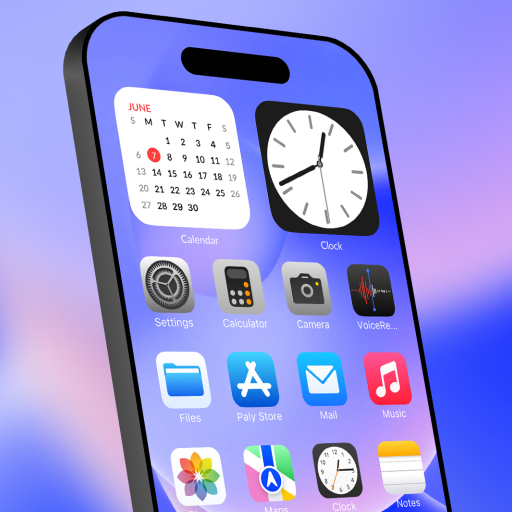
Big Keyboard is a personalization app designed to enhance your smartphone experience through its intuitive home screen layout and enlarged keyboard functionality. The app provides users with an easy-to-navigate interface, featuring quick-swipe shortcuts for calls and messages, as well as a voice assistant tool for hands-free search capabilities. With additional utilities like a magnifier and customizable wallpapers, Big Keyboard ensures both utility and personal style are catered to, making your device more accessible and visually comfortable.

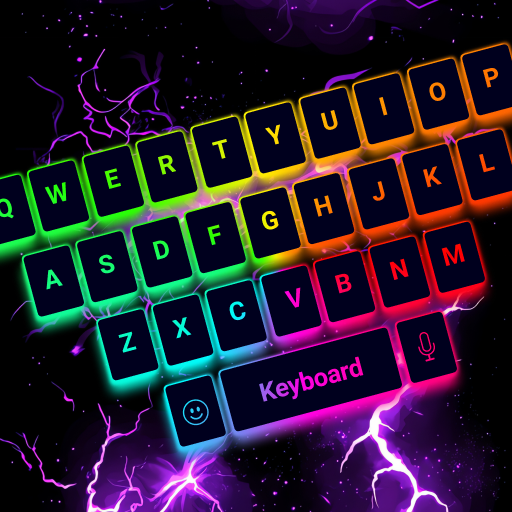
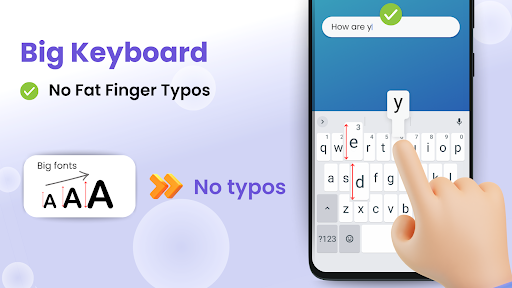
The standout feature of Big Keyboard is its sizable keyboard, which can be increased up to 70% larger than the standard keyboard, thus significantly reducing typos and improving typing speed. This app is perfect for those who struggle with small keys on traditional smartphone keyboards or for anyone looking to make their daily interactions with their device more efficient and enjoyable.

Features

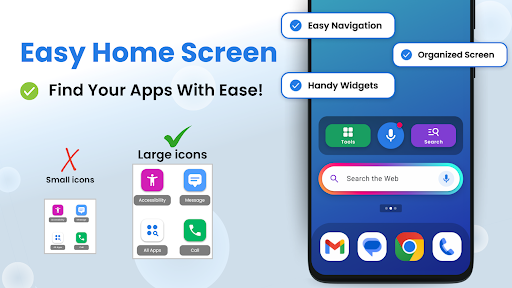
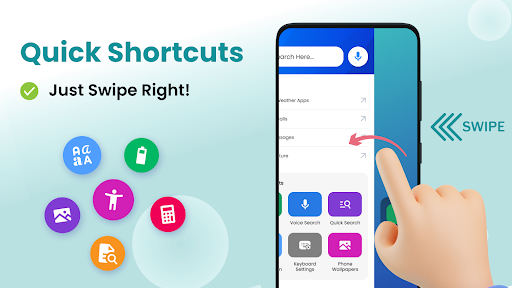
Big Keyboard stands out in the personalization category due to its comprehensive feature set tailored to simplify and enrich the user's interaction with their device. One of the key highlights is the new home screen experience that offers an intuitive design coupled with quick shortcuts accessible with a simple swipe to the right. This makes navigation effortless and streamlines access to frequently used features.

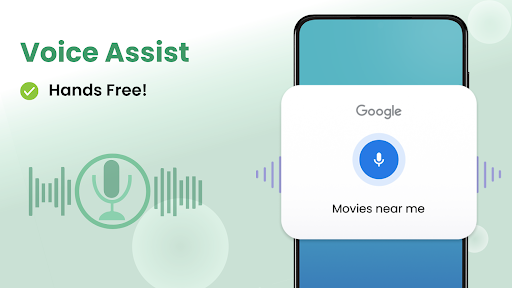
Another defining trait is the namesake big keyboard, which revolutionizes typing on a mobile device. By allowing users to increase the keyboard size up to 70%, it effectively eliminates the frustration of typos and slow typing. Additionally, the inclusion of a hands-free voice assistant powered by Yahoo enables smart, quick searches without the need to type. The app also thoughtfully includes tools such as a magnifier and flashlight, proving indispensable in various situations like reading menus in low-light conditions.

Customization options variety

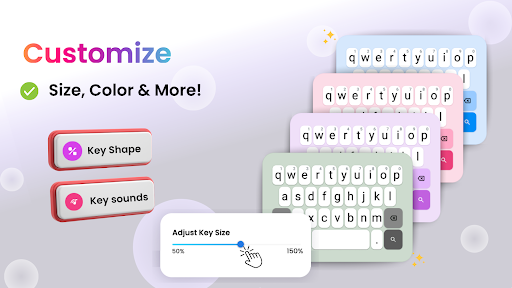
The Big Keyboard: Easy Homescreen app offers a wide range of customization options that allow users to personalize their smartphone experience according to their preferences and needs. Customization is crucial in enhancing user engagement and satisfaction as it enables individuals to tailor their devices to reflect their personality and streamline their daily tasks. The app provides an intuitive home screen layout with quick-swipe shortcuts, making it easy for users to access their favorite features without hassle. One of the standout customization features is the big keyboard, which can be enlarged up to 70% compared to the standard keyboard size, thus significantly reducing typos and improving typing speed. This level of customization extends to the visual aesthetics of the device as well. Users can choose from built-in free wallpaper options to give their phone a personalized touch. Additionally, the app offers easy access to display and accessibility settings, ensuring that users can adjust their screens to suit their comfort levels, whether they need brighter displays or larger text sizes. These customization options not only make the phone more visually appealing but also more functional and comfortable to use on a daily basis. By providing such a diverse array of customization possibilities, the Big Keyboard: Easy Homescreen app ensures that users can create a smartphone environment that is both highly personalized and exceptionally practical.

Theme compatibility

Theme compatibility is an essential aspect of any personalization app, ensuring that the visual elements and themes applied to a device are coherent and function seamlessly across different interfaces and applications. The Big Keyboard: Easy Homescreen app excels in this area by offering theme options that maintain consistency and enhance the overall user experience. When users personalize their smartphones with themes, they expect these themes to integrate smoothly with all aspects of their device, including keyboards, home screens, and other UI components. The Big Keyboard: Easy Homescreen app achieves this by providing a cohesive design language throughout its interface. For instance, when users opt for a specific theme or wallpaper from the app's library, they can be confident that it will complement the enlarged keyboard and other built-in tools like the magnifier and flashlight. This compatibility ensures that aesthetic changes do not disrupt the usability of key features but rather enhance them by creating a unified look and feel. Moreover, the app supports various accessibility settings, allowing users to adjust display parameters while maintaining theme integrity. Whether it's altering text size or enabling high-contrast modes, the themes adapt accordingly without losing their visual appeal or functionality. This attention to detail in theme compatibility makes the user experience more enjoyable and less cumbersome, as individuals can switch between different themes knowing that each one will work harmoniously with the appu2019s core functionalities. Overall, the emphasis on theme compatibility within the Big Keyboard: Easy Homescreen app demonstrates a commitment to delivering a polished and user-friendly product that meets the diverse needs of its audience.

Props

Intuitive home screen

Enlarged keyboard option

Voice assistant included

Magnifier and flashlight

Customizable wallpapers

Cons

Limited design options

Potential performance issues

Ads may be present

Occasional bugs reported

Compatibility concerns

Features and Functions

What is this app and what can I use it for?

An app offering a simplified home screen and large keyboard for easier use.

How do I download and install this app on my device?

Visit Google Play Store, search for Big Keyboard, and tap Install.

How do I get started after opening the app for the first time?

Swipe right for shortcuts and adjust settings to personalize your experience.

What are the main features and capabilities of this app?

Big keyboard, voice search, magnifier, customizable wallpapers, and more.

How can I customize my experience and adjust preferences?

Change wallpaper, adjust keyboard size, and set preferences in settings.

How do I save or bookmark my favorite content for later access?

Save content using bookmarks or favorites feature within the app.

How can I share content with friends or on social media?

Use share buttons to send content to friends via social media or messaging.

How do I access detailed information and explore more content?

Tap on categories or use search bar to find and explore detailed content.

What permissions does this app need and how do I manage them?

App needs access to storage and mic; manage in device settings.

How do I check for updates and keep the app running smoothly?

Enable auto-updates in Google Play Store or manually check for updates.
Show more

User Reveiws

{{ comment.reviewer_name }}
{{ comment.review_date_formatted}}
{{ comment.review_content }}
{{ tab.name }}
{{ comment.reviewer_name }}
{{ comment.review_date_formatted}}
{{ comment.review_content }}
No reviews with this rating