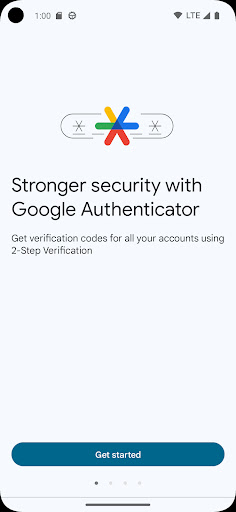
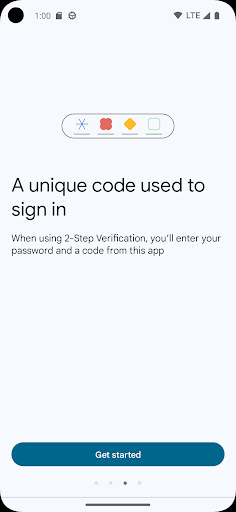
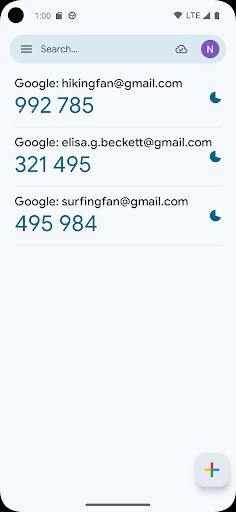

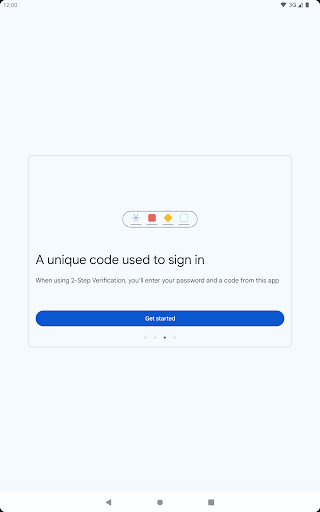
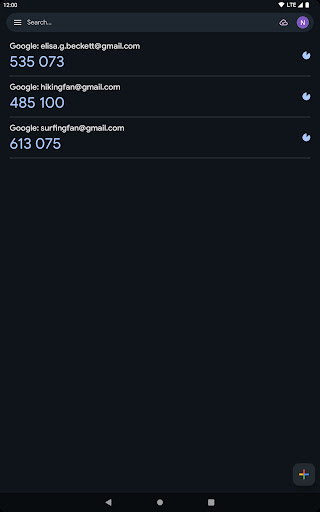
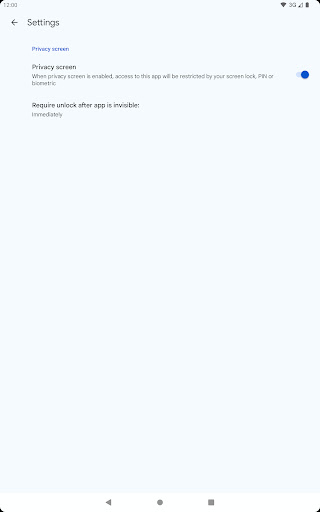
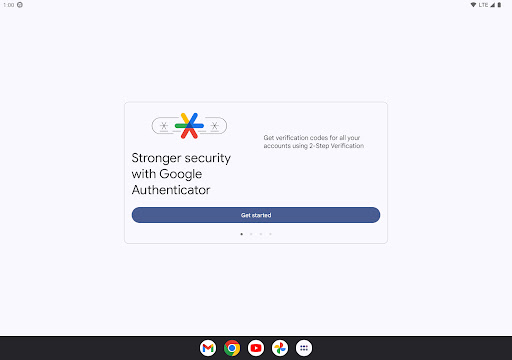
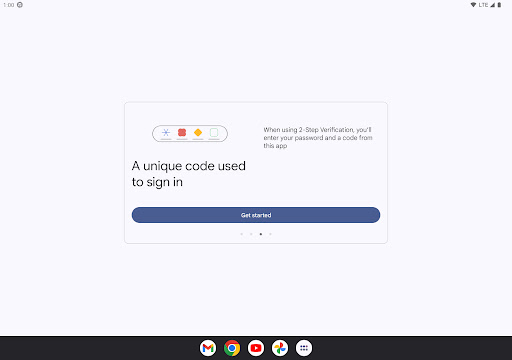
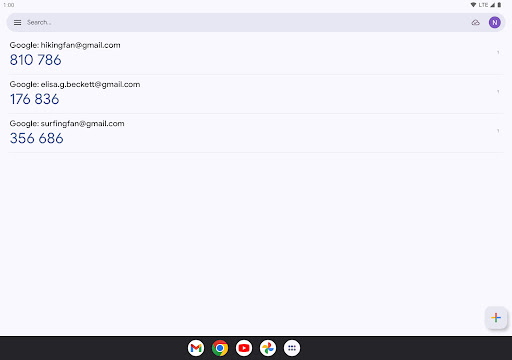

Google Authenticator is a security tool that provides an additional layer of protection for your online accounts through two-factor authentication. When signing in, users must enter both their password and a unique code generated by the app on their mobile device. This ensures enhanced account security even if passwords are compromised.
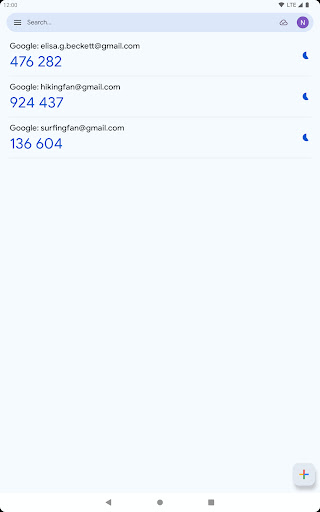
The app supports multiple account management, time-based and counter-based code generation, and allows synchronization of codes across devices via your Google Account. With features like QR code scanning for easy setup and account transfers between devices, it offers a comprehensive solution for secure access management.
This application is particularly useful for individuals who prioritize digital security and need to manage multiple sensitive accounts such as email, banking, or work-related services. By adding this second verification step, users significantly reduce the risk of unauthorized access to their accounts.
Google Authenticator stands out with its robust feature set designed to maximize security and convenience. The app's core functionality revolves around generating time-based one-time passwords (TOTP) and HMAC-based one-time passwords (HOTP), providing users with dynamic verification codes that change periodically.
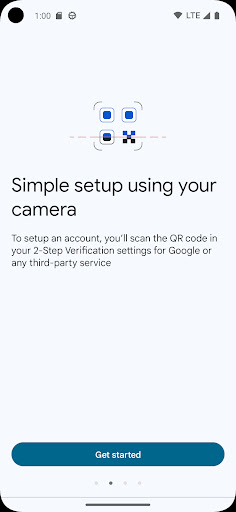
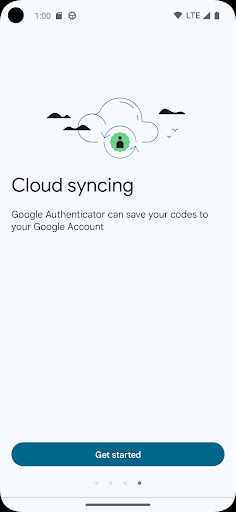
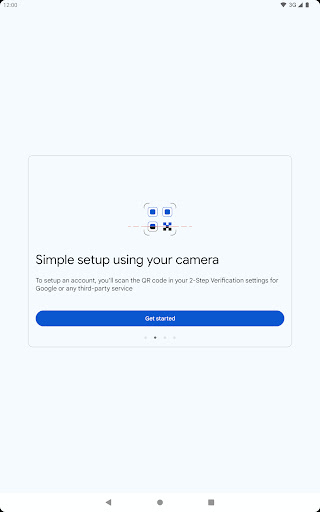
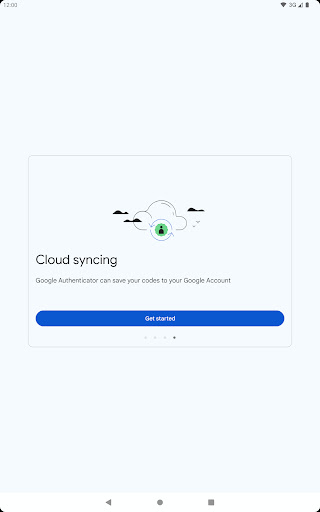
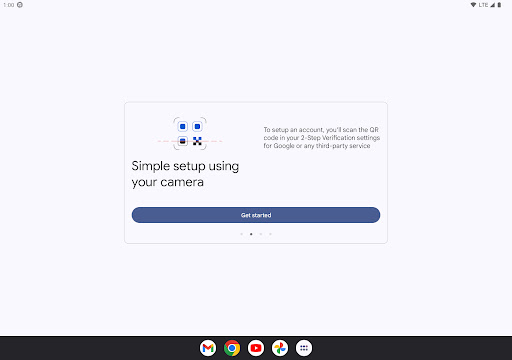
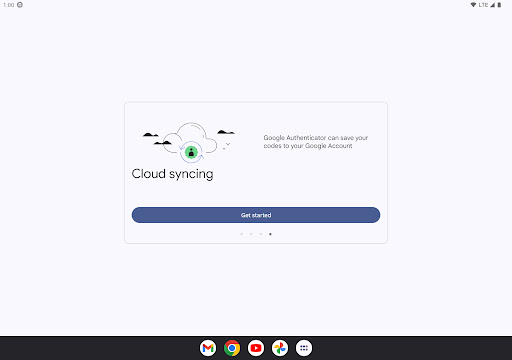
A key advantage is its ability to sync authentication codes across multiple devices through the user's Google Account. This cloud backup feature ensures users can always access their codes even if they lose their primary device. Additionally, the app supports seamless account setup through QR code scanning, making the initial configuration process quick and error-free.
The application also enables users to transfer their accounts between devices using QR codes, and supports multiple account management within a single interface. These features collectively enhance usability while maintaining top-level security standards, making it an essential tool for managing digital credentials across various platforms.
Enhanced security
Easy setup process
Multi-device sync
Offline code generation
Multiple account support
No desktop version
Limited customization
Occasional sync issues
Requires Google account
No biometric login

 4.10
4.10 4.50
4.50
Connect instantly to a fast, encrypted VPN with one tap
4.60
Clean the junk files on your device
3.40
Effortlessly run ADB commands directly on your device without a PC.
4.20
Unleash gamepad precision for ultimate mobile gaming dominance.
3.90
With videos, electrical calculators, and built-in ebook, Ugly’s has your answer.
4.50
Remote Play with FSR upscaling, low latency & full controller support
4.80
Introducing Smart Printer, your ultimate destination for printing solutions!
4.00
Support Fossify apps with a warm thank you!
5.00
Enjoy smooth gameplay with Game Booster
4.90
Navigate with Ease and Style
4.90 4.50
4.50
Mirror your screen to Fire TV - Super fast and simple
4.40
Just one-tap to easy translate in any language after calls within seconds.
4.20
MS-DOS in your pocket. Play old DOS games anywhere you are ;)
4.10
Family Locator, Share location, StayConnect with your family in real time
3.90
Smart and comfortable browsing experience.
3.80
A recovery soft,it features photo recovery, video recovery, file recovery.
3.40


User Reveiws