

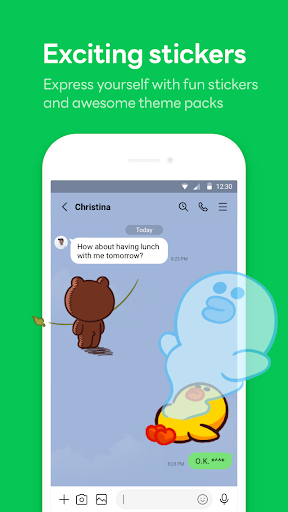
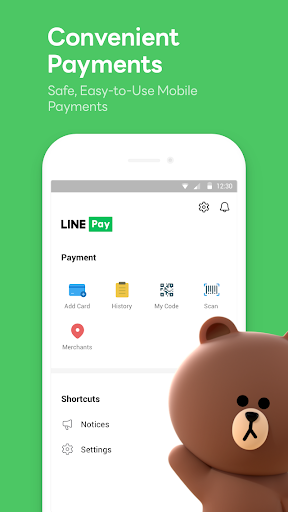
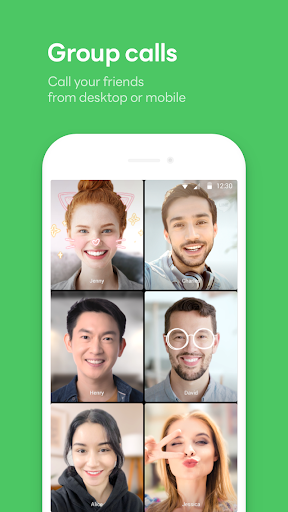
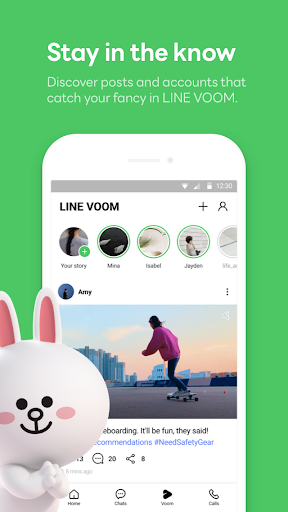
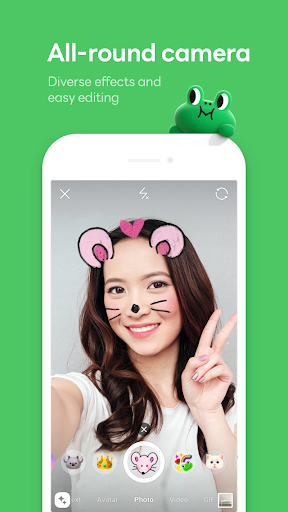
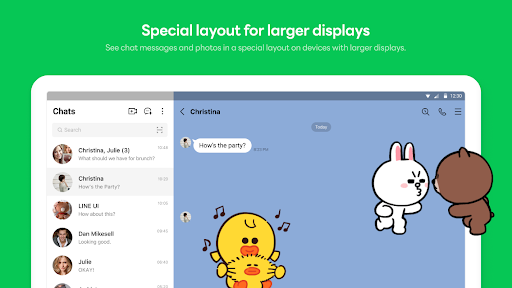
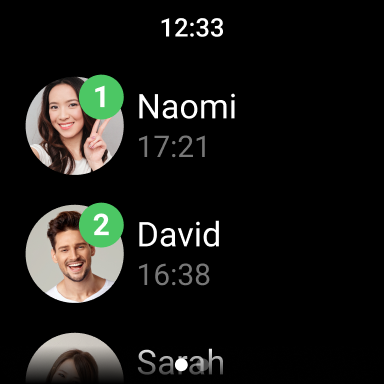
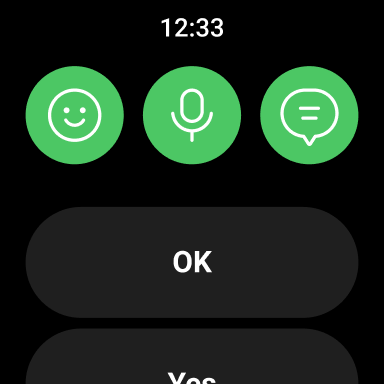
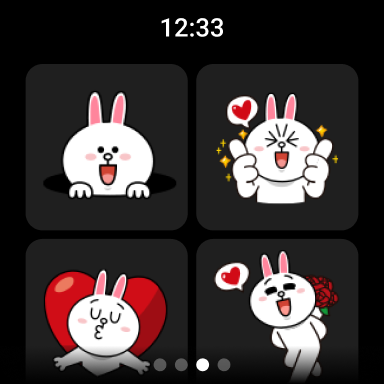
LINE is a comprehensive communication app that bridges the gap between friends, family, and colleagues through free voice and video calls, messages, and an extensive collection of expressive stickers. Available across mobile, desktop, and Wear OS platforms, LINE offers seamless connectivity and innovative features to enhance user interaction. Its encryption technology, Letter Sealing, ensures secure messaging while Keep Memo provides personal storage for messages and media.
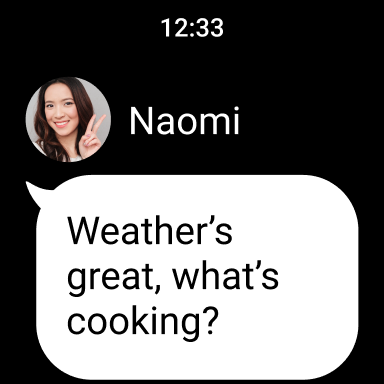
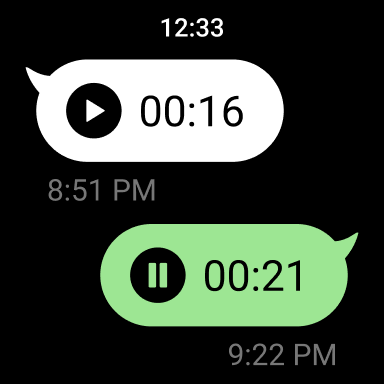
The app's Home feature serves as a central hub, giving users quick access to friends lists, birthdays, sticker shops, and various services. With customizable themes and emojis, users can personalize their experience. The integration with Wear OS allows smartwatch users to receive notifications and interact with the app directly from their wrist, making communication more accessible than ever.
LINE stands out with its diverse communication options including high-quality voice and video calls, text messaging, and a vast library of creative stickers. The app's cross-platform compatibility ensures users can stay connected on mobile devices, desktop computers, and Wear OS smartwatches. Its Home section acts as a convenient portal to essential features and services.
Security is prioritized with Letter Sealing, an end-to-end encryption protocol protecting all communications. For content management, Keep Memo offers a private space to store messages, photos, and videos temporarily. Additionally, the ability to customize the interface with unique themes and emojis allows for a personalized user experience. These robust features collectively create a versatile and secure communication platform.
User-friendly interface
Secure messaging
Cross-platform support
Variety of stickers
Customizable themes
Storage intensive
High data usage
Limited offline use
Requires Wi-Fi
Android OS 11+ needed

Diet tracker for weight loss - track calories, food and macros. Simple and easy!
 4.70
4.70
A watch face that fuses motorsport precision with contemporary smartwatch design
4.2
Be an elegant and classy secret agent, with this carefully detailed watch face
4.70
The most customizable hybrid watch face. For Wear OS 5.0, API 34+ and later
4.70
A modern hybrid informative watch face for Wear OS designed by BALLOZI
4.80
Viewer for Wyze/Yi/Eufy/Arlo/ONVIF/RTSP/P2P IP cams w/ adv. features & DIY DVR
4.00
Fitbit is dedicated to helping people lead healthier, more active lives.
4.10
Back up your contacts & access them anywhere
4.30
From periods to pregnancy & perimenopause, Flo helps you track it all. Try now.
4.70
WTW M17 is a premium and luxurious hybrid watch face
4.70
The most customizable minimal watch face. For Wear OS 5.0, API 34+ and later
4.70
Fast and smart typing with Emojis, GIFs, and more
4.50
Digital watch face with big numbers and many customization for Wear OS devices
4.40
Digital watch face. For Wear OS devices.
4.40
Watch face designed for Thanksgiving Day. 7 Background Styles included.
3.20
Analog watch face with 8 complications and expedition styling
4.4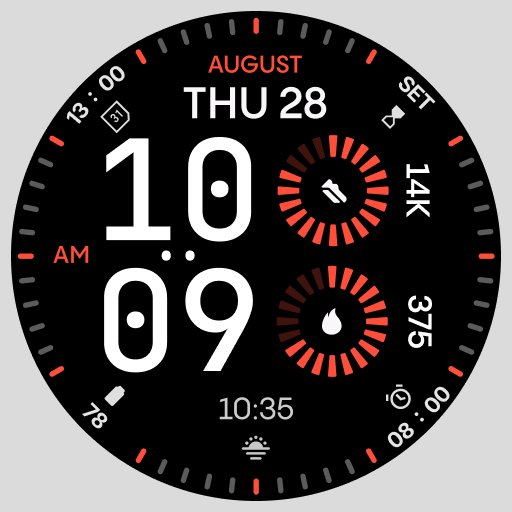
Stunning modern digital watch face with 7 complications and strong contrast
4.5
Funny animated watch face for Thanksgiving
4.3
Minimalistic design modern digital watch face.
4.0


User Reveiws