
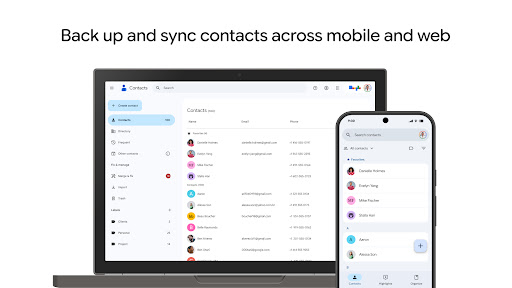
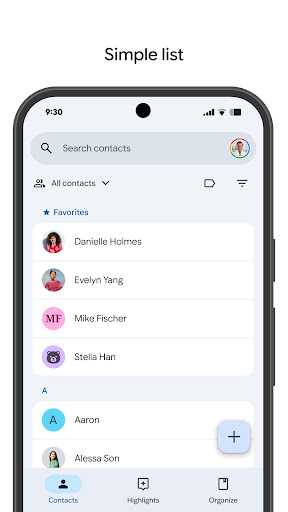
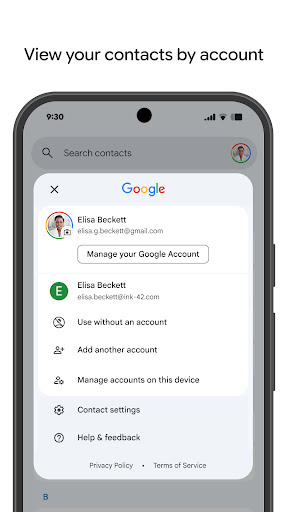
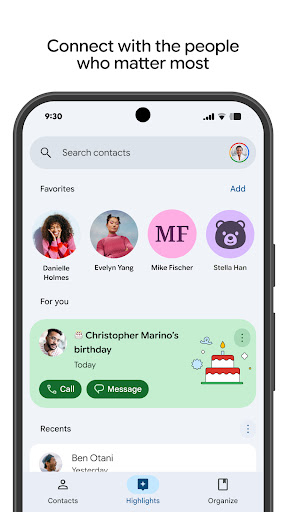


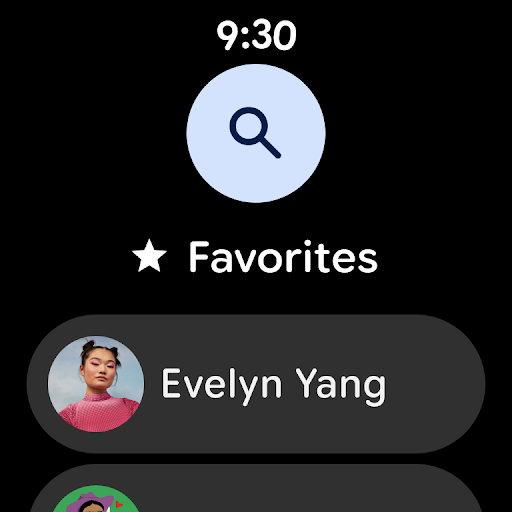
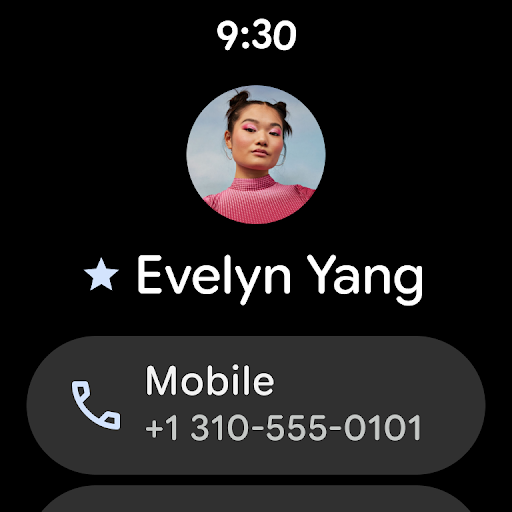
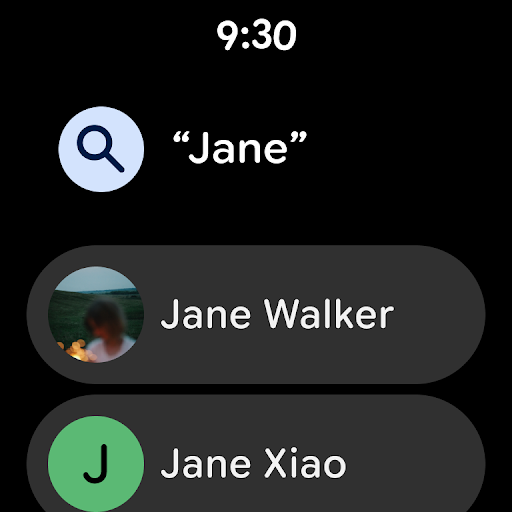
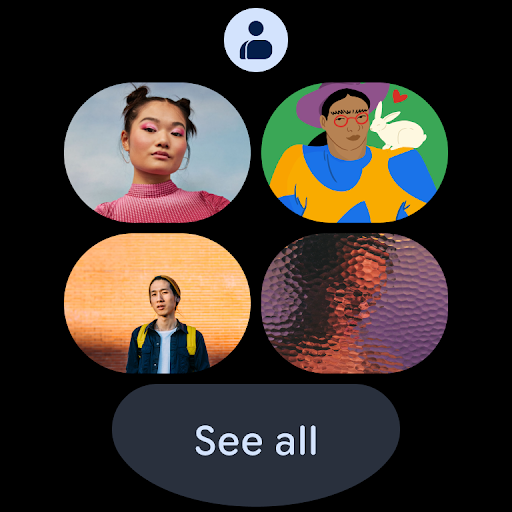
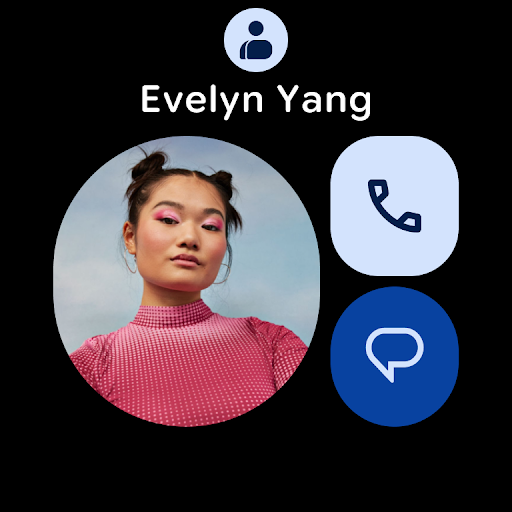
Contacts is a comprehensive contact management application designed specifically for Android Wear devices. The app allows users to back up and sync their contacts across all devices, ensuring that contact information is always up-to-date and accessible from any signed-in location. With the ability to organize contacts by accounts and recover deleted entries within 30 days, it provides both security and convenience.
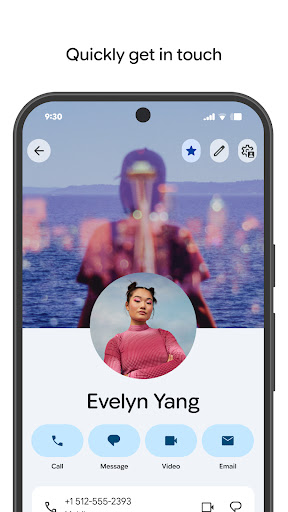
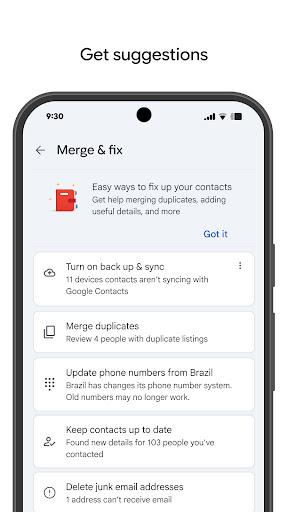
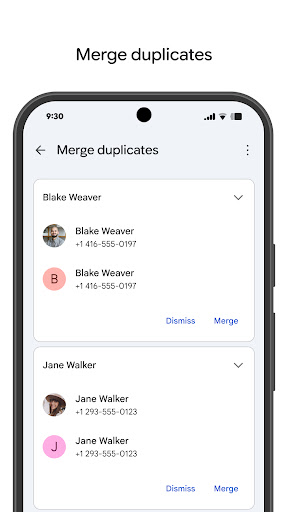
In addition to basic contact management, Contacts offers features to keep your address book organized. Users can easily add new contacts, edit existing information, and merge duplicate entries. The app also highlights important dates such as birthdays and anniversaries, with customizable notifications so you never miss a special occasion. These capabilities make it an essential tool for maintaining meaningful connections in both personal and professional contexts.
One of the standout features of Contacts is its seamless integration with Google Account, enabling automatic backups and synchronization of contact data. This ensures that users can access their contacts from any device, including their next phone, without worrying about data loss. The app's Trash feature allows recovery of accidentally deleted contacts within a 30-day window, providing an additional layer of security.
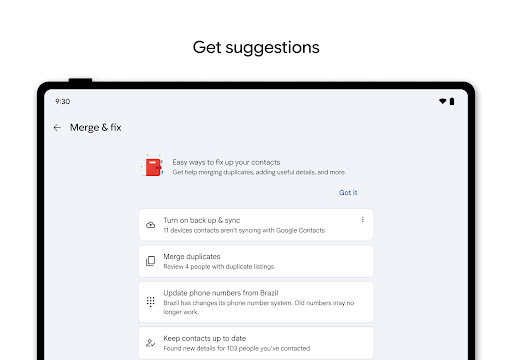
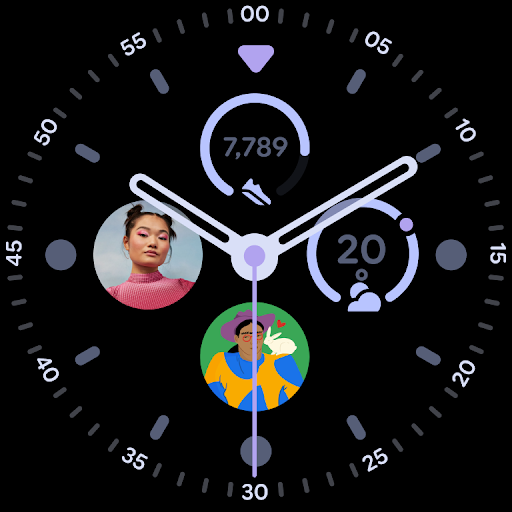
Contacts goes beyond simple storage by offering organizational tools that help users manage their networks more effectively. It supports viewing contacts by different accounts, making it easy to separate work and personal connections. The app also includes intelligent assistance for merging duplicates and enriching contact details, which enhances the accuracy and usefulness of your address book. Furthermore, its Wear OS compatibility adds convenient access through favorite contact tiles and complications on smartwatches.
User-friendly interface
Automatic backup functionality
Smart contact merging
Wear OS integration
Upcoming event notifications
Limited offline functionality
Requires Google Account
Occasional sync delays
No advanced search filters
Basic customization options

Gym Log & Workout Tracker | Fitness Journal, Training & Weight Lifting Planner
 4.90
4.90
Christmas watch face. For Wear OS devices.
4.30
Precision analog watch face with 7 complications and style options
4.4
Fitness interactive virtual pet super fighter boy watch face
4.2
Real-time results, stats, schedules and player profiles for all leagues
4.60
Hybrid Vibrant Health Watch Face for Wear OS
4.1
Premium hybrid watch face with many customizations for Wear OS devices.
4.40
Control your Samsung Smart TVs, appliances, and SmartThings-compatible devices
4.60
Spam call blocker and caller ID for automatic call protection!
4.40
WTW M17 is a premium and luxurious hybrid watch face
4.70
Ideal for surviving in the wasteland left after nuclear fallout
4.50
A white realistic classic analog watch face with many customization options.
4.40
Locate your family members by GPS phone location tracker everywhere and anytime
4.30
Watch the sharpness of the sky on your wrist..
3.70
Your local weather forecast, storm tracker, radar maps & live weather news
3.40
Christmas is near, let's count together the days left until Santa comes
4.3
A Wintery Snow Globe on Your Wrist; now celebrating Christmas!
4.4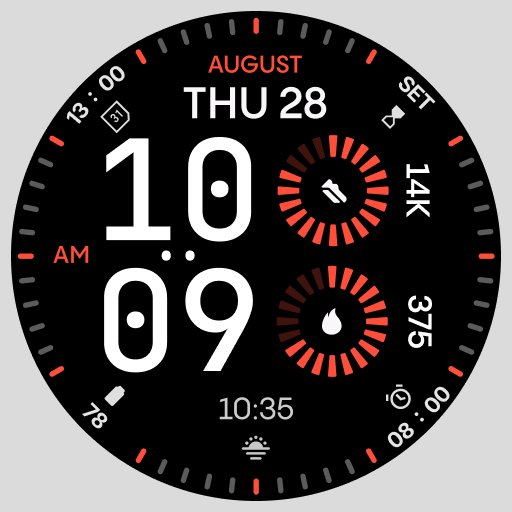
Stunning modern digital watch face with 7 complications and strong contrast
4.5
Funny animated watch face for Thanksgiving
4.2


User Reveiws