
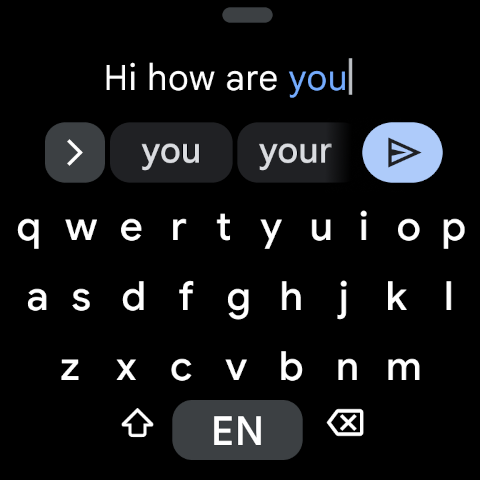
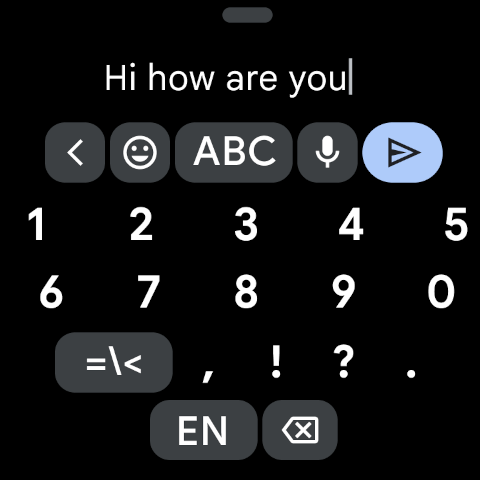
Gboard is a versatile keyboard app designed for Android devices, including Wear OS. It combines speed and reliability with innovative typing features that enhance user experience across multiple languages and platforms.
The application supports advanced functionalities such as Glide Typing, voice typing, handwriting recognition, and multilingual typing without manual switching between languages. Additionally, it offers unique capabilities like Google Translate integration directly in the keyboard interface, making it an essential tool for global communication.
With support for hundreds of language varieties and specialized features for Wear OS, Gboard ensures seamless text input whether you're using a smartphone or smartwatch. Its comprehensive feature set makes it suitable for both personal and professional use, providing efficiency and convenience in daily communications.
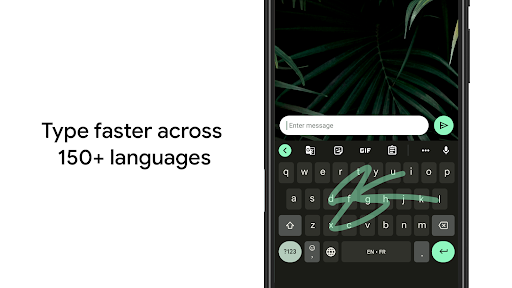
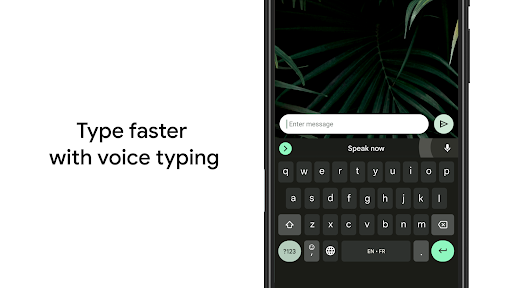
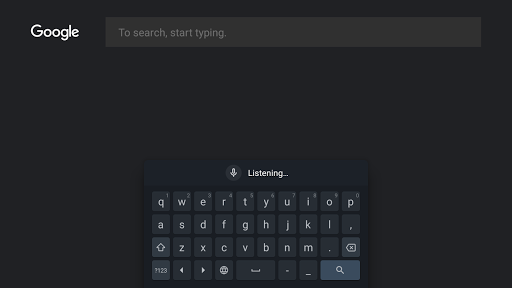
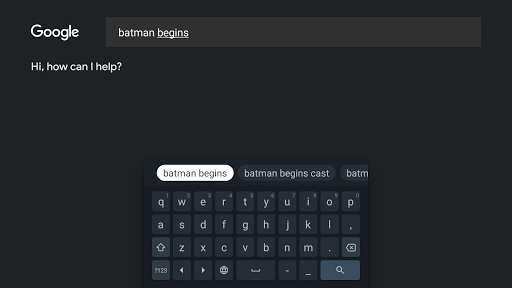
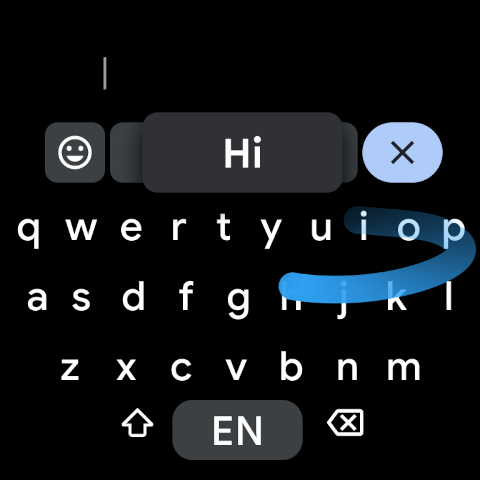
Gboard stands out through its diverse range of typing methods and intelligent features. The Glide Typing functionality allows users to type faster by sliding their finger from letter to letter, while voice typing enables hands-free text input on the go.
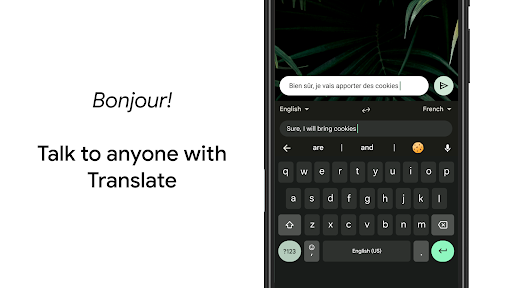
For multilingual users, Gboard provides autocorrect and suggestions from any enabled languages without requiring manual switching. The inclusion of Google Translate within the keyboard interface facilitates real-time translation during typing, bridging language barriers effortlessly.
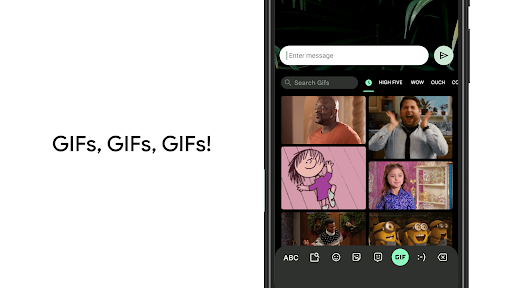
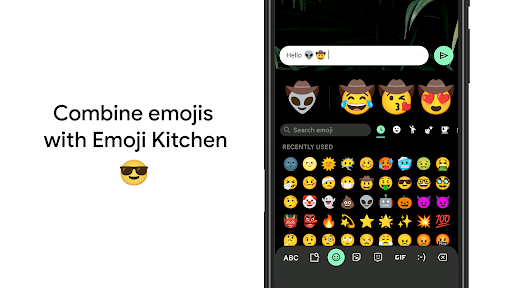
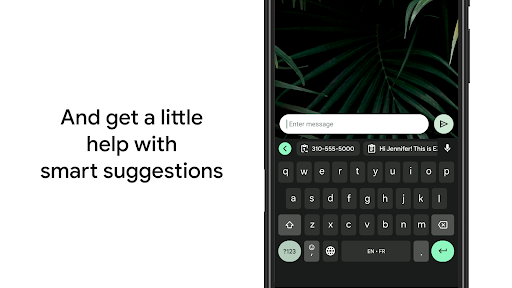
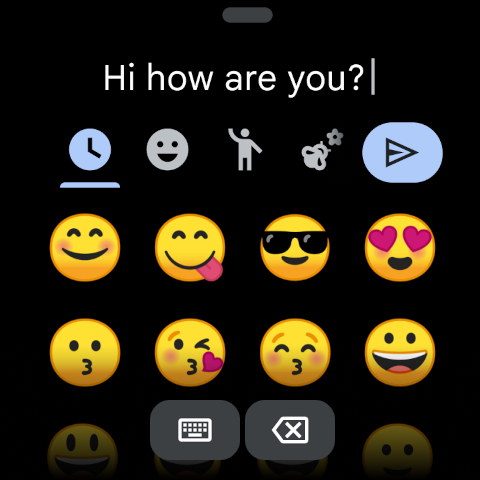
Additional features include emoji search, GIF sharing, gesture-based cursor control, and one-handed mode for larger screen devices. These thoughtful additions not only improve typing efficiency but also cater to various user preferences and device types, ensuring a personalized and comfortable typing experience.
Fast and reliable typing
Voice typing convenience
Multilingual support
Google Translate integration
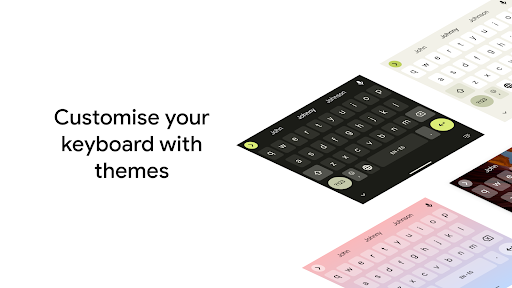
Customizable themes
Complexity for new users
Some features not on Android Go
Occasional lag
Limited offline capabilities
Privacy concerns

Wear Os Watch Face - Animated Snow - Sesonal for Christmas & Winter
 4.2
4.2
Be an elegant and classy secret agent, with this carefully detailed watch face
4.70
Digital, flexibly customizable watch face. For Wear OS 5.0, API 34+ and later.
5.00
3 Complications. All shadow on/off. 30 Themes color palette...
4.4
Bold weather Digital watchface with forecast & optional animated background
4.40
Viewer for Wyze/Yi/Eufy/Arlo/ONVIF/RTSP/P2P IP cams w/ adv. features & DIY DVR
4.00
Simple, helpful messaging by Google
4.60
Want to take charge of your health? Let Google Fit help you reach your goals.
3.50
Control your Samsung Smart TVs, appliances, and SmartThings-compatible devices
4.60
Period, ovulation & pregnancy tracker. Fertility insights & menstrual calendar.
4.90
WTW M17 is a premium and luxurious hybrid watch face
4.70
Retro digital watch face with customizable colors and a unique lighting effect
4.60
A realistic hybrid watch face with many customization options.
4.60
Wear Os Watch Face - Animated Snow Effect & Magic Spark - 6 Scenes
4.10
Authentic military-tactical design with ZULU time! Realistic and functional!
3.80
Simple Analog-Digital Watchface For Wear OS 3.0 and Up Smartwatches
4.4
Fitness interactive virtual pet super fighter boy watch face
4.2
Funny animated watch face for Thanksgiving
4.3
Minimalistic design modern digital watch face.
4.2


User Reveiws