Fitbit

4.10

Information

Category:

Android Wear

Price:

Free

Rank:

19

Rating:

4.10

Overview

Fitbit is a comprehensive health and fitness application designed to help users monitor and improve various aspects of their well-being. The app allows tracking of activities, sleep patterns, heart rate, nutrition, and stress levels, providing a holistic view of one's health journey.

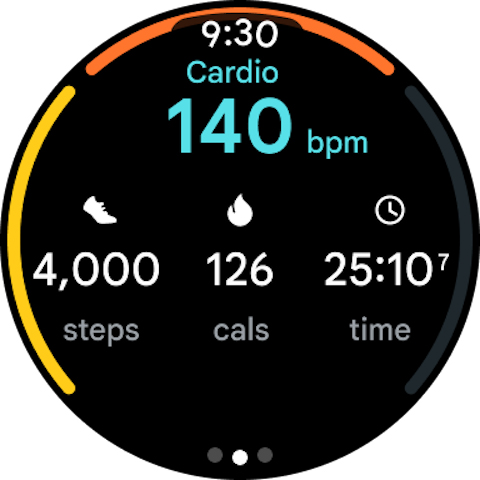
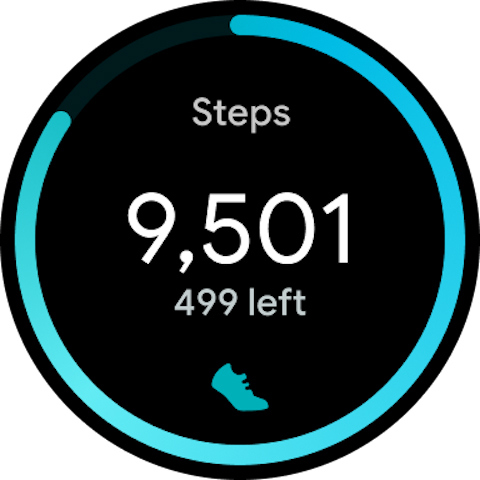
With the integration of wearable devices like Fitbit trackers or smartwatches, users can access detailed metrics such as steps taken, calories burned, and active minutes. It also offers personalized guidance through its Premium subscription, enhancing workout routines and recovery practices.

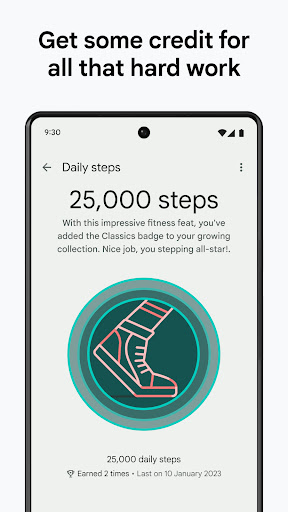
Whether you're looking to get more active, eat smarter, sleep better, or reduce stress, Fitbit provides the tools and insights needed to achieve your goals while offering motivation through progress tracking and social comparisons.

Features

Fitbit stands out with its extensive range of features tailored for health and fitness enthusiasts. One notable feature is the ability to track daily activities using just your smartphone or by syncing with a wearable device, giving users flexibility in how they monitor their progress.

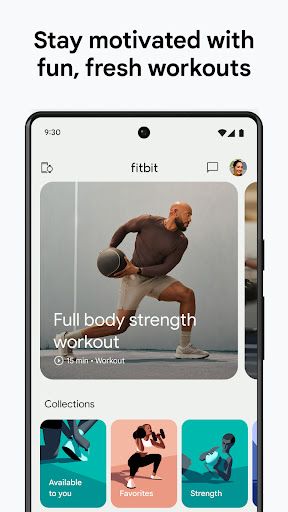
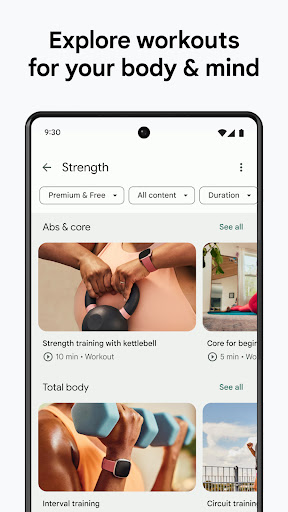
The app includes a rich content library available through Fitbit Premium, which offers guided workouts, mindfulness sessions, and customized meal plans. These resources are designed to support both physical and mental well-being, ensuring a balanced approach to health management.

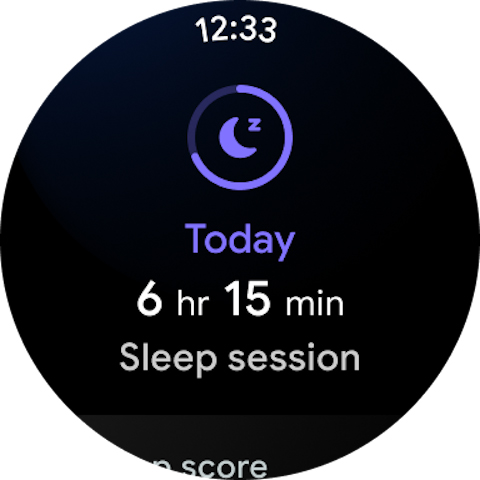
Additionally, Fitbit provides advanced analytics such as Daily Readiness Scores and Sleep Profiles, enabling users to optimize their routines based on personalized insights. This combination of real-time tracking and expert-led content makes Fitbit a powerful tool for anyone committed to improving their overall health.

Companion app integration

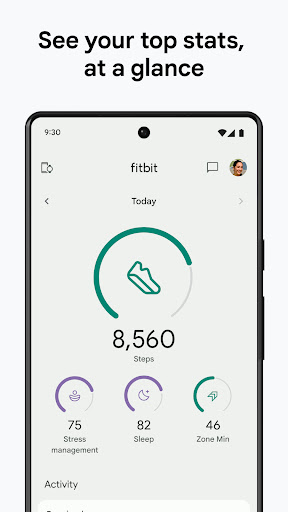
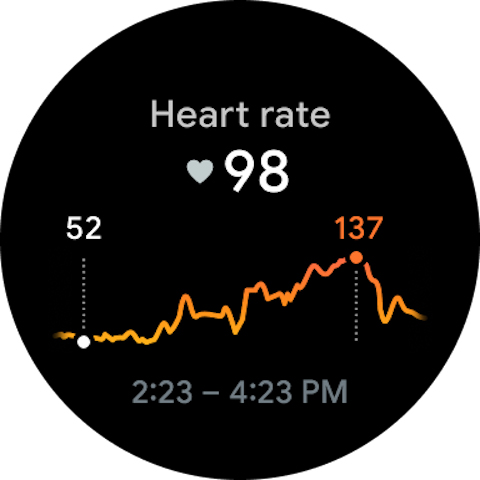
Companion app integration refers to the seamless connection and synchronization between a primary application and its wearable counterpart which ensures that users can access their health and fitness data across multiple devices. For Fitbit users this means that whether they are using their smartphone or a Fitbit tracker or smartwatch all their health metrics are updated in real time and accessible from any device. The importance of this feature lies in providing a unified user experience where data flows effortlessly between devices eliminating the need for manual updates or data entry. Fitbit achieves this by leveraging Bluetooth and internet connectivity to sync data such as step counts heart rate sleep patterns and more between the smartphone app and wearable devices. This allows users to receive notifications track their progress and even start workouts from either device without missing a beat. Users benefit greatly from this integration as it enhances convenience and accessibility. They can leave their phone at home during a run and still track their performance with their wearable device knowing that all data will be synced once they return. Additionally features like heart rate monitoring sleep tracking and stress management tools are readily available on both devices ensuring that users have constant access to their health insights. This comprehensive approach not only simplifies the user experience but also encourages a more active engagement with personal health metrics leading to better overall wellness outcomes.

Wear OS/device compatibility

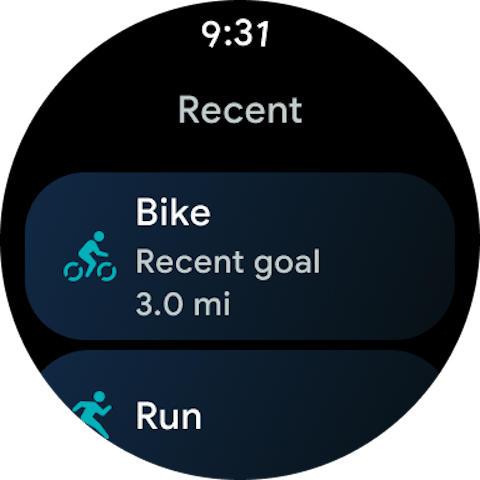
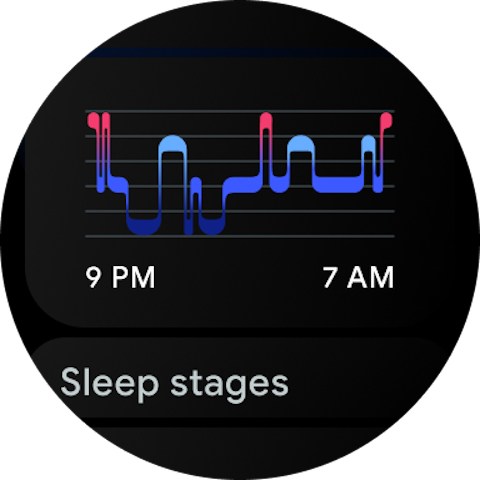
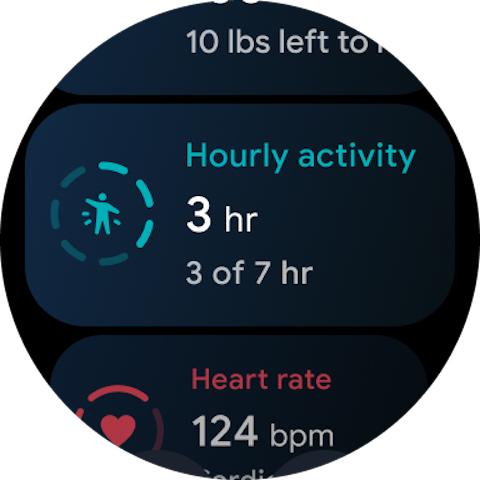
Wear OS/device compatibility is crucial for users who rely on wearable technology to manage their daily activities and health metrics. This feature ensures that an application like Fitbit functions optimally across various devices including smartphones tablets and Wear OS smartwatches. For Fitbit this compatibility means that users can enjoy a consistent experience whether they are interacting with the app on their phone or checking their stats on a Wear OS smartwatch. The significance of this feature is rooted in its ability to extend the app's functionality beyond the smartphone offering users flexibility and continuous access to their data. Fitbit supports this compatibility by optimizing its interface for different screen sizes and input methods ensuring that touch interactions voice commands and gesture controls work seamlessly on Wear OS devices. This includes adapting the display of health metrics to fit smaller screens while maintaining clarity and usability. Users gain substantial advantages from this compatibility as it allows them to choose the device that best suits their lifestyle without compromising on functionality. Whether commuting working out or simply going about their day users can glance at their wrist to check their step count heart rate or receive motivational reminders. Moreover the ability to handle calls and texts directly from a compatible smartwatch adds another layer of convenience making it an indispensable tool for managing both personal and professional communications. Overall this compatibility enhances the versatility of the Fitbit ecosystem empowering users to maintain an active and informed lifestyle regardless of the device they choose to use.

Props

User-friendly interface

Comprehensive health metrics

Integration with wearables

Premium content library

Social motivation features

Cons

Premium subscription costly

Advanced features need device

Limited free content

Occasional sync issues

Complex for beginners

Features and Functions

What is this app and what can I use it for?

A health app to track fitness, sleep, and nutrition goals

How do I download and install this app on my device?

Visit Google Play Store, search 'Fitbit', tap Install, and open after download

How do I get started after opening the app for the first time?

Sign up or log in, set personal goals, and start tracking basic metrics

What are the main features and capabilities of this app?

Tracks activity, sleep, heart rate, nutrition, stress with wearable sync

How can I customize my experience and adjust preferences?

Adjust settings via the Profile tab to customize tracking preferences

How do I save or bookmark my favorite content for later access?

Save favorite workouts or food logs under the respective sections

How can I share content with friends or on social media?

Share achievements via social media directly from the app dashboard

How do I access detailed information and explore more content?

Explore detailed stats in the Insights section post data sync

What permissions does this app need and how do I manage them?

Requires health data permissions; manage in phone settings

How do I check for updates and keep the app running smoothly?

Enable auto-updates in Google Play Store to keep the app current
Show more

User Reveiws

{{ comment.reviewer_name }}
{{ comment.review_date_formatted}}
{{ comment.review_content }}
{{ tab.name }}
{{ comment.reviewer_name }}
{{ comment.review_date_formatted}}
{{ comment.review_content }}
No reviews with this rating