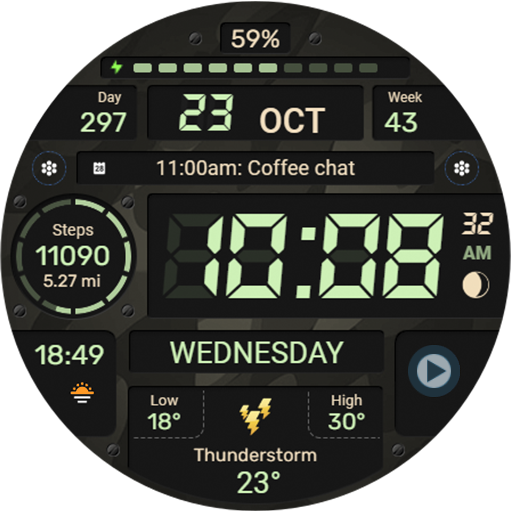
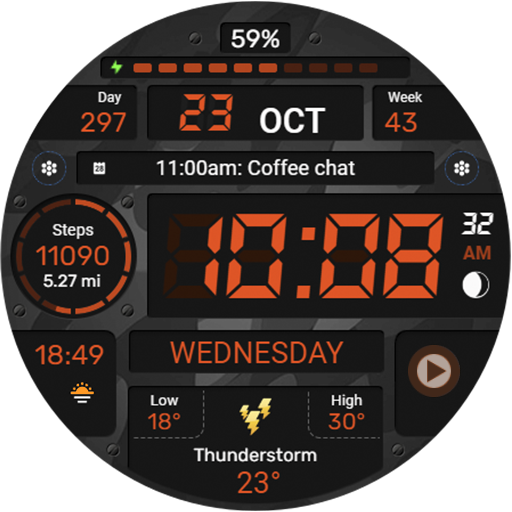
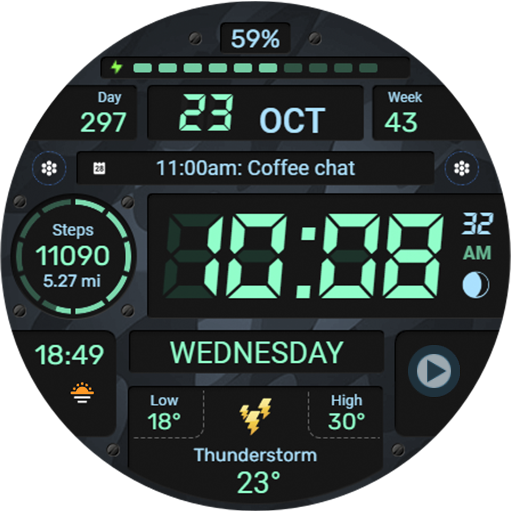
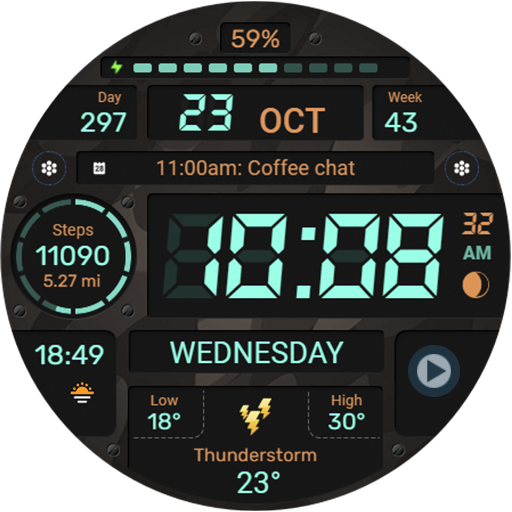
WFP 129 Military watch face

4.40

Information

Category:

Android Wear

Price:

$ 0.99

Rank:

94

Rating:

4.40

Overview

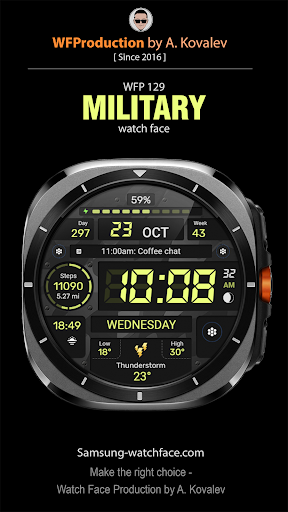
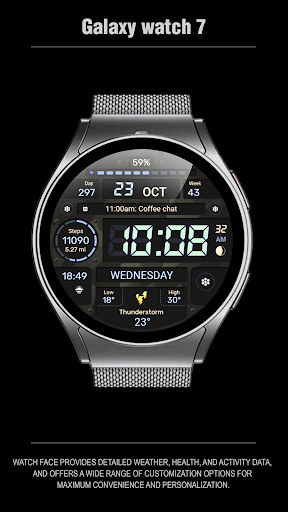
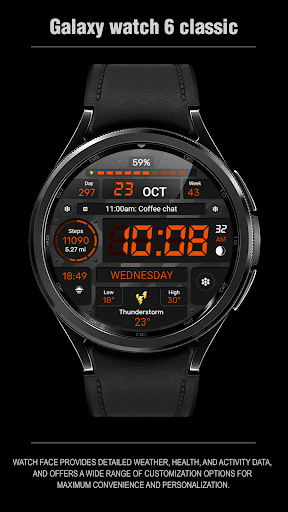
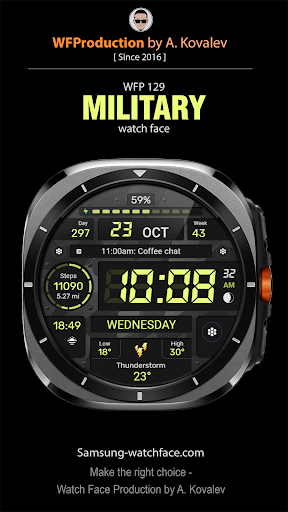
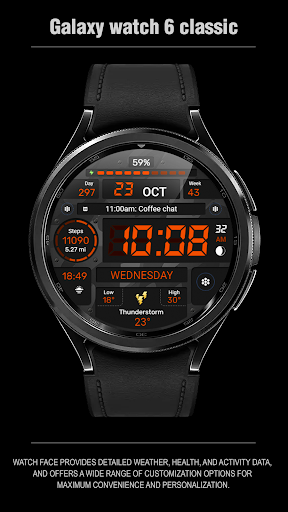
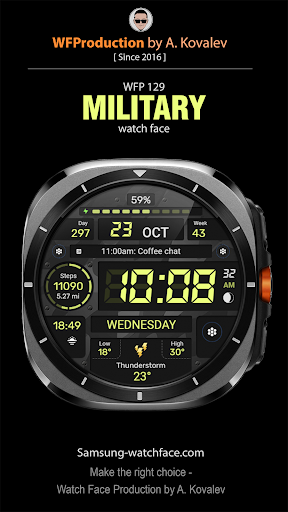
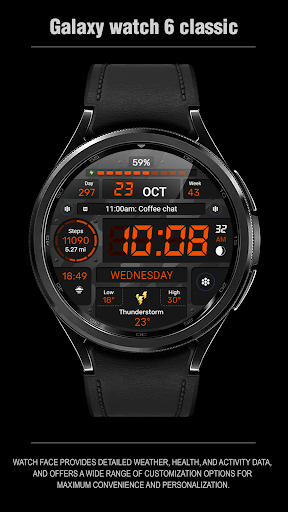
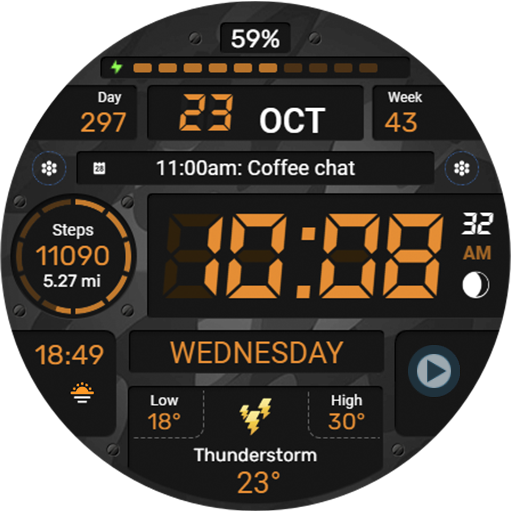
WFP 129 Military watch face is a versatile and customizable digital watch face designed for devices running WearOS 4 with API Level 30+. This application offers users the ability to personalize their smartwatch display with military-inspired aesthetics while providing essential functionalities.

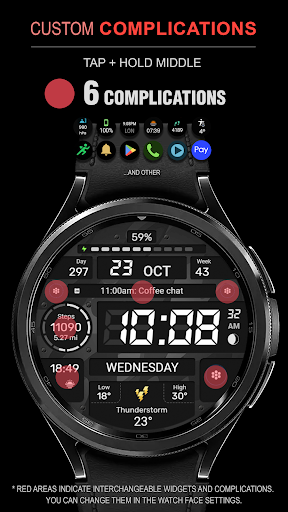
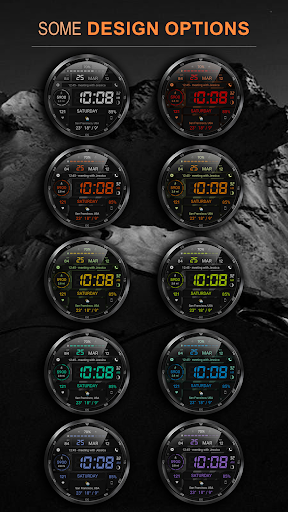
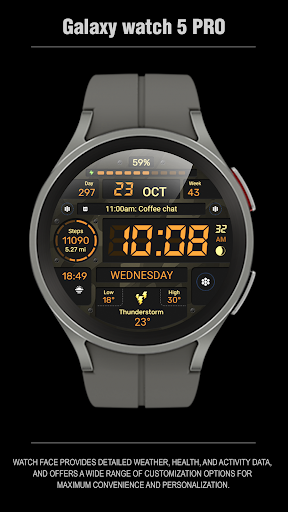
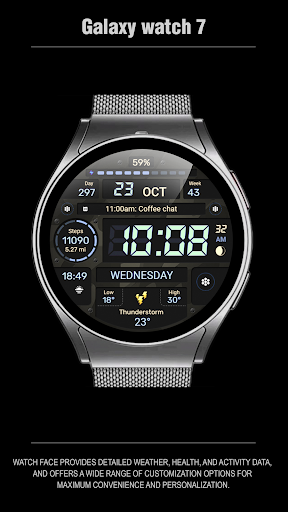
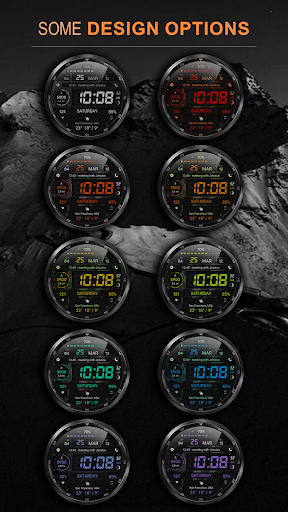
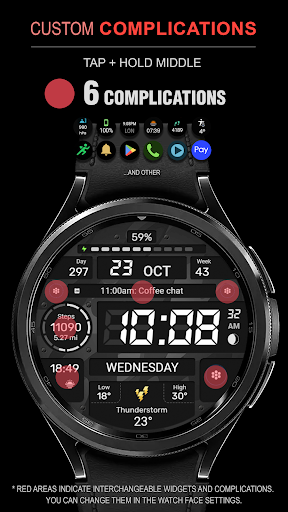
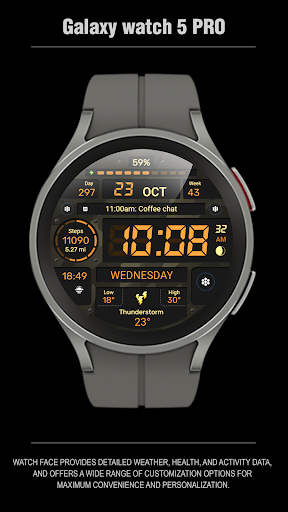
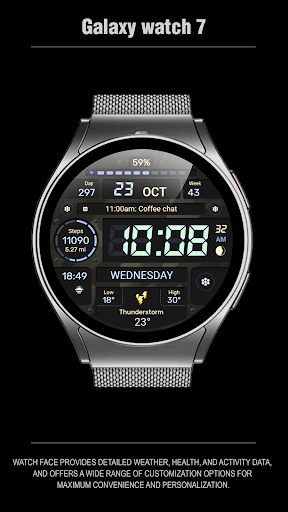
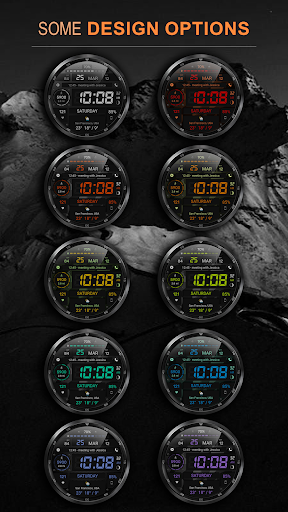
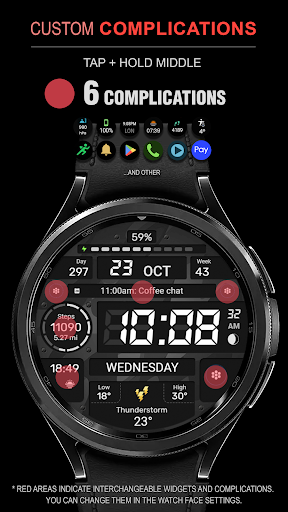
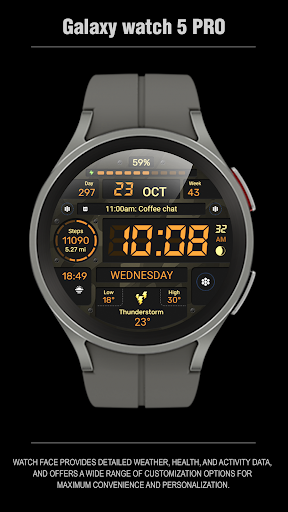
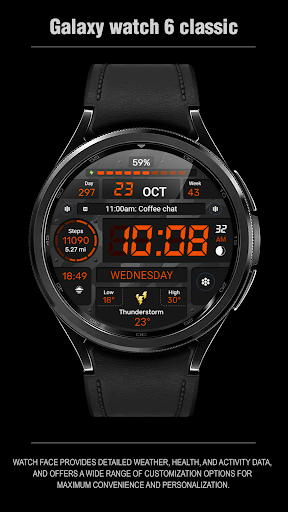
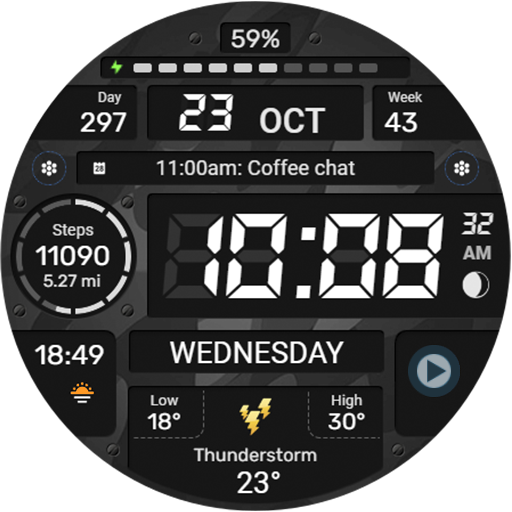
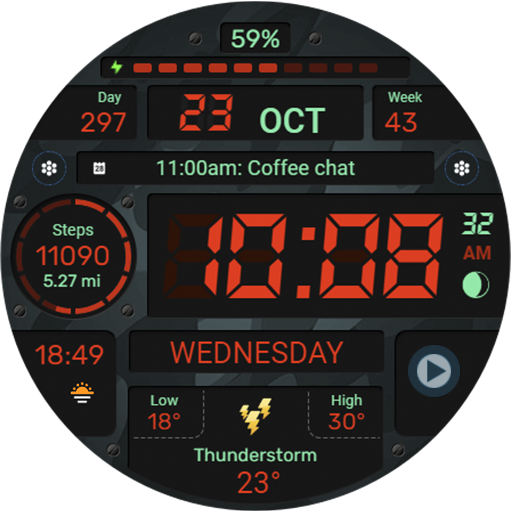
The watch face features six complications and widgets, allowing users to access important information at a glance. With 30 background color combinations and high-resolution graphics, users can tailor the appearance to suit their preferences. The app also supports both 12/24 hour time formats, distance in Km/Miles, and weather in Fahrenheit/Celsius, making it adaptable to various user needs worldwide.

Optimized for performance, this watch face ensures low battery consumption without compromising on functionality or visual appeal. Whether you're monitoring your fitness goals or staying updated with notifications, WFP 129 Military watch face provides an efficient and stylish solution for your wearable device.

Features

WFP 129 Military watch face stands out with its rich feature set tailored for customization and usability. One of the key highlights is the inclusion of six complications and widgets that allow users to display various types of data such as weather, fitness stats, and more directly on their watch face.

The app offers 30 different background color combinations, giving users extensive options to personalize their watch's look. It supports both imperial and metric units for distance measurement and provides weather updates in either Fahrenheit or Celsius. Additionally, the high-resolution design ensures crisp visuals, while advanced optimization techniques keep battery usage minimal.

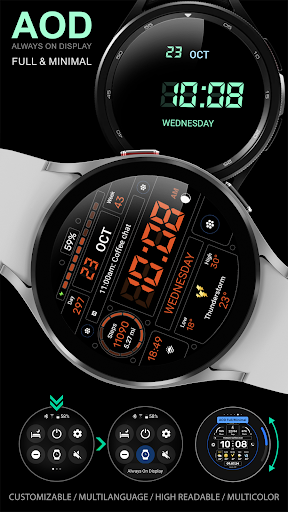
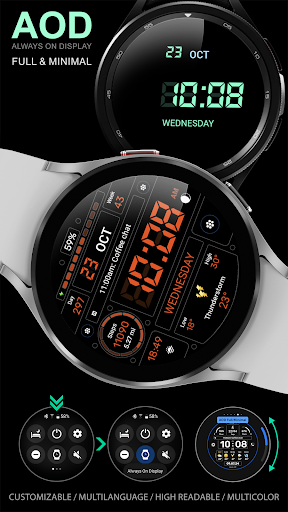
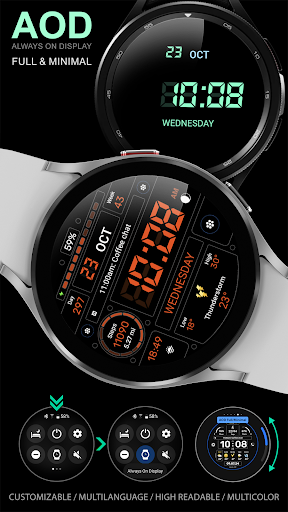
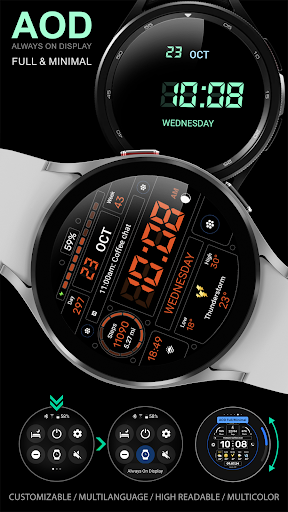
Another notable feature is the customizable Always-On Display (AOD) mode, which comes in full and minimal configurations. Users can choose between 12/24 hour time formats and toggle the leading zero option for a cleaner display. These thoughtful features make WFP 129 Military watch face not only visually appealing but also highly practical for everyday use.

Companion app integration

The WFP 129 Military watch face demonstrates exceptional companion app integration by ensuring seamless synchronization between the wearable device and its corresponding mobile application. This functionality is crucial for users who rely on real-time data exchange between their smartwatch and smartphone to access and manage their personal information efficiently. The watch face supports devices with WearOS 4, API Level 30+, which guarantees that it leverages the latest advancements in companion app technology. Users can follow specific instructions provided via samsung-watchface.com to utilize phone charge widgets and access detailed information about calories, floors climbed, and more. This level of integration allows for an uninterrupted flow of information, enhancing user experience by providing up-to-date health and activity metrics directly on their wrist. Moreover, the ability to customize aspects such as weather display in Fahrenheit or Celsius, choosing between a 12/24 hour time format, and selecting from 30 background color combinations ensures that users have a personalized and cohesive experience across all their devices. The high optimization and low battery consumption further complement this integration by maintaining optimal performance without compromising the smartwatch's battery life. In essence, the WFP 129 Military watch face offers a comprehensive solution where every feature is meticulously crafted to work harmoniously with its companion app, thus empowering users with instant access to vital information and customizable options tailored to their preferences.

Wear OS/device compatibility

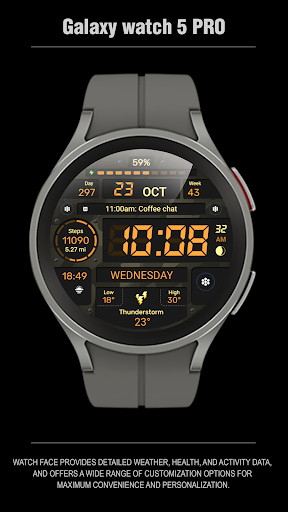
Device compatibility is a cornerstone of the WFP 129 Military watch face's design philosophy, ensuring that it functions optimally across a range of Wear OS-powered devices. As wearable technology continues to evolve, having a watch face that maintains consistent performance and visual appeal on various devices with different specifications is essential for user satisfaction. The WFP 129 supports devices running WearOS 4, API Level 30+, which means it is engineered to be compatible with the latest system updates and features available within the Wear OS ecosystem. This compatibility extends beyond mere operational functionality; it encompasses visual fidelity, as evidenced by the watch face's high resolution and meticulous optimization for crisp, clear visuals on any supported device. Furthermore, its multilingual support broadens its accessibility, catering to a global audience by providing language options that resonate with diverse user bases. The inclusion of six complications and widgets enhances this compatibility by offering users quick access to frequently used features without cluttering the interface. Additionally, the customizable Always-On Display (AOD) mode, available in both full and minimal configurations, exemplifies how the watch face adapts to individual preferences while preserving device performance. With these considerations in mind, the WFP 129 Military watch face stands out as a versatile and adaptive option for Wear OS users seeking a blend of style, functionality, and cross-device reliability. Its commitment to compatibility ensures that whether you're monitoring your daily distance in kilometers or miles, tracking weather changes, or simply enjoying a sleek digital aesthetic, this watch face delivers a seamless and engaging experience tailored to modern smartwatch capabilities.

Props

Highly customizable

Low battery usage

Multiple color options

Supports metric & imperial

Optimized performance

Cons

Limited to WearOS 4

No built-in widgets

Requires API 30+

Complex setup

Premium cost

Features and Functions

What is this app and what can I use it for?

A customizable WearOS 4 watch face with military style and essential features.

How do I download and install this app on my device?

Search for WFP 129 on Google Play Store and tap Install.

How do I get started after opening the app for the first time?

Follow on-screen instructions to select and apply the watch face.

What are the main features and capabilities of this app?

Customizable widgets, multiple color schemes, and optimized battery use.

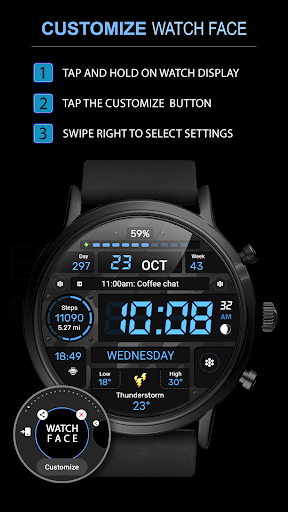
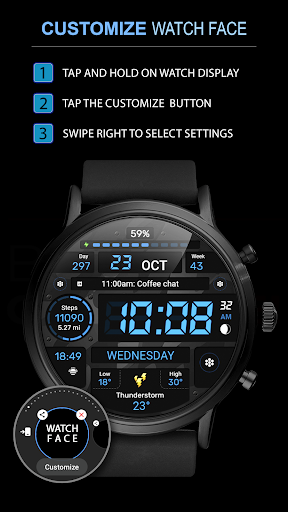
How can I customize my experience and adjust preferences?

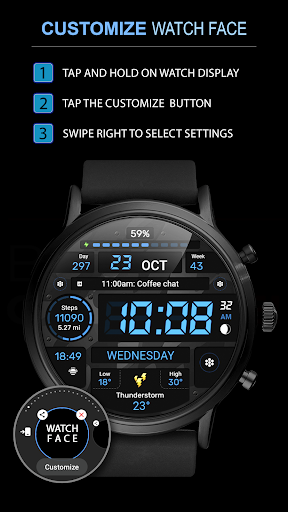
Adjust settings via the companion app to change colors, units, and AOD modes.

How do I save or bookmark my favorite content for later access?

Use the widget settings to save preferred configurations for quick access.

How can I share content with friends or on social media?

Share your customized watch face via the companion app's sharing feature.

How do I access detailed information and explore more content?

Explore detailed settings in the companion app for advanced customization options.

What permissions does this app need and how do I manage them?

Needs permissions for fitness data; manage in device settings under Apps.

How do I check for updates and keep the app running smoothly?

Enable auto-updates in Google Play Store settings to keep the app current.
Show more

User Reveiws

{{ comment.reviewer_name }}
{{ comment.review_date_formatted}}
{{ comment.review_content }}
{{ tab.name }}
{{ comment.reviewer_name }}
{{ comment.review_date_formatted}}
{{ comment.review_content }}
No reviews with this rating