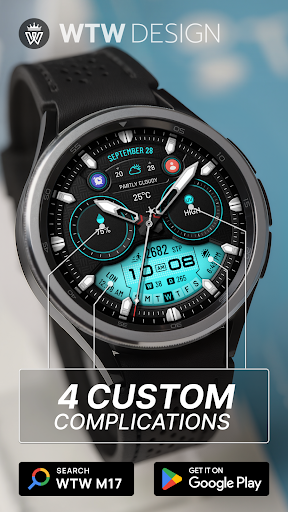
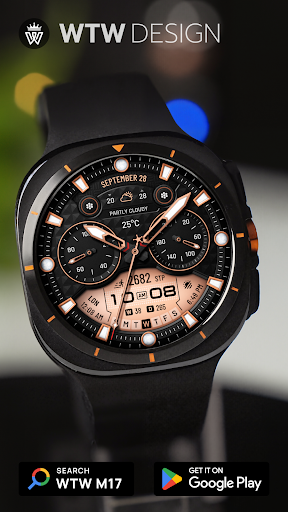
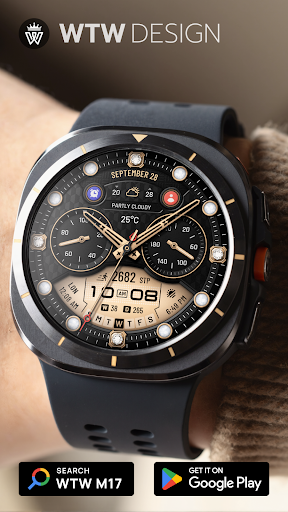
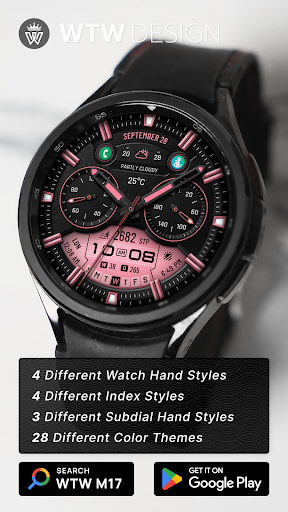
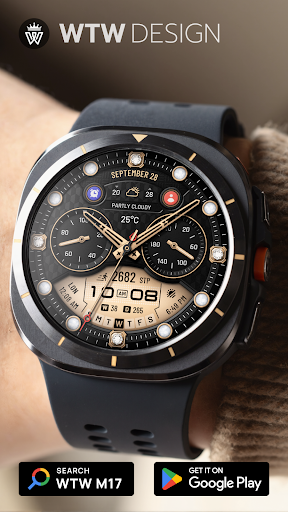
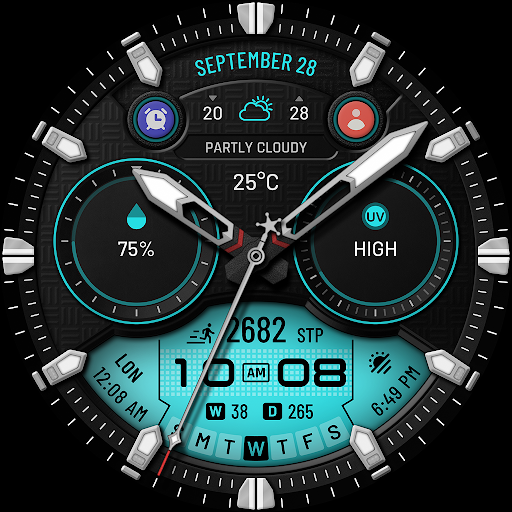
WTW M17 Hybrid Watch Face

4.70

Information

Category:

Android Wear

Price:

$ 2.29

Rank:

50

Rating:

4.70

Overview

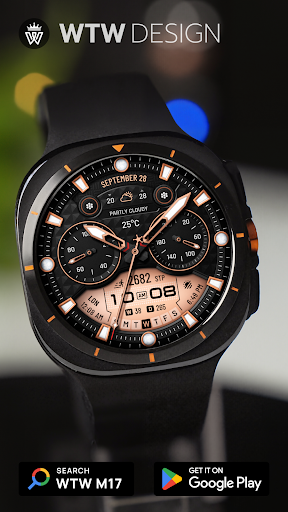
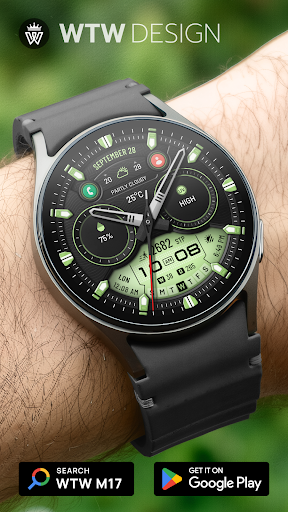
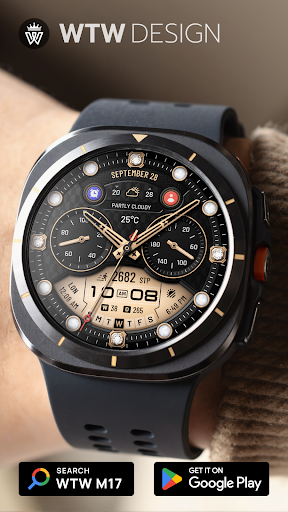
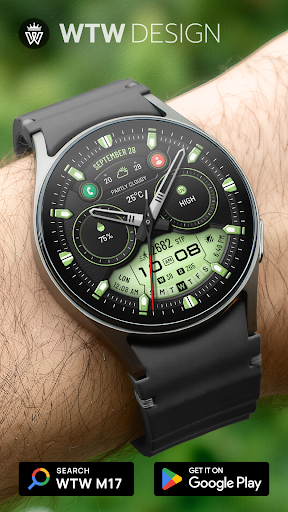
WTW M17 Hybrid Watch Face is a versatile and customizable watch face designed for Wear OS devices. It supports all Wear OS smartwatches with API Level 30+, including Samsung Galaxy Watch series and Pixel Watch.

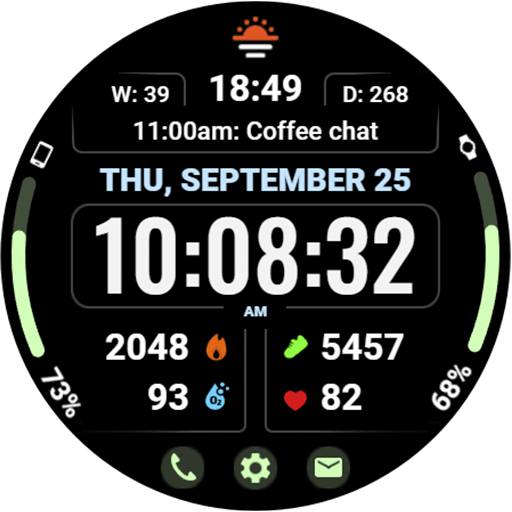
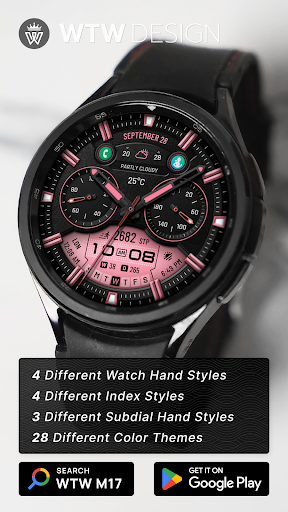
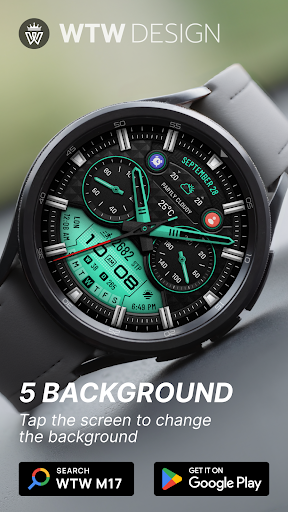
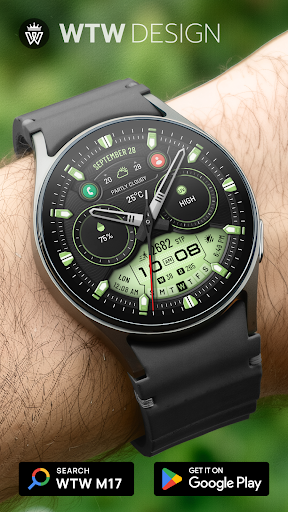
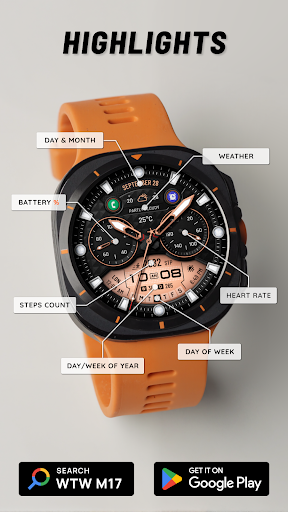
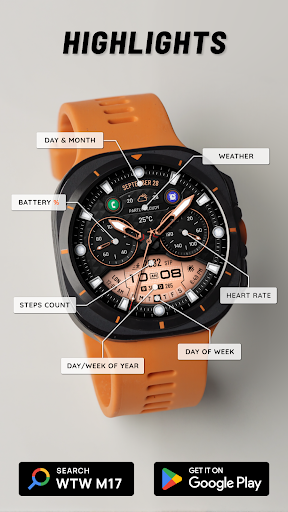
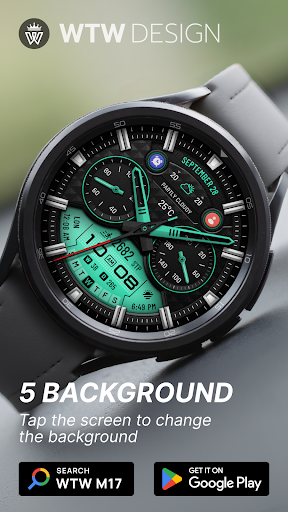
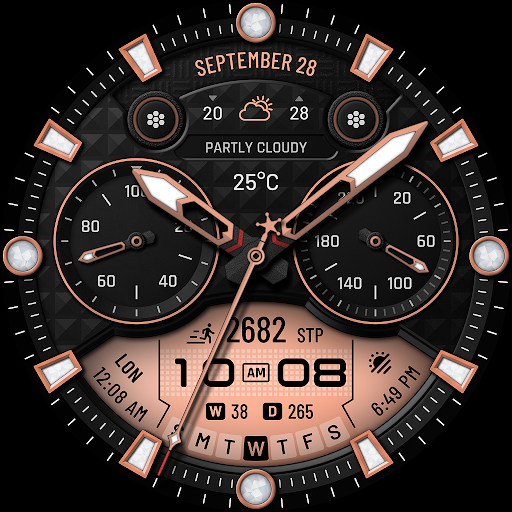
The watch face offers an array of features such as analog and digital time display, health tracking (heart rate, steps), calendar information, weather updates, and more. With multiple customization options like different watch hand styles, index styles, and color choices, users can tailor the interface to their preference.

This application is ideal for users seeking both functionality and personalization on their smartwatch, providing essential information at a glance while allowing for aesthetic modifications.

Features

WTW M17 stands out with its comprehensive feature set tailored for smartwatch users. The app provides both analog and digital time displays that automatically adjust based on the phone's settings, ensuring accurate timekeeping in either 12 or 24-hour formats.

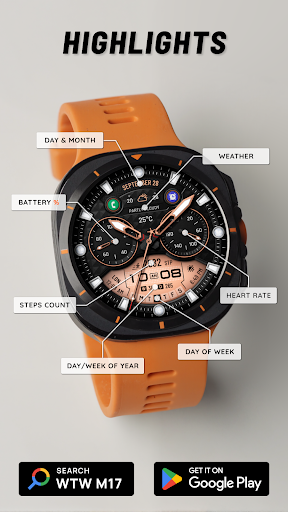
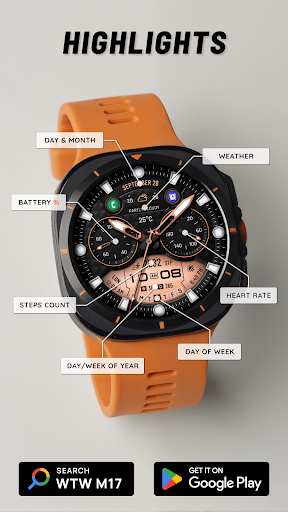
Health and fitness tracking features include heart rate monitoring (BPM), step counting, and other wellness metrics. Users can also view calendar details such as day, month, day of the week, day of the year, and week of the year. Weather updates provide current climate conditions.

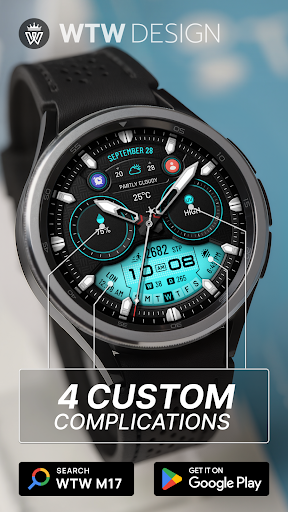
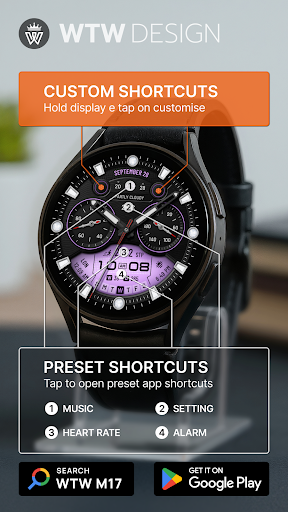
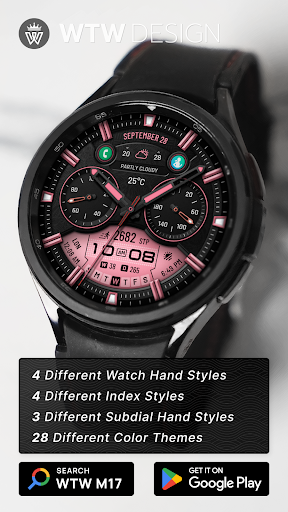
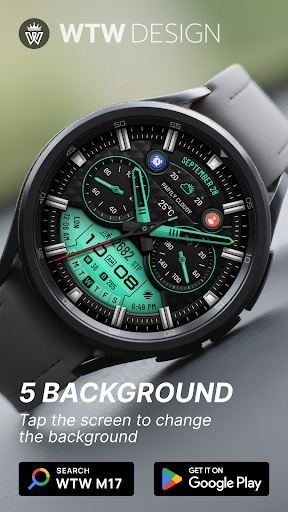
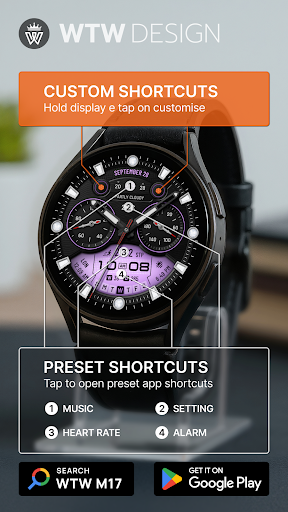
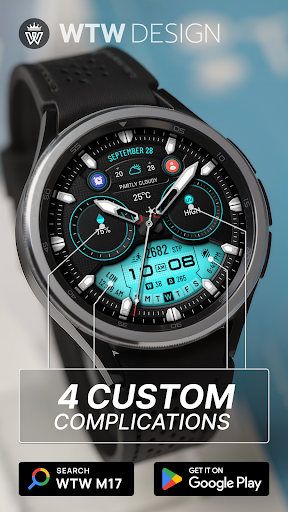
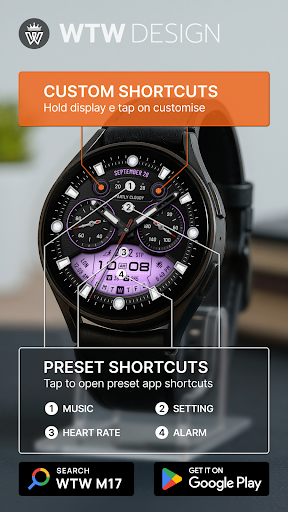
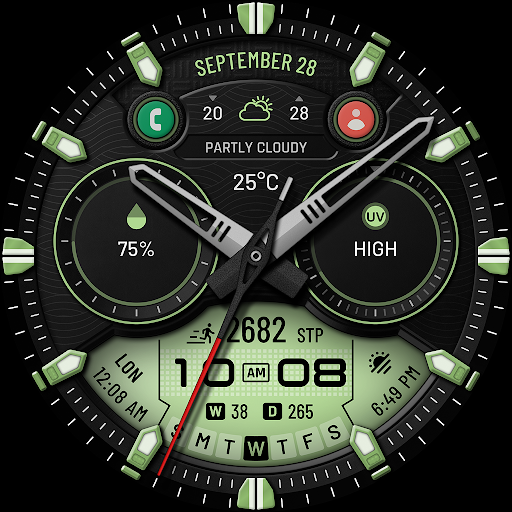
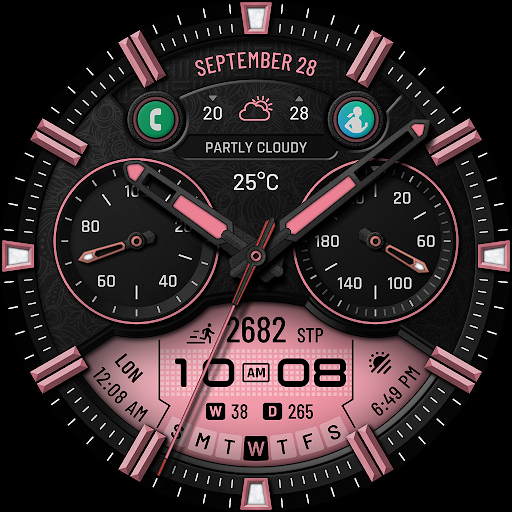
Customization is a key aspect, offering 4 watch hand styles, 4 index styles, 3 subdial hand styles, and multicolor options. Additionally, it includes preset app shortcuts (Music, Alarm, Heart Rate, Settings) and allows for 4 custom complications and 2 customizable app shortcuts, enhancing user interaction and convenience.

Companion app integration

Companion app integration refers to the seamless connection and synchronization between a wearable device and its corresponding mobile application which enhances user experience by providing extended functionalities and customization options The WTW M17 Hybrid Watch Face demonstrates excellent companion app integration by supporting a wide range of features accessible through the paired smartphone application Users can customize their watch face with different watch hand styles index styles and subdial hand styles directly from the companion app This level of customization ensures that users can personalize their watch face to match their preferences or outfit Furthermore the app provides four preset shortcuts including Music Alarm Heart Rate and Settings which can be easily accessed from the watch face itself This integration allows for quick access to frequently used functions without having to navigate through the phone's interface Additionally two customizable app shortcuts enable users to assign their preferred applications for even faster access to important functions The always-on display feature is another example of how well the companion app works with the watch face ensuring that vital information remains visible at all times while preserving battery life With support for various Wear OS devices including Samsung Galaxy Watches and Pixel Watches this watch face showcases broad compatibility and reliable performance across different hardware models Overall the WTW M17 Hybrid Watch Face offers an exceptional companion app experience by providing comprehensive customization options and maintaining consistent functionality across supported devices

Wear OS/device compatibility

Wear OS device compatibility is crucial for any wearable application as it determines the range of devices that can effectively utilize the software's features The WTW M17 Hybrid Watch Face excels in this aspect by offering extensive compatibility with Wear OS devices that have API Level 30 or higher This includes popular models such as Samsung Galaxy Watches versions 4 through 8 including variants like Ultra and Classic as well as Google's Pixel Watch By supporting these diverse devices the watch face ensures that a wide user base can enjoy its functionalities regardless of their specific smartwatch model One of the key advantages of this broad compatibility is the consistent user experience across different devices Users can expect the same high-quality performance whether they are using a Samsung Galaxy Watch 4 or a Pixel Watch This consistency is particularly important for features like battery percentage display heart rate monitoring step counting and weather updates which rely on accurate data synchronization between the watch and connected smartphone Moreover the watch face supports various display elements including analog dials digital time based on phone settings day month day of week day in year and week in year These elements render correctly across all compatible devices thanks to the thoughtful design and thorough testing conducted by the developers Another significant aspect of this compatibility is the inclusion of customizable complications and app shortcuts Users can personalize their watch faces with four custom complications and choose from four preset app shortcuts Music Alarm Heart Rate and Settings This flexibility allows individuals to tailor their smartwatch experience according to their daily needs and preferences regardless of which Wear OS device they own The ability to customize two additional app shortcuts further enhances this personalization potential making the WTW M17 Hybrid Watch Face a versatile choice for Wear OS users seeking both functionality and style

Props

User-friendly interface

Wide device compatibility

Highly customizable design

Comprehensive health tracking

Multiple shortcut options

Cons

Requires API Level 30+

Limited to Wear OS

No iOS support

Premium features may cost extra

Complex for beginners

Features and Functions

What is this app and what can I use it for?

A customizable Wear OS watch face with health and utility features

How do I download and install this app on my device?

Search WTW M17 in Play Store, tap Install, and follow prompts

How do I get started after opening the app for the first time?

Touch hold display, tap Customize, adjust settings as needed

What are the main features and capabilities of this app?

Analog-digital time, health tracking, weather, customizable design

How can I customize my experience and adjust preferences?

Use touch controls to access customization options and settings

How do I save or bookmark my favorite content for later access?

Save favorites by setting custom complications in the app

How can I share content with friends or on social media?

Share your setup via screenshots through social media or messaging

How do I access detailed information and explore more content?

Tap specific elements to view detailed info and settings

What permissions does this app need and how do I manage them?

Needs basic permissions; manage in device settings if required

How do I check for updates and keep the app running smoothly?

Enable auto-updates in Play Store or manually check for updates
Show more

User Reveiws

{{ comment.reviewer_name }}
{{ comment.review_date_formatted}}
{{ comment.review_content }}
{{ tab.name }}
{{ comment.reviewer_name }}
{{ comment.review_date_formatted}}
{{ comment.review_content }}
No reviews with this rating