
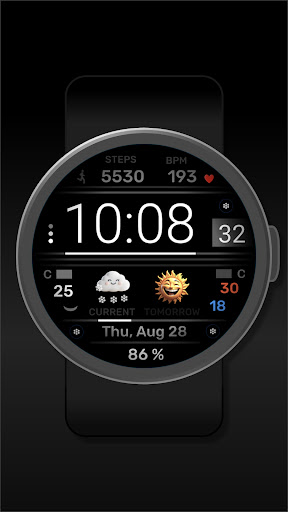
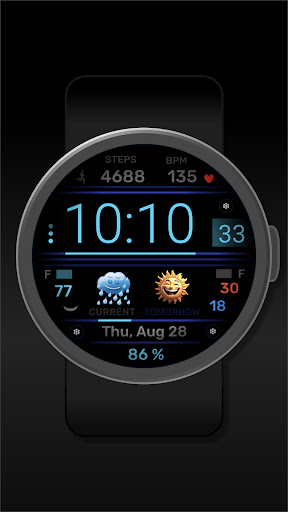
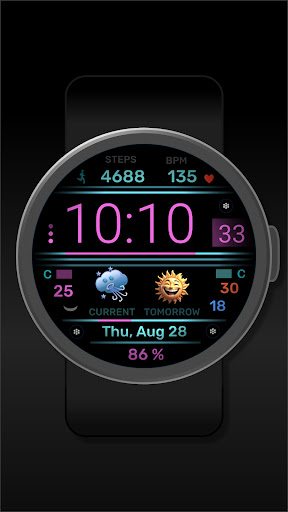
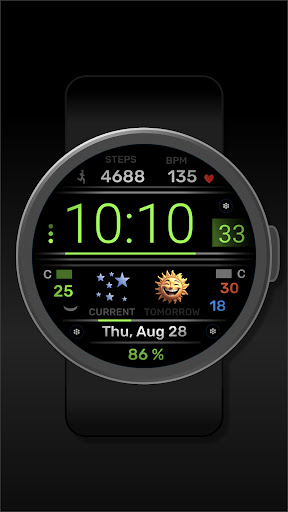

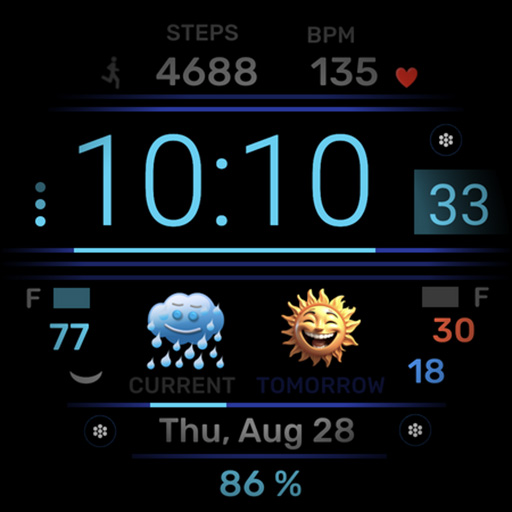

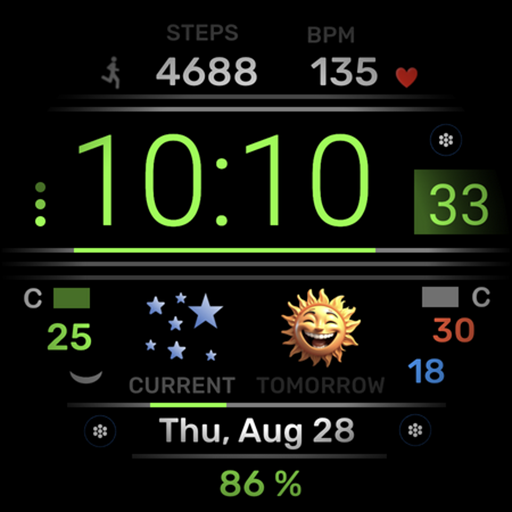
h702 Minicreator is a feature-rich watch face designed specifically for Wear OS devices. This application not only displays essential information such as time, date, heart rate, and step count but also provides users with weather forecasts to help them stay prepared throughout the day. The ability to customize the color scheme allows for personalization according to individual preferences. With three direct app launchers integrated into the interface, users can conveniently access their most-used applications without leaving the watch face.
This app is particularly useful for fitness enthusiasts and professionals who need quick access to vital information and apps on their smartwatches. By offering a combination of health tracking, convenience, and customization options, h702 Minicreator enhances the overall user experience on Wear OS devices.
One of the standout features of h702 Minicreator is its comprehensive display that includes time, date, heart rate monitoring, step counting, and weather forecasting. These elements are crucial for users who want to keep track of both their daily activities and environmental conditions. The inclusion of customizable color schemes means that each user can tailor the appearance of their watch face to match their style or mood.
Additionally, the presence of three direct app launchers significantly boosts the app's usability by providing instant access to frequently used applications. This functionality streamlines the user experience, making it more efficient and enjoyable. Whether you're tracking your fitness goals or staying updated with the latest weather conditions, h702 Minicreator ensures that all necessary information is readily available at a glance.
User-friendly interface
Customizable color schemes
Integrated health tracking
Weather forecast display
Direct app launchers
Limited to Wear OS
No advanced analytics
Basic design layout
Few customization options
Requires compatible device

Analog watch face with 8 complications and expedition styling
 4.1
4.1
A watch face that fuses motorsport precision with contemporary smartwatch design
4.3
Elegant animated Christmas tree with multiple customization options
4.20
3 Complications. All shadow on/off. 30 Themes color palette...
4.4
The most customizable minimal watch face. For Wear OS 5.0, API 34+ and later
4.70
Digital watch face. For Wear OS devices.
4.40
Nutrition, Macro tracker: Food, fitness & healthy diet tracking for weight loss
4.60
Period, ovulation & pregnancy tracker. Fertility insights & menstrual calendar.
4.90
Hybrid watch face for Wear OS with customizable complications by Matteo Dini MD
4.70
A modern hybrid informative watch face for Wear OS designed by BALLOZI
4.80
WTW M17 is a premium and luxurious hybrid watch face
4.70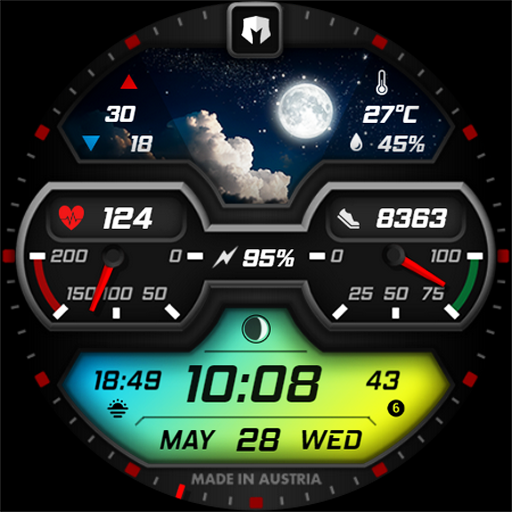
Stylish, Energizing and Modern Watch Face crafted by Dominus Mathias.
4.50
A white realistic classic analog watch face with many customization options.
4.40
Locate your family members by GPS phone location tracker everywhere and anytime
4.30
Calming & relaxing sounds for sleeping and stress relief. Stay focused all day!
4.20
The #1 source of faces for your smartwatch!
4.00
Viewer for Wyze/Yi/Eufy/Arlo/ONVIF/RTSP/P2P IP cams w/ adv. features & DIY DVR
4.00
Professional weather radar and more
3.90
Stylish digital watch face for Wear OS devices with customizable features
4.4


User Reveiws