Pop Color

4.20

Information

Category:

Personalisation

Price:

Free

Rank:

35

Rating:

4.20

Overview

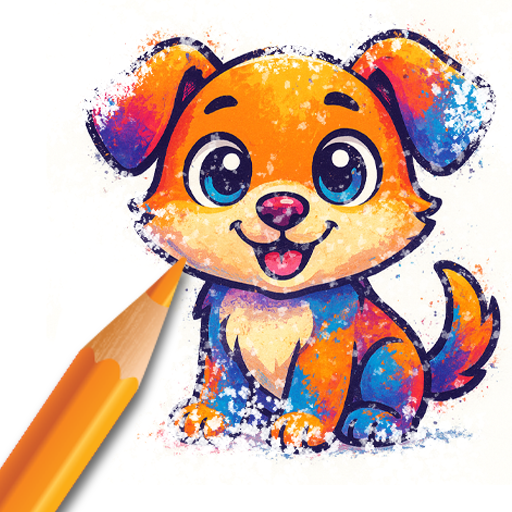
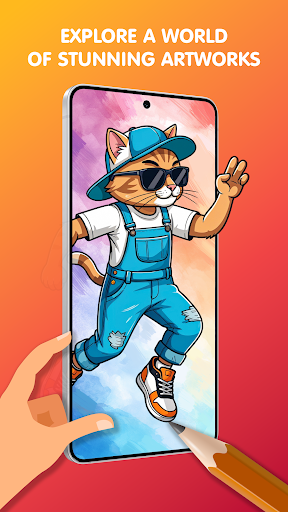
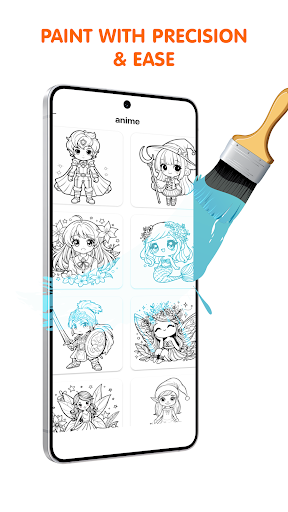
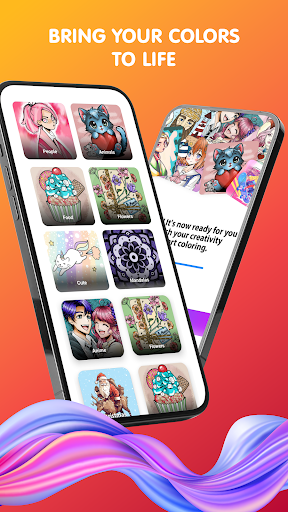
Pop Color is a personalization app designed to help users escape daily stress while expressing their creativity through coloring. With a vast library of illustrations, including mandalas, animals, and seasonal designs, it offers an engaging way to relax and unwind.

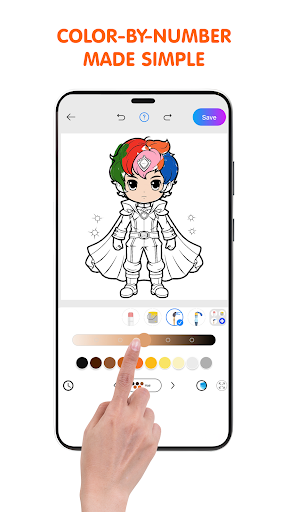
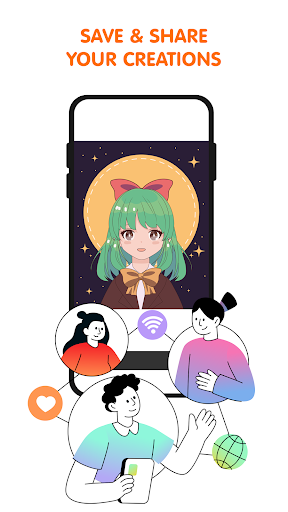
The app provides intuitive tools such as brushes, pencils, and gradient options, making it suitable for both beginners and experienced artists. Its daily illustrations and special themed packs ensure fresh content, while the ability to share creations adds a social element, enhancing user interaction.

Perfect for mindfulness and stress relief, Pop Color combines art and relaxation seamlessly, offering a personalized experience that helps users focus, create, and enjoy moments of calm in their day.

Features

Pop Color stands out with its rich feature set tailored for creative expression. The app includes an expansive coloring book with endless pages of diverse illustrations, ranging from intricate mandalas to scenic landscapes, ensuring there's something for everyone.

Users can explore unlimited color combinations, from solid shades to gradients and textures, allowing for truly unique artwork. Intuitive tools like smudge, spray, and pencil options provide powerful yet easy-to-use functionalities, enabling users to achieve professional results effortlessly.

Additional highlights include daily illustrations for consistent creative engagement, special holiday-themed packs, and seamless sharing options to showcase completed works on social media, making it a comprehensive creative platform.

Customization options variety

Customization options variety refers to the range and flexibility of features that allow users to personalize their experience within an application. In Pop Color, this aspect is particularly important as it enables users to explore their creativity through a diverse set of coloring tools and options. The app offers an extensive coloring book with pages featuring mandalas, animals, landscapes, and patterns, ensuring there is something for everyone. Each page provides an opportunity for users to apply their unique touch using unlimited colors, including solid colors, soft gradients, or textures. This vast array of choices empowers users to create artwork that truly reflects their personal style and mood. Additionally, Pop Color includes simple yet powerful tools such as brushes, pencils, smudge, and spray functions, all designed to provide a stress-free painting experience. These customization options not only enhance user engagement but also cater to different skill levels, from beginners to professionals. By offering daily illustrations and special seasonal packs, Pop Color ensures that users always have fresh content to explore, keeping the experience dynamic and engaging. Ultimately, the variety of customization options in Pop Color allows users to transform ordinary illustrations into personalized masterpieces, providing both relaxation and a creative outlet.

Theme compatibility

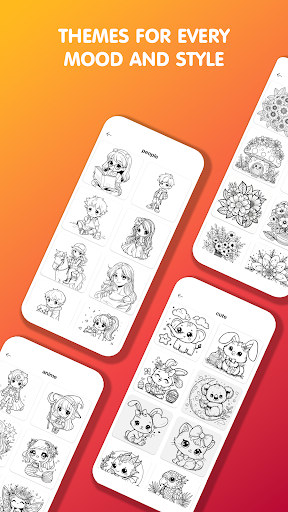
Theme compatibility in an application pertains to how well the app supports various visual themes and integrates them seamlessly into the user interface. For Pop Color, theme compatibility plays a crucial role in enhancing the overall user experience by allowing users to enjoy a cohesive and visually pleasing environment while they color and create art. The app boasts a huge library of illustrations suitable for all ages, which are designed to be aesthetically compatible with different themes. Whether users prefer vibrant and bold designs or softer, more subdued palettes, Pop Color accommodates these preferences effortlessly. The intuitive design of the app ensures that regardless of the chosen theme, users can easily navigate through the app's features without any disruption in their workflow. Furthermore, the app's proven stress relief and mindfulness benefits are amplified by its ability to maintain a calming atmosphere through thoughtful theme integration. Users can switch between themes depending on their mood or the specific project they are working on, thus enjoying a personalized and immersive coloring experience. By upgrading to the premium version, users can remove ads and unlock everything, further enhancing the visual and functional compatibility of themes within the app. This seamless blend of theme options not only enriches the artistic process but also contributes significantly to the app's appeal as a tool for relaxation and creative expression.

Props

Intuitive design

Vibrant illustrations

Daily updates

Social sharing

Mindfulness focus

Cons

Premium cost

Ads in free version

Limited offline access

Occasional bugs

Learning curve

Features and Functions

What is this app and what can I use it for?

Pop Color is a coloring app for relaxation and creativity with diverse illustrations

How do I download and install this app on my device?

Visit Google Play Store search 'Pop Color' tap Install wait for download completion open the app

How do I get started after opening the app for the first time?

Choose a coloring page select colors use tools like brush or pencil start coloring save your work

What are the main features and capabilities of this app?

Includes coloring book unlimited colors simple tools daily updates special themed illustration packs

How can I customize my experience and adjust preferences?

Adjust color settings tool preferences interface layout via Settings customize your workflow

How do I save or bookmark my favorite content for later access?

Save favorite pages locally bookmark them within app organize into collections for future access

How can I share content with friends or on social media?

Use in-app sharing options post creations directly to social media email or messaging apps

How do I access detailed information and explore more content?

Explore categories browse new releases check daily updates access detailed image descriptions

What permissions does this app need and how do I manage them?

App needs storage permissions manage these in device settings adjust based on preference

How do I check for updates and keep the app running smoothly?

Enable auto-updates in Google Play Store settings regularly clear cache maintain smooth performance
Show more

User Reveiws

{{ comment.reviewer_name }}
{{ comment.review_date_formatted}}
{{ comment.review_content }}
{{ tab.name }}
{{ comment.reviewer_name }}
{{ comment.review_date_formatted}}
{{ comment.review_content }}
No reviews with this rating