


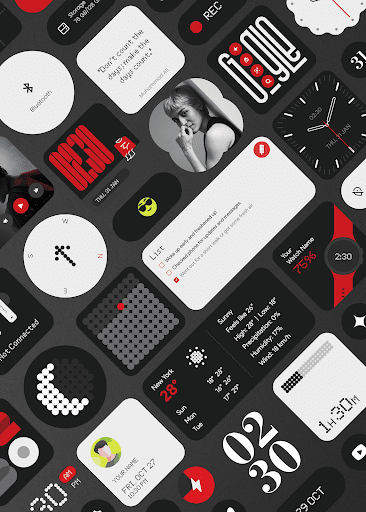
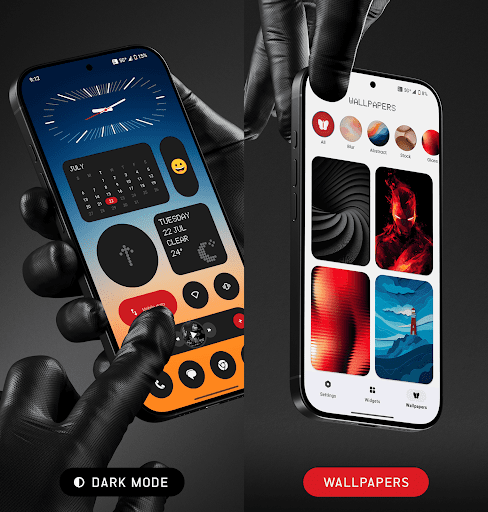
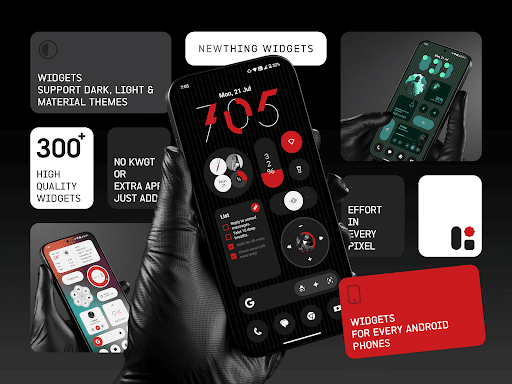
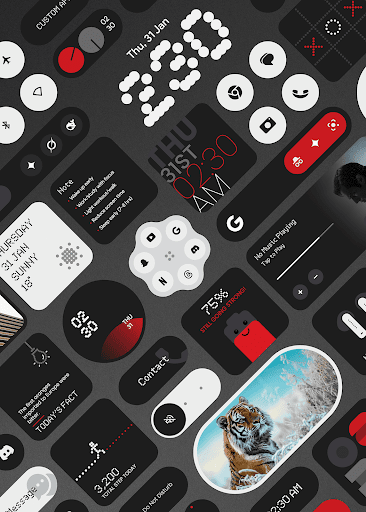
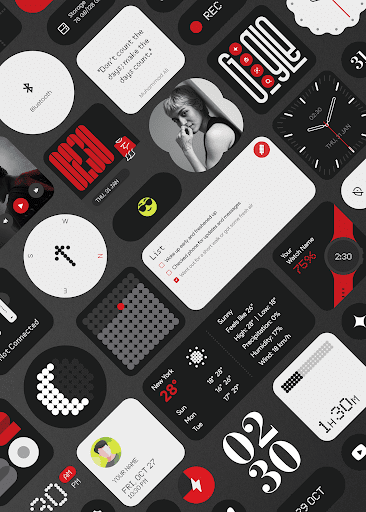
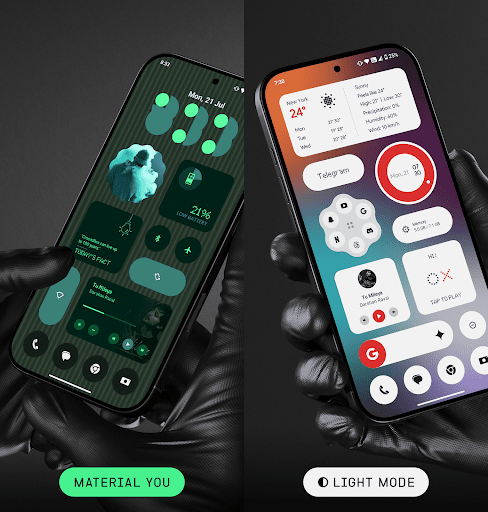
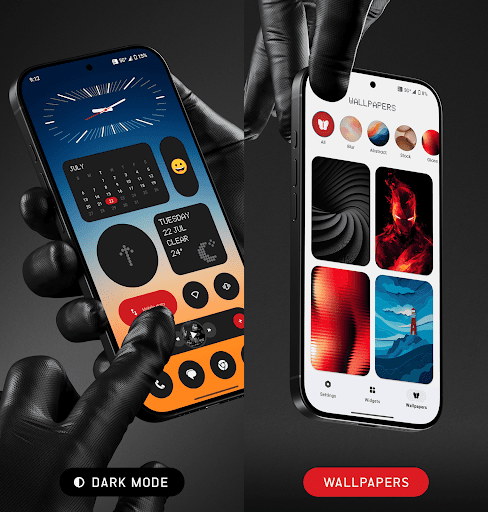
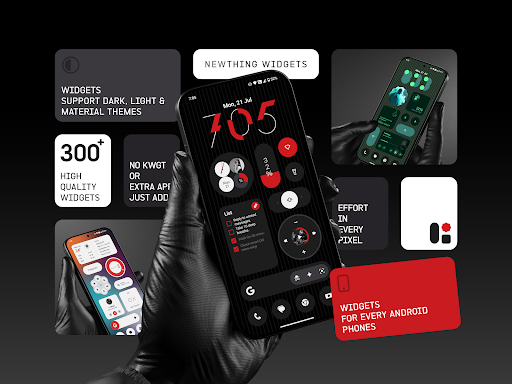
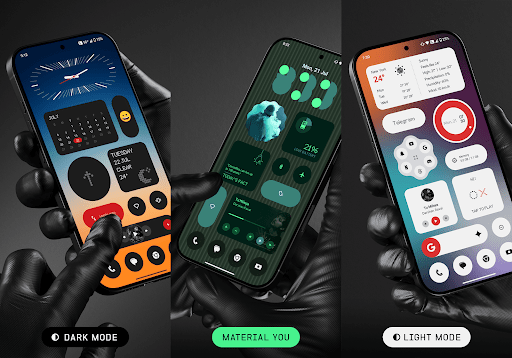

NewThing Widgets Pro is a comprehensive widget solution for Android devices, offering over 300 beautifully designed widgets that cater to various user needs. These include functional widgets like Clocks, Weather, and Battery monitors, as well as aesthetic enhancements such as Quotes & Facts and theme-matching wallpapers.
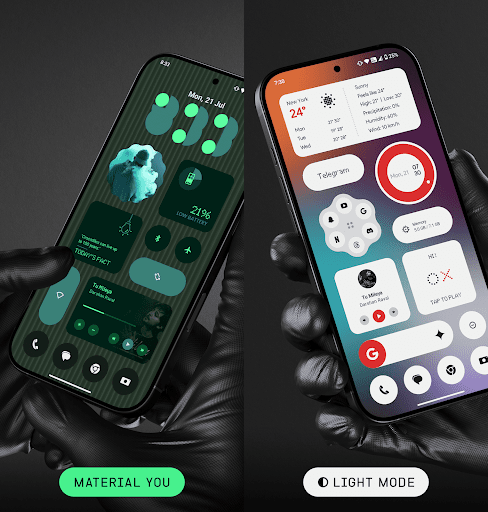
The application stands out with its Material You support, ensuring widgets seamlessly integrate with users' system themes. The widgets are optimized for performance, providing smooth operation while maintaining battery efficiency. Regular updates ensure the library stays fresh and continues to expand with new options.
Users seeking to personalize their home screens will find value in NewThing Widgets Pro's elegant designs and customization capabilities. Whether it's for improved functionality or visual appeal, this app provides a versatile toolkit for creating a unique mobile experience.
NewThing Widgets Pro distinguishes itself through its extensive collection of over 300 widgets that don't require any additional applications to function. Each widget is crafted with attention to design detail, offering users a choice between dark mode, light mode, and Material You aesthetics, which adapt to the device's theme automatically.
A key feature is the app's ability to provide timely updates using exact alarms, ensuring widgets like Weather and Calendar display current information without delay. This precise timing is maintained through foreground services that keep widgets responsive throughout the day.
The application also emphasizes ease of use and customization, allowing users to personalize their home screens effortlessly. With regular updates promising even more widget options, NewThing Widgets Pro ensures that users' interfaces remain fresh and engaging.
User-friendly interface
Extensive widget variety
Optimized performance
Regular feature updates
Customizable designs
Premium version only
Requires exact alarms
Limited iOS support
Foreground service needed
Refund policy constraints

Icons made of colorful linear lines
 4.60
4.60
300+ Beautifully crafted widgets inspired by OneUI.
4.60
Handcrafted pixel art icons, widgets & wallpapers
4.60
400+ Beautifully crafted widgets inspired by NOTHING.
4.70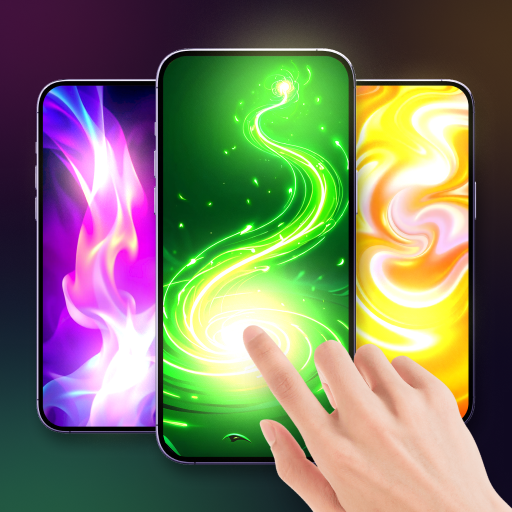
Magic fluids wallpaper 4D: Relax with stunning fluid simulation wallpaper app
4.20
Install amazing sticker packs: endless styles, always cool.
4.70
LotusLamp X is the professional version of LotusLanternX App.
3.20
Shimeji adds cute animated characters to your screen, lively and fun.
3.80
Download City On Fire Home App now and turn every run into an adventure!
4.50
Make your chats fun?6000+ Emojis, Fonts, Themes, Stickers & Custom AI Keyboard!
4.70
Customize your home screen with stunning themes, blur, widgets & icons.
4.60
The Big Keyboard: Easy Homescreen makes your phone home screen & keyboard easy!
4.50
Yandex Browser — stylish and secure, with voice search and data compression
4.40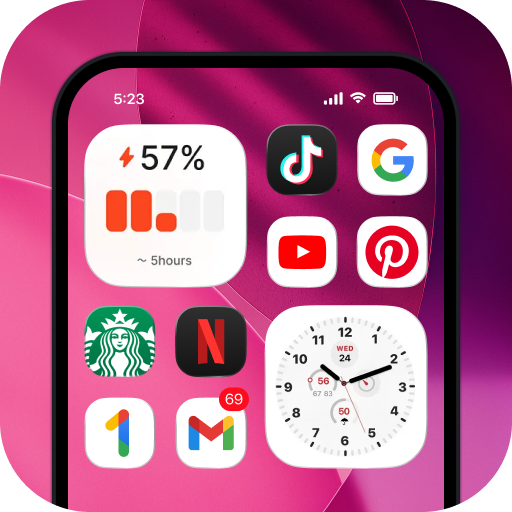
Launcher OS™ help make your phone simple and pretty.
4.40
Experience the magic touch of AI art, live wallpapers and backgrounds
4.40
Launcher OS™ Pro without ads help make your phone simple and pretty
4.30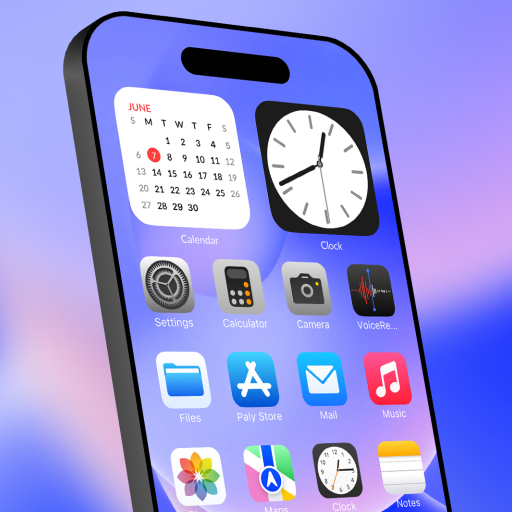
set a new experience for the Android mobile phone
4.20
Customize & simplify your home screen: personalized fonts, shortcuts, and icons.
4.00
Emoji Maker app - Design custom emojis and effortlessly blend them with Mixer
3.80


User Reveiws