QR & Barcode Scanner

4.80

Information

Category:

Tools

Price:

Free

Rank:

3

Rating:

4.80

Overview

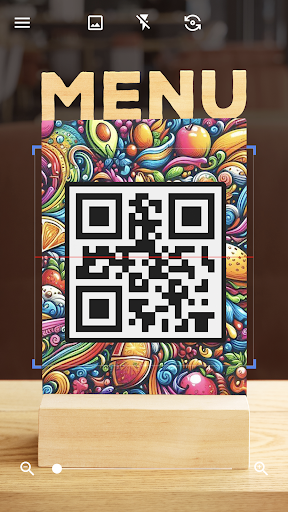
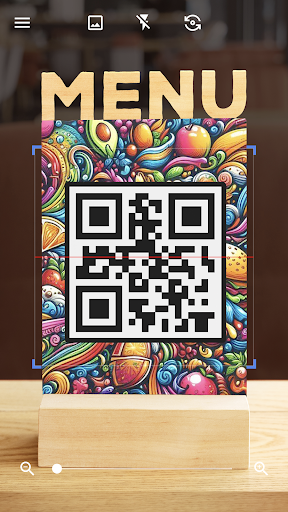
QR & Barcode Scanner is a versatile tool designed for Android users who need quick and reliable scanning of QR codes and barcodes. This app not only reads various types of codes including text, URLs, ISBNs, and product details but also generates QR codes effortlessly. Its intuitive interface allows automatic scanning without the need to press buttons or adjust settings.

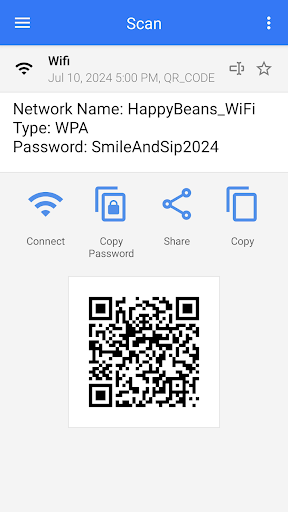
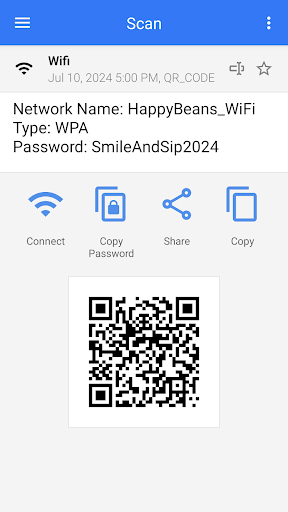
The application's core strength lies in its dual functionality - it serves as both a scanner and generator. Users can scan coupons to save money, compare product prices by scanning barcodes in shops, and even connect to Wi-Fi networks through QR codes. The app supports multiple formats and provides relevant actions after decoding each code type.

For those frequently on the go, this app proves invaluable. It works seamlessly in different lighting conditions with features like flashlight support and pinch-to-zoom for distant codes. Whether for personal convenience or professional efficiency, QR & Barcode Scanner offers an all-in-one solution that integrates smoothly with your daily activities.

Features

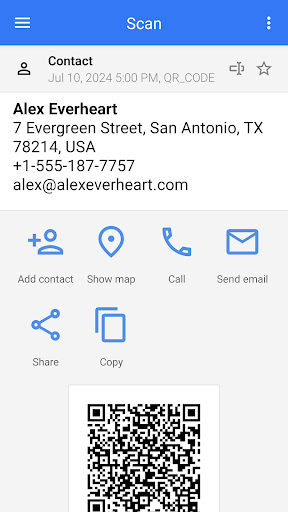
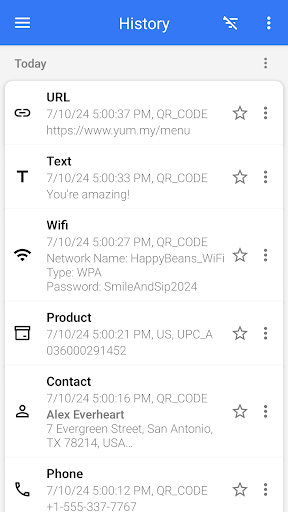
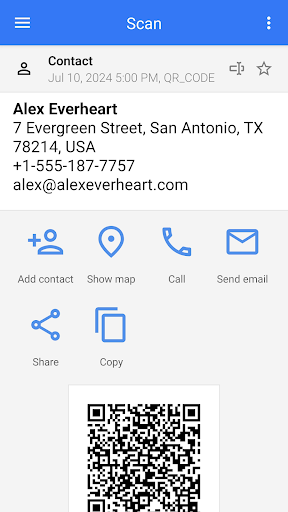
QR & Barcode Scanner stands out with its rich feature set tailored for diverse scanning needs. One notable feature is its ability to scan and decode multiple QR code and barcode types automatically. From URLs and text to more complex formats like Wi-Fi credentials and contact information, the app handles them all with precision.

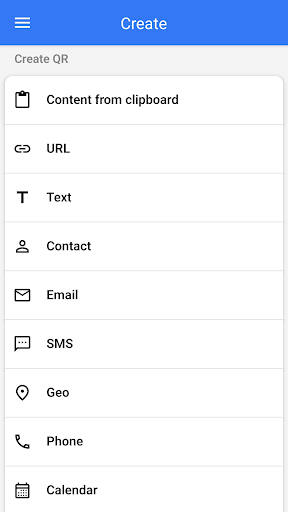
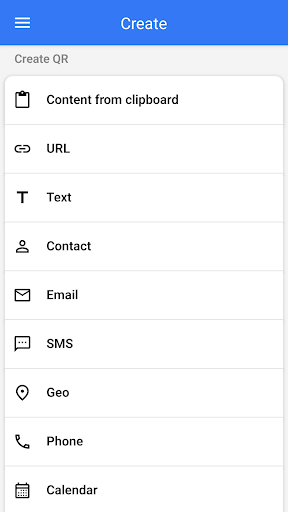
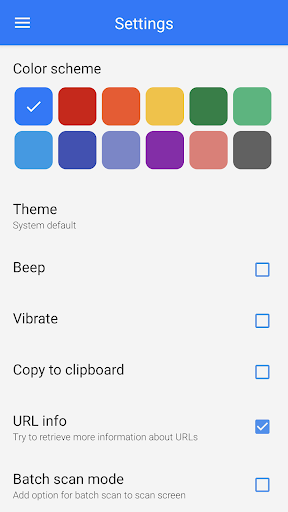
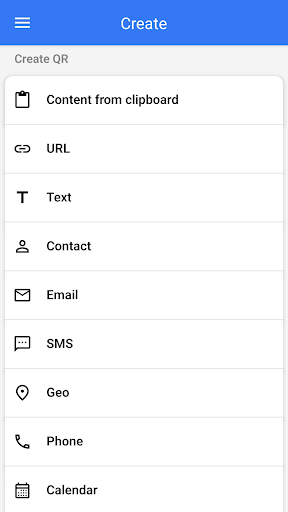
In addition to scanning, the app includes a robust QR code generator. Users can create QR codes from entered data or clipboard content, customize their appearance with different colors and themes, and even operate in dark mode. Advanced functionalities such as batch scanning allow processing multiple codes at once, while export options enable saving results in .csv or .txt formats.

Other standout features include the ability to scan codes from images or the gallery, share contact info via QR, and integrate with other apps for seamless image sharing. With practical tools like price comparison in shops and Wi-Fi password scanning, this app ensures users have everything they need for efficient code management.

Core function accuracy & effectiveness

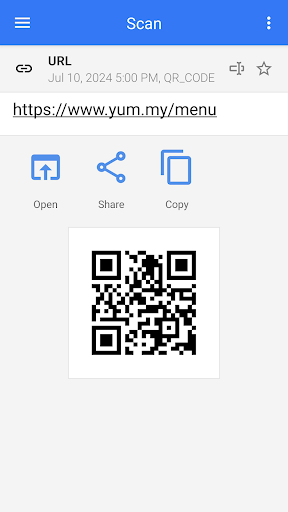
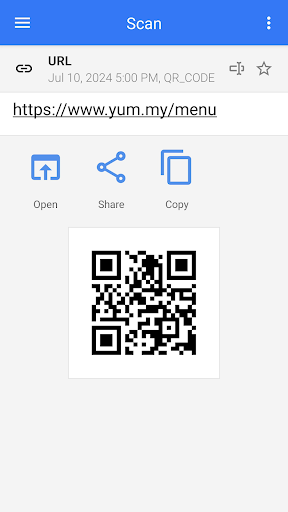
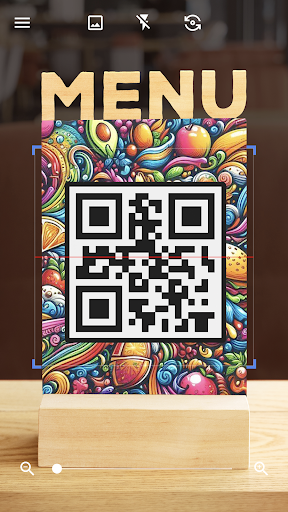
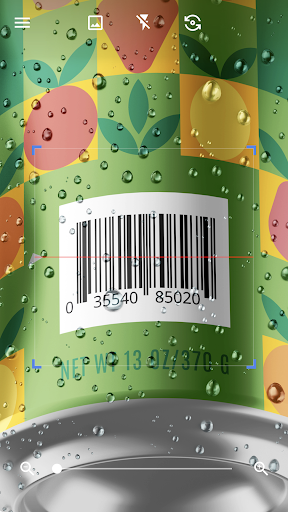
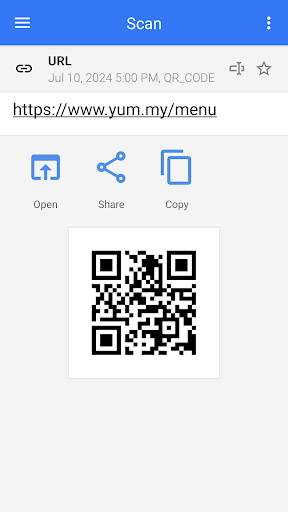
The core function of QR & Barcode Scanner centers on its ability to accurately and effectively scan and decode various types of QR codes and barcodes. This functionality is crucial for users who rely on the app for quick access to information embedded in these codes. The app employs advanced scanning technology that automatically starts decoding as soon as the camera points at a code, eliminating the need for manual inputs such as pressing buttons or adjusting zoom. This seamless operation ensures that users can swiftly obtain the encoded information, whether it be URLs, product details, contact information, or even Wi-Fi passwords. The effectiveness of this app is further enhanced by its capability to handle numerous formats including ISBN, email, location data, and more. Once scanned, the app intelligently identifies the type of content and presents relevant actions to the user, streamlining the entire process. For instance, if a URL is detected, the app offers an option to open it directly in a web browser. This intelligent handling of different QR code types not only saves time but also significantly improves the overall user experience by providing precise and context-sensitive options. Additionally, the app's reliability in diverse conditionsu2014such as low light environments where the flashlight feature comes into playu2014ensures consistent performance. Users benefit from having a versatile tool that adapts to various scenarios, making daily tasks easier and more efficient. Overall, the accuracy and effectiveness of QR & Barcode Scanner make it an indispensable utility for anyone needing fast and reliable access to information through QR codes and barcodes.

Interface simplicity & intuitiveness

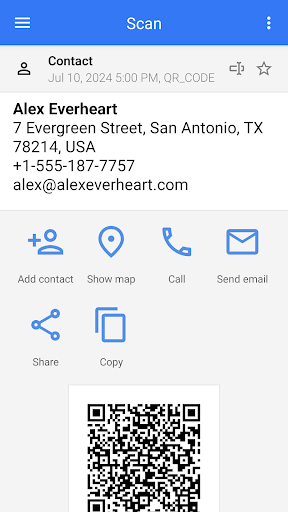
QR & Barcode Scanner excels in providing an interface that is both simple and intuitive, ensuring that users of all technical backgrounds can operate the app with ease. The hallmark of this app is its minimalistic design which eliminates unnecessary complexities, presenting a clean and straightforward user interface. Upon launching the app, users are greeted with a no-frills screen that primarily focuses on the scanning functionality. This approach removes any learning curve associated with using the app, allowing users to start scanning QR codes and barcodes immediately without any prior training. The intuitiveness of the app extends beyond just the visual layout; it encompasses the entire user journey from opening the app to taking action on the decoded information. For example, when a QR code is scanned, the app automatically recognizes the type of content and displays appropriate options such as opening a URL, adding contact details to the phonebook, or connecting to a Wi-Fi network. These context-aware suggestions enhance the user experience by reducing the number of steps required to achieve the desired outcome. Furthermore, additional features like the flashlight toggle and pinch-to-zoom are thoughtfully integrated into the interface, ensuring they are easily accessible without cluttering the main screen. Such design considerations reflect the app developers' commitment to creating a user-centric product that prioritizes usability and accessibility. By maintaining a balance between functionality and simplicity, QR & Barcode Scanner delivers an exceptional user experience that caters to both casual users looking for quick scans and professionals requiring reliable decoding capabilities. The result is an app that feels natural to use, empowering users to harness the full potential of QR and barcode technologies effortlessly.

Props

User-friendly interface

Fast scanning capability

Versatile code generation

Comprehensive format support

Free to use

Cons

Limited iOS compatibility

Occasional ads

Advanced features locked

Requires internet

Battery consumption

Features and Functions

What is this app and what can I use it for?

A tool for scanning and generating QR codes and barcodes

How do I download and install this app on my device?

Download from Google Play Store and install

How do I get started after opening the app for the first time?

Open app and grant necessary permissions

What are the main features and capabilities of this app?

Scans various codes and generates QR codes

How can I customize my experience and adjust preferences?

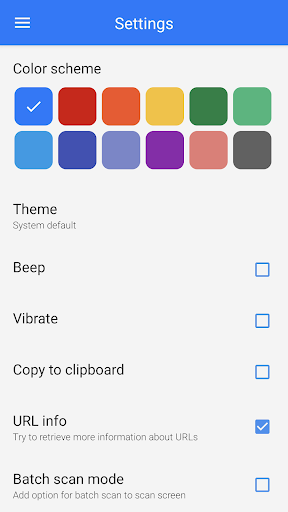
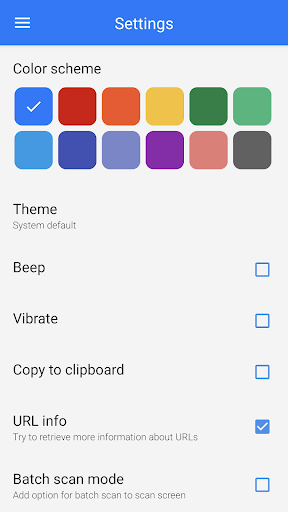
Adjust settings for theme and scan modes

How do I save or bookmark my favorite content for later access?

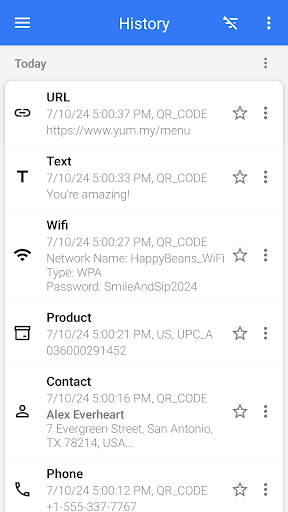
Save scans as favorites or export files

How can I share content with friends or on social media?

Share via social media or direct links

How do I access detailed information and explore more content?

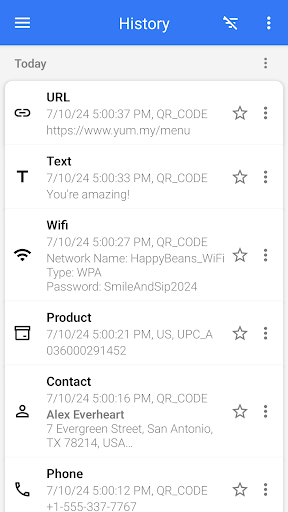
Access detailed scan history and logs

What permissions does this app need and how do I manage them?

Manage camera and storage permissions

How do I check for updates and keep the app running smoothly?

Check Google Play Store for updates regularly
Show more

User Reveiws

{{ comment.reviewer_name }}
{{ comment.review_date_formatted}}
{{ comment.review_content }}
{{ tab.name }}
{{ comment.reviewer_name }}
{{ comment.review_date_formatted}}
{{ comment.review_content }}
No reviews with this rating

















