
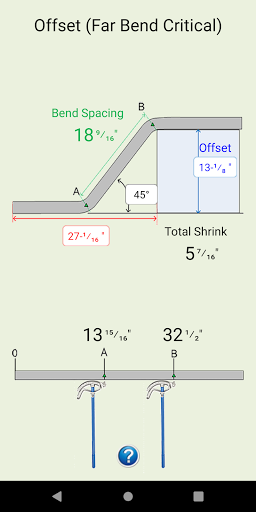
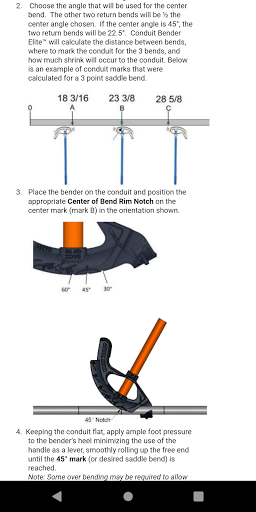
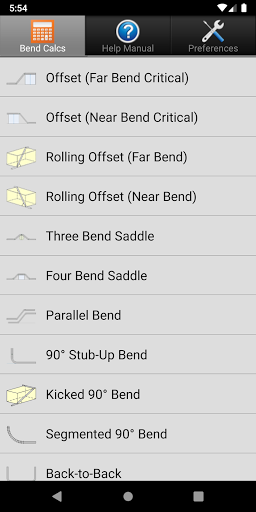
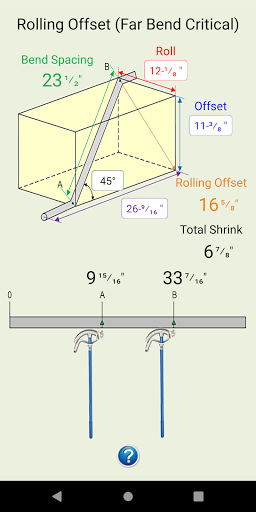
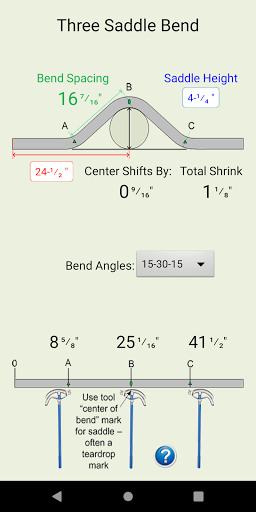


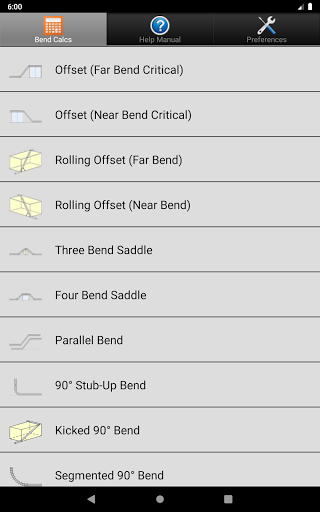
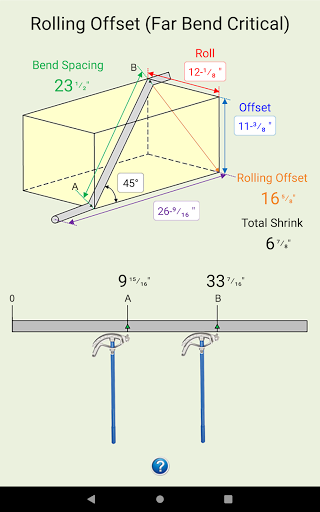
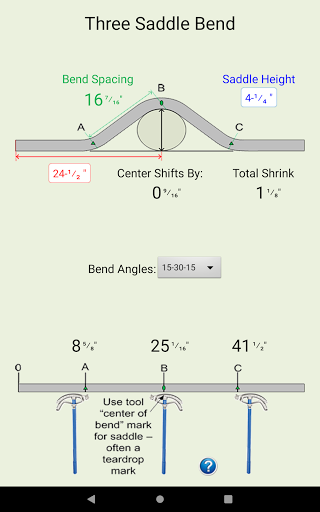
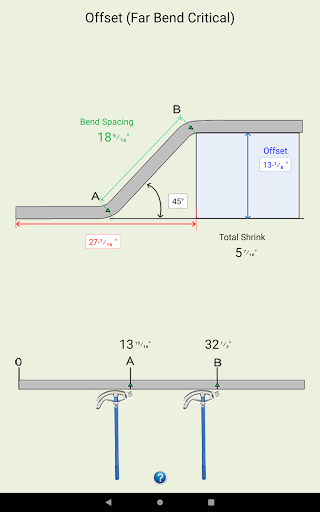

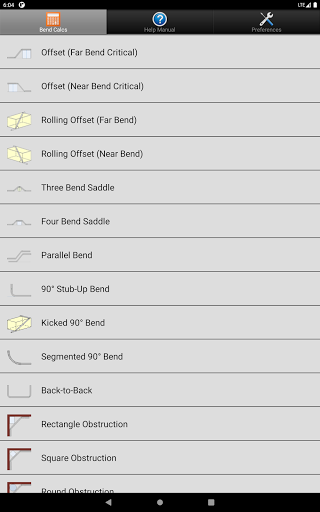
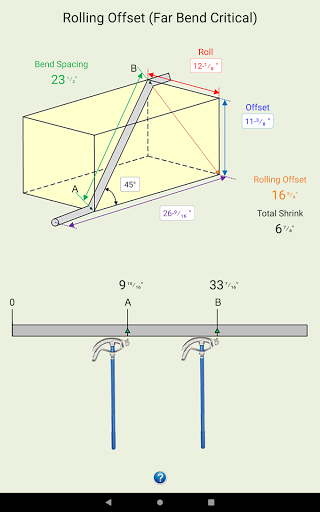

Conduit Bender Elite is a specialized calculator app designed to assist electricians in efficiently calculating, marking, and bending conduit. The app supports various bend types including Offset, Rolling Offset, Three Bend Saddle, Four Bend Saddle, and more, making it an essential tool for professional electricians. With its intuitive interface and comprehensive diagrams, it simplifies complex calculations and allows users to focus on the installation process.
The app's standout feature is its ability to perform calculations using either inches or centimeters, with customizable deduct settings for 90° bends across different conduit sizes. Whether you're dealing with square, round, or rectangular obstructions, Conduit Bender Elite provides step-by-step guidance to ensure accurate bends every time. Its practical approach saves valuable time on the job, making it an indispensable tool for both novice and experienced electricians.
Conduit Bender Elite offers a rich set of features tailored specifically for electricians. The app includes detailed diagrams and step-by-step instructions for over 12 different bend types, ensuring that users can handle any conduit bending scenario they encounter. Each calculation is supported by visual aids that make even the most complex bends easy to understand and execute.
One of the app's key innovations is its flexible preference settings. Users can switch between imperial and metric units effortlessly, and customize deduct settings for 90° bends from ½” to 4” conduit sizes (16-103mm). This level of customization ensures that the app adapts to each user's specific needs and preferences. Additionally, the app's compatibility with a wide range of Android devices guarantees a smooth experience regardless of the hardware being used.
Comprehensive bend types
User-friendly interface
Customizable unit preferences
Detailed instructional diagrams
Wide device compatibility
Requires technical knowledge
No iOS version available
Occasional layout issues
Limited to conduit calculations
Premium pricing model

Enjoy smooth gameplay with Game Booster
 4.90
4.90
App that Recover your pictures, videos or files after you delete them.
4.20
Quickly check the frequency of the Earth
4.30
NFC Tools can read and write NFC tags.
4.70
Remote Play with FSR upscaling, low latency & full controller support
4.80
Creation, Learning, Entertainment & More — The All-in-One AI Search Engine
4.70
Clean up large files and similar photos, fast and easy to use
4.40
Mobile Security with Scam Protection | Malware & Virus Cleaner | Safe Browser
4.70
The ideal app to be the digital eye of your family
3.40
Change your GPS location instantly. Simulate routes anywhere in the world.
4.90
Fast Video Downloader, Movie Downloader, Torrent Downloader & Adblock Browser
4.70 4.50
4.50
With videos, electrical calculators, and built-in ebook, Ugly’s has your answer.
4.50
The Ultimate Bluetooth Keyboard & Mouse. Securely control your PC, Mac, and more
4.50
Button mapper, mouse toggle, sleep timer and a lot of another features
4.50
Fluid navigation gestures for all of us!
4.30
Effortlessly run ADB commands directly on your device without a PC.
4.20
Introducing Smart Printer, your ultimate destination for printing solutions!
4.00
Unlock your Essential Key. Create custom shortcuts to your favorite apps!
4.0


User Reveiws