
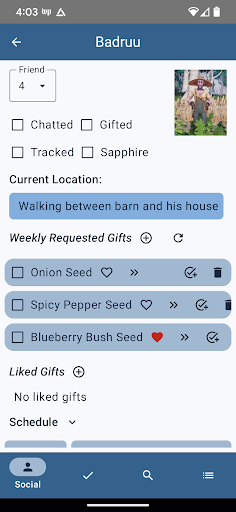
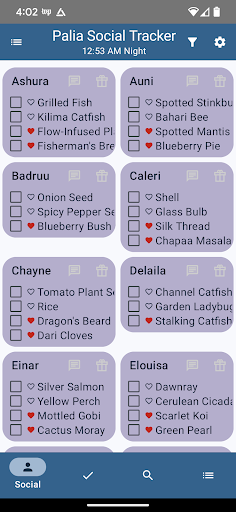
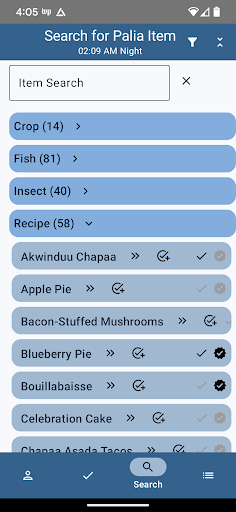
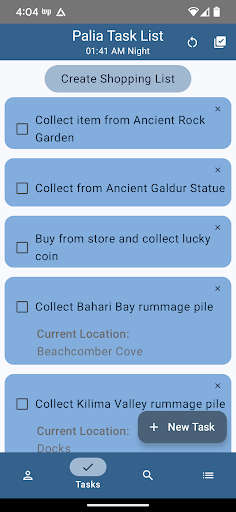
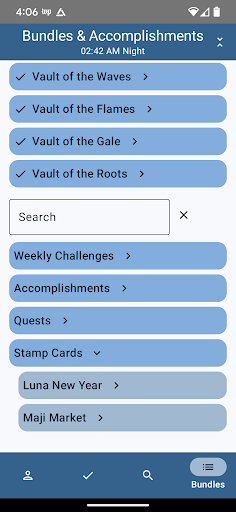
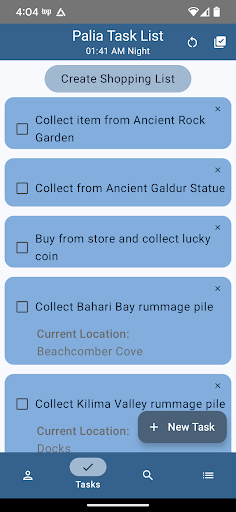
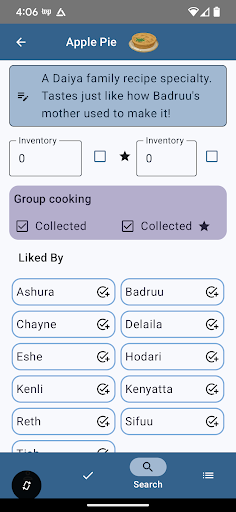

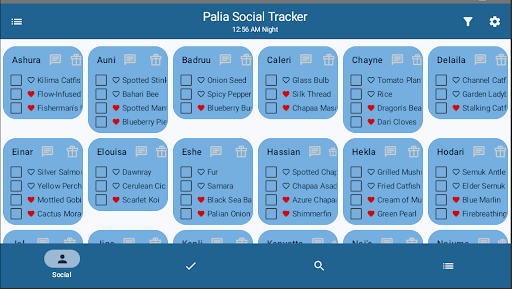
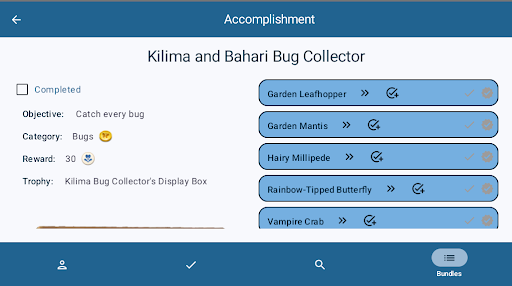
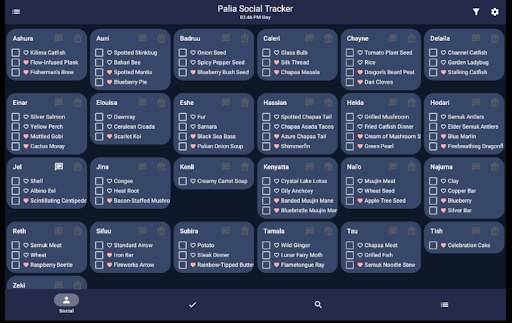
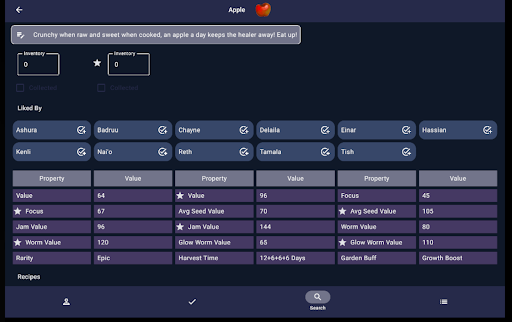
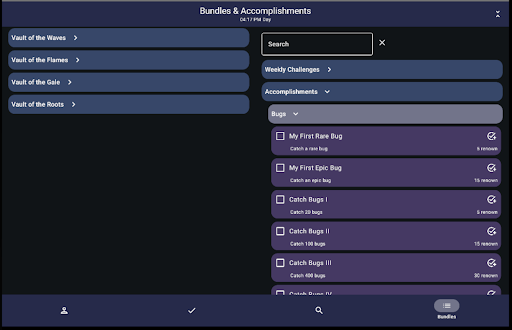

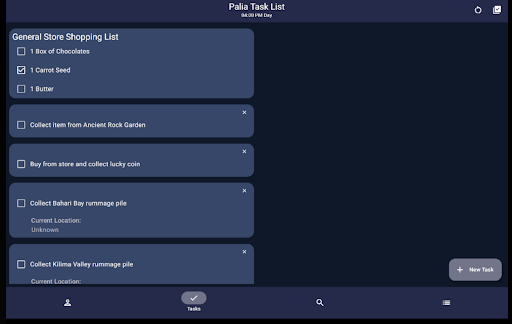
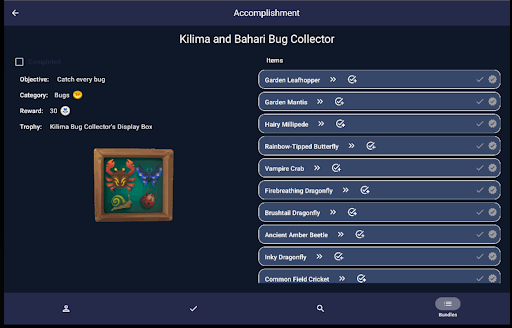
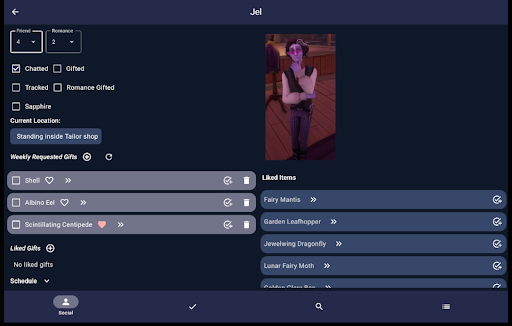
Palia Notebook is a comprehensive offline companion app designed for players of the video game Palia. This ad-free tool helps users efficiently manage their daily interactions with villagers including tracking chats gifts schedules and locations. The app also enables inventory management task creation and achievement tracking while providing detailed information on villager preferences and current game time.
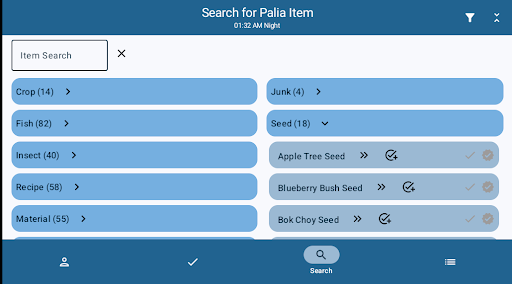
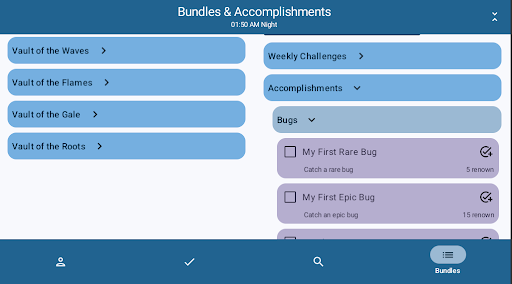
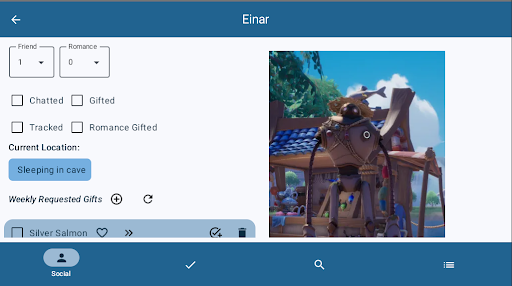
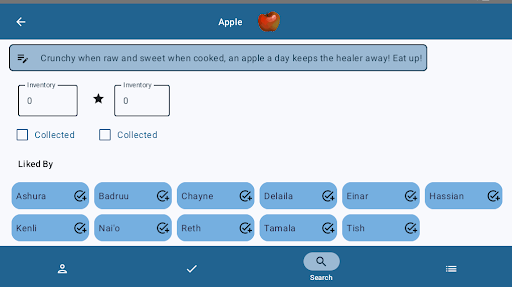
The application features dedicated screens for villager management social tracking task editing item cataloging and search functionality. Each screen provides specialized tools that allow players to optimize their gameplay experience. Whether it's managing villager relationships tracking item collections or planning in-game activities Palia Notebook serves as an essential organizational tool for both casual and dedicated players.
This app proves especially valuable for players seeking to streamline their daily tasks and long-term goals in Palia. By consolidating crucial information into one accessible platform Palia Notebook helps gamers make informed decisions about resource management villager interactions and overall game strategy.
Palia Notebook distinguishes itself through its comprehensive feature set tailored specifically for Palia players. The app's villager management system automatically updates chat and gift statuses based on game time while providing detailed information about each villager's schedule preferences and current location. This real-time tracking helps maintain optimal villager relationships.
The application's inventory management system goes beyond simple item tracking by incorporating processing values for preserves jars seed collectors and worm bins. This feature allows players to calculate the most profitable processing methods for their items. Additionally the advanced search functionality enables filtering by location biome and time making it easier to plan in-game activities around specific resources.
Task management capabilities include creating complex task chains with item requirements and villager-specific gifts. The accomplishment tracking system mirrors the game's structure allowing for efficient progress monitoring. These features collectively enhance the player's ability to organize their gameplay strategically track achievements and maximize their in-game efficiency.
User-friendly interface
Comprehensive villager tracking
Offline functionality
Real-time status updates
Detailed item processing values
Limited to Palia game
No iOS version available
Requires manual data entry
Third-party development
Regular updates needed

pdf merge, word to pdf, jpg to pdf, edit pdf, convert to pdf and much more!
 4.20
4.20
Complete kernel toolbox with features to manage and tweak your rooted device
4.30
This app unlocks the Pro features of the Central for DayZ app
3.60
Safely recover deleted photos, videos, and files with a single easy tap.
3.70
An easy-to-use calculator designed to save time calculating and bending conduit
4.30
Undelete and recover your lost or deleted files with DiskDigger!
3.40
Planner and Tracker for Stardew Valley
4.60
Create your own custom widget with endless possibilities
3.90
Remote Play with FSR upscaling, low latency & full controller support
4.80
Connect wirelessly to your computer to watch movies, browse the web, play games
5.00
Change your GPS location instantly. Simulate routes anywhere in the world.
4.90
Best leveling tool for your Android device. Hang paintings like a pro.
4.90
Extremely fast, secure, and protects your privacy
4.80
The one-and-only remote control for PC, Mac, and Linux
4.70
NFC Tools can read and write NFC tags.
4.70
VESC Tool can monitor and configure VESC-compatible devices over BLE and Wifi
4.20
Signal Strength, Mobile, Wifi, Speed Test, Bad Signals, Cellular, 5G, LTE, 4G
4.20 4.10
4.10
A simple app to back up and restore SMS & MMS messages and call logs.
4.10


User Reveiws