randstad

4.50

Information

Category:

Business

Price:

Free

Rank:

30

Rating:

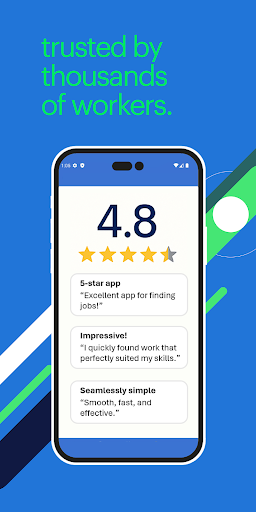
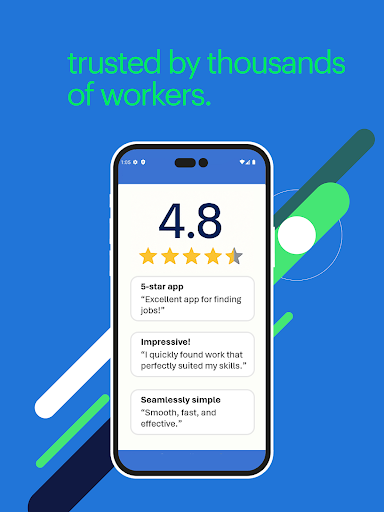
4.50

Overview

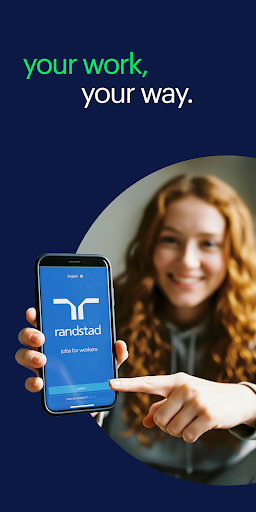
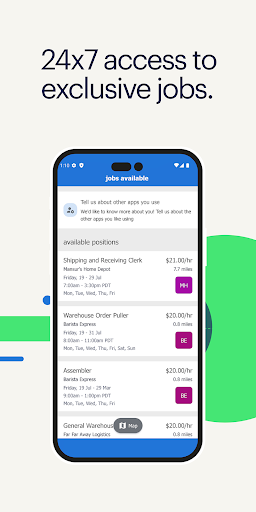
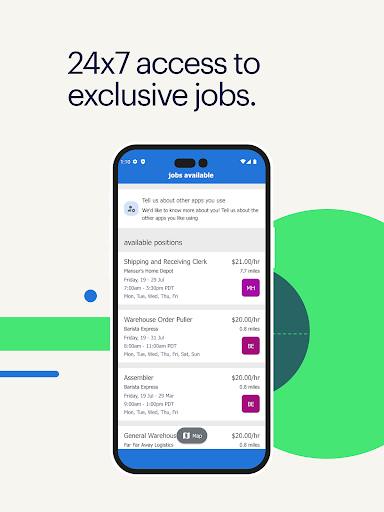
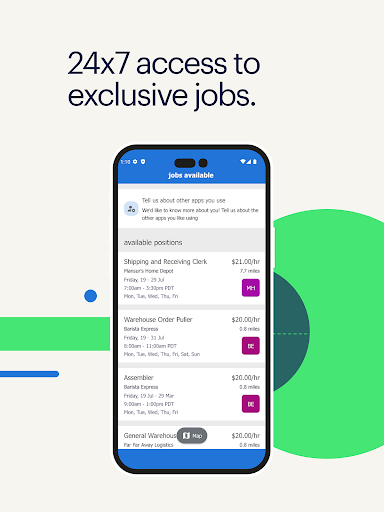
Randstad is a business app designed to empower job seekers with complete control over their job search process. The app provides 24/7 access to local job opportunities tailored to the user's qualifications, ensuring transparency with details like pay rate and job requirements upfront. It eliminates the uncertainty of traditional job applications by offering real-time updates on available positions.

One of the key highlights of Randstad is its self-service functionality, enabling users to manage every aspect of their employment directly from their mobile device. From confirming shifts to processing necessary employment checks, the app streamlines the entire workflow. Additionally, features such as push notifications, pay stub access, and client rating systems enhance the overall user experience, making it an essential tool for modern job seekers.

Features

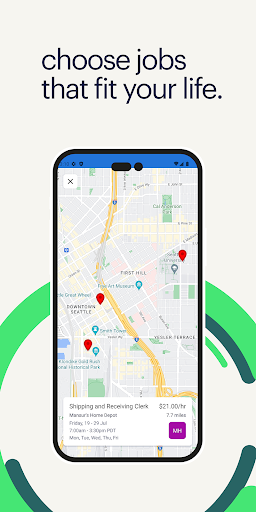
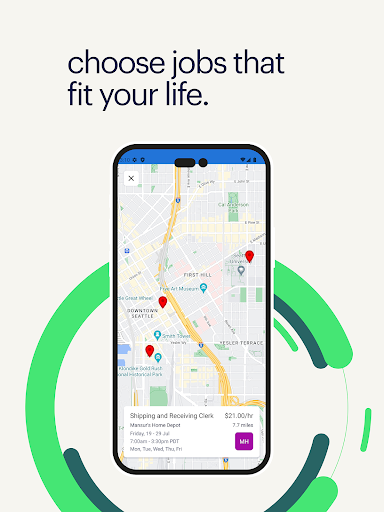
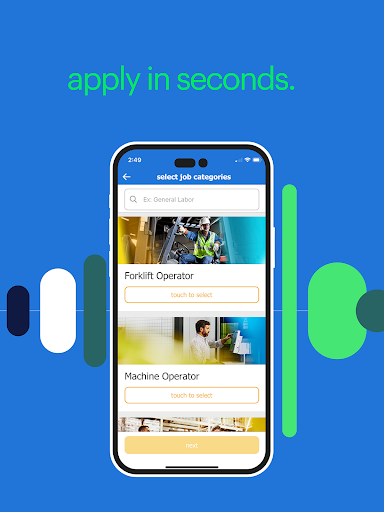
The Randstad app stands out due to its comprehensive set of features that cater specifically to today’s flexible workforce. A core feature is its real-time job update system, which ensures users are immediately notified about openings they qualify for. This saves time and increases the chances of securing desirable positions. Furthermore, the app allows users to filter jobs based on preferences such as location, hourly pay, and shift timings.

Beyond job searching, Randstad offers tools for managing ongoing work engagements. Users can confirm or cancel shifts, log hours worked, and even update personal information through an intuitive interface. Additional functionalities include employee benefits management, background checks, and identity verification—all integrated seamlessly into the platform. These capabilities make the app not just a job finder but a complete employment management solution.

Collaborative work features

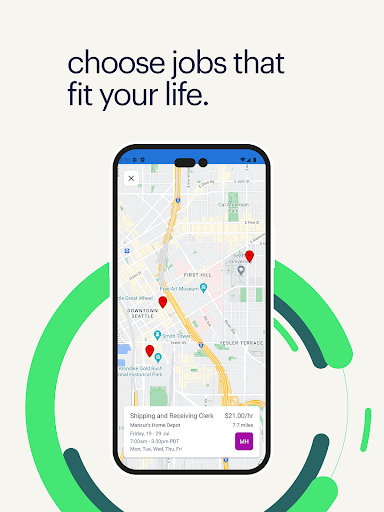
Collaborative work features are essential in modern business applications as they enable seamless interaction and coordination among team members regardless of their physical locations The Randstad app excels in this area by providing a comprehensive self-service platform that allows workers to manage their job search and employment details entirely from their mobile devices One of the key collaborative features is the real-time job update system which ensures that users are immediately informed about new job openings that match their qualifications This instant communication facilitates a dynamic job search process where workers can quickly respond to opportunities Another important feature is the ability for users to interact with potential employers directly through the app Workers can choose which jobs to apply for view detailed job information including pay rate company details and requirements and even confirm or cancel shifts This level of transparency and control creates a more engaging and efficient job search experience Additionally the app offers various tools that support workplace collaboration such as easy access to upcoming shifts client rating systems after shift completion and simple methods to update personal information These features collectively enhance the user's ability to manage their professional life effectively making the Randstad app a powerful tool for anyone looking to take charge of their career development

Task management

Task management is a critical component of any productivity-focused application and the Randstad app provides robust tools to help users organize and oversee their work commitments efficiently At the heart of the app's task management capabilities is its intuitive interface that allows users to easily navigate through different features to manage their work schedules Users can enter hours worked and break times directly into the app ensuring accurate time tracking and simplifying payroll processing The app also provides clear visibility into upcoming shifts and assignments empowering users to plan their time effectively With push notifications and reminders the Randstad app ensures that users never miss an important deadline or shift start time Furthermore the app enables users to accept shift invitations from previous clients reinforcing ongoing professional relationships and promoting steady employment opportunities The ability to maintain up-to-date contact information within the app enhances communication between workers and employers streamlining the administrative aspects of task management Additionally the inclusion of features like background checks and identity verification directly within the app demonstrates Randstad's commitment to providing a complete task management solution that addresses both the logistical and compliance-related aspects of employment By consolidating these essential functions into a single accessible platform the Randstad app significantly improves users' capacity to manage their professional tasks efficiently and effectively

Props

User-friendly interface

Real-time job updates

Transparent job details

Comprehensive self-service options

Push notifications for shifts

Cons

Limited to specific regions

Requires constant internet

Occasional app slowdowns

No advanced filtering

Dependent on employer participation

Features and Functions

What is this app and what can I use it for?

Randstad is a job search app providing 24/7 access to nearby jobs with transparent details.

How do I download and install this app on my device?

Download Randstad from Google Play Store and install it by following the on-screen instructions.

How do I get started after opening the app for the first time?

Upon opening, create an account, complete your profile, and start browsing jobs near you.

What are the main features and capabilities of this app?

Key features include real-time job updates, shift management, and pay stub access within the app.

How can I customize my experience and adjust preferences?

Customize preferences by updating your profile and setting job filters in the settings menu.

How do I save or bookmark my favorite content for later access?

Save favorite jobs by applying to them directly or marking them for future reference in your dashboard.

How can I share content with friends or on social media?

Share job details via social media or messaging apps using the app's built-in sharing option.

How do I access detailed information and explore more content?

Access detailed job info by tapping on any listing and exploring descriptions, requirements, and rates.

What permissions does this app need and how do I manage them?

The app needs permissions for notifications and location services, managed in your phone settings.

How do I check for updates and keep the app running smoothly?

Check for updates in the Play Store and enable auto-updates to keep Randstad running smoothly.
Show more

User Reveiws

{{ comment.reviewer_name }}
{{ comment.review_date_formatted}}
{{ comment.review_content }}
{{ tab.name }}
{{ comment.reviewer_name }}
{{ comment.review_date_formatted}}
{{ comment.review_content }}
No reviews with this rating