




Resume Builder

4.80

Information

Category:

Business

Price:

$ 4.99

Rank:

2

Rating:

4.80

Overview

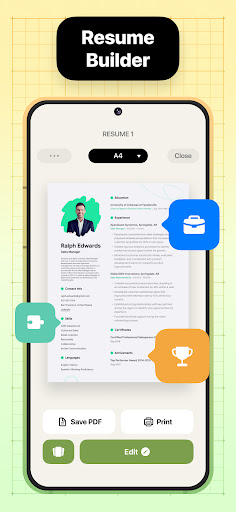
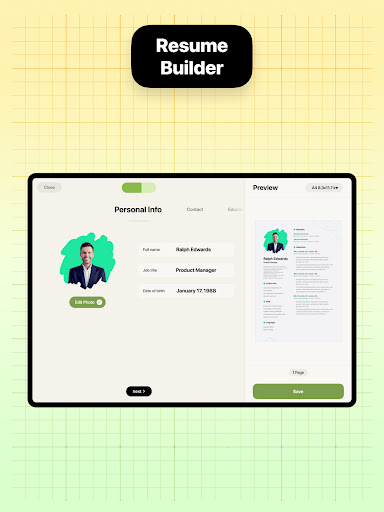
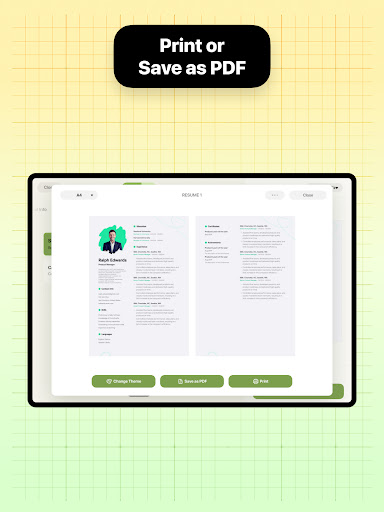
Resume Builder is a powerful business application designed to help users create professional and visually appealing resumes in PDF format. The app offers an intuitive step-by-step guidance system that simplifies the resume creation process, making it accessible for both recent graduates and seasoned professionals.

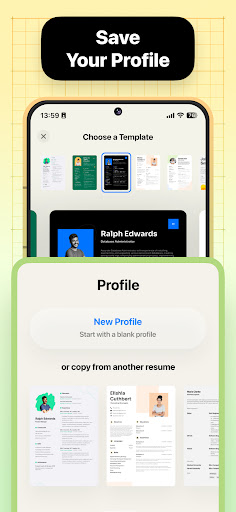
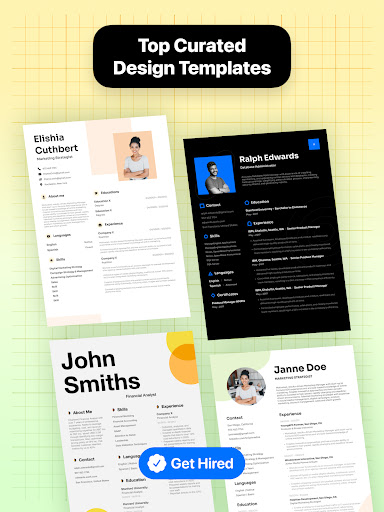
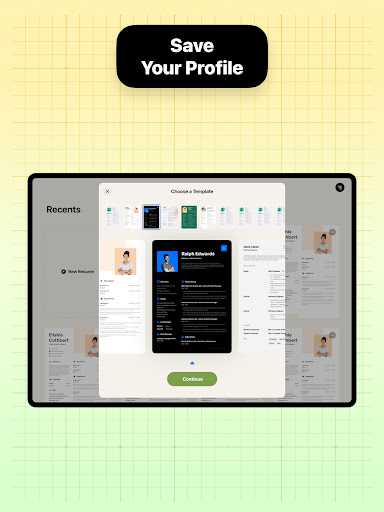
The app provides a wide range of customizable resume templates and design options, allowing users to tailor their resumes to specific career goals and job applications. With real-time editing capabilities and seamless integration with mobile devices, Resume Builder ensures users can easily update and refine their resumes on the go.

Whether you need to craft a creative resume or maintain a clean professional look, this app's flexibility and comprehensive feature set make it an essential tool for career advancement.

Features

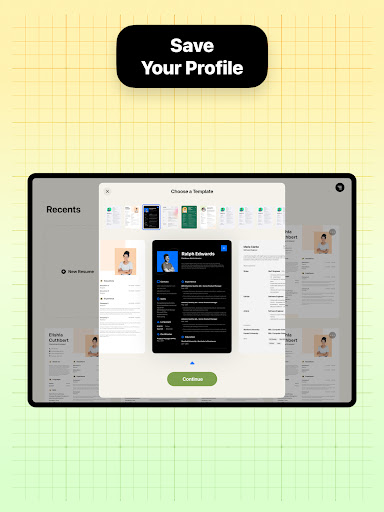
Resume Builder stands out with its comprehensive feature set tailored for modern job seekers. The app offers over 50 professionally designed resume templates that cater to different industries and career levels. Each template is fully customizable, allowing users to adjust sections, fonts, colors, and layouts to create a unique personal brand.

The app's intelligent formatting engine automatically optimizes resume content for various formats and page sizes while maintaining professional standards. Advanced features include real-time preview functionality, cloud-based document storage, and integrated job application tracking system.

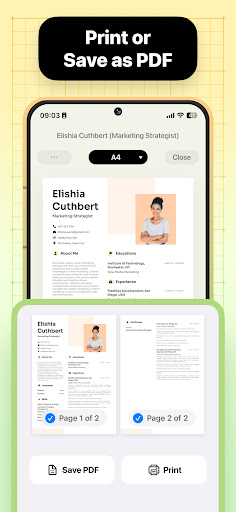
Additional notable capabilities include built-in spell checking, keyword optimization suggestions for Applicant Tracking Systems (ATS), and support for multiple file formats including PDF and DOCX. These features collectively ensure users can create polished, industry-standard resumes that pass initial screening processes.

Collaborative work features

In the context of a resume building application like Resume Builder, collaborative work features refer to the functionalities that allow multiple users to contribute to and edit the same resume document. This is particularly important for job seekers who may want input from career advisors, mentors, or peers during the resume creation process. The importance of such features lies in their ability to facilitate feedback and iterative improvements on one's resume, ensuring it is as strong and professional as possible before submission to potential employers. Resume Builder achieves this by providing an intuitive interface where users can easily share their resumes with others. Through the app's built-in sharing functionality, documents can be distributed to advisors or collaborators who can then provide real-time feedback. This feature supports not only text-based comments but also allows collaborators to suggest edits directly within the document. Users can track changes, accept or reject suggestions, and monitor the evolution of their resume over time. The benefit to users is significant. They gain access to diverse perspectives which can help refine their resume, making it more appealing to hiring managers. Collaborators can point out areas that need improvement, suggest stronger wording, or ensure that the resume meets industry standards. This collaborative approach ensures that the final resume is well-rounded and optimized for success. Moreover, the ease of sharing and receiving feedback streamlines what could otherwise be a cumbersome process of emailing drafts back and forth. In summary, Resume Builder's collaborative work features empower users to create stronger resumes through shared expertise and streamlined communication.

Task management

Task management within a resume building application pertains to the organization and tracking of various tasks associated with creating and maintaining an effective resume. For a tool like Resume Builder, task management is crucial because it helps users systematically approach the often overwhelming process of resume writing. By breaking down the process into manageable tasks, users can focus on each component of their resume individually, ensuring thoroughness and attention to detail. Resume Builder implements task management by guiding users through a structured workflow. Upon initiating a new resume, users are presented with a series of steps, each corresponding to a different section of the resume such as personal information, work experience, education, skills, and references. As users complete each section, they receive immediate feedback and suggestions for improvement. The app also includes progress indicators, showing users how much of their resume is completed and what remains to be done. Additionally, Resume Builder offers reminders and prompts to encourage users to regularly update their resumes, especially when significant career milestones are achieved. The advantages of these task management features are manifold. First, they reduce the anxiety associated with starting from a blank page by providing clear direction and support at every stage. Second, they enhance productivity by allowing users to concentrate on one task at a time without feeling overwhelmed by the entirety of the project. Third, they improve the quality of the final product by ensuring no critical elements are overlooked. Finally, regular updates prompted by the app keep resumes current and relevant, increasing the likelihood of success in job applications. Overall, Resume Builder's task management capabilities transform the daunting task of resume creation into a structured, manageable process, ultimately leading to better outcomes for job seekers.

Props

User-friendly interface

Wide template selection

Real-time editing

Cloud storage integration

ATS optimization tools

Cons

Limited free templates

Premium feature costs

Occasional bugs

Ads in free version

Learning curve

Features and Functions

What is this app and what can I use it for?

A resume builder app for creating professional PDF resumes

How do I download and install this app on my device?

Search 'Resume Builder' on Google Play Store and install from there

How do I get started after opening the app for the first time?

Follow the step-by-step guide to input your professional details

What are the main features and capabilities of this app?

Offers templates customization real-time editing cloud storage

How can I customize my experience and adjust preferences?

Adjust templates choose colors fonts layout as preferred

How do I save or bookmark my favorite content for later access?

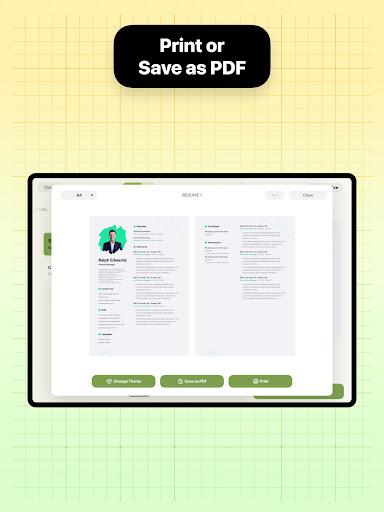
Save PDFs directly to device or cloud storage

How can I share content with friends or on social media?

Use built-in sharing to send via email or social media

How do I access detailed information and explore more content?

Access detailed template options and customization settings

What permissions does this app need and how do I manage them?

Requires storage permission for saving files

How do I check for updates and keep the app running smoothly?

Check Play Store for updates enable auto-update option
Show more

User Reveiws

{{ comment.reviewer_name }}
{{ comment.review_date_formatted}}
{{ comment.review_content }}
{{ tab.name }}
{{ comment.reviewer_name }}
{{ comment.review_date_formatted}}
{{ comment.review_content }}
No reviews with this rating