All Document Reader

3.80

Information

Category:

Business

Price:

Free

Rank:

29

Rating:

3.80

Overview

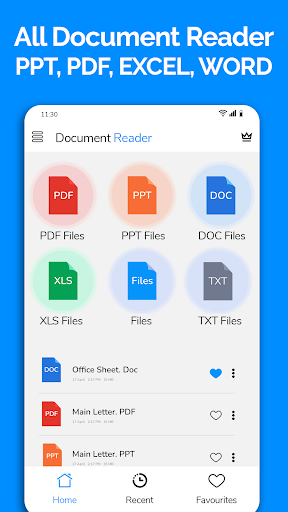
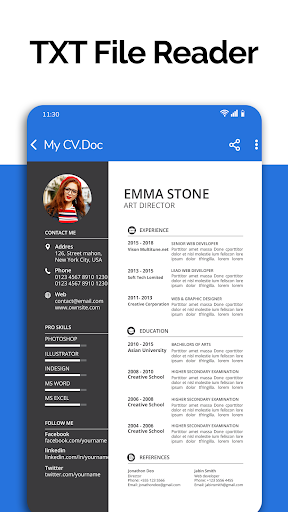
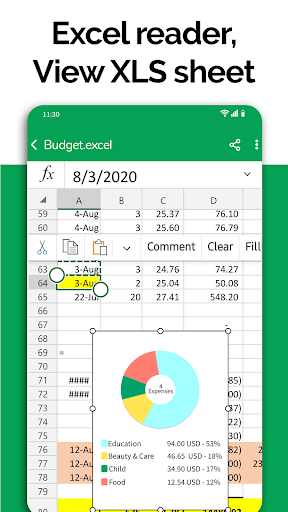
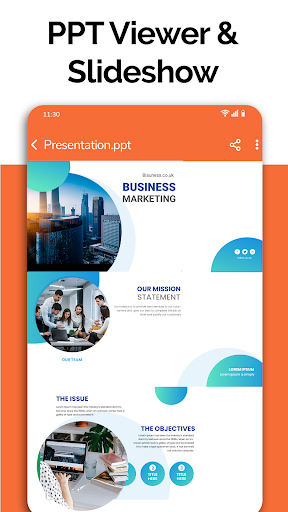
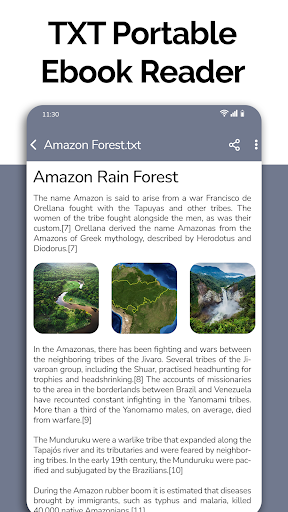
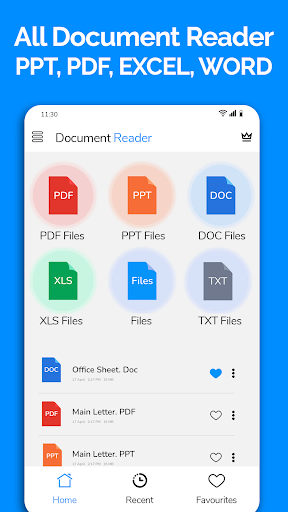
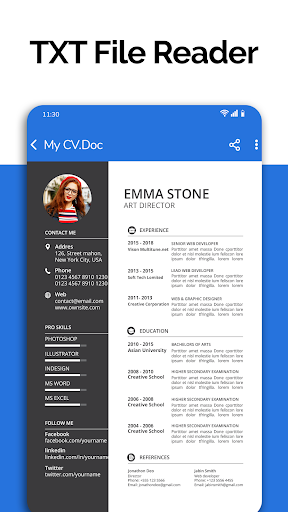
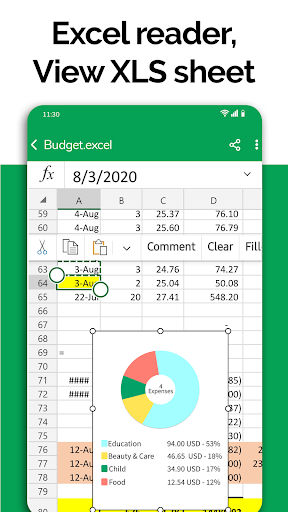
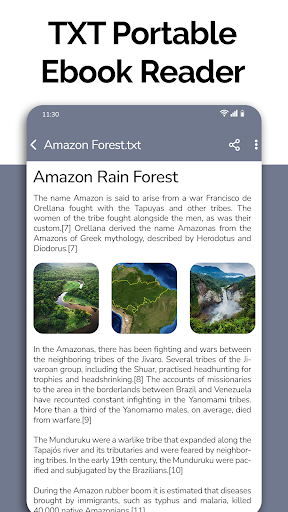
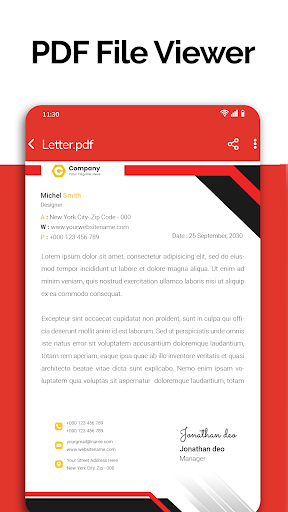
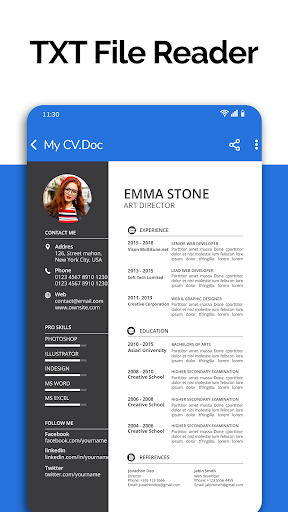
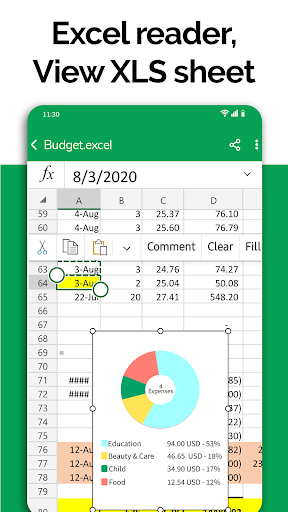
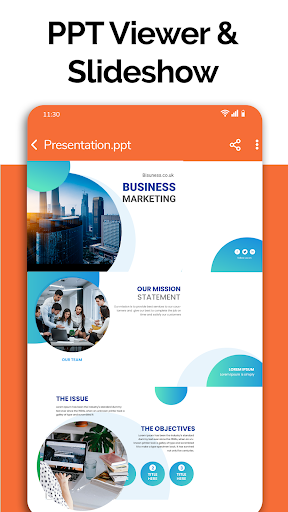
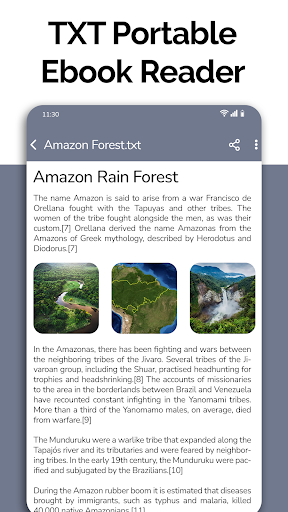
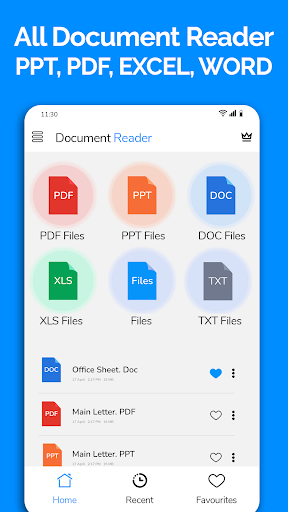
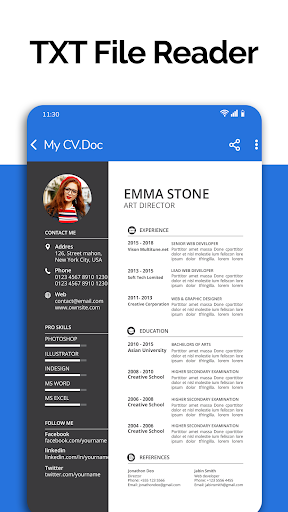
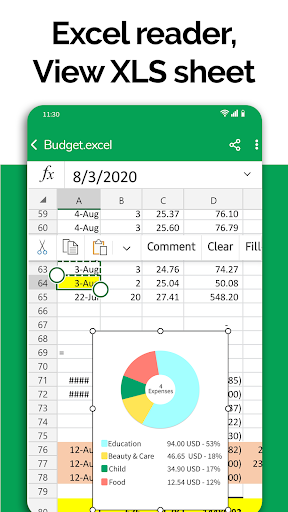
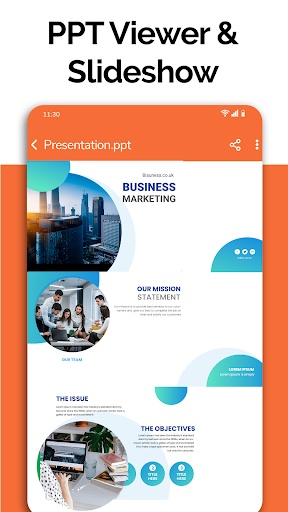
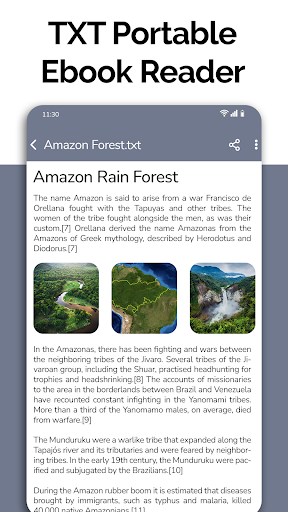
All Document Reader is a comprehensive document management solution that allows users to open, view, and manage various file formats directly on their mobile devices. The app supports PDF, Word, Excel, PowerPoint, and TXT files, providing a seamless experience for reading, searching, and sharing documents without the need for a computer.

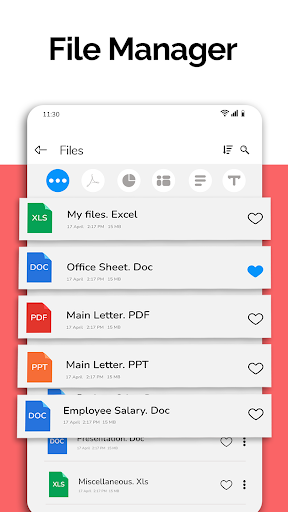
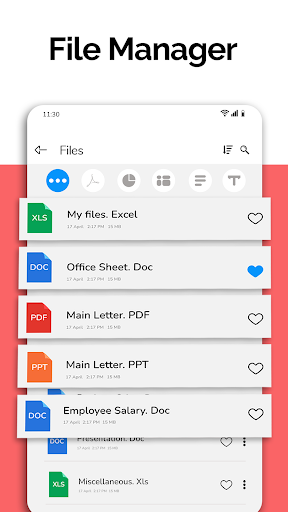
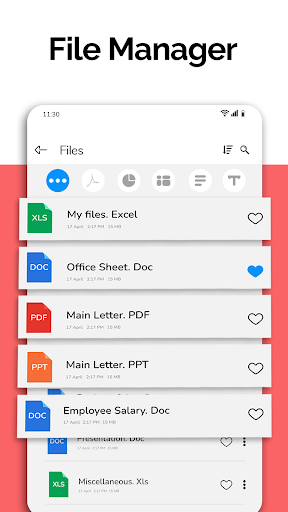
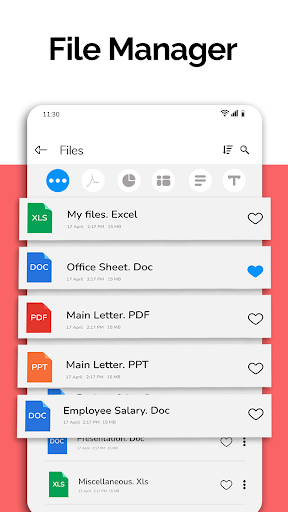
One of the standout features of All Document Reader is its intuitive file manager, which simplifies document organization by automatically sorting and categorizing files. Users can easily access detailed file information, modify names, delete unnecessary documents, and share files with others. This makes it an essential tool for professionals, students, and anyone who needs quick access to their documents on the go.

The app's value lies in its versatility and user-friendly interface. Whether you're reviewing business invoices, studying classroom notes, or preparing presentation slides, All Document Reader provides a smooth and efficient way to handle all your document needs from a single platform.

Features

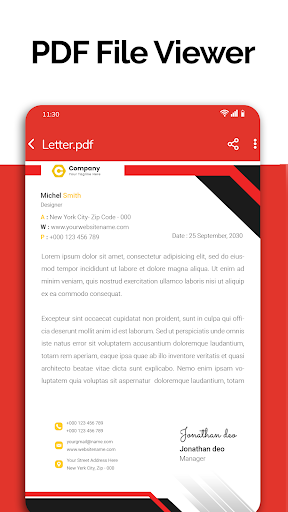
All Document Reader offers an impressive array of features designed to enhance document management on mobile devices. Its core functionality includes support for multiple file formats such as PDF, DOC, XLSX, PPT, and TXT, allowing users to view and manage these files effortlessly. The built-in PDF reader is particularly noteworthy, enabling users to read newspapers, invoices, tickets, and notes with ease.

In addition to its document viewing capabilities, the app includes a powerful file manager that organizes files automatically and provides detailed information about each document. Users can perform various operations like deleting, renaming, and sharing files directly from the app. The interface is designed to be smooth and easy to navigate, ensuring that even those with minimal technical expertise can use it effectively.

Looking ahead, All Document Reader plans to introduce exciting new features such as dark mode, voice search, image to PDF conversion, and the ability to create new documents. These enhancements will further solidify the app's position as a leading document management tool, offering users even more flexibility and convenience in handling their digital files.

Collaborative work features

Collaborative work features are essential for modern business applications as they enable teams to work together efficiently regardless of their physical locations All Document Reader PDF Viewer offers collaborative functionalities that allow users to view edit and share various document formats including Word Excel PowerPoint PDF and TXT files This feature is particularly beneficial for teams that need to collaborate on documents in real time without the necessity of being in the same room or even using a computer The app simplifies the process of document collaboration by providing an integrated environment where users can access their files through an easy to use file manager which automatically organizes and sorts documents This ensures that team members can quickly find and work on the necessary files Additionally the app supports sharing options which means that once a document is updated or modified it can be easily shared with other team members or stakeholders via different channels This facilitates a seamless workflow and ensures that everyone involved has access to the latest version of the document Moreover the inclusion of a document editor enhances the collaborative experience by allowing users to make changes directly within the app thus streamlining the editing process and reducing the time needed to finalize documents With these collaborative work features All Document Reader PDF Viewer becomes a powerful tool for businesses looking to improve their document handling processes and foster better teamwork

Task management

Task management is a critical component of productivity especially in a business context where organizing tracking and completing tasks efficiently can significantly impact overall performance All Document Reader PDF Viewer incorporates task management features that help users handle their document related tasks more effectively One of the primary ways it achieves this is through its comprehensive file viewer and manager capabilities which allow users to access and manage all types of documents from a single platform This includes Word Excel PowerPoint PDF and TXT files among others By centralizing document access the app reduces the complexity often associated with managing multiple file types across different applications Furthermore the app provides tools for viewing editing and sharing documents which are integral to task management For instance users can easily modify Excel spreadsheets or PowerPoint presentations and then share them with colleagues or clients without leaving the app This not only saves time but also ensures that tasks are completed in a more organized manner Additionally the app's ability to display detailed file information such as file path size and last modification date aids in task tracking and management Users can keep track of document versions and ensure they are working on the most recent iteration The availability of features like text search planned for future updates will further enhance task management by allowing users to quickly locate specific content within their documents Overall the task management capabilities of All Document Reader PDF Viewer contribute to a more streamlined and efficient workflow making it an invaluable asset for professionals who need to manage numerous document based tasks

Props

User-friendly interface

Multi-format support

Efficient file management

Automatic document sorting

Comprehensive file info

Cons

Limited editing options

No cloud integration

Ads in free version

Large file size

Occasional bugs

Features and Functions

What is this app and what can I use it for?

All Document Reader views PDF, Word, Excel, PPT, TXT files on mobile devices.

How do I download and install this app on my device?

Download All Document Reader from Google Play Store on your Android device.

How do I get started after opening the app for the first time?

Open the app, grant necessary permissions, and start browsing your documents.

What are the main features and capabilities of this app?

Main features include multi-format support, file management, and document sorting.

How can I customize my experience and adjust preferences?

Customize experience through settings menu and organize files using file manager.

How do I save or bookmark my favorite content for later access?

Save favorite content by bookmarking documents within the app's interface.

How can I share content with friends or on social media?

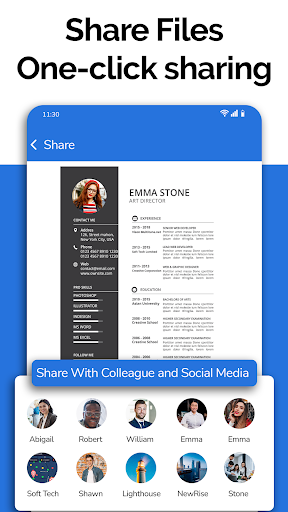
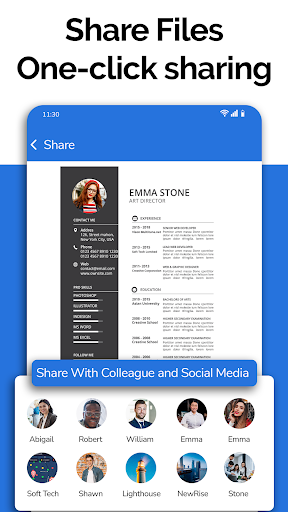
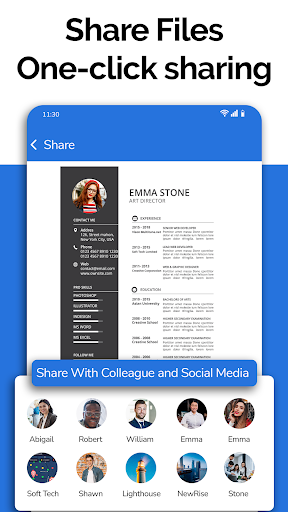
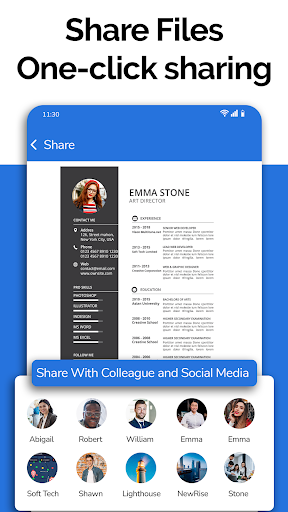
Share content via email or social media directly from the document viewer screen.

How do I access detailed information and explore more content?

Access detailed info by tapping on file properties in the file manager section.

What permissions does this app need and how do I manage them?

App needs storage permission to access files; manage in device settings.

How do I check for updates and keep the app running smoothly?

Check for updates in Google Play Store to keep the app running smoothly.
Show more

User Reveiws

{{ comment.reviewer_name }}
{{ comment.review_date_formatted}}
{{ comment.review_content }}
{{ tab.name }}
{{ comment.reviewer_name }}
{{ comment.review_date_formatted}}
{{ comment.review_content }}
No reviews with this rating