




Microsoft Teams

4.60

Information

Category:

Business

Price:

Free

Rank:

4

Rating:

4.60

Overview

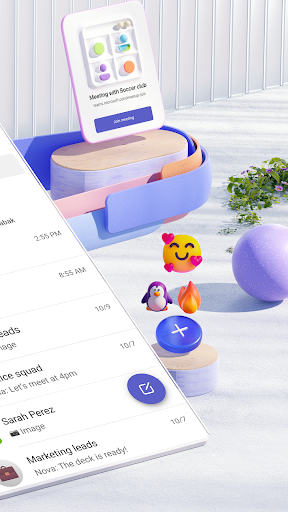
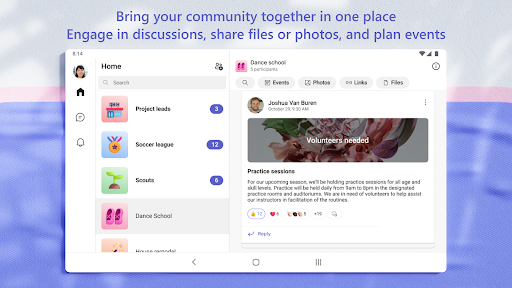
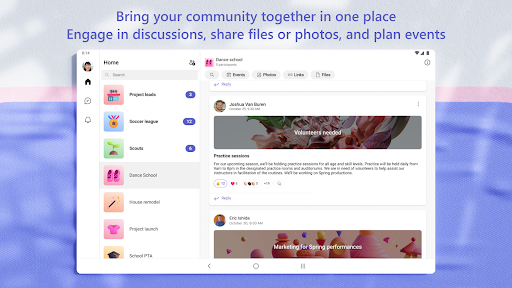
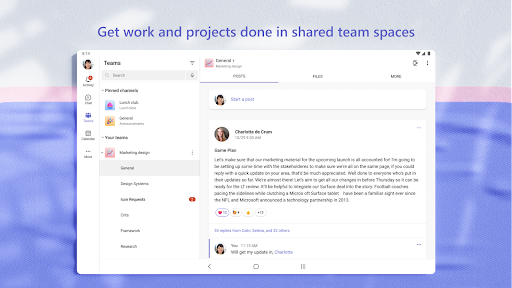
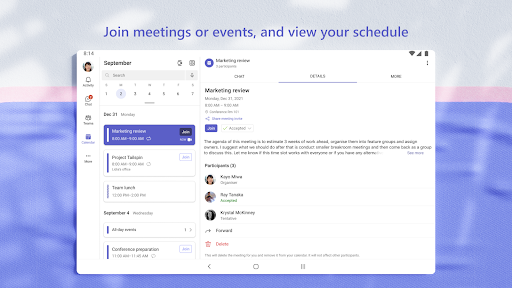
Microsoft Teams is a comprehensive business communication platform that integrates communities, events, chats, channels, meetings, storage, tasks, and calendars in one place. It enables users to connect with their community for activities or collaborate with teammates on projects seamlessly. The app provides secure audio and video calls, document collaboration, and built-in cloud storage, making it an all-in-one solution for both personal and professional communication needs.

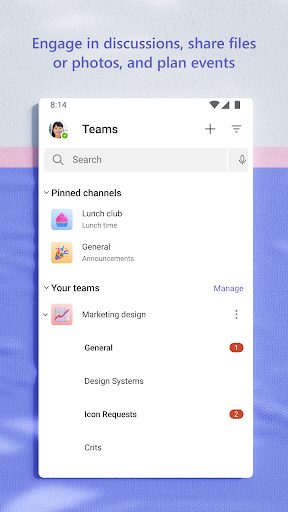
The platform supports creating dedicated communities for specific topics, organizing conversations by projects with teams and channels, and using task lists to manage projects efficiently. With enterprise-level security and compliance from Microsoft 365, Teams ensures data safety while offering features like content organization, access management, and virtual meeting tools such as screenshare and whiteboard.

Features

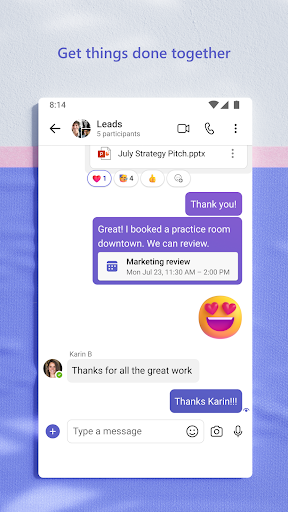
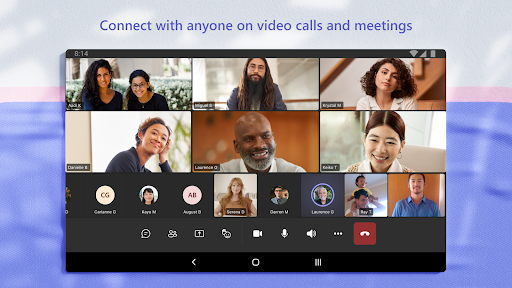
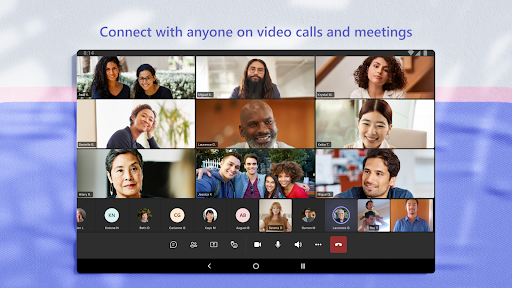
Microsoft Teams stands out with its rich feature set tailored for efficient collaboration. One of its key strengths is the integration of multiple communication methods including chat, audio and video calls, and virtual meetings, all accessible within a single interface. Users can easily transition from text-based conversations to face-to-face interactions by converting group chats into calls instantly.

Another notable feature is the ability to organize shared content effectively. Teams allows users to store files, photos, links, and documents in a structured manner within communities, ensuring quick access without wasting time searching. Additionally, advanced meeting tools like screen sharing, virtual breakout rooms, and collaborative whiteboards enhance productivity during virtual meetings. These capabilities ensure that teams can work closely together regardless of physical location.

Collaborative work features

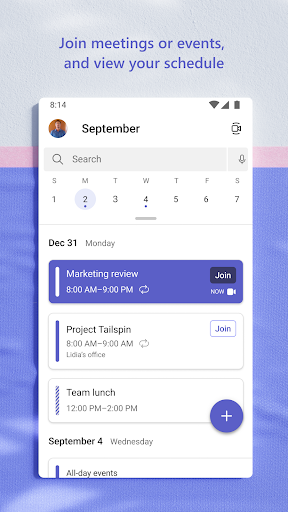
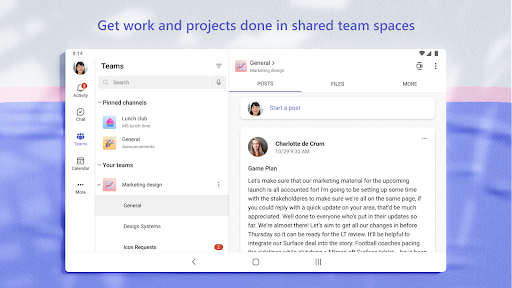
Collaborative work features are essential for modern business applications as they enable teams to work together efficiently regardless of their physical locations In Microsoft Teams these features are designed to bring people together in a unified platform that supports seamless communication and collaboration The app provides various tools such as chats channels meetings and shared storage which collectively contribute to productive teamwork Users can create dedicated spaces called channels to organize conversations by specific topics or projects This ensures that discussions remain focused and accessible to relevant team members Additionally the ability to conduct audio and video calls within the platform allows for real-time interaction which is crucial for maintaining effective communication Microsoft Teams also integrates with other Microsoft services like Skype offering continuity for users who have existing chat histories and contacts This integration enhances the overall collaborative experience by allowing users to pick up where they left off without losing any previous interactions Furthermore the platform supports secure meeting setups where users can invite others via links or calendar invites This functionality simplifies scheduling and ensures that all participants are promptly informed about upcoming meetings Another significant aspect of collaborative work in Microsoft Teams is its support for document collaboration Team members can co-edit documents in real-time which streamlines workflows and reduces delays caused by sequential editing processes The built-in cloud storage facilitates easy access to shared files from anywhere making it convenient for remote workers or those on the go By centralizing all these functionalities in one place Microsoft Teams empowers organizations to manage their projects more effectively while ensuring that everyone has access to the necessary resources at all times This comprehensive approach not only boosts productivity but also fosters a more cohesive working environment where ideas can be freely exchanged and plans executed efficiently

Task management

Task management is a critical component of any business application aimed at enhancing organizational efficiency and project execution In Microsoft Teams this feature is integrated into the broader collaboration framework providing users with robust tools to stay organized and on track The task management capabilities allow teams to create detailed task lists assign responsibilities set deadlines and monitor progress all within the same platform where other collaborative activities take place This consolidation of functions eliminates the need for separate task management software thereby reducing complexity and increasing accessibility For instance users can utilize the task list feature to break down larger projects into manageable tasks Each task can be assigned to specific team members who will receive notifications about their responsibilities and due dates This assignment process ensures accountability and helps prevent tasks from falling through the cracks Moreover Microsoft Teams offers visual aids such as checkboxes which provide immediate feedback when tasks are completed This simple yet effective mechanism motivates users by giving them a sense of accomplishment as they mark off completed items Additionally the platform supports integration with other Microsoft 365 apps like Planner which extends its task management capabilities beyond basic lists to include more advanced project management features such as Gantt charts and resource allocation tools These integrations enable teams to visualize their workflows better understand dependencies between tasks and allocate resources more effectively Another advantage of using Microsoft Teams for task management is its emphasis on security and compliance Especially in enterprise settings maintaining control over sensitive data is paramount The platform adheres to enterprise-level security standards ensuring that all task-related information remains protected against unauthorized access Furthermore the ability to manage access rights means that only authorized personnel can view or modify certain tasks or projects This granular control over information access is vital for preserving confidentiality and preventing data breaches Overall the task management features in Microsoft Teams offer a comprehensive solution for businesses looking to improve their operational efficiency By combining intuitive task tracking tools with robust security measures the platform enables teams to focus on achieving their goals without compromising on data protection

Props

Unified communication platform

Secure collaboration environment

Integrated cloud storage

Advanced meeting tools

Customizable team spaces

Cons

Requires paid subscription for full features

Complex setup for new users

Limited free version functionality

High resource consumption

Occasional connectivity issues

Features and Functions

What is this app and what can I use it for?

A unified platform for communication and collaboration

How do I download and install this app on my device?

Visit Google Play Store, search 'Microsoft Teams', tap Install

How do I get started after opening the app for the first time?

Sign in with your account, follow setup prompts to configure settings

What are the main features and capabilities of this app?

Chat, video calls, file sharing, task management, calendar integration

How can I customize my experience and adjust preferences?

Adjust notification settings, personalize themes, manage privacy options

How do I save or bookmark my favorite content for later access?

Use the Save or Pin feature to bookmark important messages or files

How can I share content with friends or on social media?

Tap Share button, select contacts or social media platforms to send

How do I access detailed information and explore more content?

Navigate to Explore section, use search bar for detailed info

What permissions does this app need and how do I manage them?

Needs camera, microphone access; manage in device settings

How do I check for updates and keep the app running smoothly?

Enable auto-updates in Google Play Store or check manually
Show more

User Reveiws

{{ comment.reviewer_name }}
{{ comment.review_date_formatted}}
{{ comment.review_content }}
{{ tab.name }}
{{ comment.reviewer_name }}
{{ comment.review_date_formatted}}
{{ comment.review_content }}
No reviews with this rating