Lockscreen Drawing

4.20

Information

Category:

Personalisation

Price:

Free

Rank:

52

Rating:

4.20

Overview

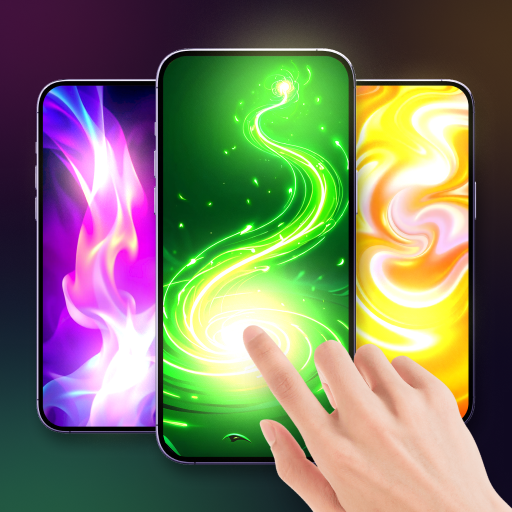
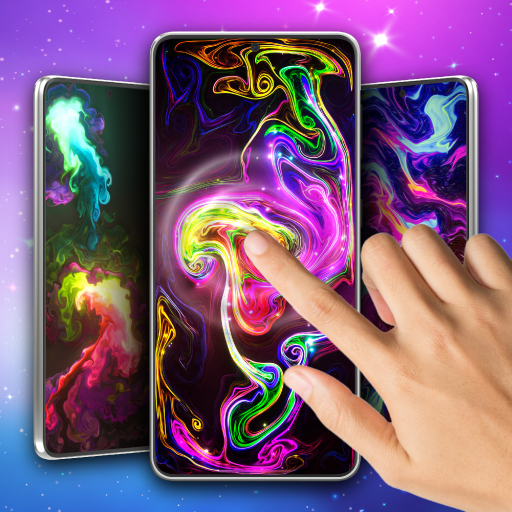
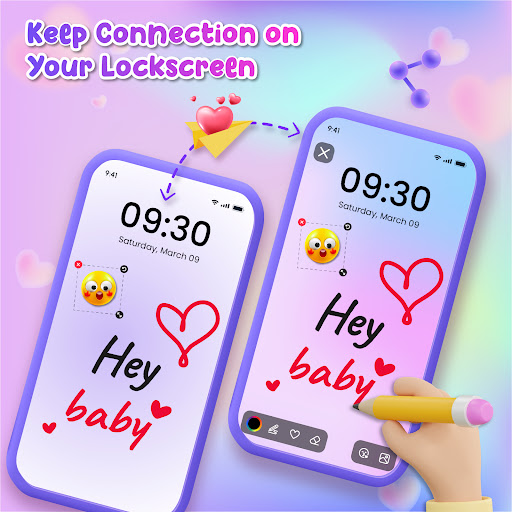
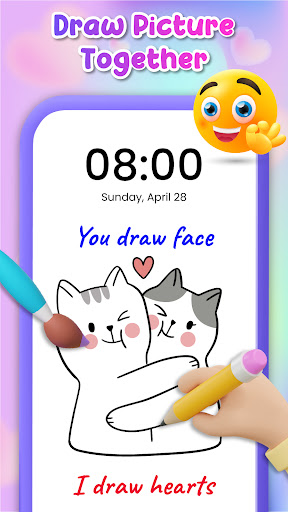
Lockscreen Drawing is a unique personalization app that transforms your phone's lock screen into an interactive canvas. This innovative application allows users to draw directly on their lock screens, share creations instantly with friends and family, and even collaborate on artwork in real-time.

The app offers multiple drawing options including lock screen doodling, widget-based interactions, and an in-app canvas for more detailed artwork. With over 100 stickers and 20 themed backgrounds, it provides diverse creative possibilities while enabling connections through QR codes and special links.

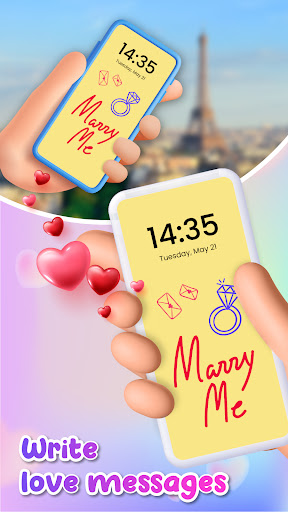
This application is particularly valuable for couples and close friends who want to surprise each other with personalized messages or drawings that appear every time they unlock their phones, making daily interactions more meaningful and engaging.

Features

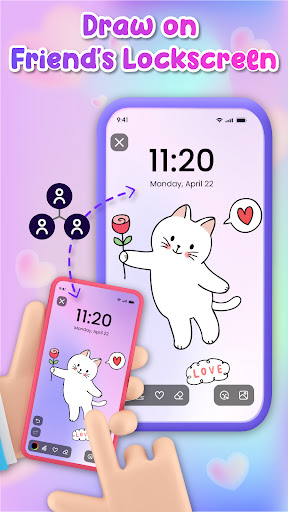
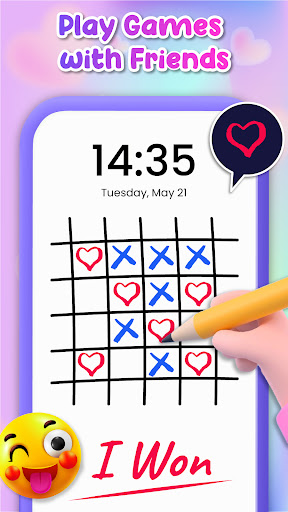
Lockscreen Drawing stands out with its live collaboration feature that lets multiple users draw simultaneously on their lock screens. The app displays strokes in real-time, creating an interactive artistic experience between connected devices.

Users can choose from various background options including personal photos and themed images while utilizing the extensive library of 100+ stickers to enhance their creations. The handy widget keeps users updated with friends' latest drawings without needing to open the main application.

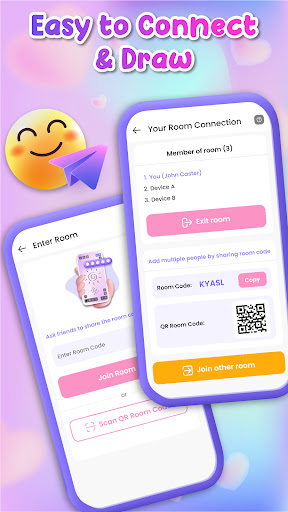
Additional features include multiple connection methods through QR codes and special codes, plus the ability to save and share finished artwork. These functions make it not just a drawing tool but a complete communication platform through art.

Customization options variety

Customization options variety refers to the range and depth of personalization features available within an application allowing users to tailor their experience to their specific preferences and needs. In the case of Lockscreen Drawing this aspect is particularly rich and diverse offering users multiple avenues for creative expression directly on their device's lock screen. The app provides a comprehensive suite of customization tools including a vast selection of over 100 unique stickers and more than 20 themed backgrounds ranging from romantic to whimsical settings. This extensive library empowers users to set the perfect scene for their creations whether they are crafting a heartfelt message for a loved one or simply indulging in some artistic fun. Furthermore the app allows users to select photos from their gallery as backgrounds adding another layer of personal relevance to their artwork. These customization options extend beyond mere aesthetics. Users can engage in live lock screen collaboration with friends witnessing each other's strokes in real-time which transforms the lock screen into a dynamic canvas for interaction and connection. The inclusion of a handy widget further enhances this experience by keeping users updated on their friends' latest doodles even while using other apps. Such a wide array of customization options not only makes every creation unique but also fosters a deeper connection between the user and their device turning everyday interactions into opportunities for self-expression and creativity.

Theme compatibility

Theme compatibility describes how well an application supports various visual themes ensuring that its design elements and functionalities remain consistent and visually appealing across different aesthetic settings. For Lockscreen Drawing theme compatibility plays a crucial role in enhancing the overall user experience by seamlessly integrating with the diverse range of themes available within the app. With over 20 themed backgrounds spanning various moods and styles users can choose the perfect backdrop that resonates with their current mood or intended message. Whether aiming for a whimsical touch or a more serious tone these themes provide a cohesive visual framework that complements the user's artistic endeavors. Moreover the app's compatibility with different themes extends to its sticker collection which has been thoughtfully designed to match various thematic contexts. This ensures that regardless of the chosen background the stickers enhance rather than detract from the overall composition. The app's robust theme compatibility also supports its core feature of live lock screen collaboration where multiple users can contribute to a single artwork in real-time. As participants draw on their respective lock screens the underlying theme remains consistent across all devices maintaining the integrity of the collaborative piece. This level of theme integration not only enhances visual appeal but also reinforces the app's mission of fostering connection and creativity by providing users with a versatile platform that adapts to their changing preferences while maintaining professional-grade visual standards throughout their artistic journey.

Props

Unique lock screen interaction

Real-time drawing sync

Vast sticker collection

Multiple connection options

User-friendly interface

Cons

Limited professional tools

High battery consumption

Occasional sync issues

Basic color palette

Storage space required

Features and Functions

What is this app and what can I use it for?

A lock screen drawing app for creative expression and connection

How do I download and install this app on my device?

Download from Google Play Store and follow installation prompts

How do I get started after opening the app for the first time?

Grant necessary permissions and explore tutorial if available

What are the main features and capabilities of this app?

Live drawing, stickers, backgrounds, sharing options available

How can I customize my experience and adjust preferences?

Adjust settings through app preferences menu options

How do I save or bookmark my favorite content for later access?

Save favorite drawings in app gallery or device storage

How can I share content with friends or on social media?

Share artwork via social media links or messaging apps

How do I access detailed information and explore more content?

Access details through app info section and FAQs

What permissions does this app need and how do I manage them?

App needs basic permissions managed in system settings

How do I check for updates and keep the app running smoothly?

Check Google Play Store regularly for updates and enable auto-update
Show more

User Reveiws

{{ comment.reviewer_name }}
{{ comment.review_date_formatted}}
{{ comment.review_content }}
{{ tab.name }}
{{ comment.reviewer_name }}
{{ comment.review_date_formatted}}
{{ comment.review_content }}
No reviews with this rating