Hole U Can Eat Home App

4.00

Information

Category:

Personalisation

Price:

Free

Rank:

7

Rating:

4.00

Overview

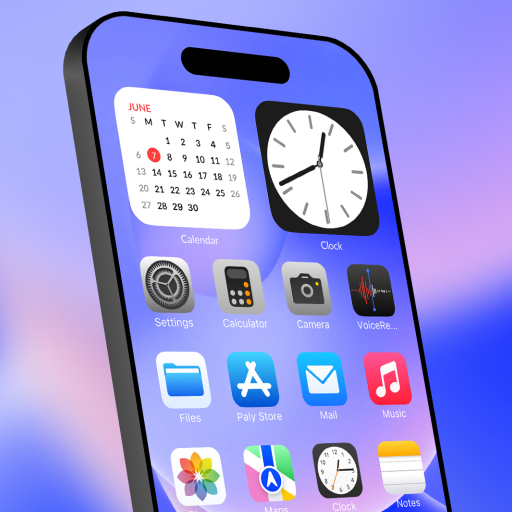
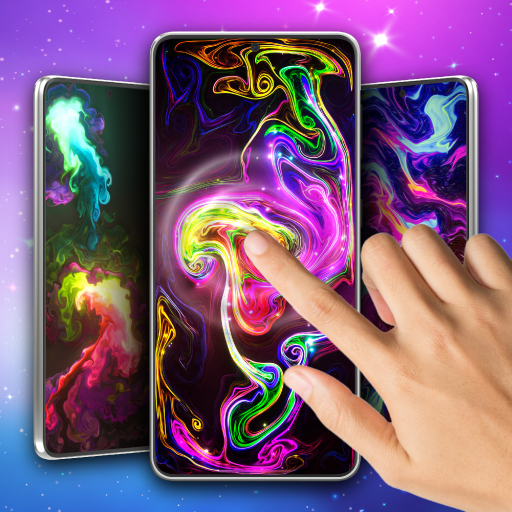
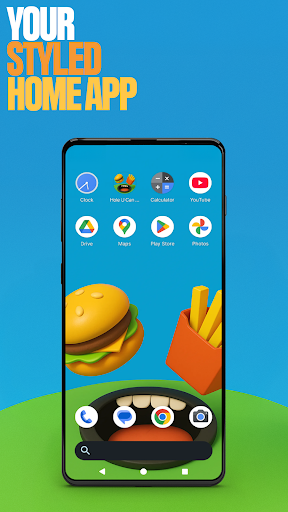
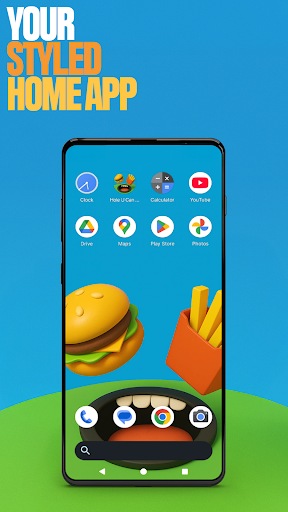
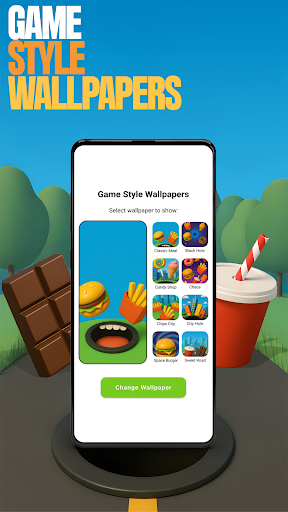
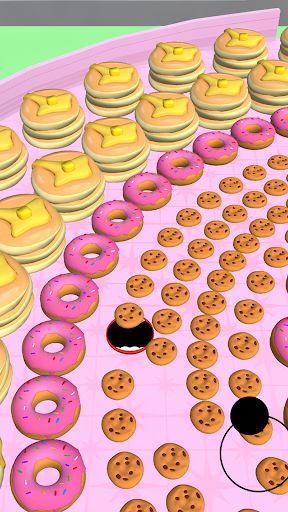
Hole U Can Eat Home App is a dynamic personalization tool that transforms your device's interface with customizable features. This launcher offers flexible layouts, custom icon shapes, and game-style wallpapers inspired by the Hole U Can Eat game. Users can tailor their experience with unique gestures, hidden apps, and accent color options.

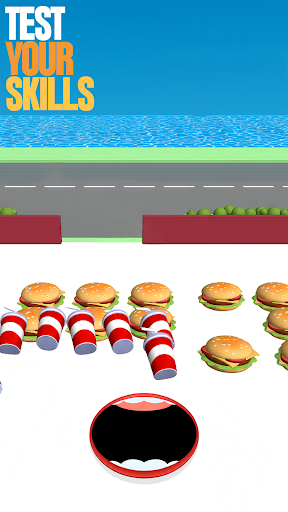
The app serves as both a functional home screen launcher and a gateway to an exciting game. By selecting it as your default home app, you gain access to its full range of customization possibilities while maintaining the ability to switch back to your previous launcher anytime.

Designed for users seeking both productivity and entertainment, this application creates an engaging digital environment. The combination of practical interface controls and playful gaming elements makes it suitable for those wanting a personalized yet entertaining mobile experience.

Features

Hole U Can Eat Home App distinguishes itself through innovative customization features. The launcher provides various icon shapes and color schemes, allowing users to create a truly unique interface. Its game-style wallpapers bring an element of fun to device personalization while maintaining professional quality.

The application's gesture controls enable efficient navigation through customized swipe and tap commands. Advanced privacy features let users hide specific apps from their home screen without affecting functionality. These elements work together to create a personalized yet organized digital workspace.

Additional capabilities include detailed home settings where users can fine-tune their experience. From adjusting accent colors to managing app visibility, each feature contributes to a comprehensive personalization solution. The app maintains system stability while offering these extensive modification options.

Customization options variety

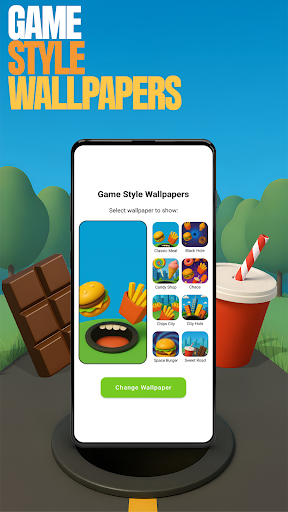
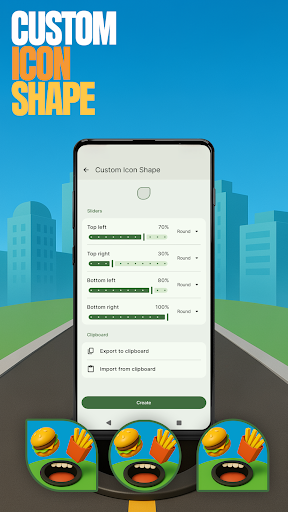
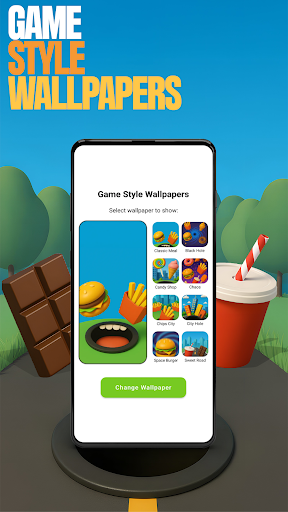
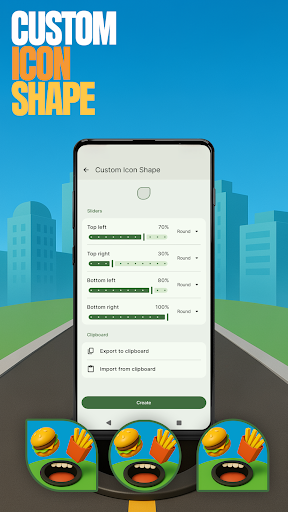
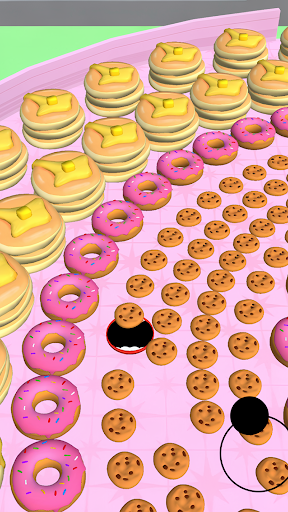
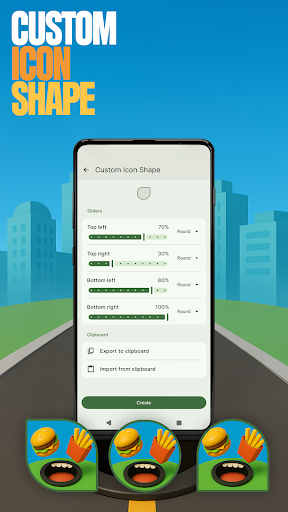
The Hole U Can Eat Home App offers a wide array of customization options that allow users to tailor their device's appearance and functionality to suit their personal preferences. Customization is crucial in enhancing user experience as it enables individuals to create a digital environment that reflects their personality and meets their specific needs. This app provides features such as custom icon shapes which let users personalize the look of their app icons on the home screen. By long-pressing on an empty area of the home screen and selecting 'Custom Icon Shape' users can choose from various fun shapes to give their device a unique touch. Additionally the app includes game-style wallpapers inspired by the Hole U Can Eat game adding a playful element to the device's aesthetics. Users can access these wallpapers through the same long-press menu under 'Game Style Wallpapers.' The ability to customize gestures is another valuable feature offering quick access to apps settings or the app drawer through personalized swipe or tap actions. These options are available in the 'Gestures' section found under 'Home settings.' Moreover users have the option to hide apps keeping private apps out of view while maintaining full control over their visibility. This feature can be accessed via 'Home settings' then 'App drawer' and finally 'Hidden apps.' Lastly the app allows for accent color customization where users can select preset colors or create their own style giving the device a cohesive and personalized look. Overall these diverse customization options empower users to craft a home screen that is both functional and expressive significantly enhancing their interaction with the device.

Theme compatibility

Theme compatibility is an essential aspect of any personalization app as it ensures that the visual elements and design schemes applied to a device work seamlessly across different sections and functions. The Hole U Can Eat Home App excels in this area by providing a consistent and harmonious theme experience throughout the user interface. When users decide to apply a new theme or customize the existing one they can do so with confidence knowing that all components will align perfectly. For instance when utilizing the game-style wallpapers which are specifically designed to complement the overall aesthetic of the app users will notice how these backgrounds integrate smoothly with other UI elements without clashing or appearing out of place. Similarly when adjusting the accent color within the 'Home settings' under 'General' and then 'Accent color' users can expect this change to reflect uniformly across the entire app creating a visually pleasing and unified appearance. The availability of custom icon shapes further enhances theme compatibility by allowing each icon to adapt to the chosen design language ensuring that no element feels disjointed or inconsistent. This attention to detail extends to hidden apps and gesture controls as well meaning that even when certain apps are concealed or particular gestures are set up for navigation purposes the underlying theme remains intact and unaffected. Such comprehensive theme compatibility not only elevates the visual appeal of the device but also contributes to a more intuitive and enjoyable user experience since every interaction feels part of a larger cohesive design strategy. By prioritizing theme consistency the Hole U Can Eat Home App delivers a polished and professional finish that resonates well with users seeking a high degree of personalization coupled with reliability and ease of use.

Props

Highly customizable

User-friendly interface

Unique game integration

Efficient gesture controls

Strong privacy features

Cons

May overwhelm new users

Game ads present

Advanced features complex

Occasional bugs reported

Learning curve exists

Features and Functions

What is this app and what can I use it for?

A customizable launcher with game-style features for personalization

How do I download and install this app on my device?

Search Hole U Can Eat Home on Play Store and install via provided link

How do I get started after opening the app for the first time?

Long-press home screen to access main customization menu

What are the main features and capabilities of this app?

Custom icons, gestures, wallpapers, and privacy settings available

How can I customize my experience and adjust preferences?

Adjust settings through long-press menu for preferences

How do I save or bookmark my favorite content for later access?

Use home settings to manage favorite apps and shortcuts

How can I share content with friends or on social media?

Share content directly from notification panel or share button

How do I access detailed information and explore more content?

Explore detailed settings under home settings option

What permissions does this app need and how do I manage them?

Requires standard permissions managed in app settings

How do I check for updates and keep the app running smoothly?

Check Play Store or app settings for latest updates
Show more

User Reveiws

{{ comment.reviewer_name }}
{{ comment.review_date_formatted}}
{{ comment.review_content }}
{{ tab.name }}
{{ comment.reviewer_name }}
{{ comment.review_date_formatted}}
{{ comment.review_content }}
No reviews with this rating