
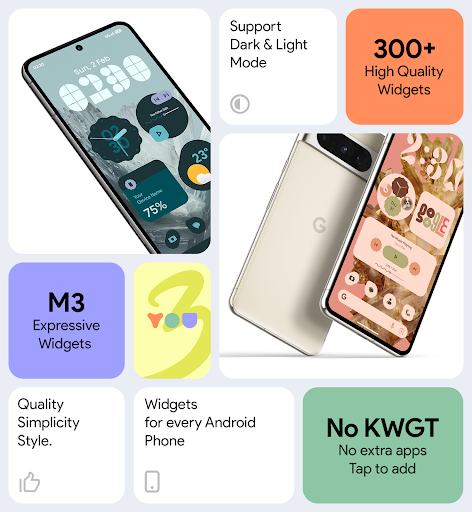
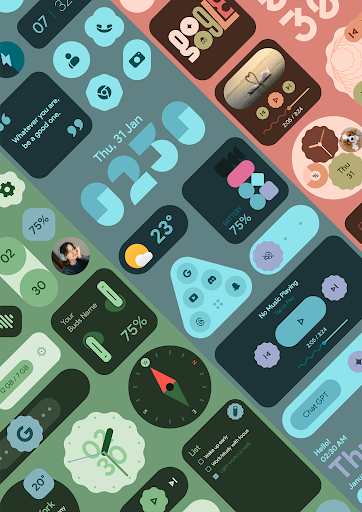
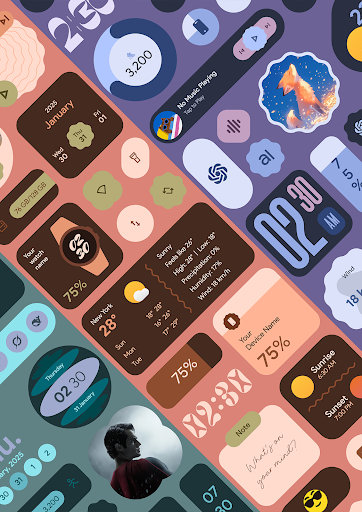
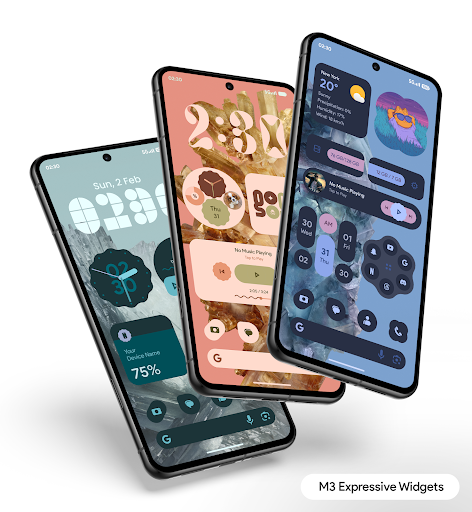
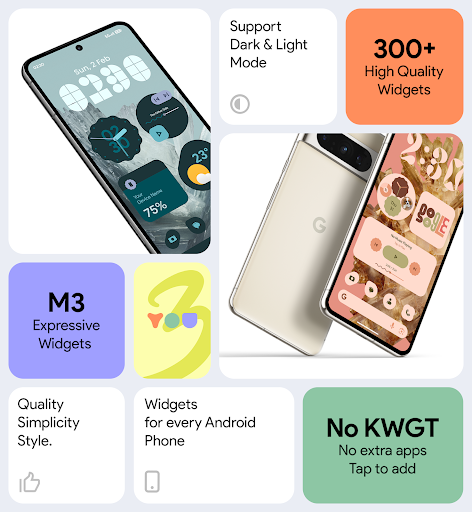
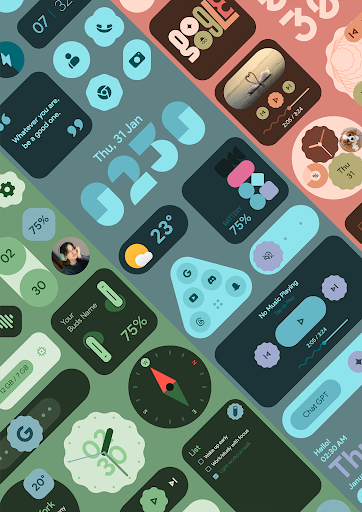
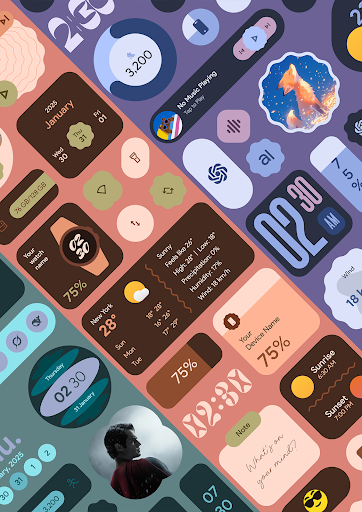
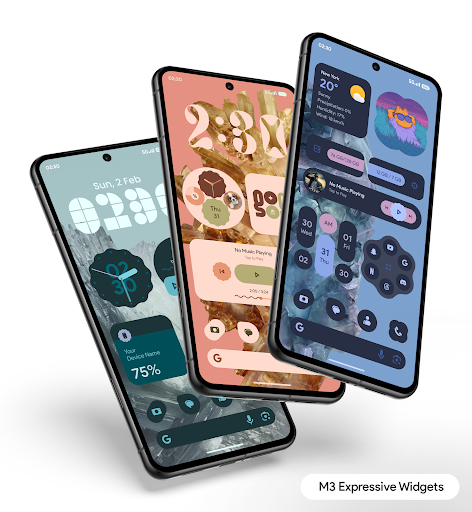
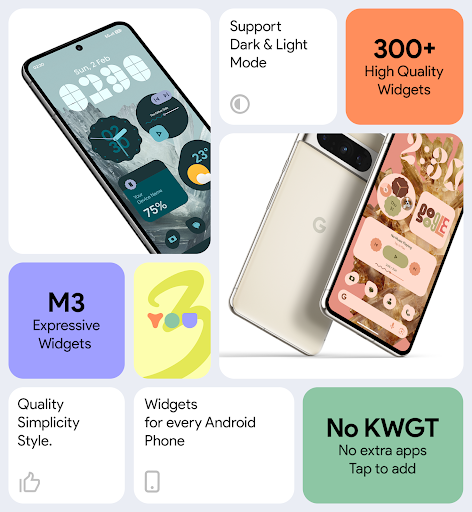
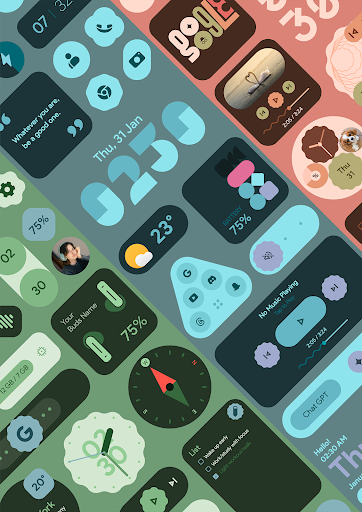
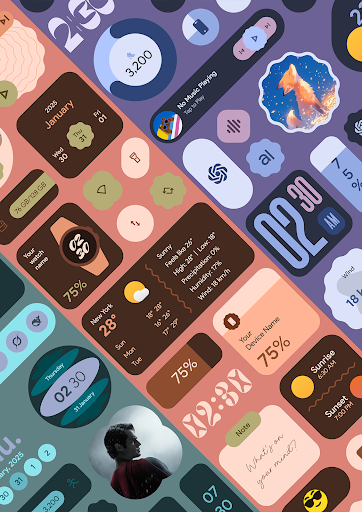

Material You Widgets is a versatile personalization app that brings over 300 beautifully designed widgets to your Android device. These widgets cover a wide range of functionalities including clocks, weather updates, games, quick settings, photos, and more. The app integrates seamlessly with the Material You design language, ensuring that all widgets dynamically adapt to your chosen system theme.
One of the standout features is its ability to function without requiring additional apps like KWGT. Users can enjoy customizable shapes for app icons, quick settings, and photo widgets, while also benefiting from regular updates that introduce new widgets. With performance optimization and battery efficiency in mind, this app ensures smooth operation without compromising device resources.
Whether you're looking to enhance productivity or simply personalize your home screen with elegant designs, Material You Widgets offers both style and functionality. Its intuitive interface makes customization easy, allowing users to create a cohesive and visually appealing mobile experience.
Material You Widgets stands out with its comprehensive feature set tailored for Android users seeking extensive personalization options. The app provides over 300 unique widgets, each designed with the modern Material You aesthetic. These include essential tools like clocks and weather widgets, as well as creative elements such as quotes, facts, and games.
A key innovation is the dynamic shape-changing capability for app icons, quick settings panels, and photo displays. This flexibility allows users to tailor their home screens precisely to their preferences. Additionally, the app includes a library of theme-matching wallpapers, ensuring a harmonious look across the entire interface.
The app is optimized for both performance and battery life, employing exact alarms and foreground services to maintain real-time accuracy for widget updates. Regular updates ensure that users receive new content and features consistently, making Material You Widgets a reliable choice for maintaining an engaging and functional home screen.
Wide widget variety
Dynamic theming
Battery efficient
Regular updates
Easy customization
Premium only
Feature redundancy
Occasional bugs
Limited iOS support
Learning curve

Customize your home screen with stunning themes, blur, widgets & icons.
 4.60
4.60
Unleash Your Creativity and Connect with Loved Ones with Lockscreen Drawing!
4.20
Transform your device in a game console
4.40
A minimalist productivity launcher. One-hand-friendly. Zero ads.
4.70
Shimeji adds cute animated characters to your screen, lively and fun.
3.80
Relax, color, and create beautiful art fun & stress-free coloring app
4.20
The Powerful Antivirus & Wi-Fi Monitoring Protection App for Your Data.
4.40
ai emoji, Genmoji,cat mystery games:win gif,font,themes,keyboard,ai emoji
4.20
Make Money & Earn Cash Rewards - Get Paid to Play Music & Games
4.50
Customize your home screen & control center with beautiful themes
4.70
Embrace the Night. Unleash the power of darkness with Raven Dark Icon Pack
4.60
1000+ themes, icons, widgets & wallpapers for a unique home screen
4.60
The Big Keyboard: Easy Homescreen makes your phone home screen & keyboard easy!
4.50
Experience the magic touch of AI art, live wallpapers and backgrounds
4.40
Launcher OS™ Pro without ads help make your phone simple and pretty
4.30
Your home screen, just the way you like it.
4.30
Magic fluids wallpaper 4D: Relax with stunning fluid simulation wallpaper app
4.20
Personalize your control panel: customized quick settings with one-tap magic!
4.20
Adaptive Dot Style IconPack with Light & Dark Theme.
3.70


User Reveiws