
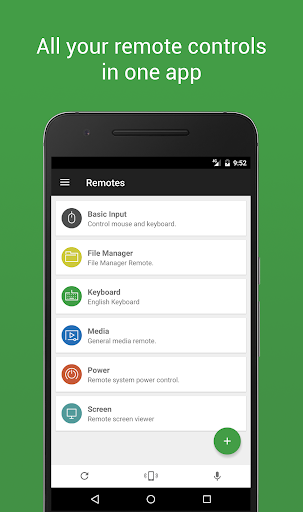
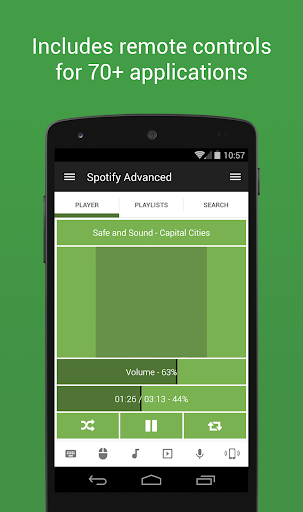
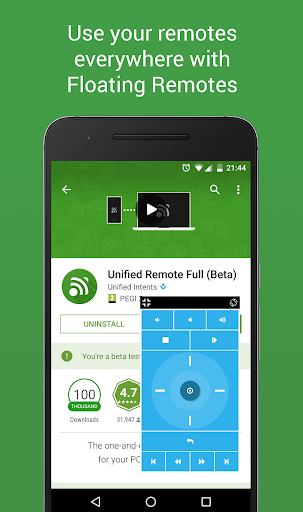
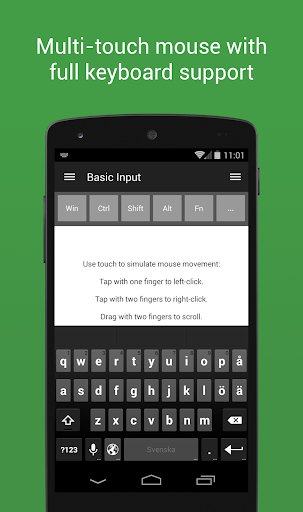
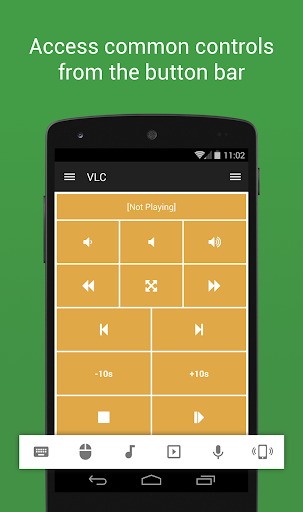
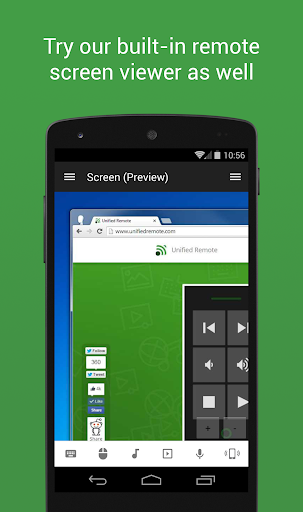
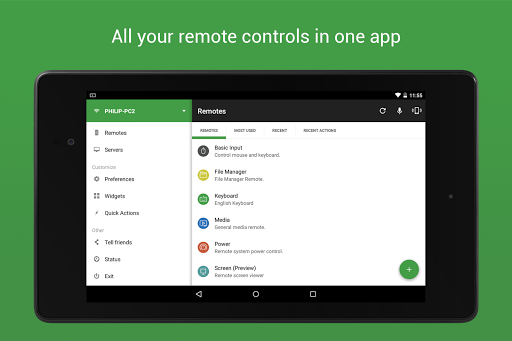

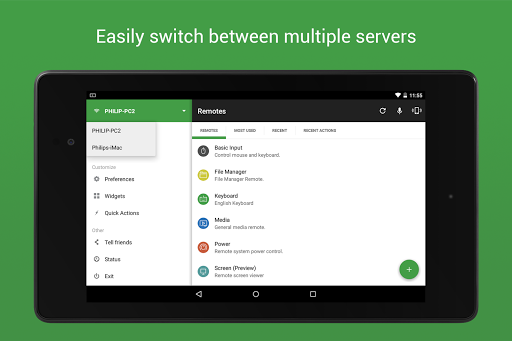
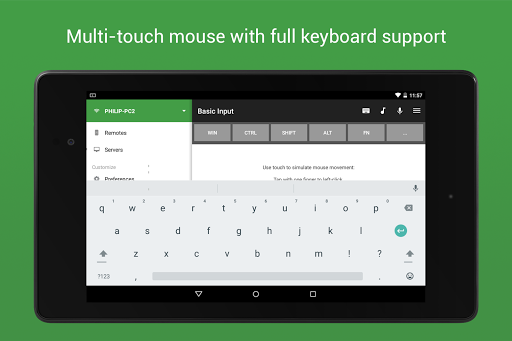
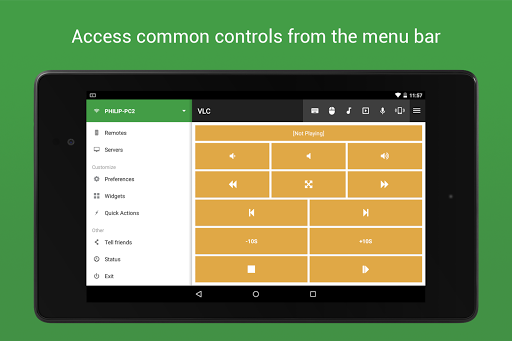
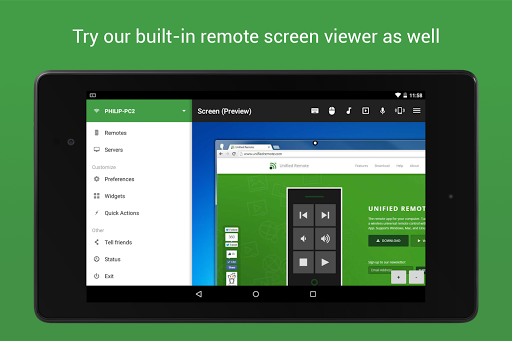

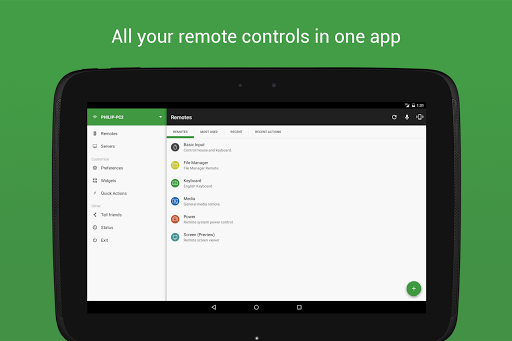
Unified Remote Full is the ultimate remote control application for your computer, transforming your mobile device into a versatile universal remote. Compatible with Windows PC, Mac, and Linux systems via WiFi or Bluetooth, this app offers an effortless way to control 90+ programs including mouse and keyboard functions, media players, presentations, screen mirroring, power controls, file managers, terminals, and more.
The app stands out with its easy server and app setup process, automatic server detection, and enhanced security features like password protection and encryption. Whether you're looking to manage your smart home devices, control multimedia applications, or give professional presentations, Unified Remote Full provides a seamless experience tailored to your needs.
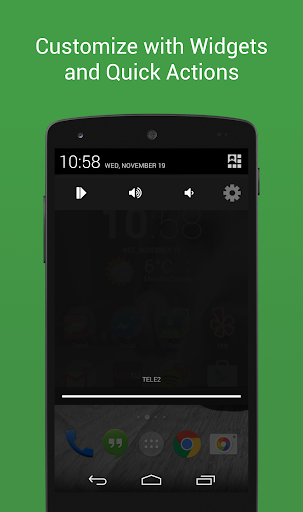
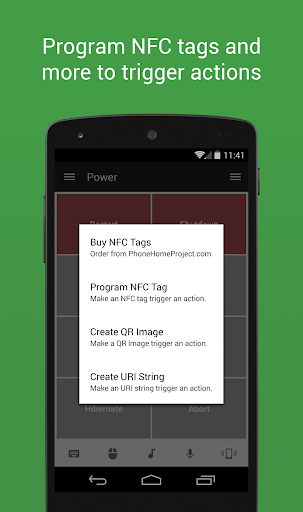
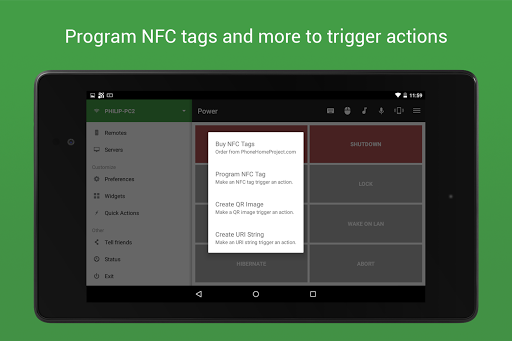
With additional support for Raspberry Pi and Arduino Yún, as well as advanced features such as floating remotes, custom remotes, widgets, quick actions, voice commands, IR and NFC actions, this tool ensures that users can enjoy a personalized and efficient remote control experience across various platforms.
Unified Remote Full boasts an impressive array of features designed to enhance user interaction and control over multiple devices. The app supports single and multi-touch mouse control, Wake On LAN functionality, and includes both light and dark color themes for user comfort. Its compatibility extends beyond computers to include smart devices like Raspberry Pi and Arduino Yún, making it a versatile choice for tech enthusiasts.
Among its standout features are the inclusion of 90+ preloaded remotes, floating remotes that allow usage over other apps, custom remote creation, and integration with Android Wear for quick actions, voice commands, and mouse control. Additionally, users can benefit from voice command capabilities, NFC actions, and even infrared remote control, providing a comprehensive solution for managing digital environments.
Whether controlling essential utilities like volume and screen settings, streaming services such as YouTube and Netflix, or giving presentations through PowerPoint and Google Presentation, Unified Remote Full delivers a robust set of tools that cater to diverse user requirements, ensuring convenience and efficiency in everyday tasks.
User-friendly interface
Wide device compatibility
Comprehensive feature set
Advanced customization options
Secure connection protocols
Premium version required for full features
Occasional connectivity issues
Limited free remote controls
Complex setup for beginners
Some features platform-specific

 4.50
4.50 4.50
4.50
Unlock your Essential Key. Create custom shortcuts to your favorite apps!
4.4
HD Video player and downloader for all formats, fast & smooth 4K video playback.
4.60
Create your own live wallpaper or check out thousands already made presets
3.90
The ultimate tool for network analysis, wifi scanning and problem detection.
4.90
Create your own custom widget with endless possibilities
3.90
NFC Tools can read and write NFC tags.
4.70
Enjoy a smooth mobile reading experience!
3.60
Easily install aab(Android App Bundle) files on your Android device with our app
4.80
WiFi Signal Strength Meter help you detect WiFi Signal Strength in real time.
4.80
The Ultimate Flex Drivers Utility App - Convenient Tapping & Block Filters
4.70
Clean up large files and similar photos, fast and easy to use
4.40
Complete kernel toolbox with features to manage and tweak your rooted device
4.30
PC precision for mobile gaming: dominate with keyboard and mouse!
4.30
Quickly check the frequency of the Earth
4.30
Just one-tap to easy translate in any language after calls within seconds.
4.20
Automate everything from settings to photos, SMS to speech. ADC2 prize winner.
4.10
Smart and comfortable browsing experience.
3.80


User Reveiws