
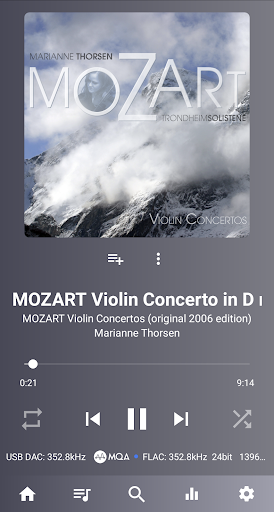
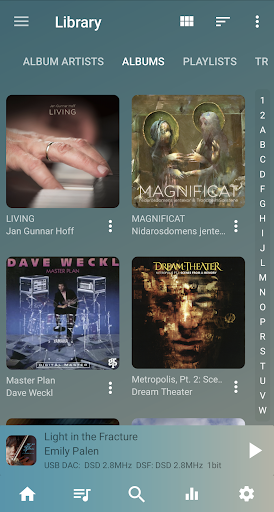
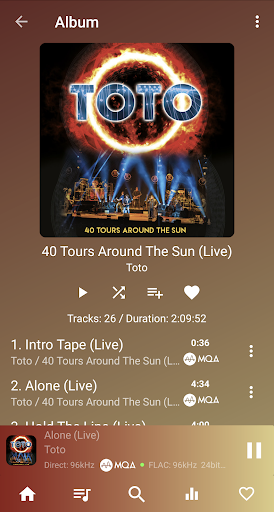
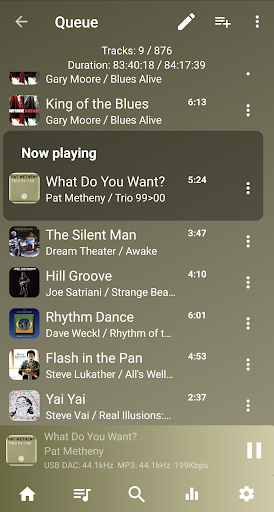



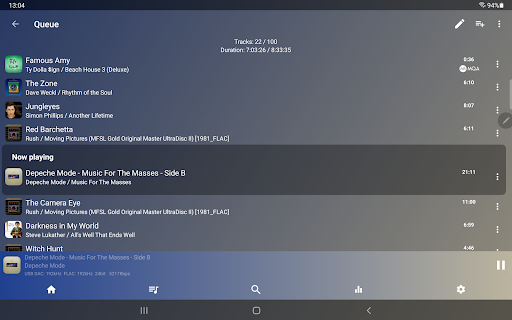
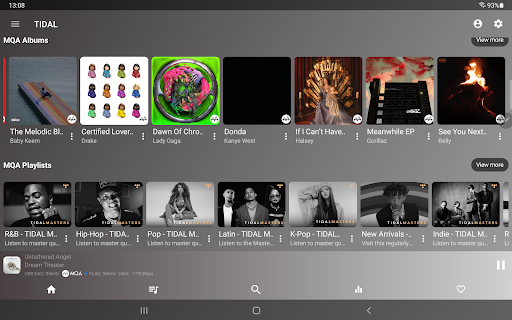
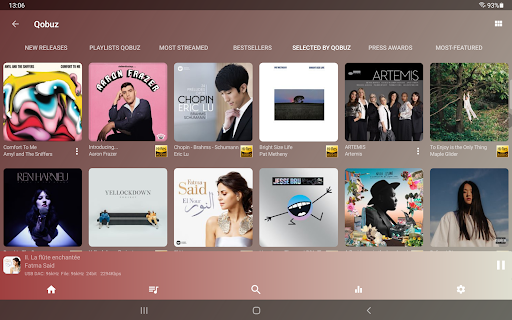
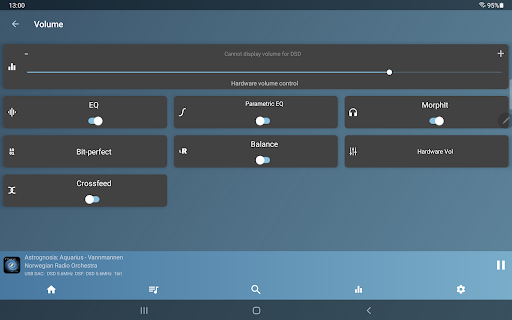
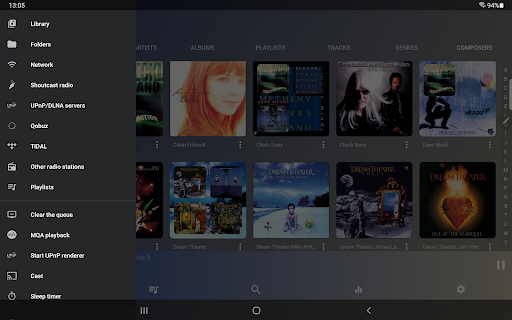
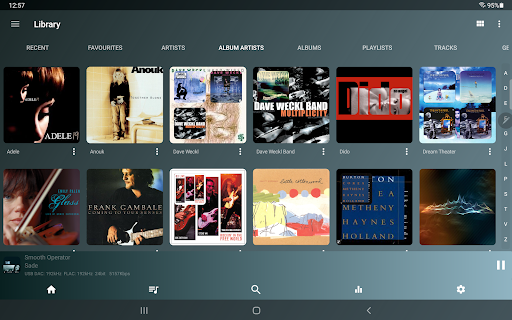
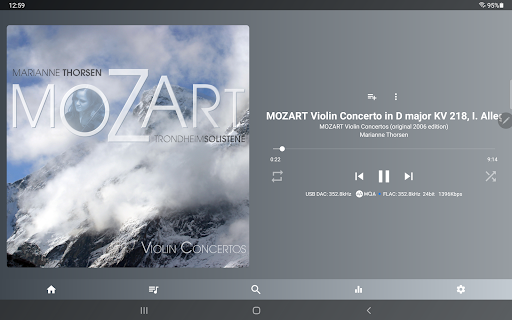
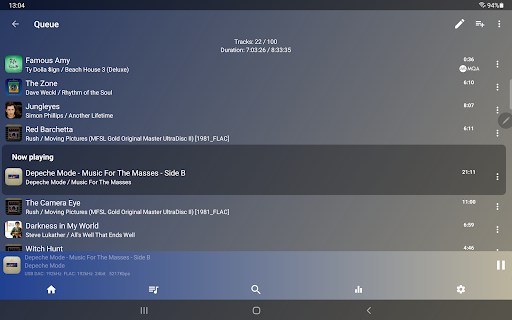
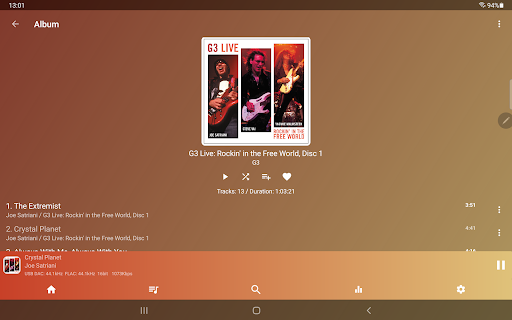
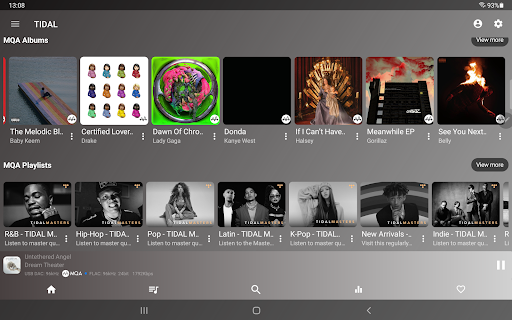

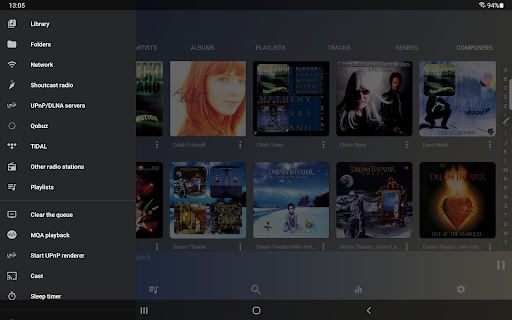
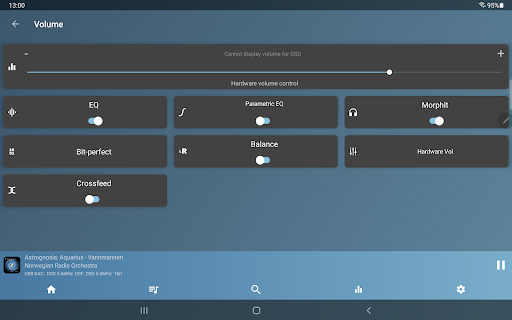
USB Audio Player PRO is a premier media player tailored for audiophiles, offering support for USB audio DACs and HiRes audio chips found in modern smartphones. It enables playback at any resolution and sample rate supported by your DAC, accommodating all popular and niche audio formats beyond Android's native capabilities. Whether you're using the custom USB audio driver, HiRes driver for internal chips, or standard Android drivers, this app delivers top-tier audio quality.
Beyond its core functionality, the app introduces advanced features such as capturing and playing audio from other apps through an optional Feature Pack. This allows users to enjoy high-quality playback from services like Deezer and Apple Music via UAPP’s superior sound engine. Additionally, on many Android 8+ devices, it can modify Bluetooth properties of BT DACs, adjusting codecs and sample rates according to the source material.
This application is indispensable for those seeking to bypass Android's audio limitations, providing an unmatched listening experience with support for various high-end audio formats and devices.
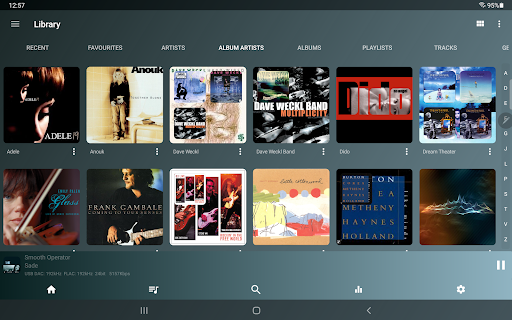
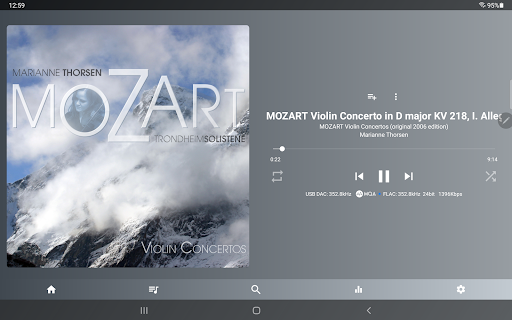
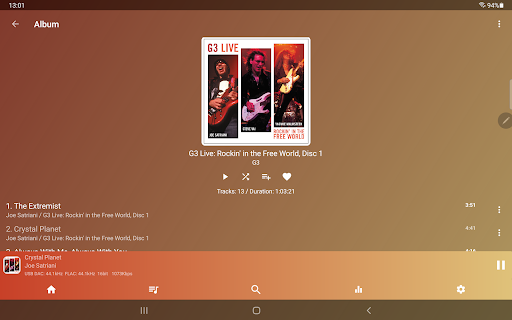
USB Audio Player PRO boasts an extensive array of features designed to satisfy even the most discerning audiophiles. The app supports a wide range of audio file formats including wav, flac, mp3, m4a, MQA, DSD, SACD ISO, and more. It is compatible with nearly all USB audio DACs and capable of playing natively up to 32-bit/768kHz, completely circumventing the Android audio system which typically limits playback to 16-bit/48kHz.
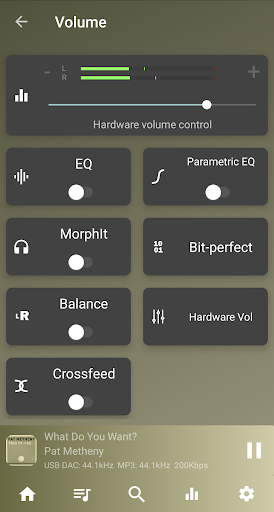
One of the standout features is its ability to utilize HiRes audio chips present in many modern smartphones, allowing for 24-bit audio playback without resampling. The app also offers free MQA decoding and rendering on select LG models and includes advanced functionalities like DoP, native DSD, and DSD-to-PCM conversion. Additional highlights include Toneboosters MorphIt Mobile for headphone simulation, true folder playback, UPnP/DLNA server support, network playback, gapless playback, bit-perfect playback, and synchronized lyrics display.
Users can further enhance their experience with optional in-app purchases such as the Advanced parametric EQ, MorphIt headphones simulator, MQA Core decoder, and Feature Pack which adds UPnP control client functionality among other enhancements. These features collectively ensure that USB Audio Player PRO stands out as one of the highest quality media players available on the Android platform.
High-quality audio playback
Wide format compatibility
Advanced customization options
Supports HiRes audio chips
No root required
Paid feature pack necessary
Complex setup for beginners
Limited device compatibility
Occasional Bluetooth issues
Higher cost than alternatives
SqueezePlayer turns your Android phone or tablet into a SqueezeBox on its own!
 4.60
4.60
Time Guru will strengthen your internal sense of musical time via random muting.
4.30
The Skullcandy App Experience
3.20
The Cubase remote control app
3.60
The best music and audio player, with beautiful UI, music search and equalizer.
4.60
Learn and play 2M+ music tabs & chords on guitar, ukulele, bass, and more
4.30
The iconic iOS metronome app is now on Android.
3.70
Customize Your Favorite Songs and Videos with booster.
4.70
Melody Beat: Great for travel, workouts, offline vibes, play your tunes anytime.
4.10
Voice recorder - Audio recorder. Best recorder for recording
4.90
Full-featured, High-Quality Groovebox Workstation, perfect for Live Performance!
4.80
More downloads than any other metronome. Includes drum machine & tempo trainer.
4.80
Learn the notes on the guitar fretboard fast with this easy and fun app
4.60
DJ Music Mixer Pro is a real DJ controllers and DJ Music Studio to remix DJ.
4.40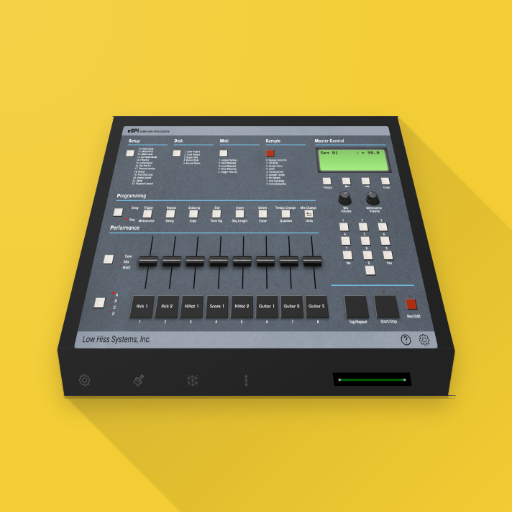
The original SP-1200 experience on your iPad
4.20
Sing, record, and create music together — enhanced by smart voice tools.
4.00
Turn your phone into a musical instrument from the future!
3.90
USB audio recording and playback finally possible on Android 3.1 or higher!
3.90
Simply convert wav to mp3. Clear. Reliable. Safe.
4.5


User Reveiws