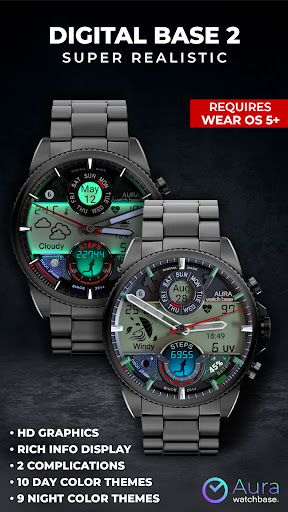
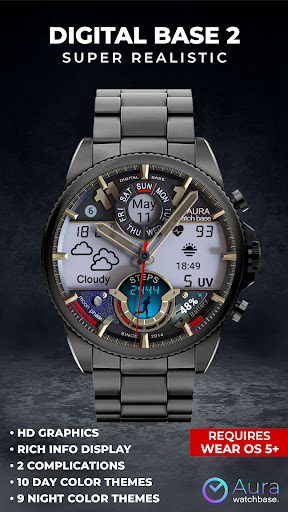
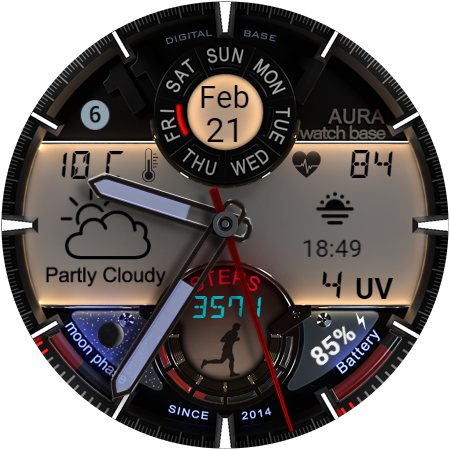
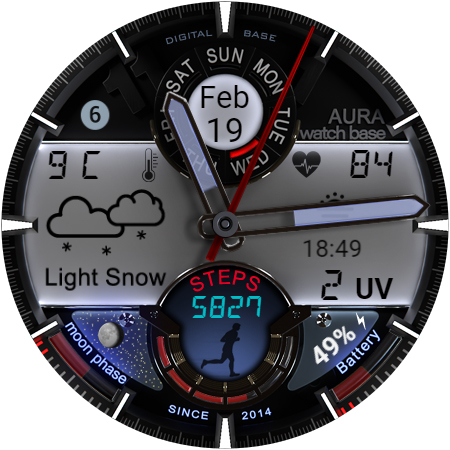
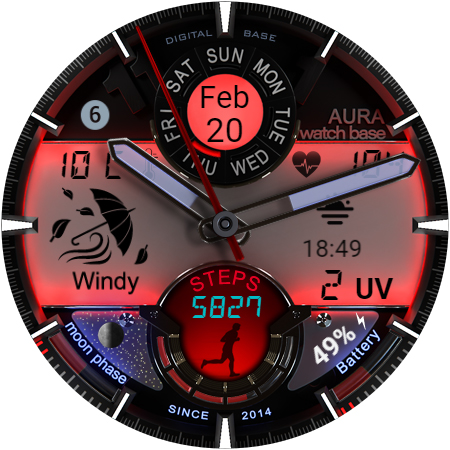
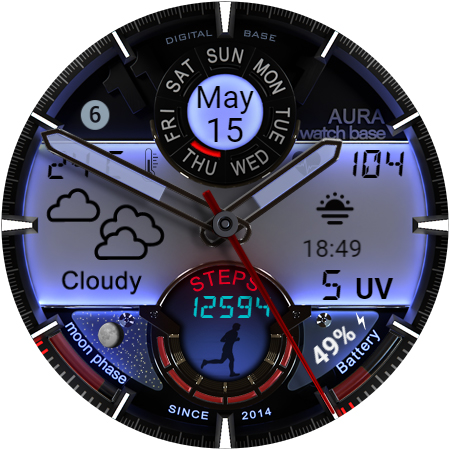
WB DIGITAL BASE 2 Watch Face

4.40

Information

Category:

Android Wear

Price:

$ 1.99

Rank:

22

Rating:

4.40

Overview

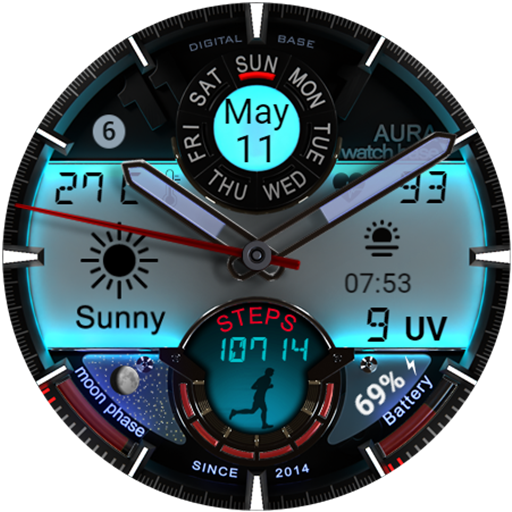
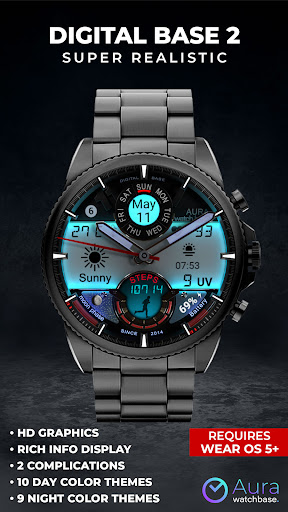
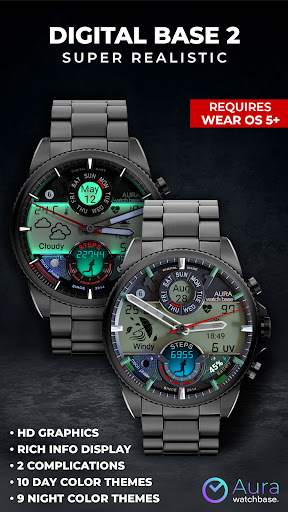
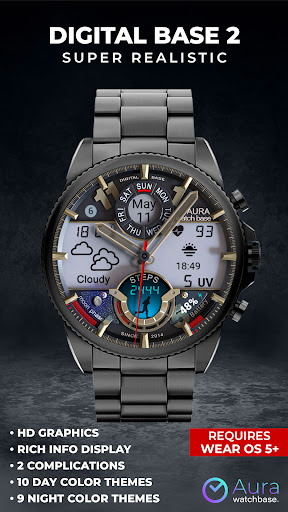
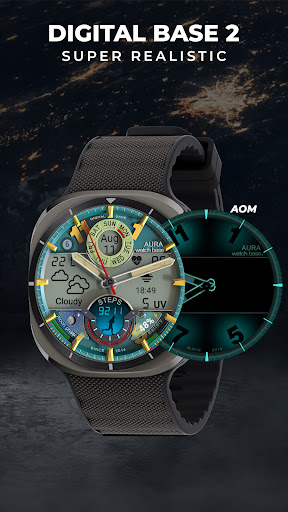
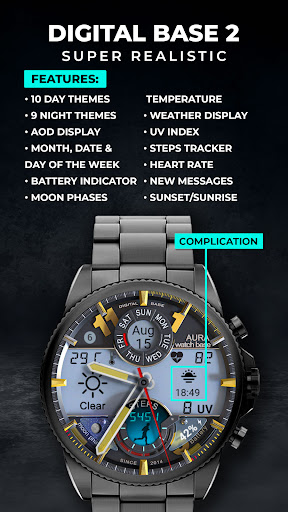
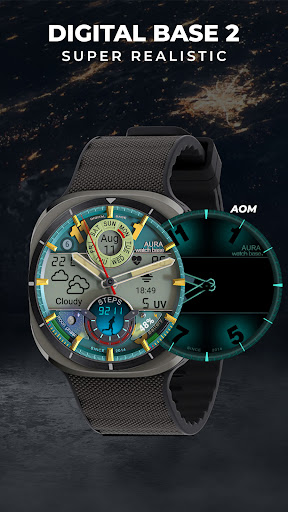
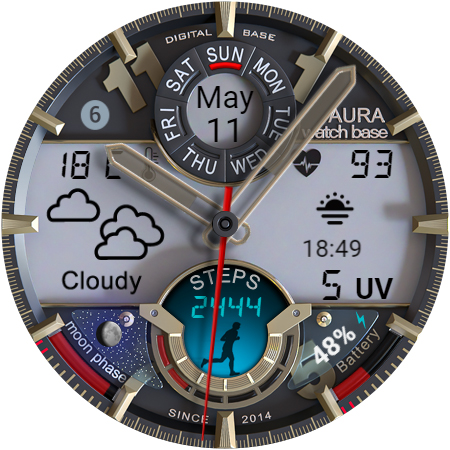
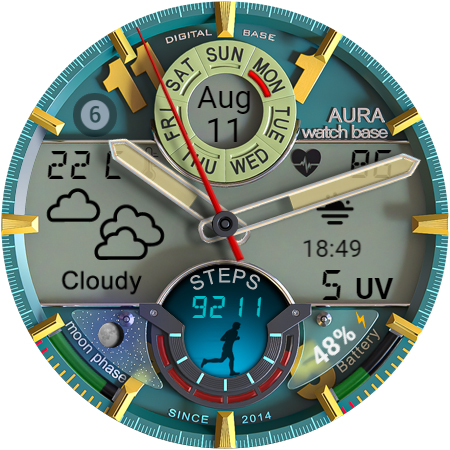
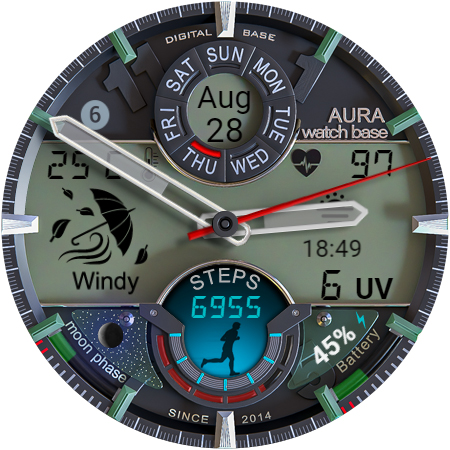
WB DIGITAL BASE 2 Watch Face offers a sophisticated blend of classic analog aesthetics with cutting-edge digital functionality, designed exclusively for Wear OS 5 and higher. This watch face acts as your personal data dashboard, providing hyper-realistic visuals and essential information at a glance.

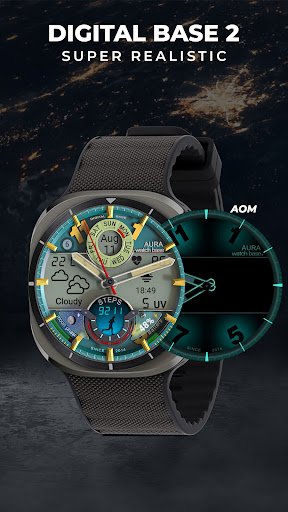
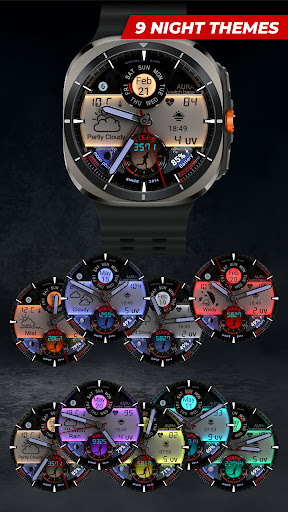
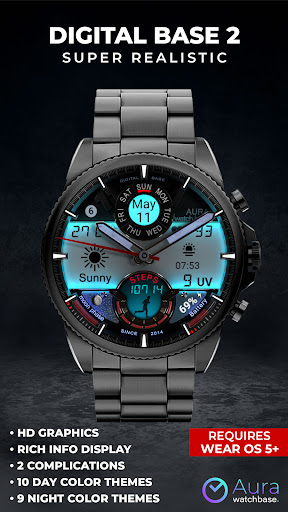
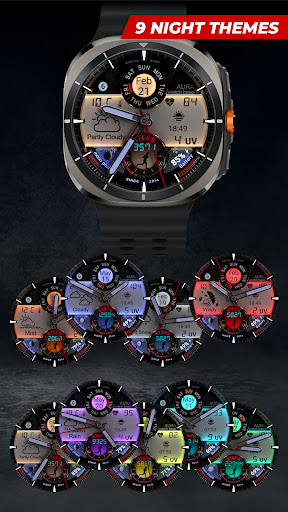
Experience the convenience of accessing health metrics like heart rate and step count, environmental data such as UV index and moon phases, alongside customizable complications. The built-in LED-illuminated night mode ensures optimal visibility in low-light conditions, making it a versatile companion for any occasion.

Features

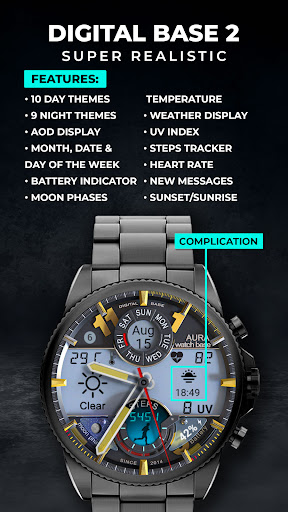
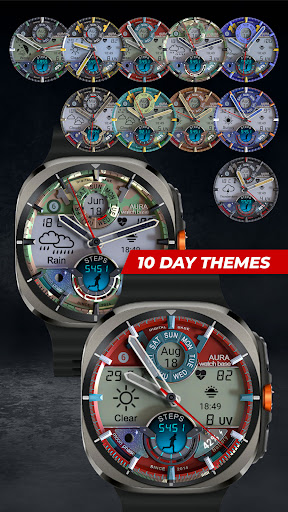
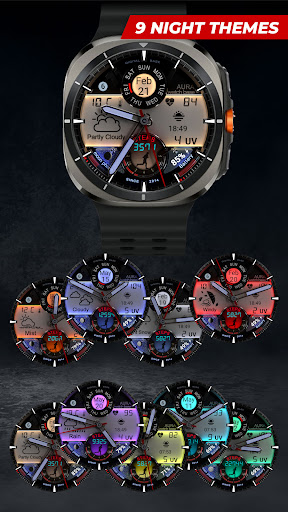
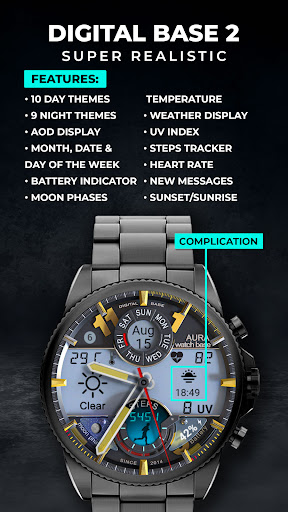
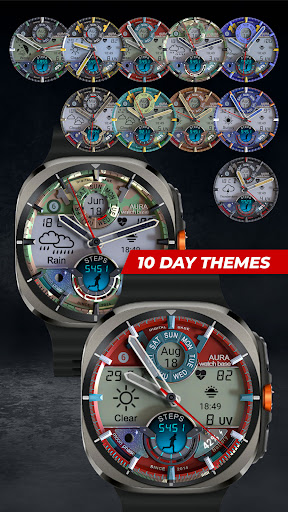
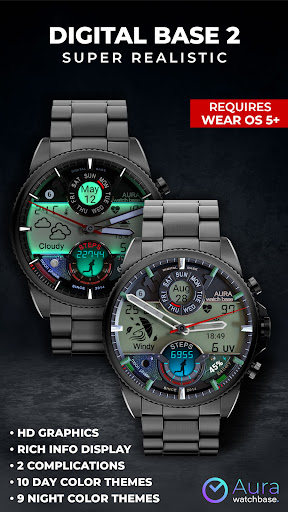
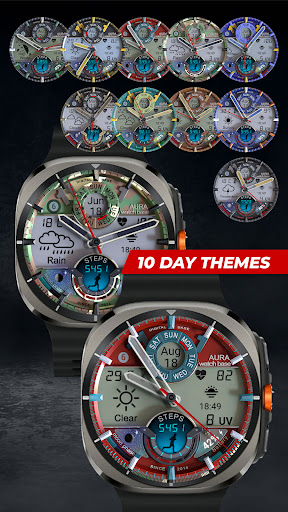
This advanced watch face stands out with its extensive customization options, featuring 10-day and 9-night color themes that adapt to your preferences. Users can personalize their experience through two editable complications, displaying relevant data such as battery status, unread messages, and weather information.

The integration of health monitoring tools provides real-time updates on steps taken and heart rate, while additional indicators for date, day of the week, and moon phases enhance daily productivity. Its automatic temperature unit adjustment simplifies usage across different regions, ensuring seamless functionality without manual intervention.

Companion app integration

The integration of a companion app is crucial for enhancing the functionality and user experience of wearable devices like smartwatches. For the WB DIGITAL BASE 2 Watch Face, the companion app serves as a bridge between the watch face and the user's smartphone, streamlining the installation process and ensuring that all features are easily accessible. When users purchase and install this watch face, they are guided to use the companion app to complete the setup. This involves tapping an install button on the phone app which then prompts the watch to display a screen where the user can confirm the installation. This process not only simplifies the initial setup but also addresses common synchronization issues that might arise. By using the companion app, users can avoid problems such as being prompted to purchase the watch face again on their device, although they won't be charged twice. The app ensures that once the watch face is bought and installed via the companion app, it syncs correctly across devices. Additionally, if any issues occur during installation, the companion app provides alternative solutions such as installing the watch face directly from a browser logged into the user's Google Play account. Overall, the companion app plays a vital role in making sure that users can fully utilize the extensive features of the WB DIGITAL BASE 2 Watch Face including its ten day color themes, health data tracking, and customizable complications without hassle.

Wear OS/device compatibility

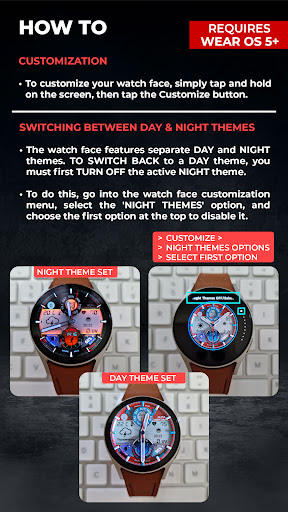
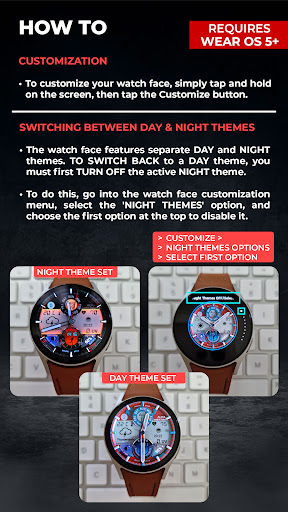
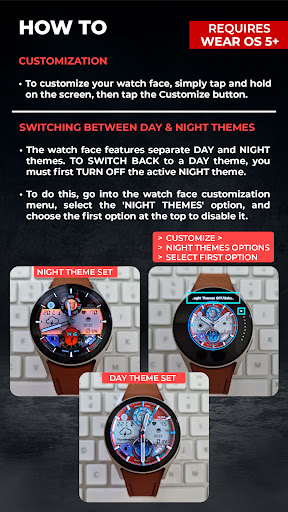
Compatibility with Wear OS and various devices is a fundamental aspect of the WB DIGITAL BASE 2 Watch Face ensuring that it functions seamlessly across different smartwatch models running on Wear OS 5 and higher. This compatibility is essential because it guarantees that users will have access to a hyper-realistic watch face combining classic analog style with advanced digital display capabilities regardless of their specific device model. The watch face supports an array of features including ten day color themes AOD display editable complications health data tracking steps heart rate indicators battery status moon phases unread messages UV index and more. To accommodate diverse user preferences the watch face automatically adjusts temperature units Celsius or Fahrenheit based on the settings of the paired smartphone eliminating the need for manual adjustments. Furthermore detailed instructions provided by the developers guide users through customizing their watch faces by touching and holding the screen followed by tapping customize options. Users can switch between day and night themes effortlessly though special attention must be paid when toggling night themes to revert back to day themes properly. With comprehensive support resources available via social media platforms like Facebook Instagram TikTok and YouTube users can engage with a community of like-minded individuals who share tips and experiences related to maximizing the potential of their smartwatches. In essence robust Wear OS and device compatibility ensures that whether you're looking at your watch during the day or in low-light conditions at night the WB DIGITAL BASE 2 Watch Face delivers an unparalleled blend of aesthetics functionality and convenience tailored specifically for modern wearable technology enthusiasts.

Props

Highly customizable

Realistic LED night mode

Comprehensive health tracking

Intuitive user interface

Wide compatibility with Wear OS devices

Cons

Limited to Wear OS 5+

Potential sync issues

Installation complexity

No standalone app features

Requires companion app

Features and Functions

What is this app and what can I use it for?

A customizable watch face for Wear OS 5+ offering health and environmental data

How do I download and install this app on my device?

Search WB DIGITAL BASE 2 on Google Play Store and install via companion app

How do I get started after opening the app for the first time?

Touch hold screen tap customize select preferences

What are the main features and capabilities of this app?

Health tracking weather info customizable themes complications

How can I customize my experience and adjust preferences?

Adjust settings through companion app or watch settings

How do I save or bookmark my favorite content for later access?

Not directly supported due to watch face nature

How can I share content with friends or on social media?

Share feature not available for watch faces

How do I access detailed information and explore more content?

Access details through companion app or device settings

What permissions does this app need and how do I manage them?

Needs basic permissions managed via device settings

How do I check for updates and keep the app running smoothly?

Check updates through Google Play Store or companion app
Show more

User Reveiws

{{ comment.reviewer_name }}
{{ comment.review_date_formatted}}
{{ comment.review_content }}
{{ tab.name }}
{{ comment.reviewer_name }}
{{ comment.review_date_formatted}}
{{ comment.review_content }}
No reviews with this rating