
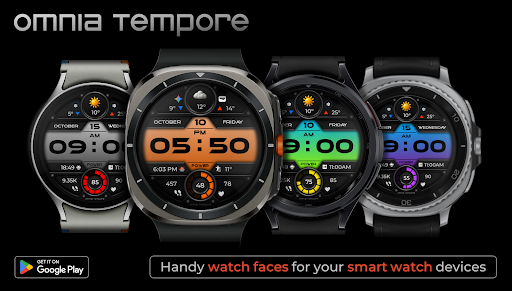
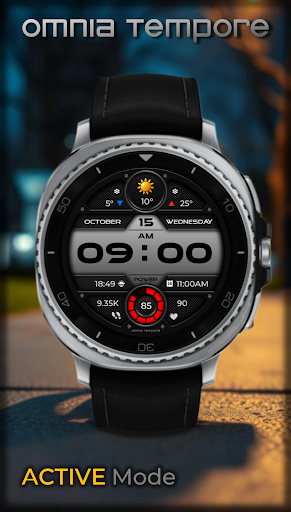
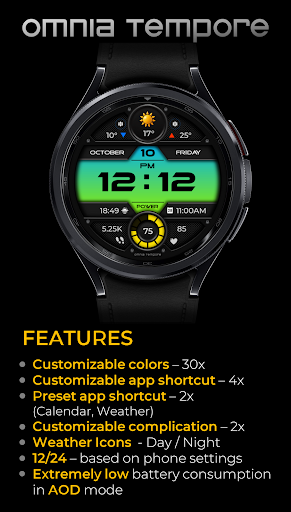
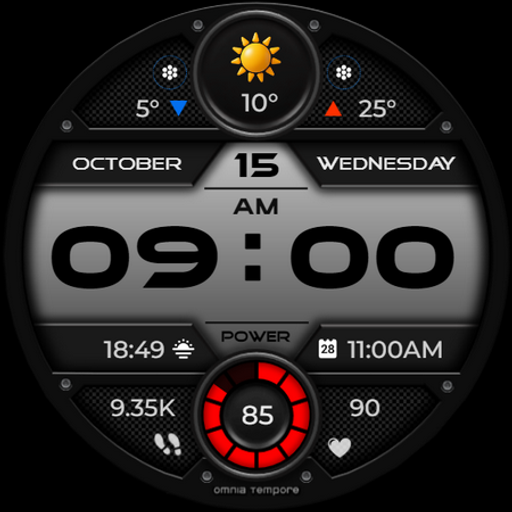
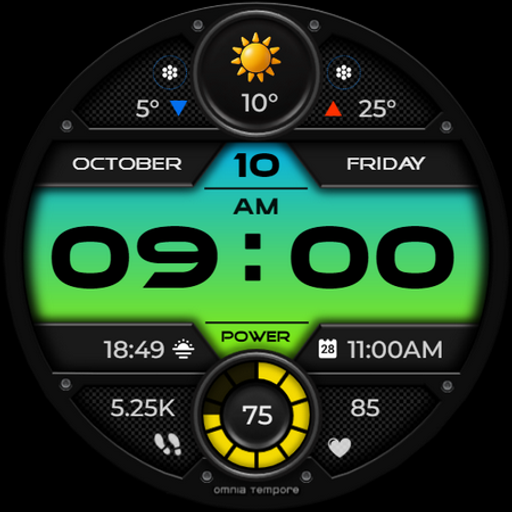
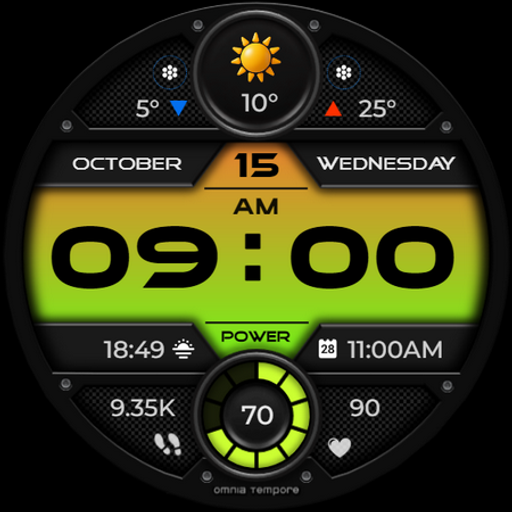
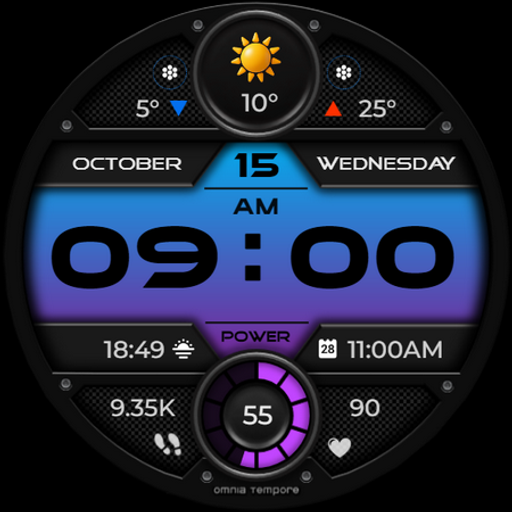
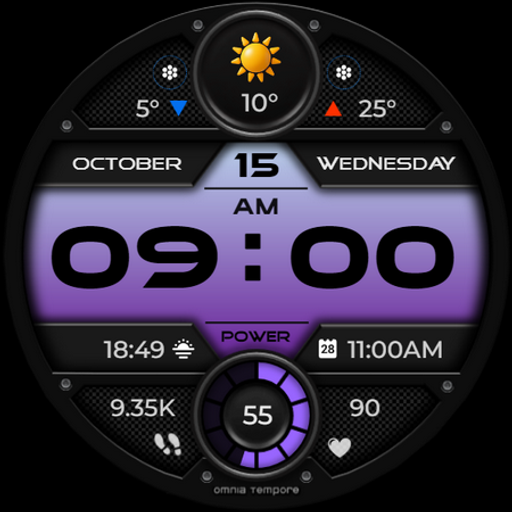
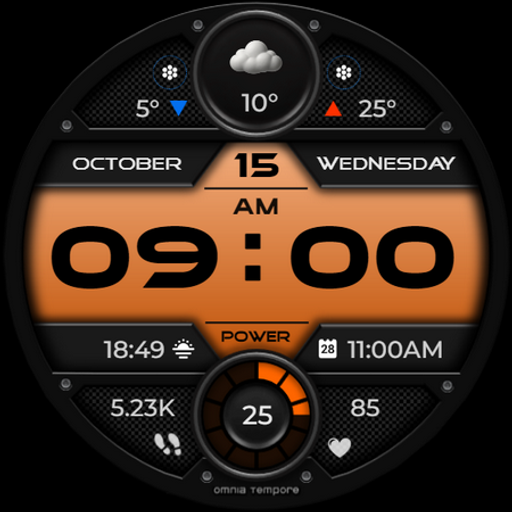
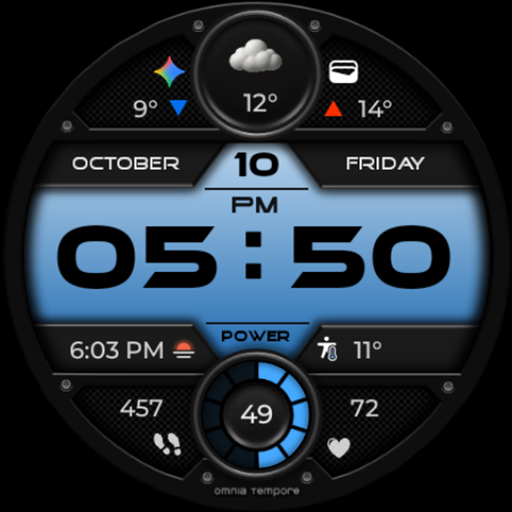
OT is a sophisticated digital watch face designed for Wear OS devices running version 5.0 and above. This application seamlessly blends style with functionality, offering users an elegant timepiece that doesn't compromise on smart features. With real-time weather updates, step counting, and heart rate monitoring, OT ensures you stay informed and health-conscious throughout your day.
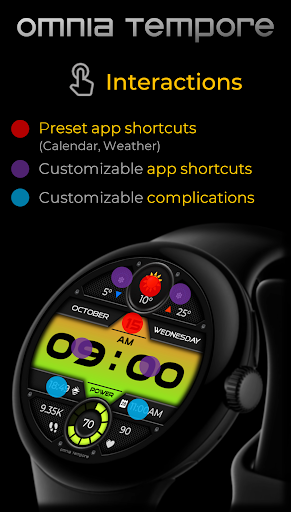
Beyond its core capabilities, OT provides customization options that allow personalization of the display through complications and app shortcuts. Whether you're managing your schedule or checking the climate, this watch face keeps you connected with ease. Its aesthetic design and customizable features make it suitable for any occasion, from business meetings to workouts, ensuring you have clarity and control at a glance.
OT stands out with its comprehensive feature set tailored for the modern individual. The watch face not only displays time but also integrates essential functions such as real-time weather updates, fitness tracking through step counting, and health monitoring via heart rate tracking. These features are presented within a sleek interface that maintains a focus on user experience and visual appeal.
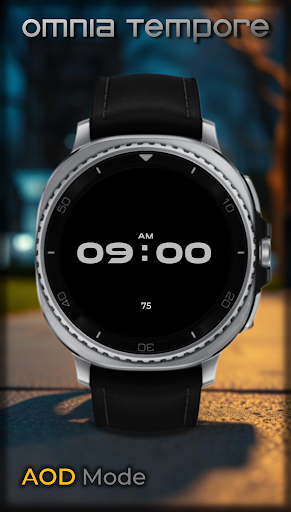
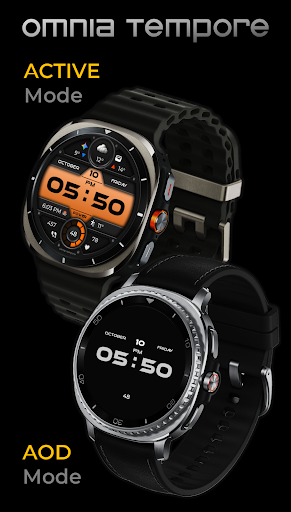
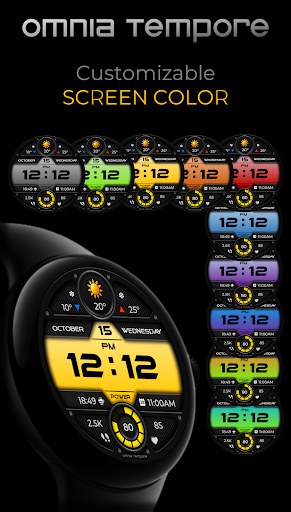
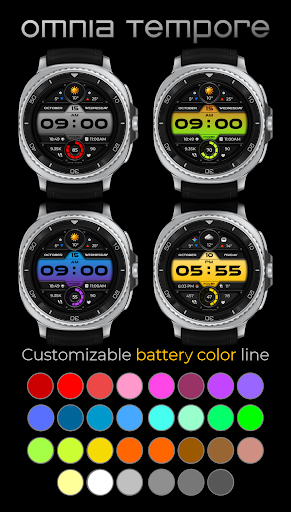
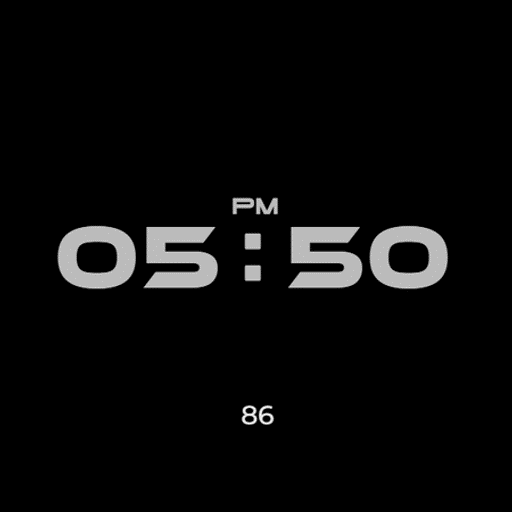
Customization is at the heart of OT's offerings. Users can personalize their watch face with two customizable complications and choose from preset app shortcuts like Calendar and Weather. Additionally, there are four app shortcut slots, two visible and two hidden, enabling quick access to frequently used applications. With ten color versions for the display and thirty color options for battery status indication, alongside low power consumption in AOD mode, OT delivers both versatility and efficiency in a stylish package.
User-friendly interface
Comprehensive health tracking
Highly customizable display
Real-time weather updates
Low power consumption
Limited to Wear OS
Requires Android 5.0+
Premium features may cost extra
Some features need third-party apps
Design might not appeal to all

Wear Os Watch Face - Animated Snow - Sesonal for Christmas & Winter
 4.5
4.5
MyNISSAN® lets you remotely control your car from your phone.*
4.50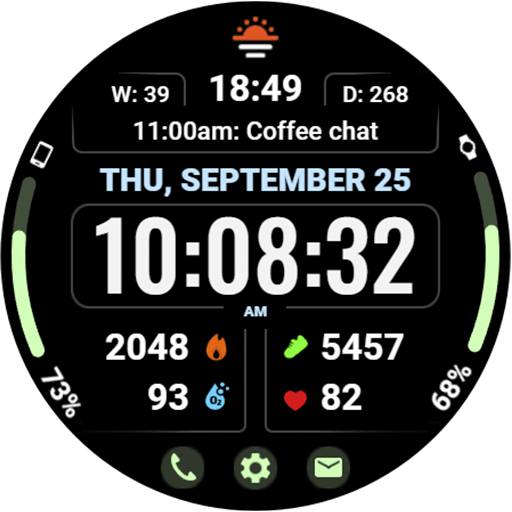
Beautiful, colorful and practical watch face. For Wear OS devices.
5.00
Let's celebrate Thanksgiving - Wear Os watch face
4.20
Real-time results, stats, schedules and player profiles for all leagues
4.60
Retro digital watch face with customizable colors and a unique lighting effect
4.60
Hybrid Vibrant Health Watch Face for Wear OS
4.3
Animated video-game inspired “secret agent” simulation, right on your wrist!
4.20
Premium hybrid watch face with many customizations for Wear OS devices.
4.40
Be an elegant and classy secret agent, with this carefully detailed watch face
4.70
Your second brain for organizing your life: to-do, calendar, reminder.
4.70
Monitor health with the stress test and pulse checker in the heart rate app.
4.60
Connect to your Bluelink equipped Hyundai vehicle from your smartphone.
4.50
Fast and smart typing with Emojis, GIFs, and more
4.50
Bold weather Digital watchface with forecast & optional animated background
4.40
A customizable Christmas watch face for Wear OS with a countdown.
4.20
Elegant animated Christmas tree with multiple customization options
4.20
Connect, create, and collaborate with Gmail, part of Google Workspace.
4.10
Funny animated watch face for Thanksgiving
4.5


User Reveiws