

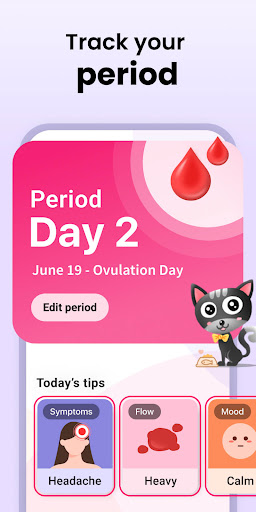
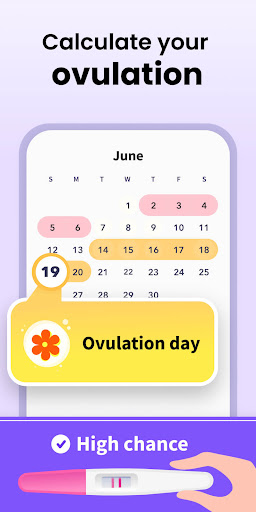
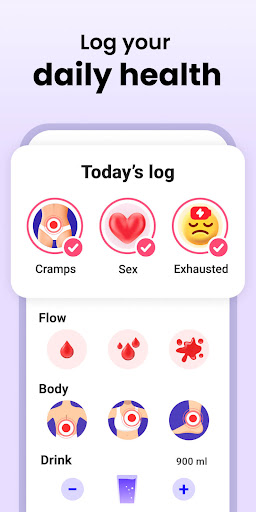
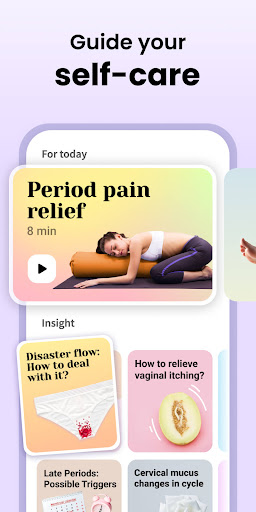


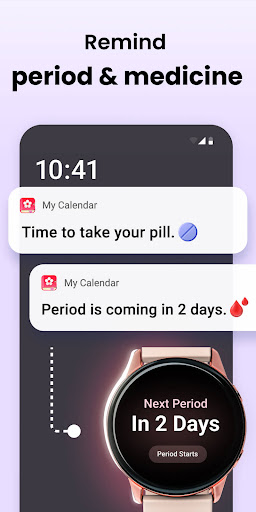

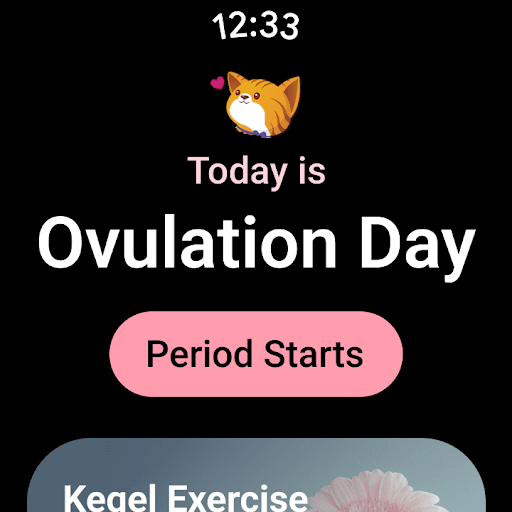
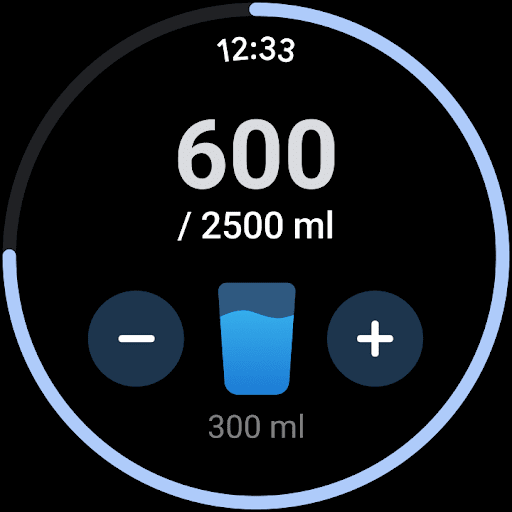
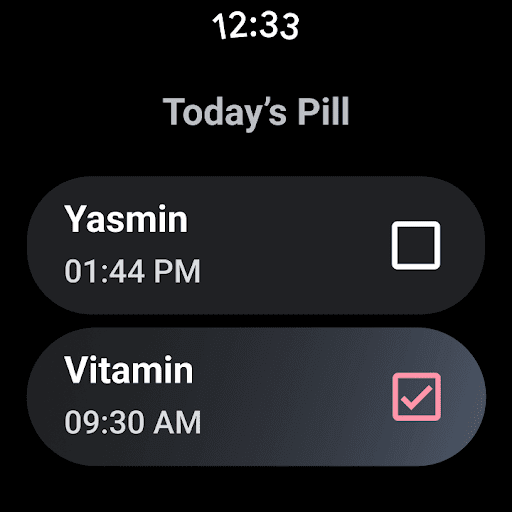
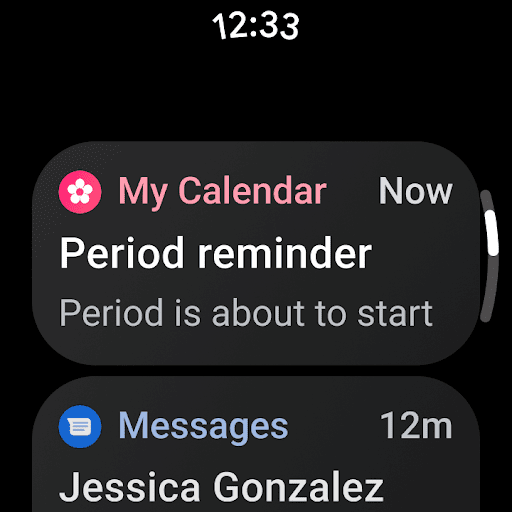
Period Calendar Period Tracker is a comprehensive menstrual cycle management app designed for Android Wear devices. It serves as a period tracker, fertility calculator, and ovulation predictor, making it an essential tool for women's health management. The app allows users to monitor their menstrual cycles, track symptoms, record intimate activities, and manage birth control reminders.
One of the standout features is its customizable notification system that discreetly alerts users about upcoming periods, fertility windows, and medication schedules. With support for Google account data backup and multi-account functionality, users can securely sync and access their health data across multiple devices. The app also integrates with Wear OS complications and tiles, providing quick access to key information right from the smartwatch face.
This application is particularly valuable for women who are either trying to conceive or practicing birth control. By tracking various health indicators such as body temperature, cervical mucus, and menstrual flow, it provides detailed insights into fertility patterns and helps with family planning decisions.
The app boasts an impressive array of features that cater to different aspects of menstrual health management. Its core functionality includes precise period prediction, fertility window calculation, and ovulation tracking. Users can maintain detailed records of their menstrual flow intensity, symptoms, and mood changes through an intuitive interface.
A unique aspect of Period Calendar is its comprehensive approach to reproductive health. The app offers specialized tools for both conception planning and birth control. For those trying to get pregnant, it provides daily odds of conception based on tracked physiological signs. For birth control purposes, it accurately identifies fertile days and offers discreet reminders for contraceptive medications.
Security and privacy are paramount in this application's design. All user data is encrypted and can be backed up through Google account. The app supports anonymous usage without requiring account creation or real-name registration. Furthermore, users have complete control over their data with options to backup, restore, or delete all information with a single click.
User-friendly interface
Comprehensive tracking options
Secure data encryption
Customizable notifications
Anonymous usage support
Limited third-party integrations
No built-in community features
Premium features require subscription
Occasional syncing issues
Complexity may overwhelm new users

Christmas and New Year - Themed Watchface
 4.1
4.1
Christmas is near, let's count together the days left until Santa comes
4.4
Beautiful artistic animated digital watch face, with a customizable layout!
4.40
The most customizable minimal watch face. For Wear OS 5.0, API 34+ and later
4.70
Nutrition, Macro tracker: Food, fitness & healthy diet tracking for weight loss
4.60
Connect to your Bluelink equipped Hyundai vehicle from your smartphone.
4.50
Real-time results, stats, schedules and player profiles for all leagues
4.60
A realistic hybrid watch face with many customization options.
4.60
Control your Samsung Smart TVs, appliances, and SmartThings-compatible devices
4.60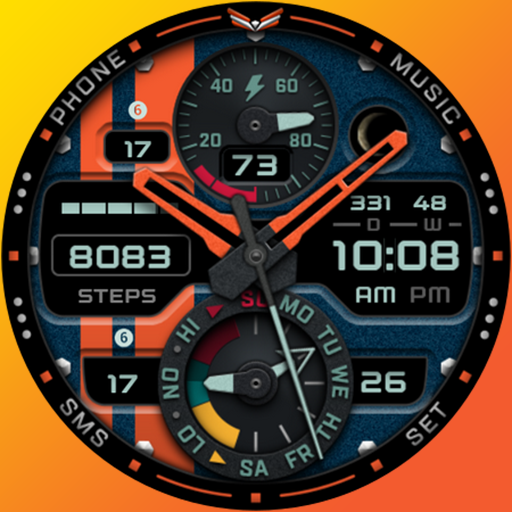
A modern premium sporty hybrid watch face for Wear OS by Ballozi
4.70
Rose gold watch face with festive lights & customizable features.
4.60
Gym & home workout plans with strength training, exercise tracking, HIIT & more.
4.60
Retro digital watch face with customizable colors and a unique lighting effect
4.60
MyNISSAN® lets you remotely control your car from your phone.*
4.50
Current temperature, weather hourly, weather radar by the weather forecast app
4.40
Find EV charging stations
4.30
The ultimate destination for kids ages 3-8 to explore the Marvel Universe!
4.30
Calming & relaxing sounds for sleeping and stress relief. Stay focused all day!
4.20
Authentic military-tactical design with ZULU time! Realistic and functional!
3.80


User Reveiws