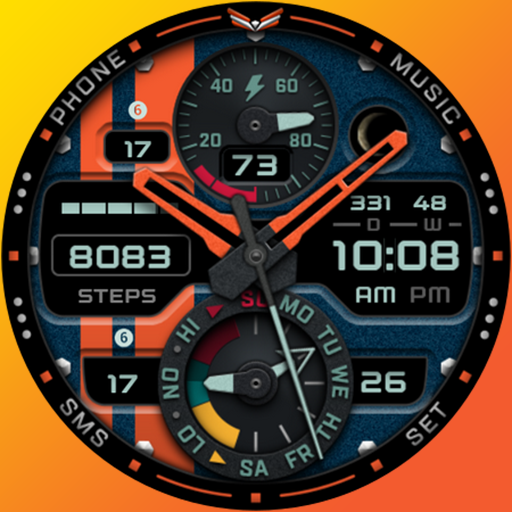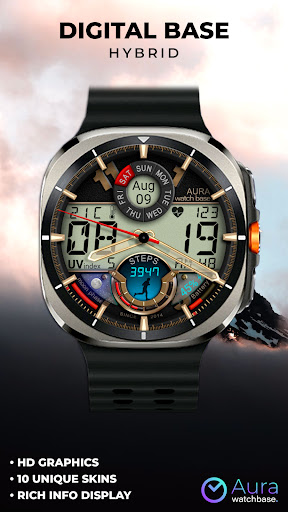
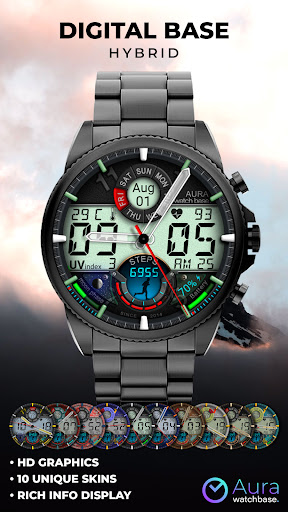
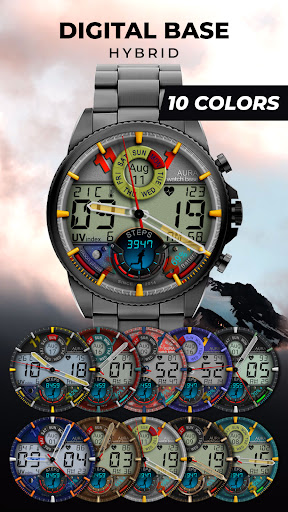
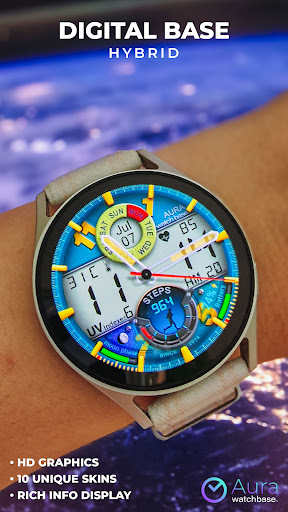
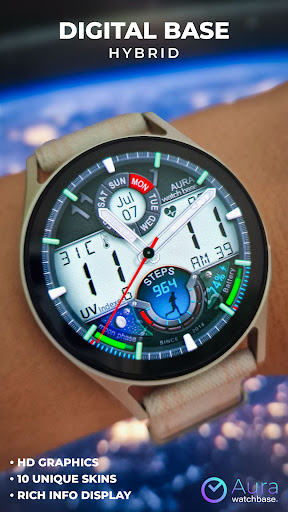
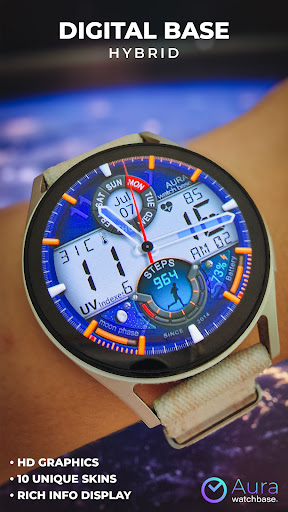
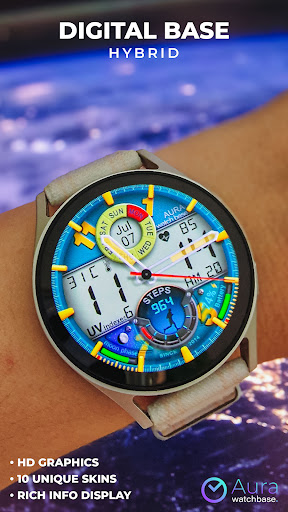
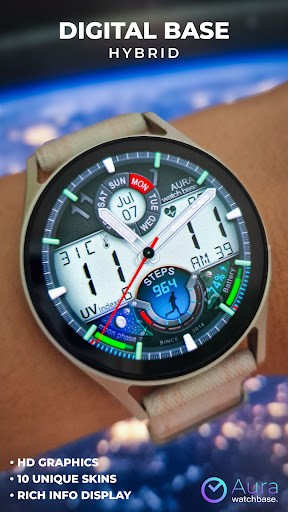
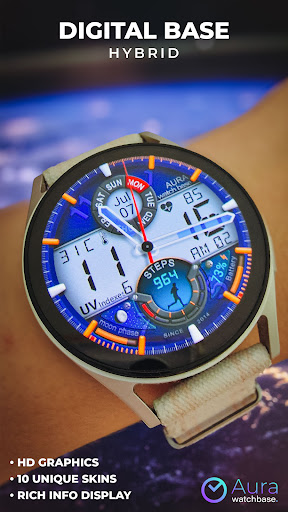
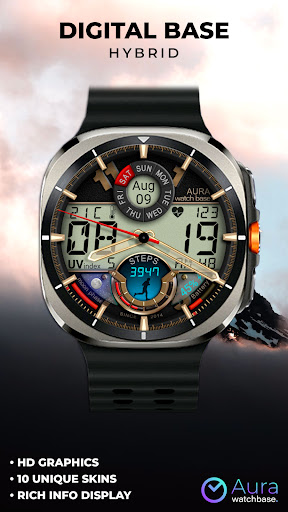
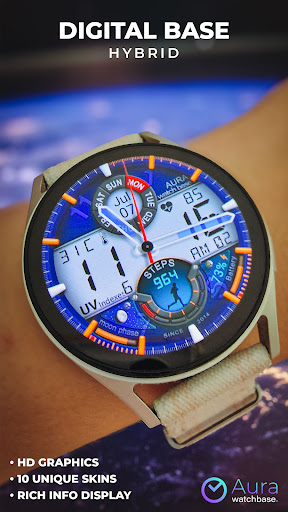
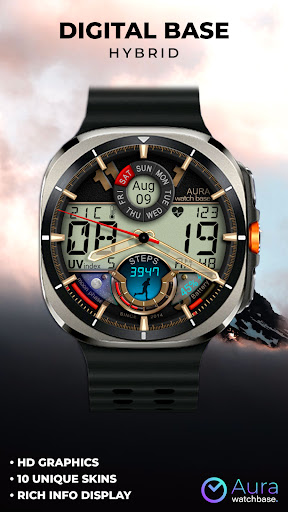
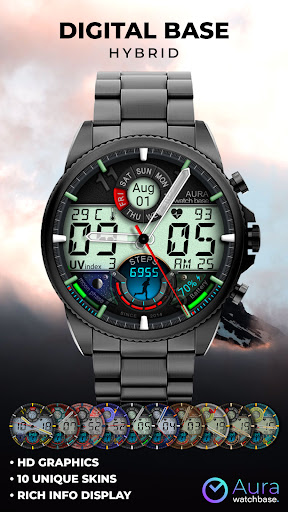
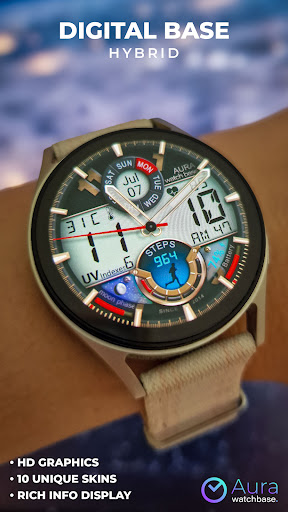
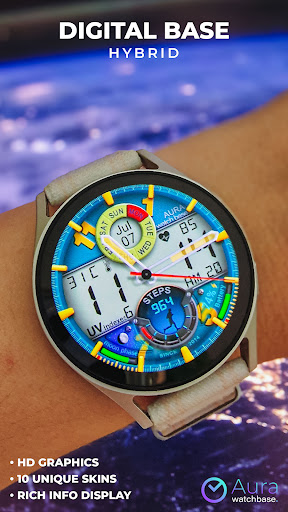
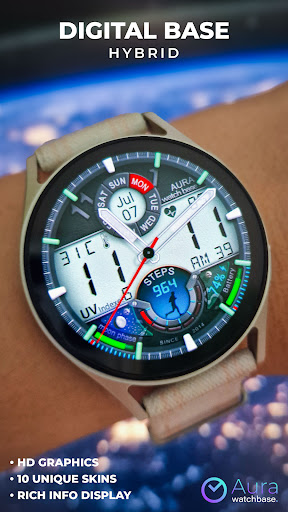
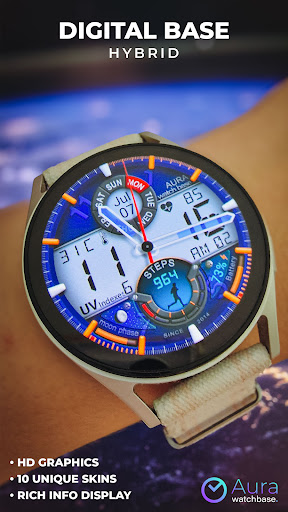
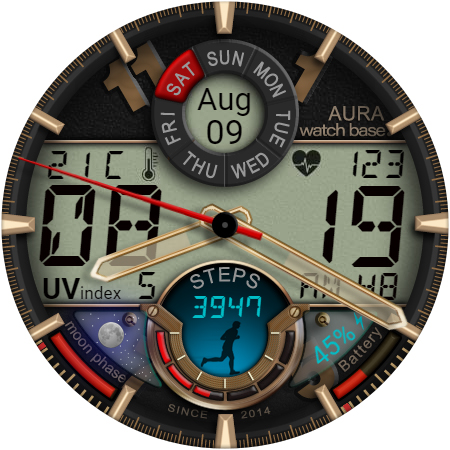
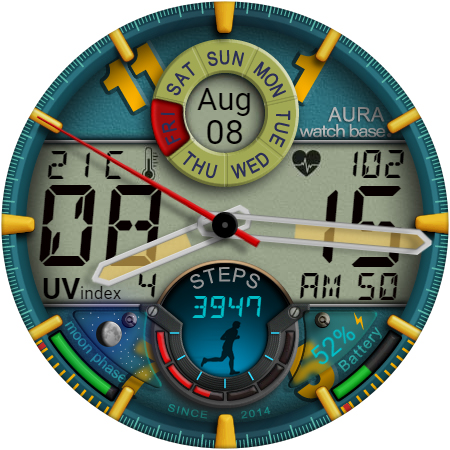
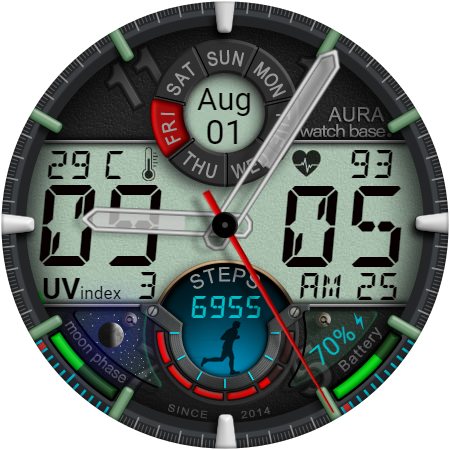
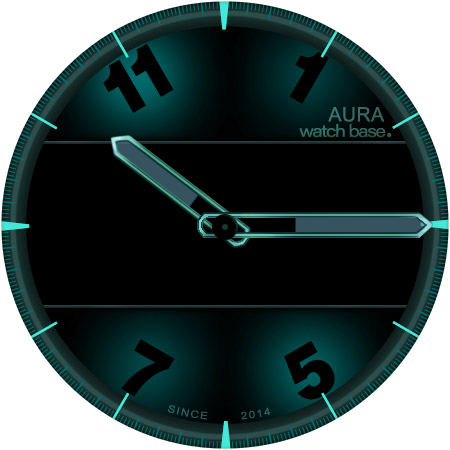
WB DIGITAL BASE Hybrid

4.30

Information

Category:

Android Wear

Price:

$ 1.99

Rank:

53

Rating:

4.30

Overview

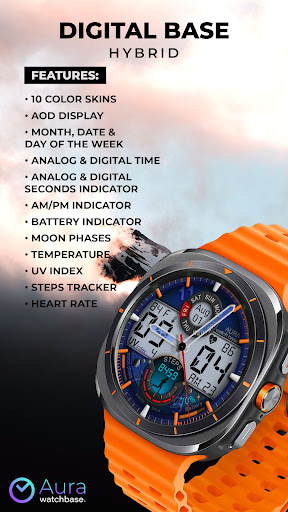
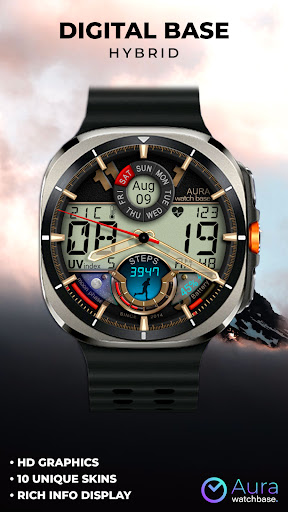
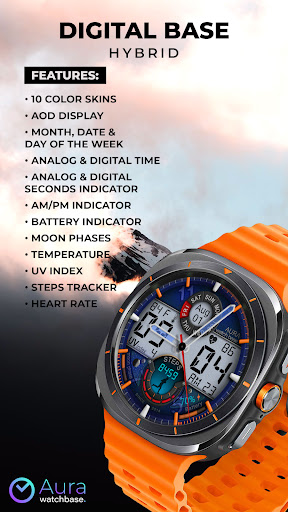
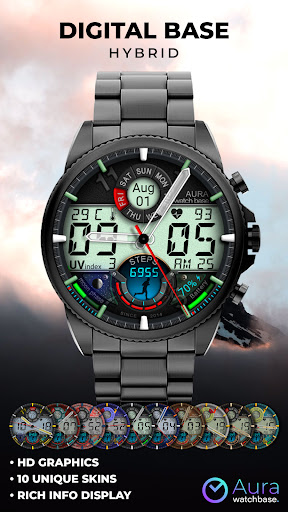
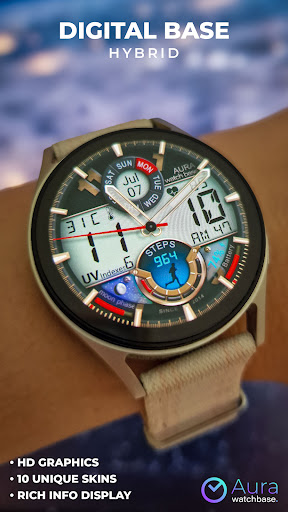
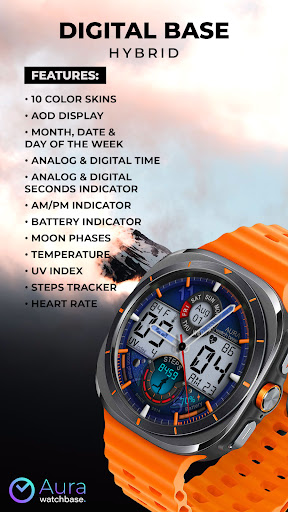
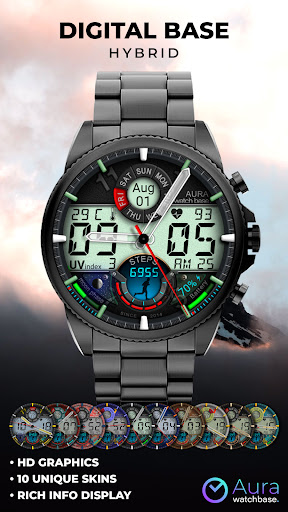
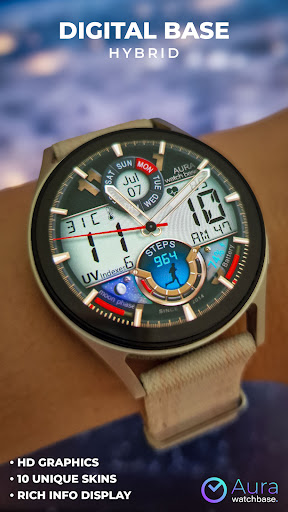
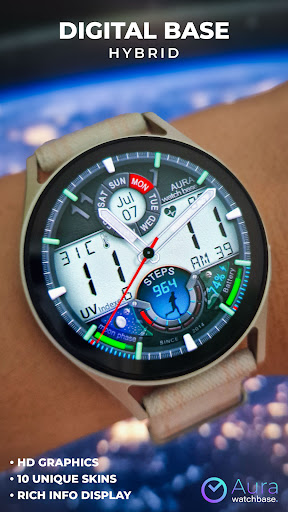
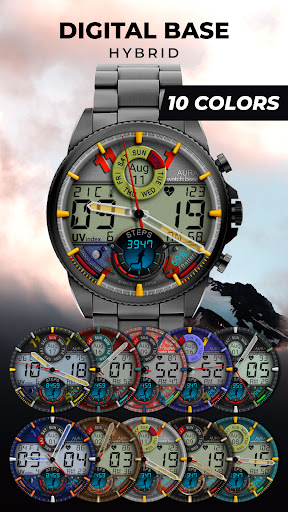
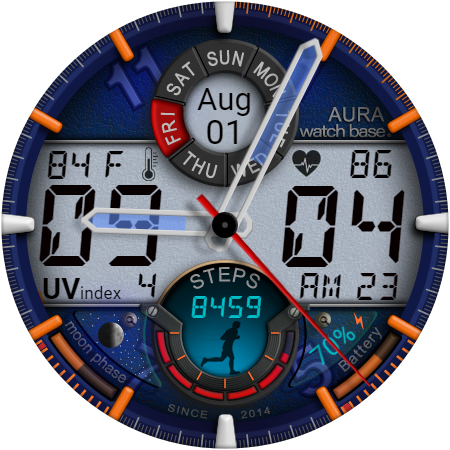
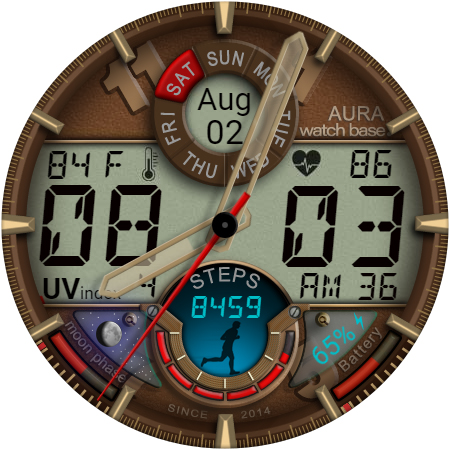
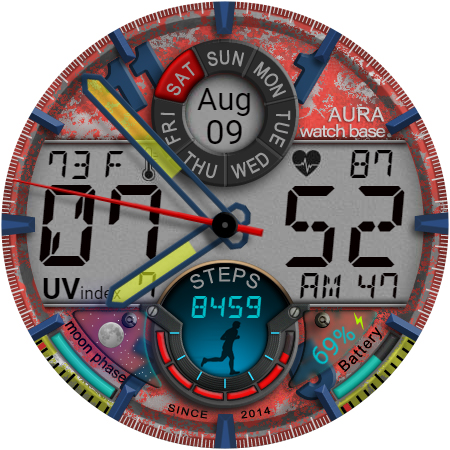
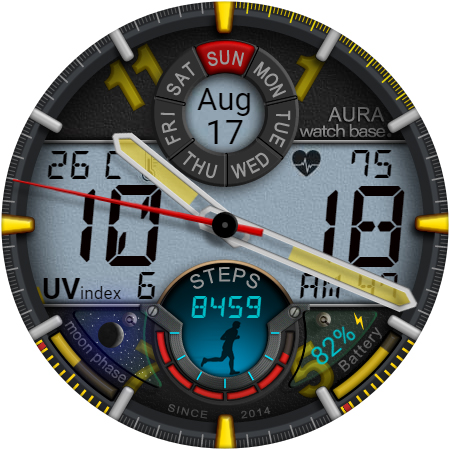
WB DIGITAL BASE Hybrid is a feature-rich watch face designed exclusively for Wear OS 5 and higher. This modern hybrid watch face combines analog and digital elements, offering users a bold aesthetic with 10 vibrant color options to choose from. It provides essential information at a glance, including time, date, battery status, temperature, and health metrics like heart rate and step count.

The watch face stands out with its advanced features such as Always-On Display (AOD), moon phases indicator, UV index, and automatic temperature unit adjustment based on device settings. Whether you're tracking your fitness goals or simply want a stylish and functional timepiece, this app delivers both form and function in one complete package.

Features

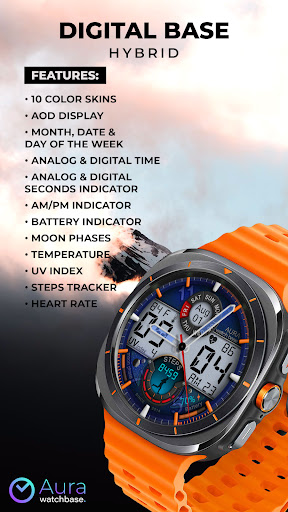
WB DIGITAL BASE Hybrid boasts an impressive array of features tailored for smartwatch users. With 10 customizable color skins, users can personalize their watch face to match their style. The inclusion of analog and digital time displays alongside indicators for seconds, AM/PM, battery life, and moon phases ensures that all critical information is readily accessible.

Health-conscious users will appreciate the integrated step tracker and heart rate monitor, while environmental data such as temperature and UV index provide added convenience. Additionally, the app simplifies installation through a companion phone app and supports browser-based installation methods. These robust functionalities make WB DIGITAL BASE Hybrid a versatile choice for those seeking utility and personalization in their wearable devices.

Companion app integration

The integration of a companion app plays a crucial role in enhancing the functionality and user experience of wearable devices like smartwatches. For WB DIGITAL BASE Hybrid, the companion app serves as an essential bridge between the watch face and the smartphone, streamlining the installation process and ensuring that users can effortlessly access and manage their watch face settings. This seamless connection allows for automatic synchronization of preferences such as temperature units which adjust according to the user's device settings without requiring manual intervention. By downloading the companion app on their smartphones, users are presented with a screen on their watches that facilitates easy installation of the watch face. This approach not only simplifies the setup process but also addresses common synchronization issues where users might be prompted to purchase the watch face again on their watch despite having already bought it. The assurance that they will not be charged twice provides peace of mind and demonstrates the brand's commitment to customer satisfaction. Additionally, if any problems arise during installation or usage, the companion app offers alternative solutions such as installing the watch face via a browser logged into the user's Google Play account. Overall, this robust companion app integration significantly enhances the overall utility and convenience of WB DIGITAL BASE Hybrid by providing a reliable support system that ensures smooth operation and maximizes user engagement.

Wear OS/device compatibility

Device compatibility is a fundamental aspect that determines the usability and accessibility of any wearable application including watch faces designed for platforms like Wear OS. WB DIGITAL BASE Hybrid has been meticulously crafted to ensure broad compatibility with devices running on Wear OS 5 and higher versions thereby catering to a wide audience of tech-savvy individuals who rely on these advanced operating systems for their daily activities. This strategic decision to focus on newer iterations of Wear OS guarantees that users benefit from optimized performance and access to cutting-edge features inherent to these updated platforms. For instance the inclusion of Always-On Display AOD functionality vibrant color options and various informational indicators such as date time battery status and health metrics are all made possible through leveraging the capabilities offered by Wear OS 5+. Moreover by aligning with industry standards set forth by Google's ecosystem WB DIGITAL BASE Hybrid ensures that its sophisticated design elements such as analog and digital time displays moon phases UV index and heart rate monitoring among others render accurately across different devices maintaining visual consistency and functional reliability. Users looking to customize their experience further can do so easily thanks to intuitive touch controls available within the compatible environment provided by Wear OS. In essence this emphasis on comprehensive device compatibility underscores WB DIGITAL BASE Hybrid's dedication to delivering a premium product that meets the evolving needs of modern consumers while fostering greater interaction between humans and technology.

Props

Customizable design

Vibrant color options

Comprehensive health tracking

Automatic temperature adjustment

User-friendly installation

Cons

Limited OS compatibility

Potential sync issues

No manual temp setting

Installation complexity

Feature-overload for some

Features and Functions

What is this app and what can I use it for?

A hybrid watch face for Wear OS 5+ with health and environmental tracking

How do I download and install this app on my device?

Search 'WB DIGITAL BASE' in Google Play Store and tap install

How do I get started after opening the app for the first time?

Touch and hold screen then tap customize to adjust settings

What are the main features and capabilities of this app?

Analog-digital time display health metrics AOD and more

How can I customize my experience and adjust preferences?

Use touch-and-hold on screen then select customization options

How do I save or bookmark my favorite content for later access?

Not applicable as it's a static watch face without bookmarks

How can I share content with friends or on social media?

Share via social media links provided by WatchBase platforms

How do I access detailed information and explore more content?

Access details through customization menu after setup

What permissions does this app need and how do I manage them?

Requires basic permissions managed during initial setup

How do I check for updates and keep the app running smoothly?

Check updates via Google Play Store auto-update feature
Show more

User Reveiws

{{ comment.reviewer_name }}
{{ comment.review_date_formatted}}
{{ comment.review_content }}
{{ tab.name }}
{{ comment.reviewer_name }}
{{ comment.review_date_formatted}}
{{ comment.review_content }}
No reviews with this rating