Universal TV Remote for All TV

4.40

Information

Category:

Tools

Price:

Free

Rank:

46

Rating:

4.40

Overview

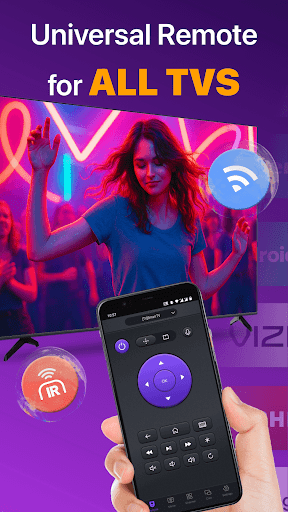
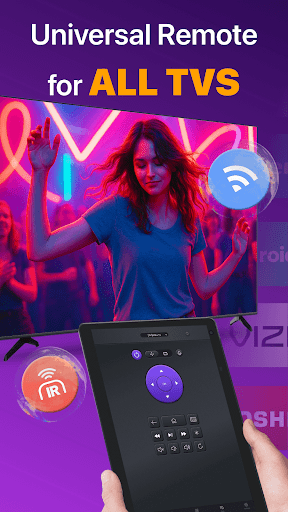
Universal TV Remote for All TV is a versatile remote control application designed to simplify the management of multiple smart TVs. This app supports major brands like Roku, LG, Samsung, and TCL, allowing users to seamlessly switch between devices without the need for multiple physical remotes. The app operates efficiently under the same WiFi network as your smart TV, providing essential functions such as power on/off, channel management, volume adjustment, and playback control.

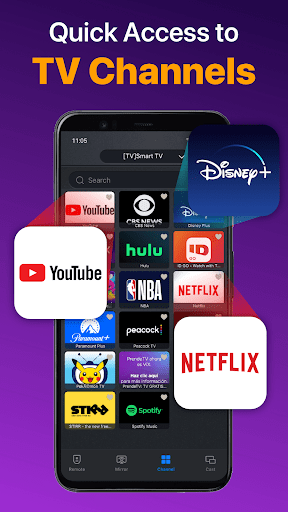
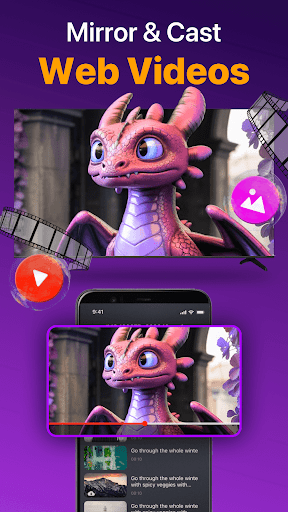
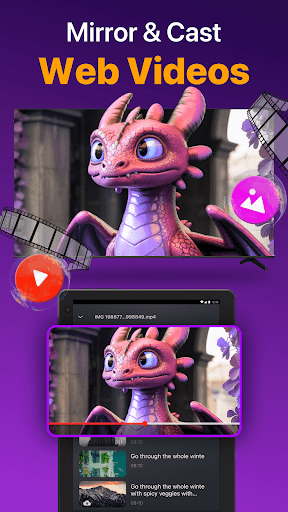
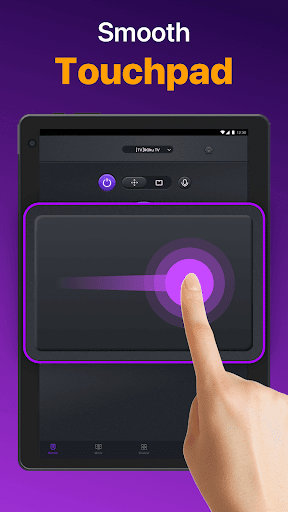
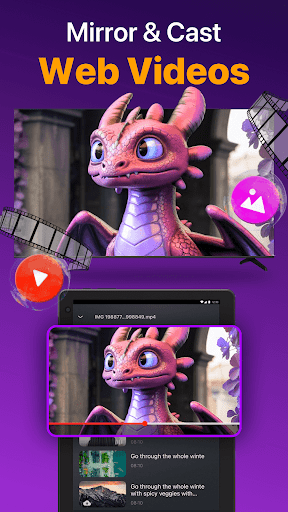
Beyond basic remote functionalities, this app offers advanced features including responsive touchpad controls, quick text input for efficient searching, and screen mirroring with low latency. It even includes IR mode support for situations when WiFi connectivity is unavailable. Whether you're looking to cast photos and videos from your mobile device or mirror your phone screen to a larger display, Universal TV Remote ensures a smooth and intuitive user experience.

This app is particularly beneficial for households with multiple smart TVs from different manufacturers. By consolidating all remote functions into one convenient application, it eliminates the frustration of misplacing or juggling various remotes. Its compatibility with numerous TV brands makes it an indispensable tool for modern home entertainment systems.

Features

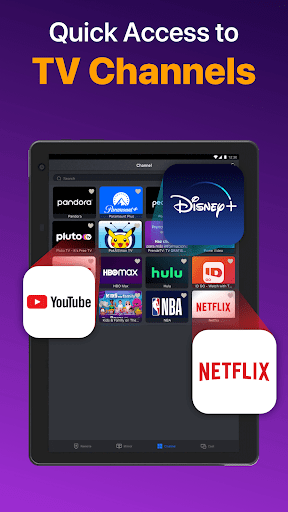
Universal TV Remote for All TV stands out with its comprehensive feature set tailored for smart TV users. One of its key strengths is the auto-detection capability, which identifies all smart TVs on the same WiFi network. This enables quick and effortless connection, allowing users to control their TVs with minimal setup. The app provides essential remote functions such as volume control, reverse, fast forward, and power management, ensuring a seamless user experience.

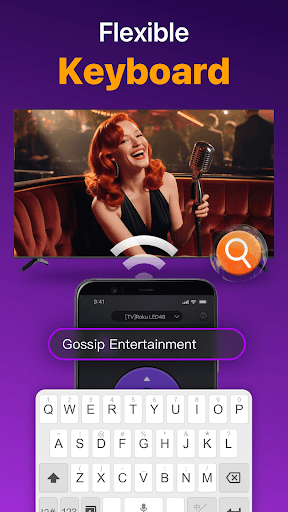
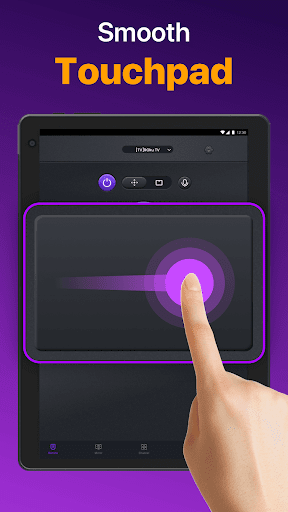
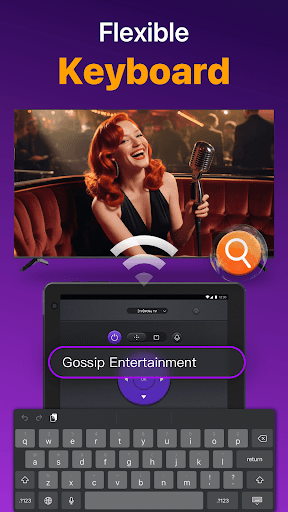
In addition to standard remote features, the app includes a responsive touchpad interface that enhances navigation efficiency. Users can perform quick text inputs to search for their favorite shows or movies directly from their mobile devices. Advanced functionalities like screen mirroring and casting further enrich the user experience by enabling media sharing between devices. The inclusion of IR mode adds another layer of versatility, making the app functional even without WiFi connectivity.

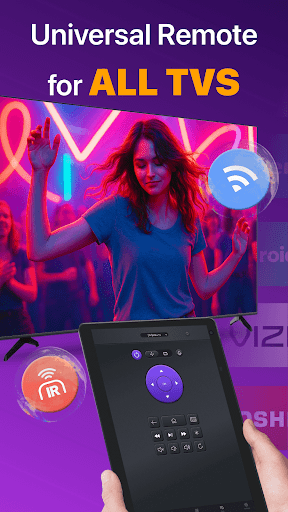
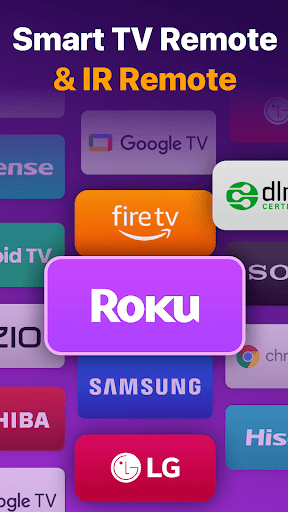
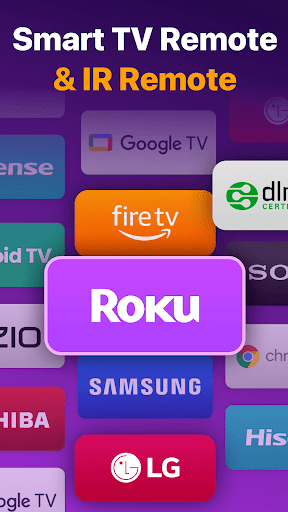
The app's ability to work across multiple TV brands sets it apart from competitors. Whether you own a Roku, Samsung, LG, or Vizio TV, this universal remote app delivers consistent performance. Its intuitive design and broad compatibility make it an essential tool for anyone seeking to streamline their smart TV control experience.

Core function accuracy & effectiveness

The Universal TV Remote for All TV app demonstrates exceptional core function accuracy and effectiveness by providing a reliable and versatile remote control solution compatible with multiple smart TV brands. At its core, the application serves as a universal remote control that accurately replicates the functions of physical remotes for various TV brands including Roku, LG, Samsung, TCL, Vizio, Fire TV, Hisense, and Sony among others. The app achieves this through an intuitive interface that auto-detects all Smart TVs on the same WiFi network, ensuring users can quickly and efficiently control their TVs without compatibility issues. Its effectiveness is further enhanced by responsive touchpad functionality which allows users to manage channels, adjust volume, and control content playback with precision akin to using a dedicated physical remote control. Additionally, the inclusion of IR modes ensures that even when WiFi is unavailable, users can still exercise effective control over their devices. This dual-mode functionality underscores the app's commitment to delivering accurate and effective remote control solutions under diverse conditions. Users benefit significantly from this high level of functional accuracy as it eliminates the inconvenience of juggling multiple remote controls and consolidates all essential TV management features into one accessible platform. Moreover, advanced features such as quick text input for searching shows or movies and the ability to cast photos and videos from local albums onto big screens enhance user convenience and entertainment options. Overall, the Universal TV Remote for All TV app exemplifies how meticulous attention to core function accuracy and effectiveness can transform routine television interactions into seamless and enjoyable experiences.

Interface simplicity & intuitiveness

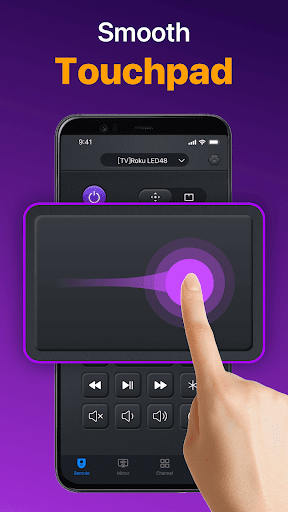
Universal TV Remote for All TV excels in delivering an interface that combines simplicity with intuitiveness, making it accessible to users of varying technical proficiencies. The app's design philosophy centers around creating a user-friendly environment where essential functions are easily accessible without compromising on feature richness. Upon launching the app, users are greeted with a clean layout that prominently displays key actions such as power on/off, volume adjustment, channel management, and playback controls. This straightforward presentation ensures that even first-time users can navigate the app effortlessly. The touchpad feature exemplifies this blend of simplicity and intuitiveness; it responds promptly to user inputs, allowing for smooth scrolling and selection processes akin to operating a physical remote control but with enhanced responsiveness. Furthermore, the app simplifies complex tasks like connecting to different TV brands through an automated detection system that identifies available smart TVs within the same WiFi network. Once detected, users simply select their desired TV brand or model from a list, eliminating guesswork and potential connection errors. Advanced functionalities such as casting photos and videos or mirroring phone screens onto larger displays are integrated seamlessly into the main interface without cluttering the visual space. These features are accompanied by clear instructions and tooltips that guide users through setup procedures while maintaining an unobtrusive presence during regular use. Additionally, troubleshooting tips provided within the app address common connectivity issues concisely, empowering users to resolve minor glitches independently. By prioritizing interface simplicity alongside intuitive navigation paths, Universal TV Remote for All TV not only enhances user satisfaction but also encourages prolonged engagement with its comprehensive yet approachable design ethos.

Props

User-friendly interface

Wide brand compatibility

Efficient auto-detection

Advanced touchpad controls

IR mode support

Cons

Limited to same WiFi network

Occasional connectivity issues

No official brand affiliation

Dependent on TV model compatibility

Requires occasional updates

Features and Functions

What is this app and what can I use it for?

A versatile remote control app for managing multiple smart TVs with ease.

How do I download and install this app on my device?

Visit Google Play Store, search for the app, and tap Install to download it.

How do I get started after opening the app for the first time?

Select your TV brand, connect to the same WiFi, and start using the remote features.

What are the main features and capabilities of this app?

Power management, volume control, channel switching, and media casting capabilities.

How can I customize my experience and adjust preferences?

Adjust settings through the app's configuration menu for personalized experience.

How do I save or bookmark my favorite content for later access?

Use the app's bookmark feature to save favorite channels or media content.

How can I share content with friends or on social media?

Share content via built-in casting options to display on your smart TV screen.

How do I access detailed information and explore more content?

Access detailed guides and explore more features in the app's help section.

What permissions does this app need and how do I manage them?

The app needs WiFi access permissions to connect and control your smart TV.

How do I check for updates and keep the app running smoothly?

Check Google Play Store regularly for updates to ensure optimal performance.
Show more

User Reveiws

{{ comment.reviewer_name }}
{{ comment.review_date_formatted}}
{{ comment.review_content }}
{{ tab.name }}
{{ comment.reviewer_name }}
{{ comment.review_date_formatted}}
{{ comment.review_content }}
No reviews with this rating