



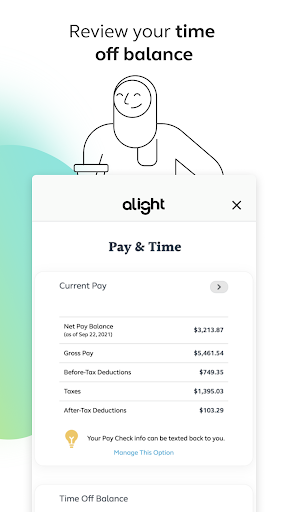
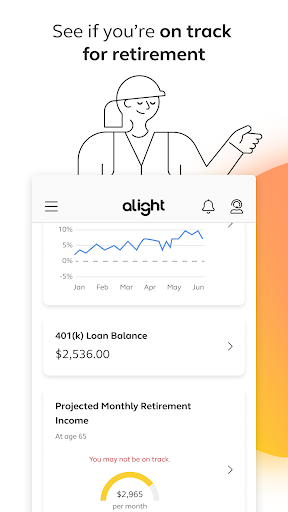
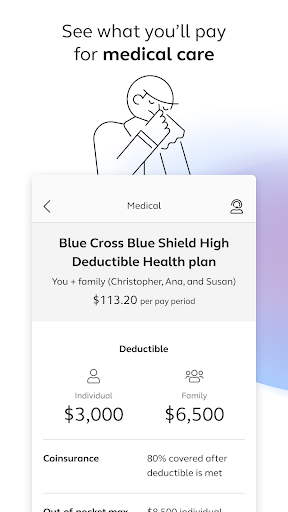
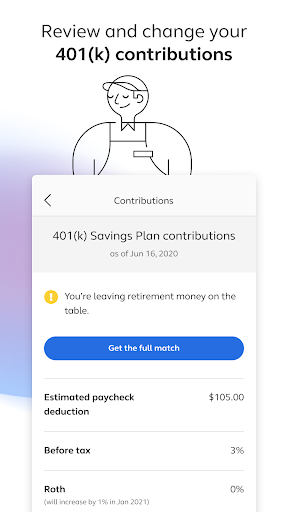
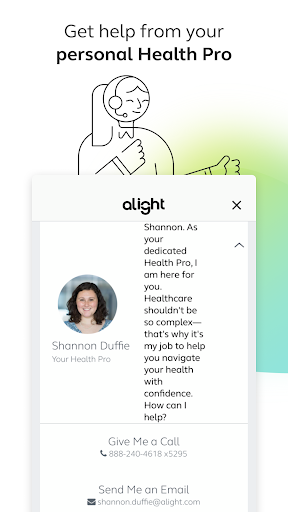
Alight Mobile is a comprehensive business application designed to provide employees with seamless access to their employer-sponsored benefits. The app enables users to manage health, retirement, and payroll information from their mobile devices, ensuring convenience and accessibility. With Alight Mobile, you can enroll in benefits, review medical plans, adjust 401(k) contributions, and even access important documents like insurance cards.
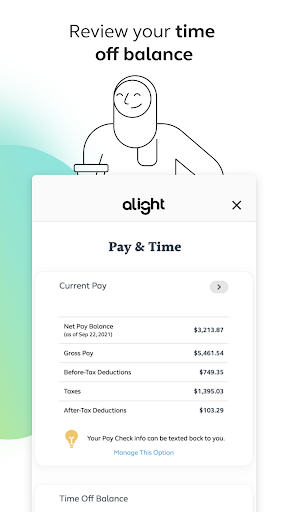
The app also offers additional resources such as finding healthcare providers, consulting with personal Health Pros, and tracking time-off balances. These features are particularly useful for employees who need quick and reliable access to their benefits information while on the go. By consolidating various HR services into one platform, Alight Mobile streamlines the benefits management process, saving users time and enhancing their overall experience.
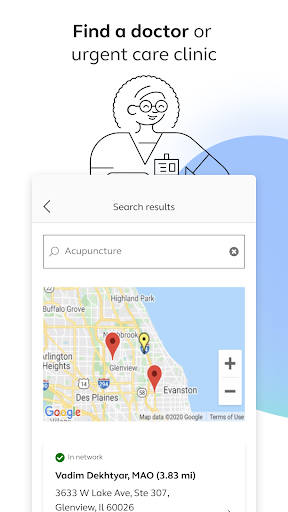
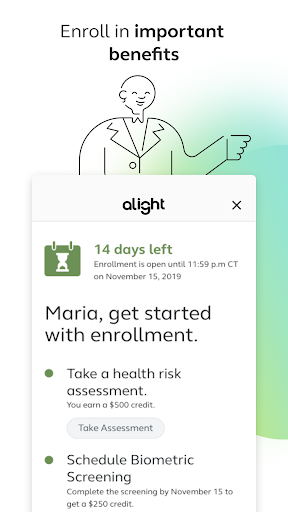
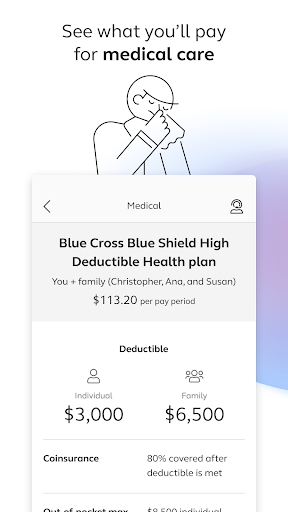
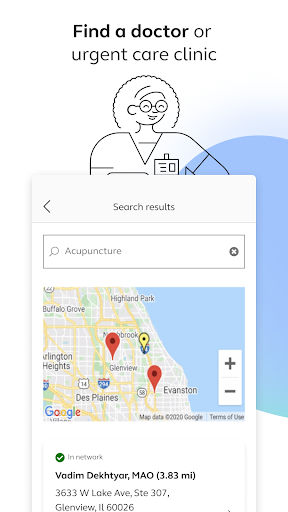
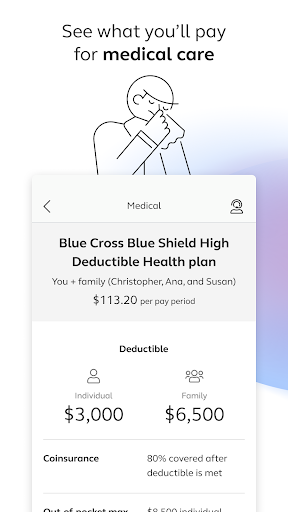
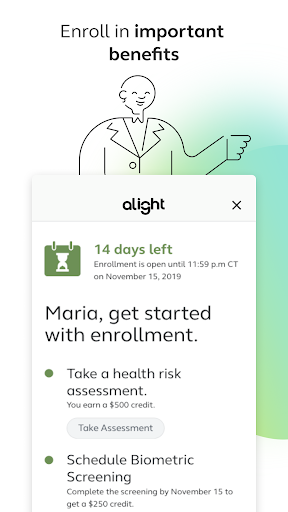
Alight Mobile stands out with its robust set of features tailored to meet the needs of modern employees. One of the key functionalities is the ability to find healthcare providers, including doctors and urgent care clinics, directly through the app. This feature ensures that users can quickly locate medical assistance when needed. Additionally, the app allows for the enrollment in essential benefits and provides detailed insights into medical plans and expenditures, empowering users to make informed decisions about their healthcare.
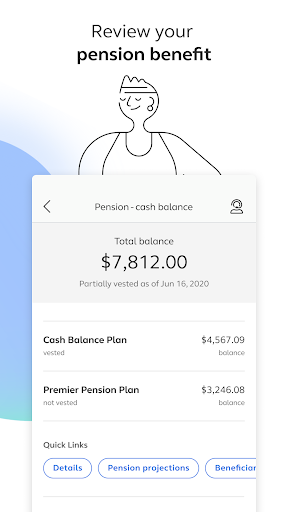
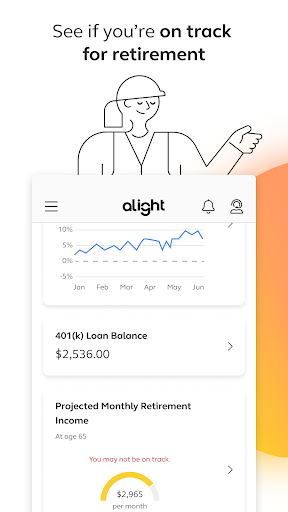
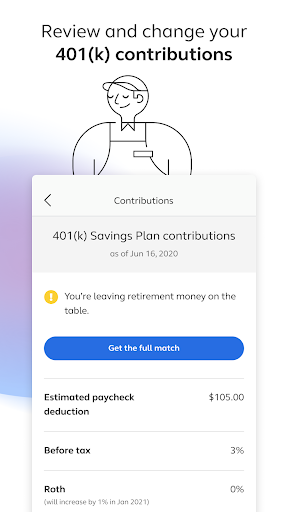
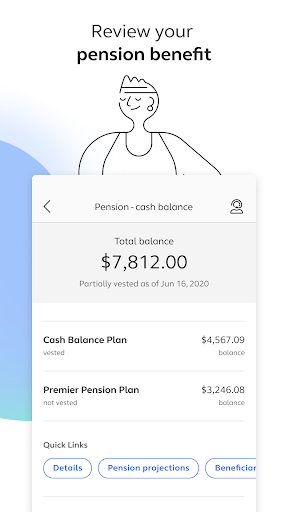
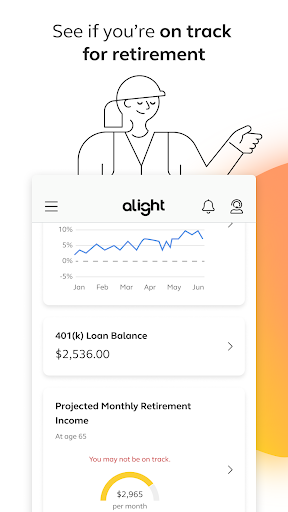
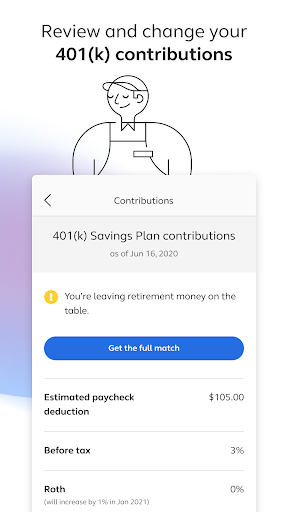
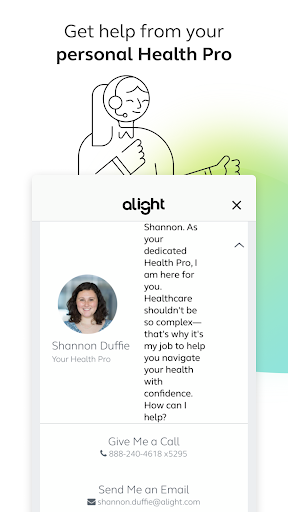
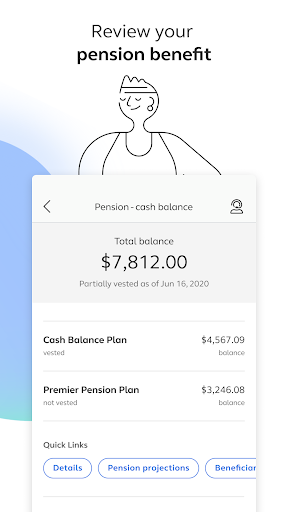
Another significant feature is the management of retirement benefits. Users can review and modify their 401(k) contribution elections, check pension benefits, and assess their retirement readiness. The app also facilitates easy access to insurance cards and connects users with personal Health Pros for guidance and support. By integrating these diverse functionalities, Alight Mobile offers a holistic solution for managing employee benefits, thereby enhancing productivity and satisfaction.
User-friendly interface
Comprehensive benefits management
Accessible anytime, anywhere
Personalized support
Integrated HR resources
Limited to partner companies
Dependent on employer's plan
Potential privacy concerns
Occasional bugs
Feature availability varies

 4.70
4.70
viewing and sharing of PDFs
3.60
Completed Course Lectures on how to use IBM Maximo in Maintenance issues
4.4
The Penny Puss app with DG penny finder
4.10
VSD Viewer - Visio Drawings Viewer for Android Preview VSD, VDX, VSDX drawings
4.10
view, manage, and share every PDF file you have
3.60
Job search app that finds jobs for you! Takes the work out of looking for a job!
4.90
Collaborate seamlessly with Google Chat, part of Google Workspace
4.50
We help people get jobs
4.70
Access to Paylocity, empowering employees with information they need 24/7.
4.70
Get instant construction estimates: accurate home repair & material calculator.
4.70
Make invoices, bills, receipts & estimates on the go with Invoice Generator.
4.70
Paychex Flex - Save Time and Stay Connected
4.60
Grow your business and connect with more people with Meta Business Suite.
4.60
Scan Business Cards & Conference Badges - Capture Leads at Events & Tradeshows
4.20
The All-in-One File Manager for Phone, TV, Watch, Cars, XR / VR, Chromebook
4.10
Windows App allows you to connect to remote PCs and virtual apps.
3.70
We are a dynamic team of creatives people of design, marketing, web & apps
3.00
Convert Your Lovable.dev Website into a Mobile App Instantly!
4.1


User Reveiws