
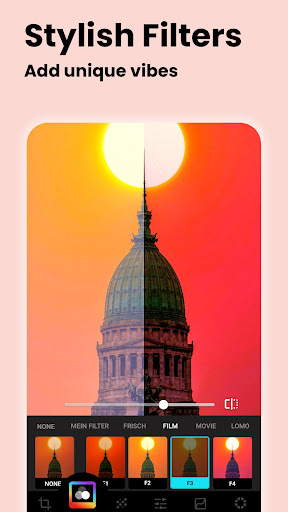
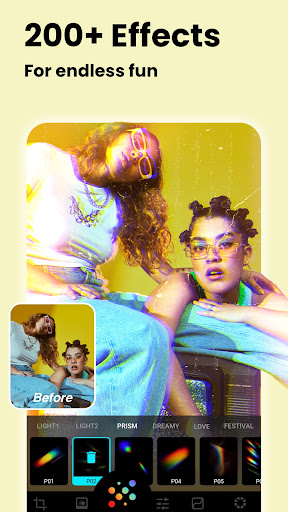
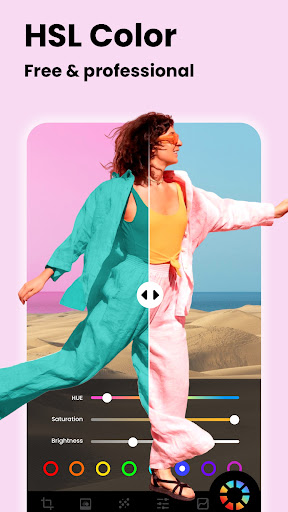

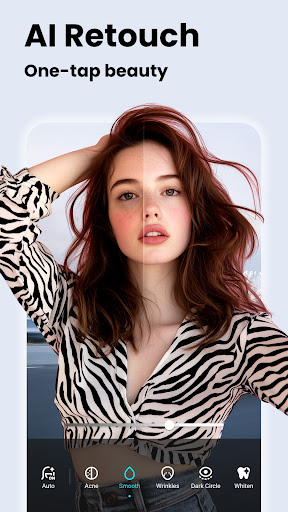


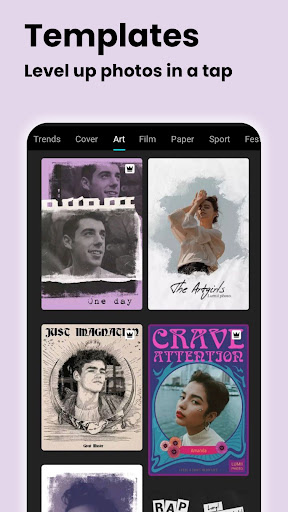

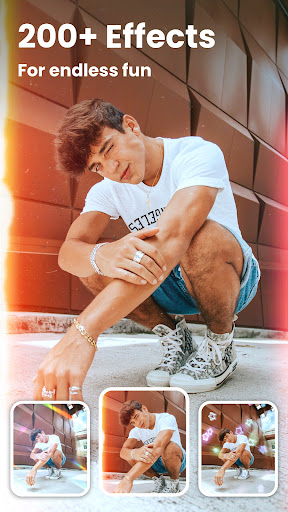
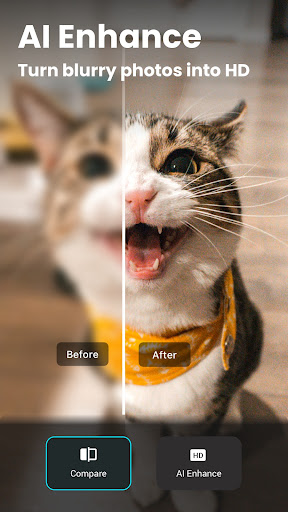


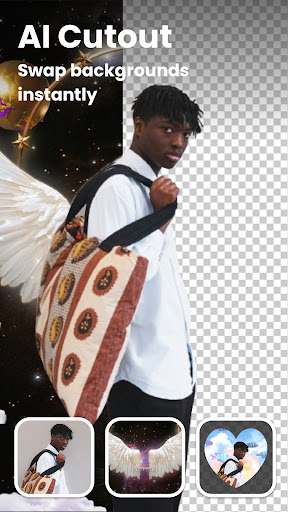
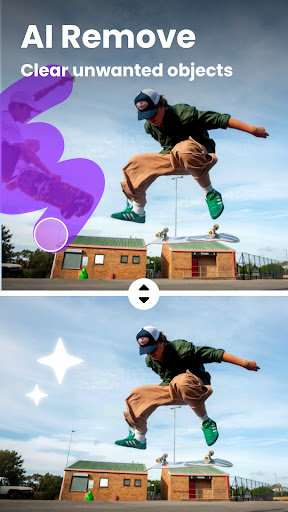

Lumii is an advanced AI-powered photo editor that combines professional-grade tools with intelligent editing features, making high-quality photo enhancement accessible to everyone. The app offers over 100 trendy filters and effects, background removal, AI-based photo enhancements, and creative tools like double exposure and HSL adjustments.
Designed for both casual users and photography enthusiasts, Lumii eliminates the need for professional skills while delivering polished, artistic results. With its user-friendly interface and powerful capabilities such as AI retouching, bokeh effects, and glitch filters, Lumii ensures a seamless editing experience on Android devices.
Whether you're enhancing portraits, creating social media-ready images, or experimenting with artistic edits, Lumii provides all the tools necessary to produce stunning visuals effortlessly.
Lumii stands out with its comprehensive suite of photo editing tools. It includes AI-driven features like auto retouch, object removal, and image enhancement, which allow users to achieve professional-level edits with minimal effort. The app also offers advanced options such as HSL color control, curves adjustment, and selective editing for brightness, contrast, and exposure.
In addition to its technical capabilities, Lumii provides creative tools like double exposure effects, text overlays, and artistic templates. Users can apply retro film presets, glitch effects, and bokeh lighting to craft unique visuals. With support for unlimited undo/redo actions and draft-saving functionality, it ensures flexibility and convenience during the editing process.
The app's standout feature is its ability to deliver these robust functionalities without ads interrupting the workflow, offering a smooth and enjoyable editing experience.
Powerful AI tools
100+ trendy filters
User-friendly design
No ads while editing
Advanced color controls
Android only
Some features may require learning
Limited offline functions
Occasional glitches
Free version has limitations

Pet Camera
 3.70
3.70
Photo editor & gallery. Crop pictures & edit photos offline, no wifi!
4.50
USB Storage Access for Photos, Videos, Music and Documents
3.80
Professional photography on your mobile phone
4.20
Smart, light, and fast photo and video gallery
4.30
Effortlessly make high-quality GIFs from images & videos without any watermarks.
4.70
Your Family Calendar + Photos. Manage your Skylight Calendar and Skylight Frame.
4.40
Try an anime version, cartoon yourself, and generate AI hug or aging videos!
3.70
Edit photos with the picture generator: PS2 & AI Clay filters, cartoon effects.
4.50
The original Rarevision VHS look seen everywhere!
4.70
Easily create custom gifts, cards, photo books & more on the Shutterfly app!
4.60
Enhance, retouch & create your story - Share the moment with Photoshop Express.
4.60
Movie camera, supports pro recording settings for filming. Try it and be amazed!
4.50
Create AI photos & videos with Enhancer; restore, fix, beautify, enhance photos
4.50
AI photo enhancer with Sora 2! Enhance, descratch, and colorize your old photos.
4.50
RAW video capture with advanced controls
4.40
Astrophotography with your smartphone, photo live stacking and much more!
3.90
Photo Album Watch Face shows your favorite pictures as a Watchface.
1.90
Over 800 film simulation recipes for Fujifilm. Black Friday Offer!
4.1


User Reveiws