
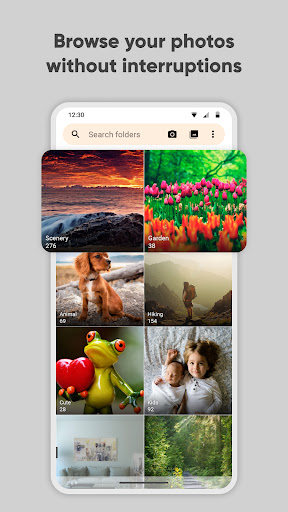
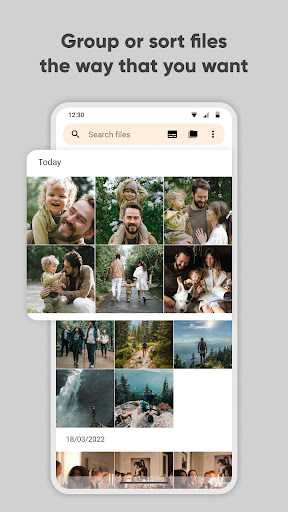
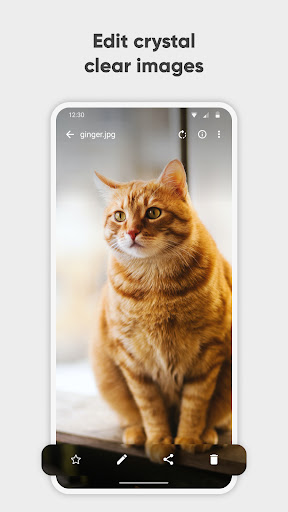

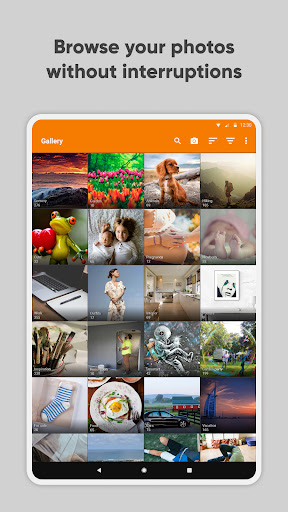

Simple Gallery Pro is a comprehensive photography app designed to enhance the way you manage and edit your photos and videos on Android. This app combines an intuitive interface with powerful features, allowing users to browse, organize, and edit their media files efficiently. With support for a wide range of file formats including JPEG, PNG, MP4, and RAW, it ensures compatibility and flexibility for various user needs.
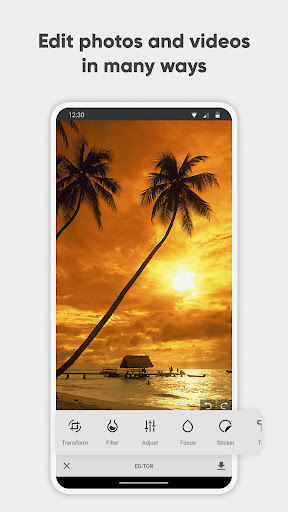
One of the standout features of Simple Gallery Pro is its advanced photo editing capabilities. Users can easily crop, rotate, flip, and resize images, as well as apply filters to enhance their photos. Additionally, the app offers options for creating hidden galleries and recovering accidentally deleted files, providing both privacy and peace of mind. Its customization options allow users to tailor the app's appearance and functionality to suit their preferences, making it a versatile tool for both casual and professional use.
Whether you're looking to manage your growing collection of photos and videos or seeking a reliable editor to refine your images, Simple Gallery Pro delivers a seamless experience. The app's commitment to privacy and security, along with its open-source nature and lack of ads, makes it a compelling choice for Android users who value both functionality and privacy in their photography tools.
Simple Gallery Pro stands out with its rich array of features tailored for photography enthusiasts and professionals alike. The app provides an advanced photo editor that simplifies the editing process through intuitive gestures, enabling users to make quick adjustments such as cropping, rotating, and applying filters with ease. This functionality empowers users to enhance their photos effortlessly while maintaining high-quality results.
Beyond editing, Simple Gallery Pro supports an extensive list of file formats, ensuring that users can work with virtually any type of media they encounter. From common formats like JPEG and PNG to more specialized ones like RAW and SVG, the app accommodates diverse needs. Furthermore, its ability to recover deleted files adds an extra layer of security, allowing users to restore precious memories without hassle.
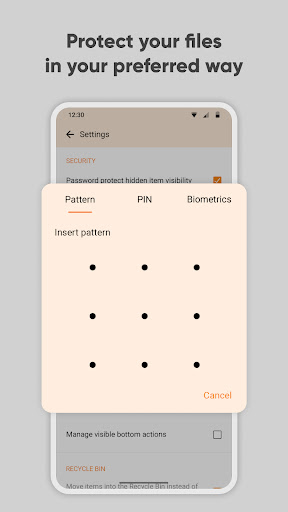
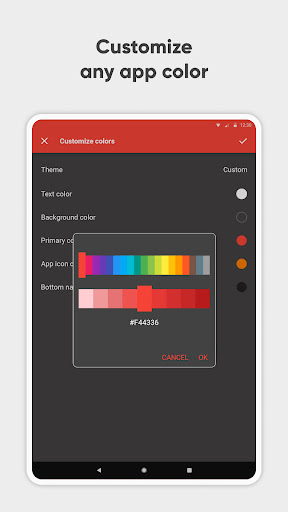
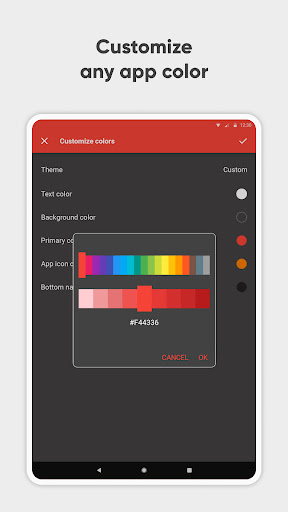
The app also emphasizes personalization, offering customizable design options that let users modify the interface and functionality. Whether changing color schemes or rearranging toolbars, individuals can create a workspace that aligns with their workflow. Coupled with robust security features such as PIN protection and fingerprint scanning, Simple Gallery Pro not only enhances productivity but also safeguards sensitive content effectively.
User-friendly interface
Extensive format support
Powerful editing tools
Customizable design options
Strong security features
Limited advanced editing features
No cloud integration
Basic organizational tools
Fewer social sharing options
Requires manual updates

Create funny photos and videos with the popular Time Warp Scan filter.
 4.90
4.90
Photobooth mini FULL app will allow you to add more fun to your parties
4.00
Cut and paste photo editor & eraser to customize photos easy and swap faces fun
4.50
Perfect body tune & face app - photo retouch, makeup, slim body & beautify face.
4.80
Photo editor: AI filters, photo enhancer, pic collage maker, AI art generator.
4.80
Create AI Photos, Improve and restore quality of blurry, old or damaged pics.
4.20
Photo Exif Editor allows to view, add and modify EXIF data of multiple photos
4.50
Smart, light, and fast photo and video gallery
4.30
Easily create custom gifts, cards, photo books & more on the Shutterfly app!
4.60
The original Rarevision VHS look seen everywhere!
4.70
AI photo editor with hair editor, retouch tools, hair color changer & filters!
4.50
Create AI photos & videos with Enhancer; restore, fix, beautify, enhance photos
4.50
Easily stitch panoramas from multiple photos or video.
4.40
A reflected light meter with spot metering and incident light metering.
4.40
[3DSteroid Pro] is a stereoscopic application for Android.
4.30
Create amazing frames with up to five photos. Rounded corners, effects and more!
3.60
Professional video recording application with manual controls for filmmakers!
2.80
Add a dreamy vibe to your selfies and videos with soft style filters
4.0
Snap photos remotely using your Garmin watch as the camera trigger
4.4


User Reveiws