
Skylight

4.40

Information

Category:

Photography

Price:

Free

Rank:

14

Rating:

4.40

Overview

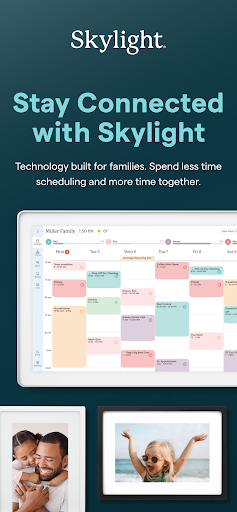
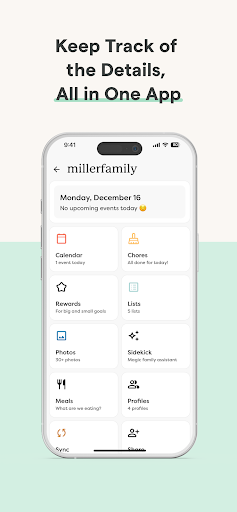
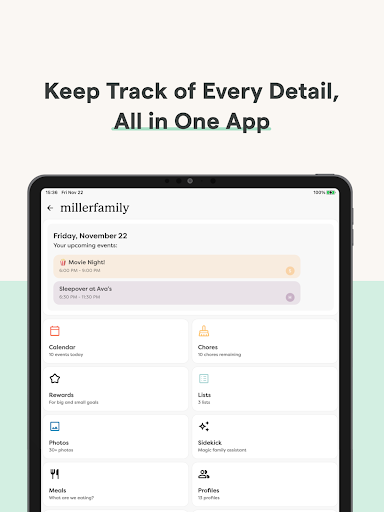
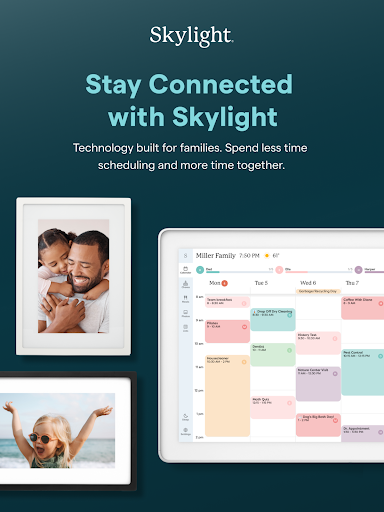
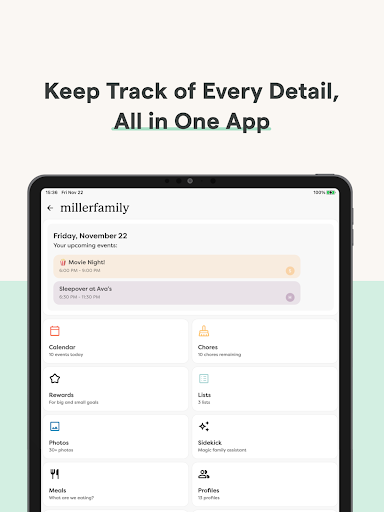
Skylight is a comprehensive family management application designed to streamline daily activities and preserve precious memories. This app serves as the central hub for your family's digital life, integrating calendars, task lists, routines, and photo sharing into one intuitive platform.

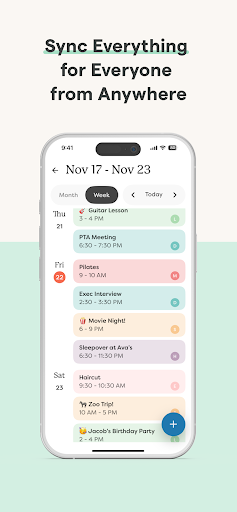
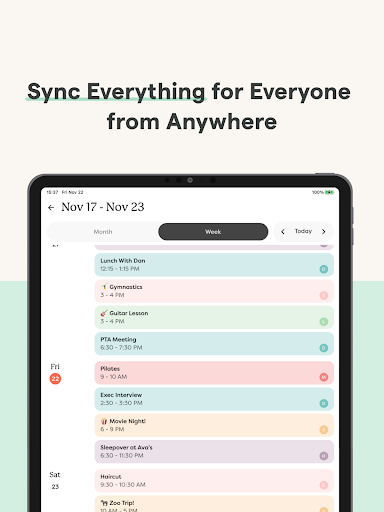
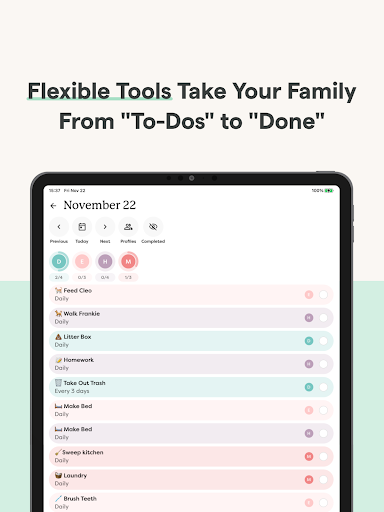
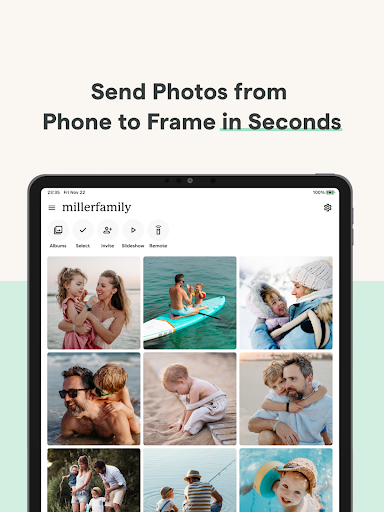
The application offers two core functionalities: Skylight Calendar and Skylight Frame. The calendar feature allows users to synchronize multiple schedules, create recurring tasks, and manage shared lists. Skylight Frame transforms your digital frames into dynamic displays of family photos and videos. Both features work seamlessly together to enhance family coordination and connection.

Whether you're managing busy family schedules or preserving special moments, Skylight provides practical tools that adapt to modern family needs. Its PLUS features offer enhanced capabilities like automated imports and reward systems, making it an essential application for organized family living.

Features

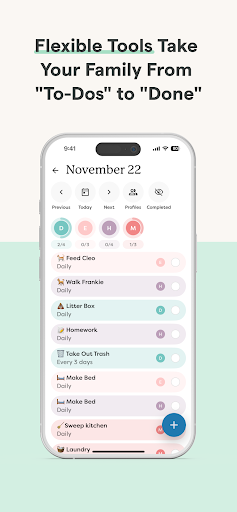
Skylight distinguishes itself through its comprehensive feature set tailored for family management. The application's calendar functionality supports unlimited calendar syncing while enabling direct event creation and recurring task scheduling. Users can maintain synchronized grocery lists and to-do items across family members.

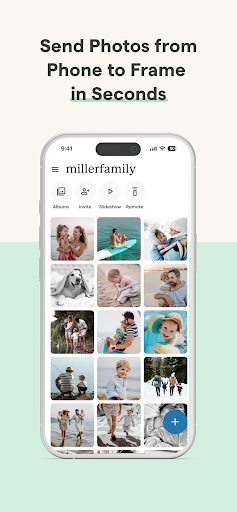
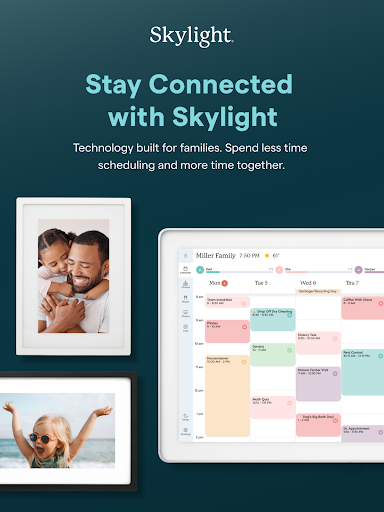
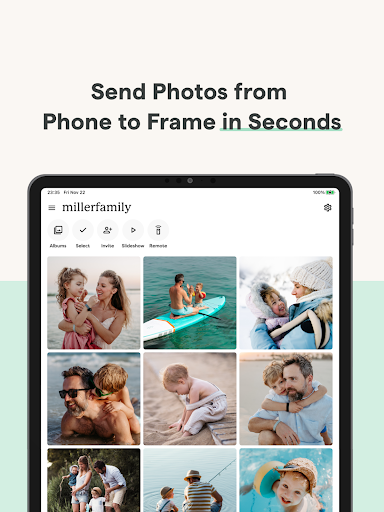
The application's frame management system revolutionizes digital photo displays. Through the mobile app, users can instantly upload photos and videos to their Skylight Frame from anywhere. The system supports album creation with customizable captions and video uploads, creating dynamic visual experiences.

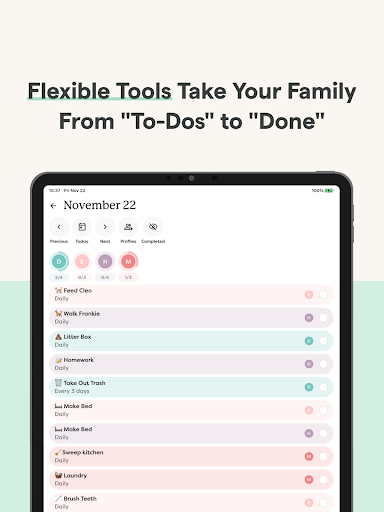
Advanced PLUS features include gamification elements like star earning and reward unlocking, recipe book building with meal planning capabilities, and automated content imports from various sources. These premium features enhance user engagement while providing sophisticated tools for modern family management.

Real-Time Capture & Preview

Real-time capture and preview functionality is essential for photography applications as it allows users to see exactly what the camera sees before taking a shot. This feature ensures that users can make necessary adjustments to achieve the desired outcome without any guesswork. In the case of Skylight the app provides an intuitive interface where users can activate and manage their Skylight Calendar and Skylight Frame. The real-time capture and preview capabilities are particularly useful when adding photos anytime anywhere via the app or email. Users can create unlimited albums with captions and upload videos to customize their display. The application's ability to sync unlimited calendars or create events directly enhances its real-time functionality by keeping everyone aligned with recurring chores and routines. Additionally the app allows users to earn stars and unlock rewards for completed tasks which adds a gamification layer to the photography experience. By providing a seamless connection to WiFi and an easy setup process the Skylight app ensures that users can immediately start capturing and previewing images in real time. This immediacy not only improves the user experience but also increases engagement as users can instantly see the results of their efforts. The real-time nature of this feature makes it invaluable for families who want to stay connected and organized through shared visual content.

AI Beauty & Enhancement Naturalness

AI beauty and enhancement features have become increasingly popular in photography apps as they allow users to improve the quality of their photos with minimal effort. The key to successful AI enhancements lies in maintaining the naturalness of the original image while still delivering noticeable improvements. Skylight incorporates advanced AI algorithms to ensure that all uploaded photos and videos look their best without appearing overly processed. When users upload photos and videos to use as screensavers the AI beauty and enhancement features automatically adjust lighting contrast and color balance to create visually appealing images. This is particularly beneficial for families who want to preserve memories in the most attractive way possible. The app's ability to auto-import events PDFs recipes and more further enhances its AI capabilities by streamlining the content management process. Moreover the AI-driven enhancements extend to the creation of family recipe books and meal plans which can be beautifully presented with high-quality images. By focusing on natural-looking enhancements Skylight ensures that all visual content whether it's a casual snapshot or a carefully curated album retains its authenticity. This approach not only enhances the aesthetic appeal of the photos but also preserves the emotional connection that users have with their memories. As a result users can enjoy enhanced visuals that still feel genuine and true to life making the Skylight app a valuable tool for preserving and sharing life's moments.

Props

User-friendly interface

Comprehensive calendar tools

Dynamic photo display

Family task coordination

Premium PLUS features

Cons

Limited free features

Subscription required

WiFi connectivity needed

Device compatibility issues

Occasional sync problems

Features and Functions

What is this app and what can I use it for?

Skylight is a family management app combining calendar and photo frame features

How do I download and install this app on my device?

Download from Google Play Store and follow installation prompts

How do I get started after opening the app for the first time?

Create account, connect devices, and customize settings

What are the main features and capabilities of this app?

Calendar sync, task management, photo sharing, PLUS features

How can I customize my experience and adjust preferences?

Adjust notification settings and display preferences in app menu

How do I save or bookmark my favorite content for later access?

Save favorite photos by creating dedicated albums in frame settings

How can I share content with friends or on social media?

Share content directly through app's built-in sharing options

How do I access detailed information and explore more content?

Explore detailed information through categorized settings menu

What permissions does this app need and how do I manage them?

App requires storage and calendar permissions, managed in settings

How do I check for updates and keep the app running smoothly?

Check Google Play Store regularly for updates and enable auto-updates
Show more

User Reveiws

{{ comment.reviewer_name }}
{{ comment.review_date_formatted}}
{{ comment.review_content }}
{{ tab.name }}
{{ comment.reviewer_name }}
{{ comment.review_date_formatted}}
{{ comment.review_content }}
No reviews with this rating